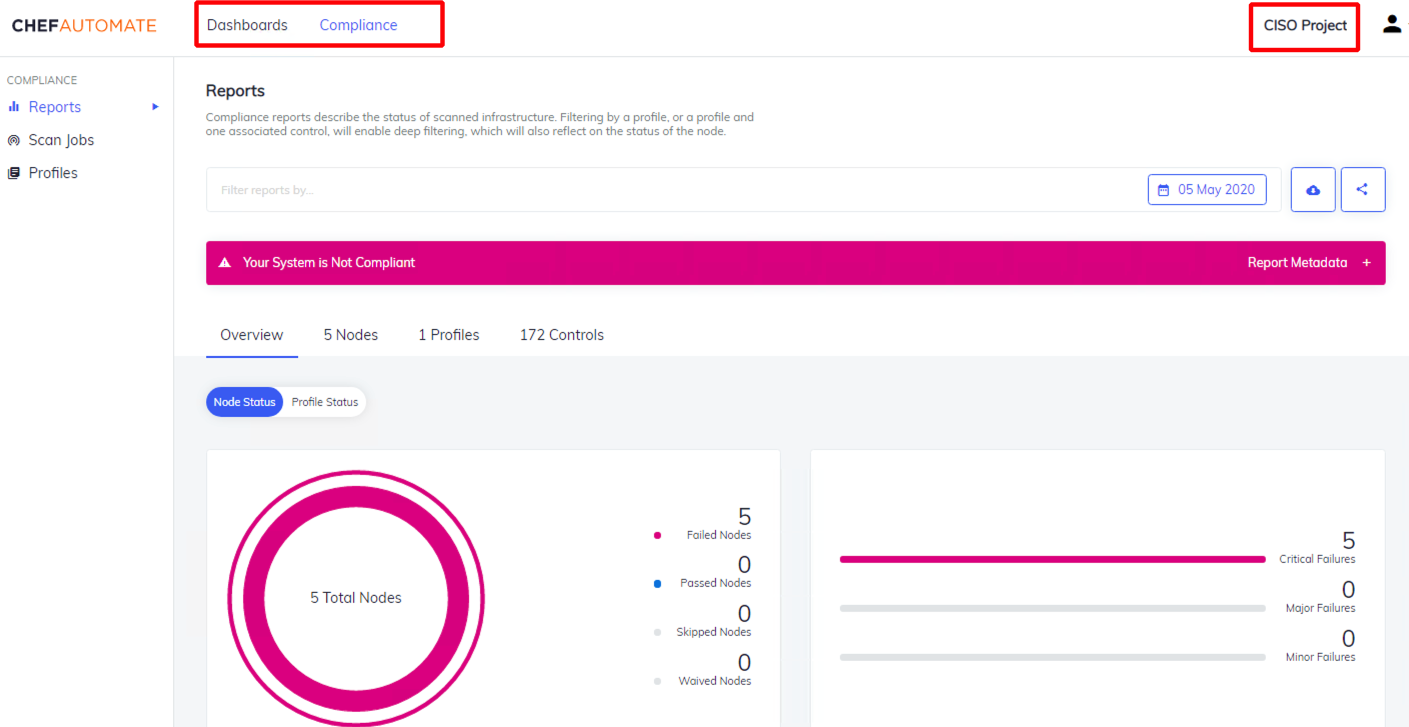
- For this exercise, we will limit viewability to only see Compliance (CISO-only view), but it provides the lay of the land on how to customize it to your own liking.
- Become Familiarized with Chef Automate
- Learn about the new IAM/RBAC capabilities within A2
- Interact with API requests using Postman
Result:
- Default admin view → Filtered, compliance-only, user-specific view
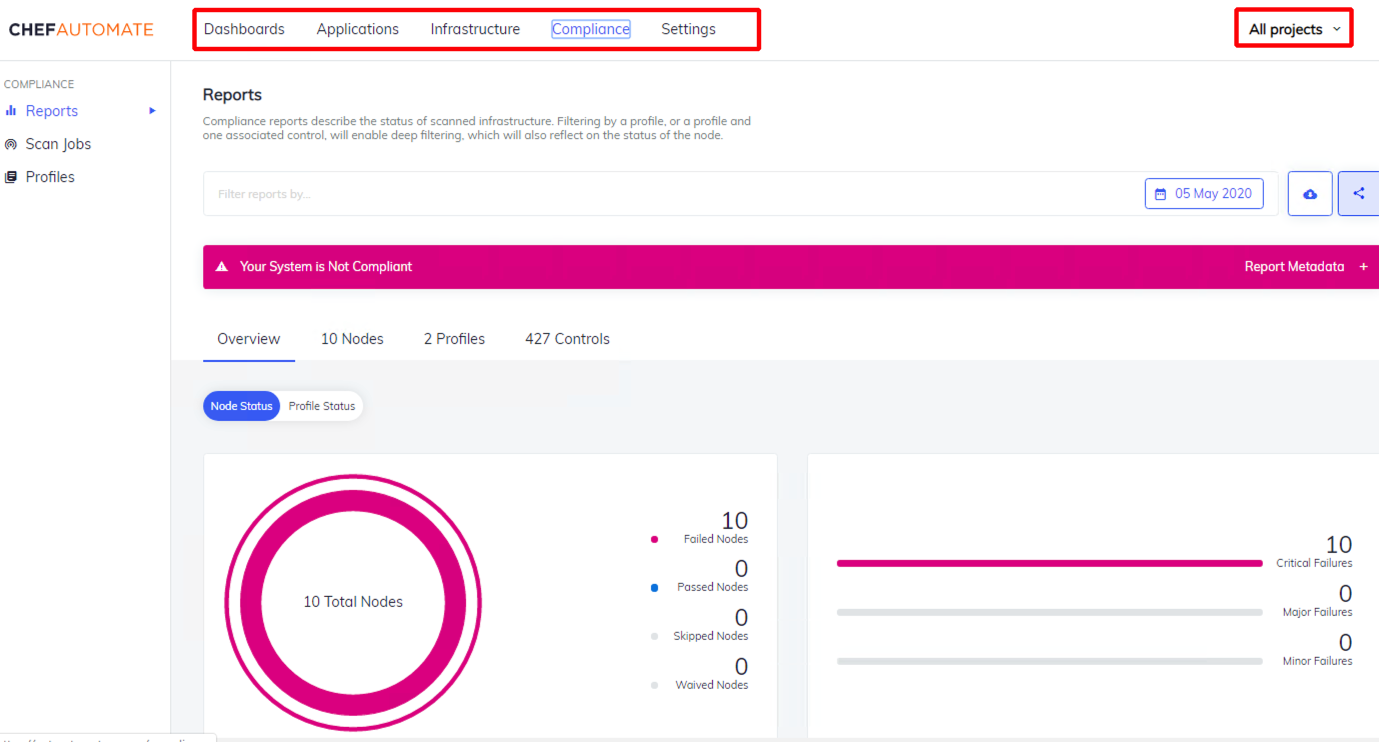 →
→
For more information on the A2 API, please go to: