User Memory And Tasks
BLXCode keeps project memory and tasks inside the workspace folder so they can travel with the project.
General memory notes live here:
<workspace>/.agents/memory/
Any subdirectory under .agents/memory/ is a first-class category in the Files sidebar and graph (except built-in special cases below). For example notes/, decisions/, or archive/.
Durable repo learnings (conventions, pitfalls, decisions) live here:
<workspace>/.agents/learnings/
Built-in categories memory (default notes at the memory root) and learnings keep their existing behavior and default colors. User-created folders get a deterministic accent color derived from the folder name.
In the Memory panel and agent tools, learnings use API paths with a learnings/ prefix (for example learnings/my-topic.md). General notes use paths relative to .agents/memory/ (for example decisions/idea.md).
Template notes live under:
<workspace>/.agents/memory/_templates/
When you open a workspace, BLXCode calls workspace_ensure_agents to create .agents/memory/ and .agents/learnings/ if they are missing, seed a learnings index when needed, and upgrade existing learnings index links to wikilinks for the graph. If .agents/memory/ is empty but legacy .blxcode/memory/ still has notes, content is copied once into .agents/memory/ (the legacy folder is left in place).
Paths are sandboxed per root. BLXCode rejects absolute paths, .. escapes, and non-Markdown files for note operations.
Open the Memory panel from the right workbench rail (legacy: Ctrl+Shift+M; tmux: Ctrl+b then m — see Keyboard Shortcuts). It has three tabs:
| Tab | Purpose |
|---|---|
| Files | Browse categories, open notes in the editor, toggle Markdown preview, and manage backlinks. |
| Graph | Explore note links as a 2D or 3D graph. Nodes cluster by category. |
| Search | Full-text search with category filter badges; jump to a node in the graph. |
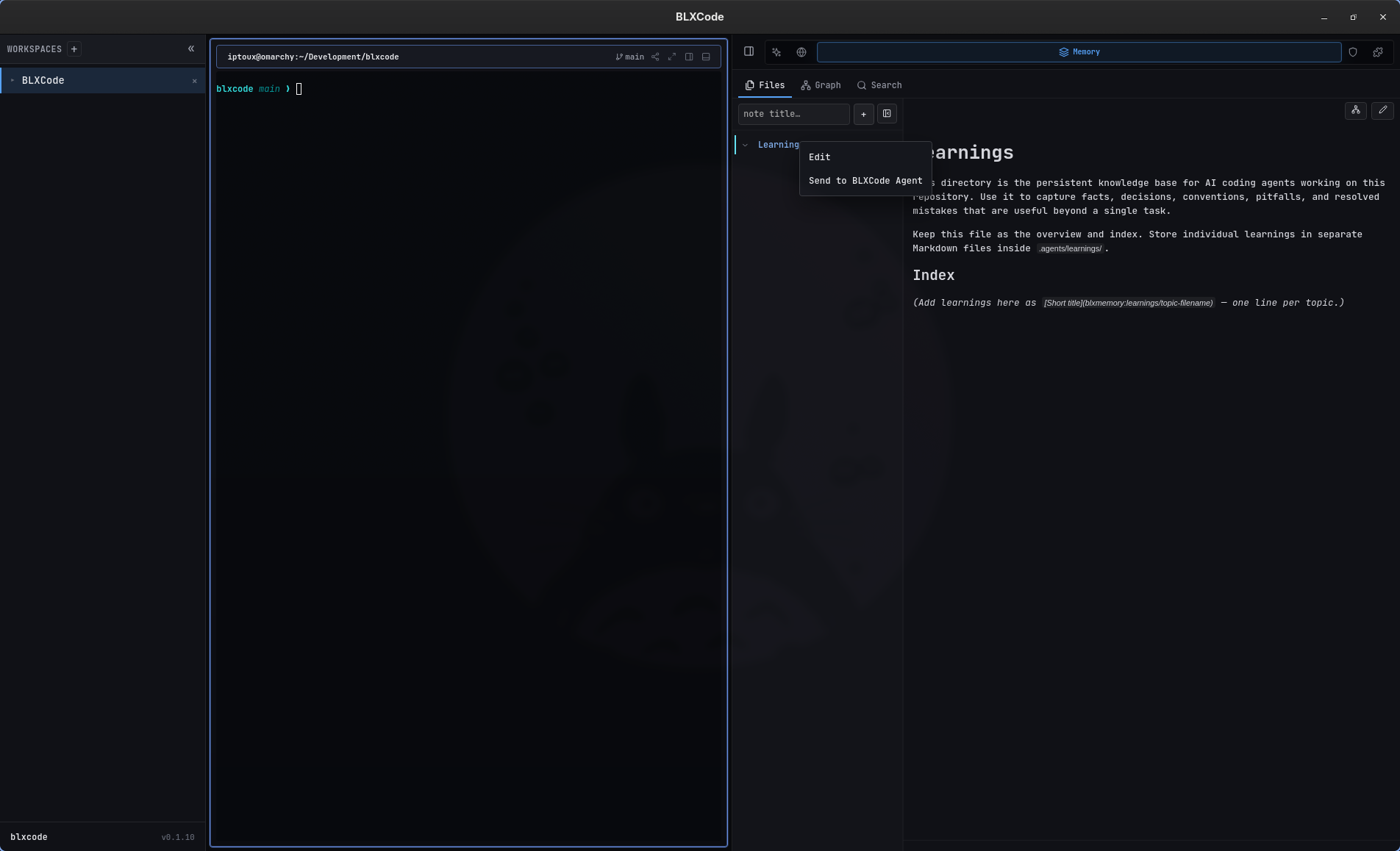
The Files toolbar provides:
-
+ Kategorie — create a new folder under
.agents/memory/(empty categories persist with a.gitkeep). - Collapse — collapse or expand the file tree.
Each category header has a hover + button to create a note prefilled for that category.
Right-click a category header to Edit display settings or Send to BLXCode Agent (whole category). Right-click a note for Open or Send to BLXCode Agent.
Edit on a group opens a dialog where you can set:
- Display name — sidebar and graph label.
- Color — accent for sidebar rows and graph nodes (hex or presets; user categories also get a deterministic default).
- Show in sidebar — hide the group from the Files tree while keeping files on disk.
- Show in graph — omit the category from the graph without deleting notes.
Memory supports an Obsidian-style subset:
-
[[Note Name]]: links toNote Name.mdby basename. -
[[folder/Note]]: links to an explicit relative path. -
[[learnings/topic|alias]]: links to a learning note. -
[[Note Name|alias]]: uses display alias text while preserving graph linking. -
#tag: marks graph metadata.
Existing learnings that use Markdown index links ([Title](topic.md)) are upgraded to wikilinks when the workspace is opened so the graph can show connections.
The backend builds graph data from notes, backlinks, and tags. Nodes carry a category field; the 2D and 3D layouts apply a cluster force so same-category notes stay visually grouped. Node fill matches each category's color setting.
Selecting a node in Graph opens a preview popover with Open in Files, wikilink navigation, and handoff to terminals (see Workspaces).
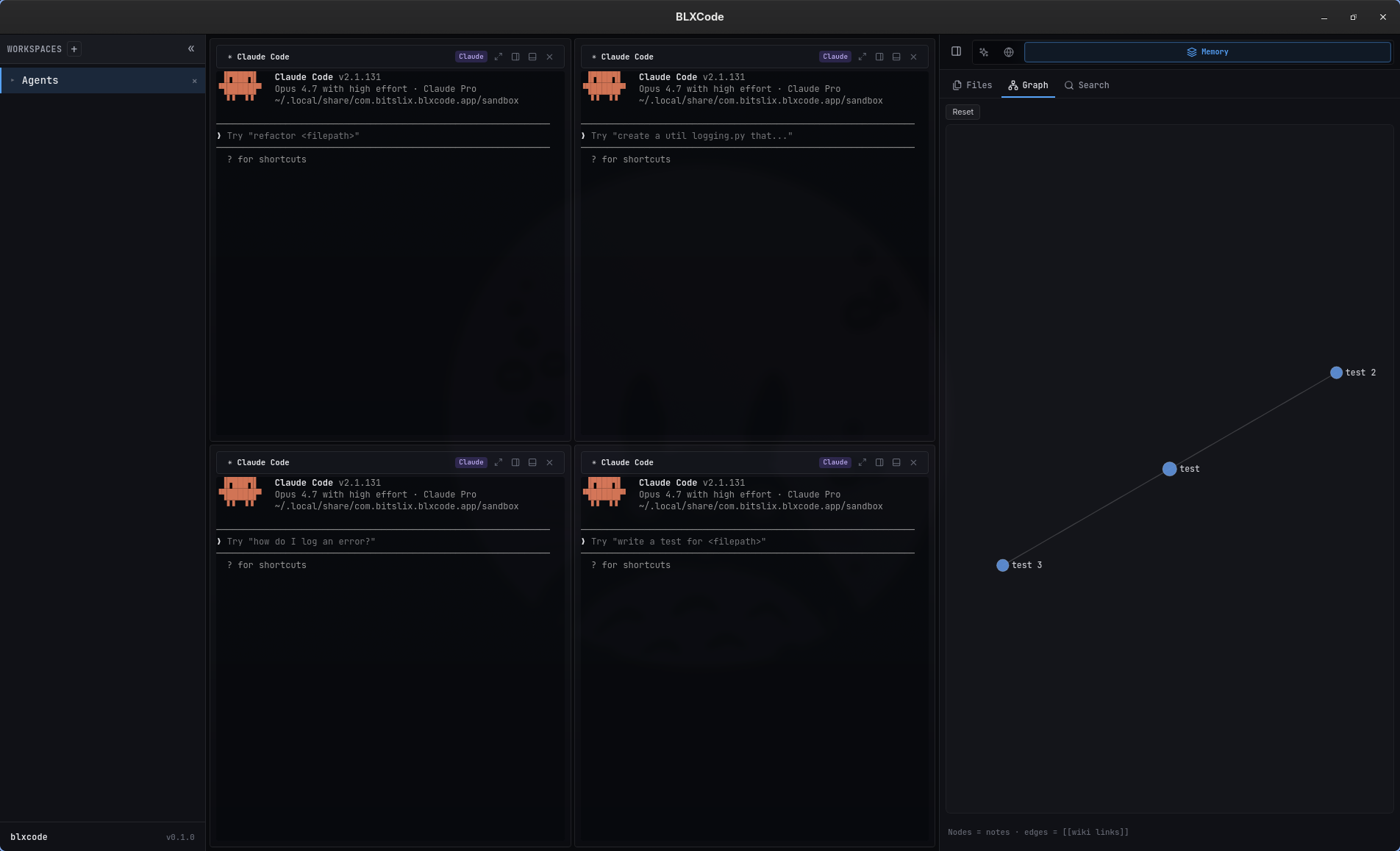
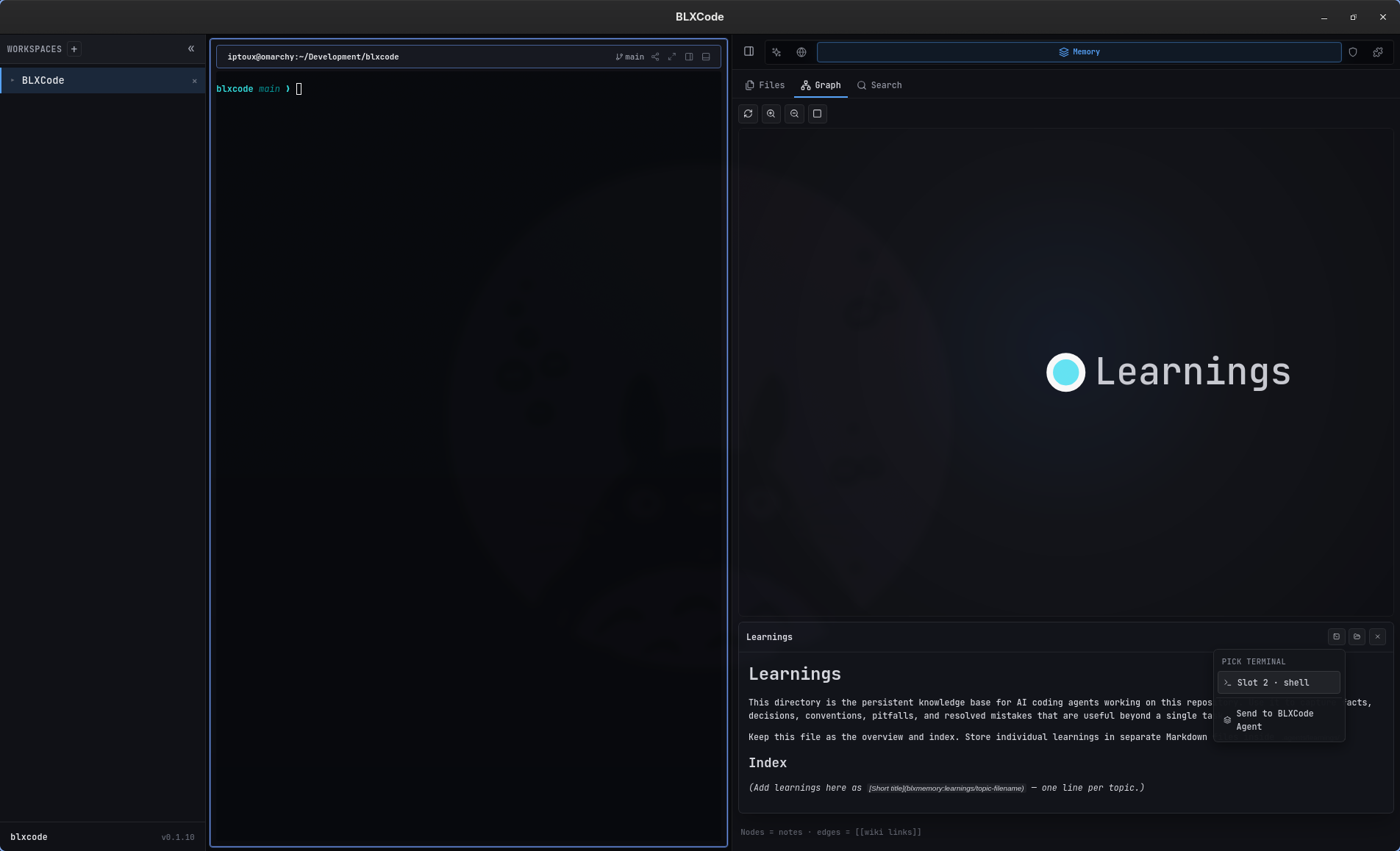
From Search, open a result or use Show in graph to focus the matching node (3D when jumping from search).
flowchart LR
  Folder[".agents/memory/category/"]
  ApiPath["API path category/note.md"]
  GraphNode["GraphNode.category"]
  Folder --> ApiPath
  ApiPath --> GraphNode
BLXCode can install memory pointer files for external agents. The current mapping is:
| Agent | Pointer File |
|---|---|
| Claude | CLAUDE.md |
| Codex | AGENTS.md |
| Gemini | GEMINI.md |
Pointers help external coding agents discover BLXCode workspace memory and learnings paths.
Export writes memory/ and learnings/ subdirectories under the destination folder. Import accepts the same layout or a flat tree (imported into .agents/memory/).
Tasks live here:
<workspace>/.blxcode/tasks/index.json
Each task includes ID, title, description, status, position, timestamps, optional parent, optional notes, and optionally planPath / planTaskId when linked to a plan.
Supported statuses: pending, in_progress, blocked, completed, cancelled.
Plan-linked tasks sync with Markdown under .agents/plans/. Tasks without a planPath are free tasks. See Plans for syntax and the Plans panel.
The BLXCode agent can list, read, search, create, rename, delete, and graph workspace notes. Category tools include memory_list_categories, memory_create_category, memory_category_list, and memory_category_update (any existing category key).
Context tools: memory_context_list, memory_context_attach, memory_context_detach.
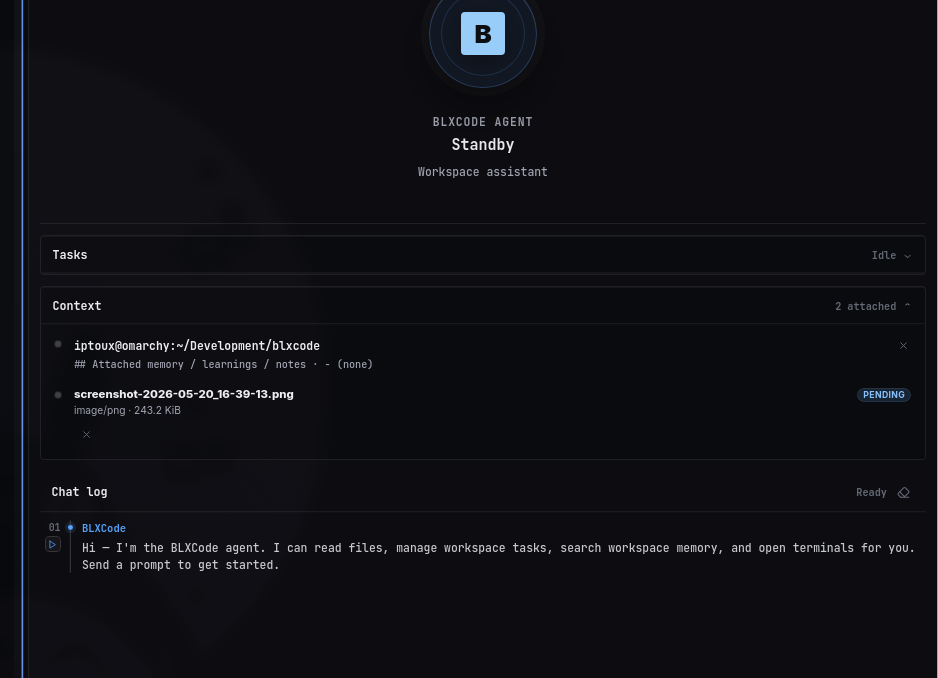
Use Send to BLXCode Agent in the Memory panel to attach notes or categories without pasting paths. For the full tool catalog, call list_tools or see Agent Providers.
- Plans — plan Markdown and plan-linked tasks
- Rules And Skills — binding workspace rules
- Image Mode — generating images (separate from context images for vision/handoff)
- Workspaces — terminal handoff