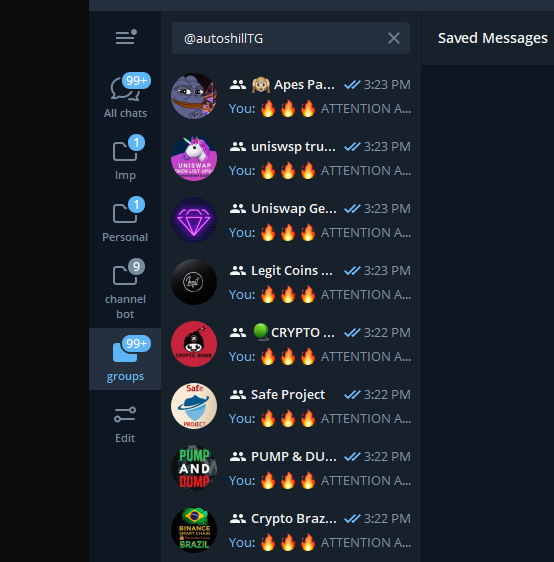
How to use windows version
https://github.com/AllCoinLab/AutoShill/wiki/Requirements
https://github.com/AllCoinLab/AutoShill/wiki/How-to-do-the-Free-Trial
https://github.com/AllCoinLab/AutoShill
How to download zip file
https://stackoverflow.com/a/2751270
If you are good at github, you can clone the repository instead
https://docs.github.com/en/github/creating-cloning-and-archiving-repositories/cloning-a-repository-from-github/cloning-a-repository#cloning-a-repository
https://github.com/AllCoinLab/AutoShill/wiki/Filling-the-informations
Github limits transferring large file so this is the workaround
It may take long time for actual shilling
as it gathers and analyzes all of your target group to do the optimized shilling
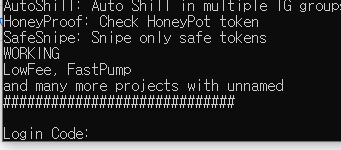
At the same time, 'Official Telegram' will send you the login code in the Telegram.
 Write down login code and press enter.
It will never be asked again unless you erase your session.