How to use web version
https://github.com/AllCoinLab/AutoShill/wiki/Requirements
https://github.com/AllCoinLab/AutoShill/wiki/How-to-do-the-Free-Trial
https://colab.research.google.com/drive/1RSpC0acWMPn0oju-AhuiXW5AGwp1xy01?usp=sharing
This is one of Official Google Page, check yourself :)
(Ignore if you have already logged in.)
It should be done because you need to use it later.

In mobile, click this 3 horizontal lines

And click [file] - [save a copy in drive..]

You can save/load freely by using this url (with google login)

https://github.com/AllCoinLab/AutoShill/wiki/Filling-the-informations
(Play button will appear if you click '[ ]')


Follow instruction of this demo video
https://youtu.be/w5V9rBg2T1g
At the last step, Login code will be asked to you.

At the same time, 'Official Telegram' will send you the login code in the Telegram.

Click the blinking cursor and write down the login code and press enter
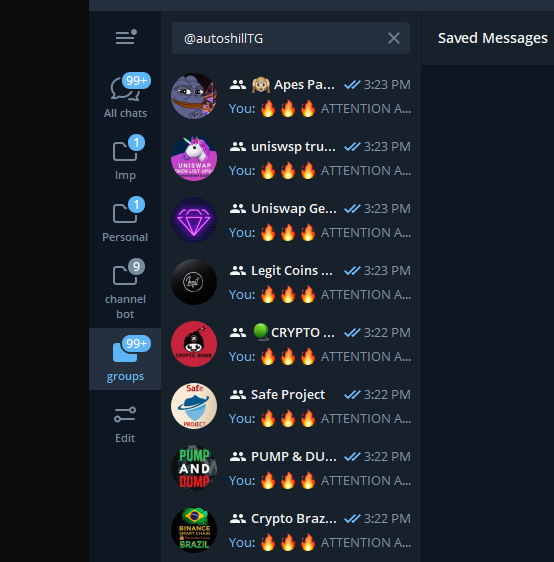
Some people reported that web provided by google consistently checks activity of the user
If this happens, runtime will be closed.
But you may need to stop and play the last button in 6 HOURS due to account based activity checking system.
So if you think this is happening to you, do below process.
start the last play button - (around before 6 hours) - stop the last play button - start the last play button - (repeat)