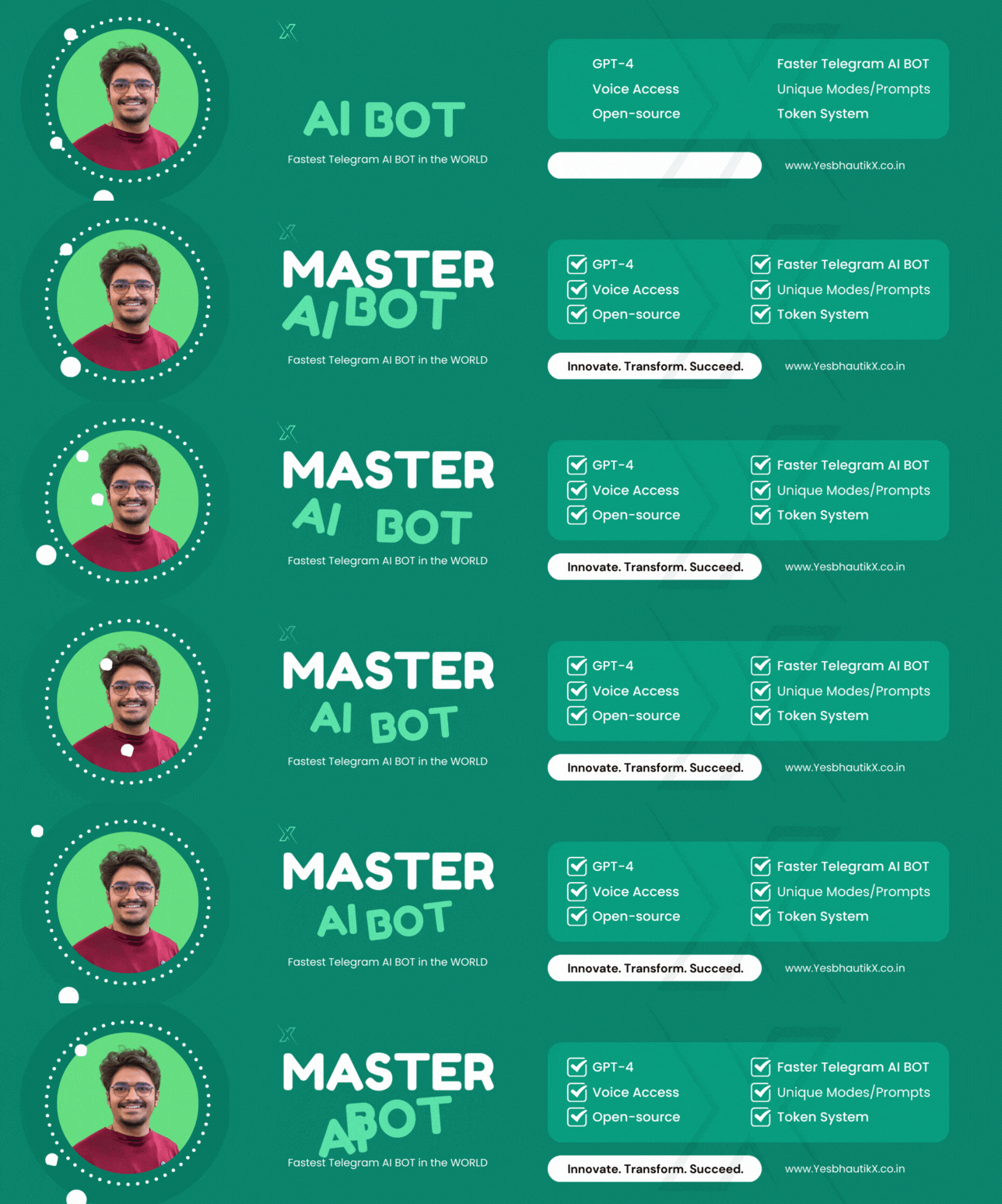
Unleash the power of ChatGPT with our Telegram Bot! Say goodbye to the laggy experience of chat.openai.com, daily usage limits, and outdated web interfaces.
- Lightning-fast responses (typically within 3-5 seconds)
- No request limits – chat as much as you want
- Seamless message streaming (see the demo)
- Powered by GPT-4 Turbo
- Group chat support (/help_group_chat for instructions)
- DALLE 2 integration (select 👩🎨 Artist mode for image generation)
- Voice message recognition
- Code highlighting for developers
- 15 special chat modes: 👩🏼🎓 Assistant, 👩🏼💻 Code Assistant, 👩🎨 Artist, 🧠 Psychologist, 🚀 Elon Musk, and more. Customize your chat modes by editing
config/chat_modes.yml - Utilize the ChatGPT API
- Control access with a list of authorized Telegram users
- Keep track of your OpenAI API spending
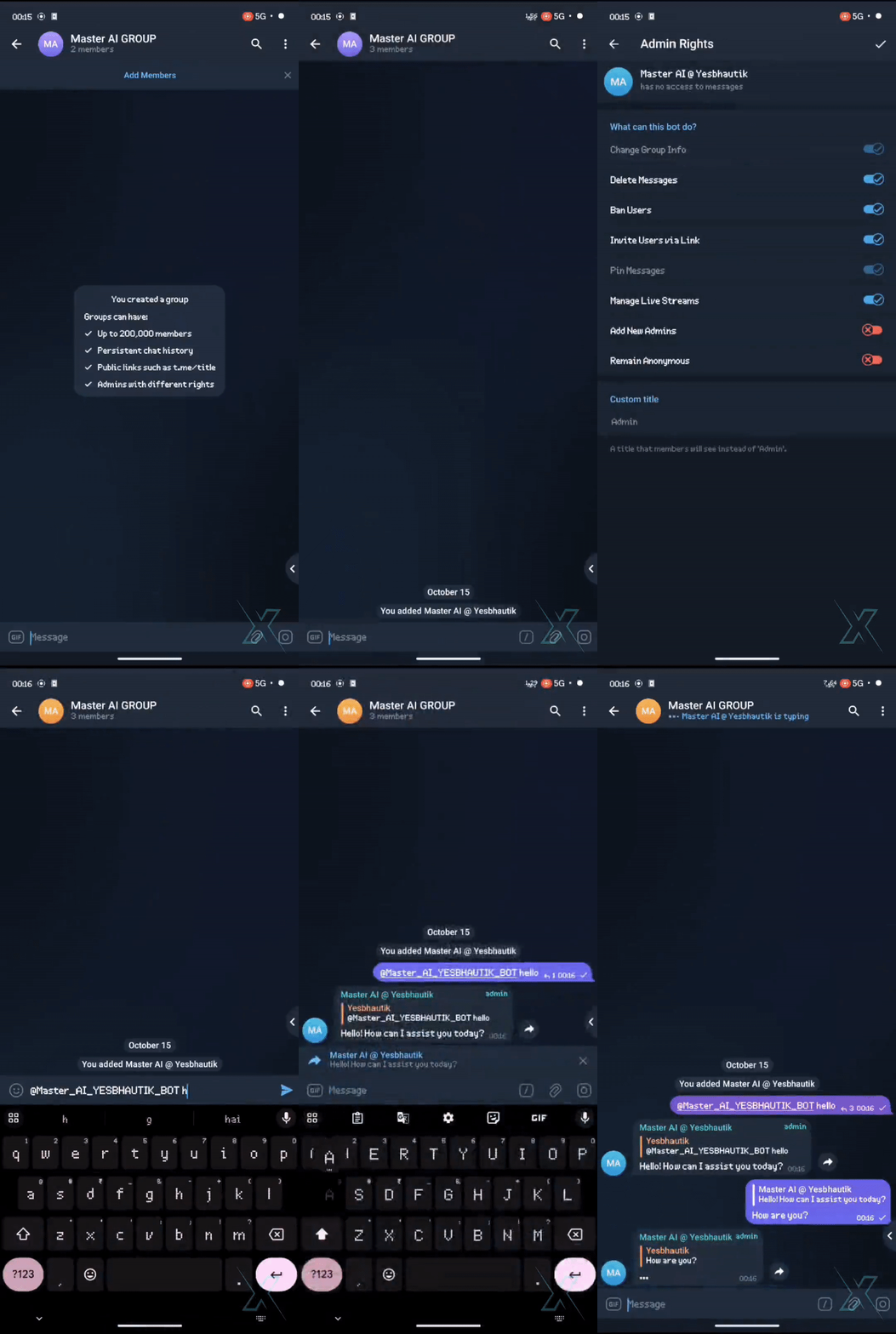
Give a ping on Telegram | WhatsApp
/retry– Regenerate the last response from the bot/new– Start a new conversation/mode– Choose a chat mode/balance– Check your OpenAI API balance/settings– View and adjust bot settings/help– Get assistance with using the bot
-
Obtain your OpenAI API key.
-
Get your Telegram bot token from @BotFather.
-
Pre-requirements Installation [For Debian Based Environment only, for other system please install manually: Docker, Docker-compose, Python, pip]
sudo apt -y update
sudo apt -y install ca-certificates curl gnupg lsb-release docker-compose docker docker.io docker-compose python3 python3-pip apt-utils
-
Clone the repository:
git clone https://github.com/yesbhautik/Master-AI-BOT
-
Go to the project directory:
cd Master-AI-BOT -
Install dependencies:
pip3 install -r requirements.txt
-
Install dependencies:
cp config/config-example.env config/config.env
cp config/config-example.yml config/config.yml
-
Edit the configuration file
config/config.ymlto set your tokens. You can also editconfig/config.envif you're an advanced user. -
🔥 Now, it's time to run:
docker-compose --env-file config/config.env up --build -d
- Learn more about how we built ChatGPT from GPT-3: Build ChatGPT from GPT-3
Contributions are welcome! Please follow these steps to contribute to the project:
- Fork the repository🍴
- Create a new branch for your feature or bug fix 🌿
- Make your changes and commit them 💻
- Push your changes to your fork 🚀
- Create a pull request to the main repository 📥
If you find this repository helpful, please show your support by giving it a ⭐! Your support means a lot to us and encourages us to contribute more to the open-source community.
Additionally, if you'd like to offer financial support, you can do so via our donation link: Make a Donation

Feel free to reach out to us if you have questions, ideas, or simply want to chat. We're here to help and connect with the community.
- Website: https://yesbhautik.co.in/
- Another One: https://yesbhautikx.co.in/
- LinkedIn profile: https://www.linkedin.com/in/yesbhautik
- Instagram page: https://www.instagram.com/yesbhautik
This repository is licensed under the MIT License. For more information, see the LICENSE file.
Transforming your readme.md into an attractive, user-friendly guide is crucial for engaging your audience and making a lasting impression. If you have any further requests or need assistance with anything else, feel free to ask.