A secure, offline two-factor authentication (2FA) manager for desktop environments. Built with Python, featuring strong encryption and no cloud dependencies.
🌐 Landing Page: desktop-2fa.org






| Feature | Description |
|---|---|
| 🔐 Vault Security | AES-256-GCM encryption with Argon2id key derivation |
| ⏱️ TOTP Generation | RFC 6238 compliant code generation |
| 💻 Full CLI | Complete command-line interface for managing tokens |
| 📋 Clipboard Support | Automatic copying of TOTP codes to clipboard |
| 🔓 Stateless Design | Every command requires explicit password authentication |
| 🛡️ Password Policy | Configurable password strength enforcement with zxcvbn |
| 🧪 Well Tested | 289 tests passing with comprehensive coverage |
| 📖 Security Model | Detailed threat analysis and cryptographic design documentation |
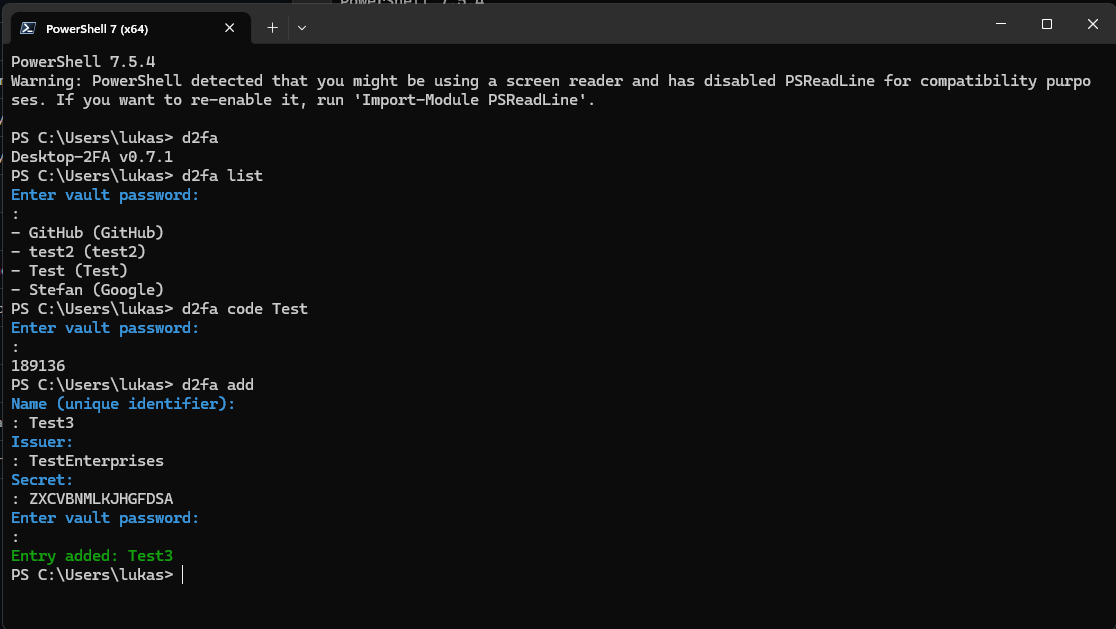 Adding a new TOTP entry interactively
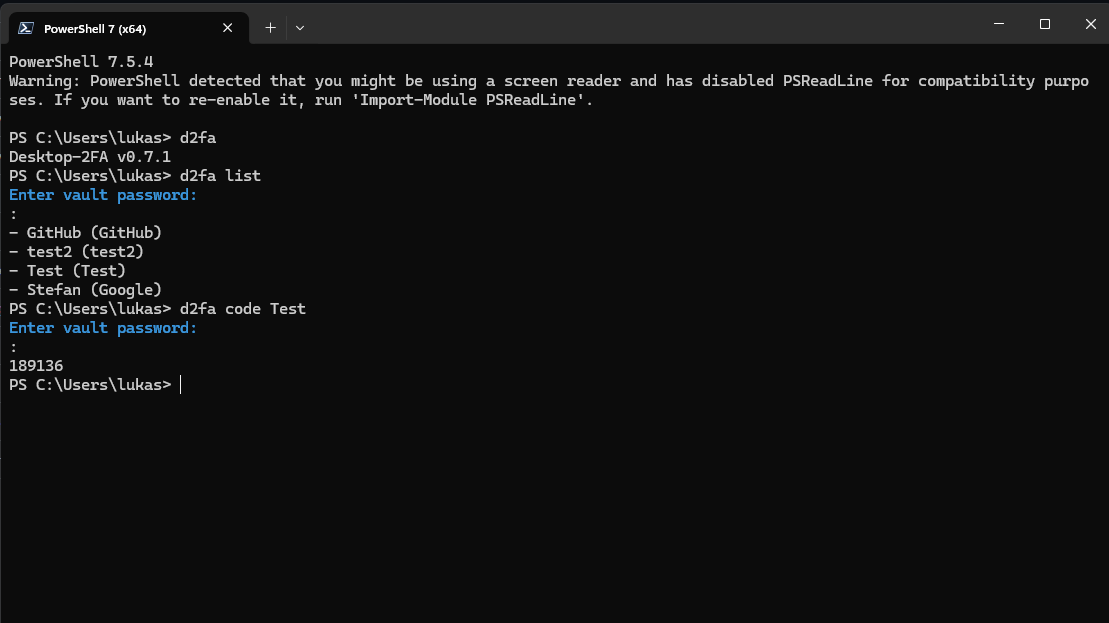 Generating a TOTP code for an entry
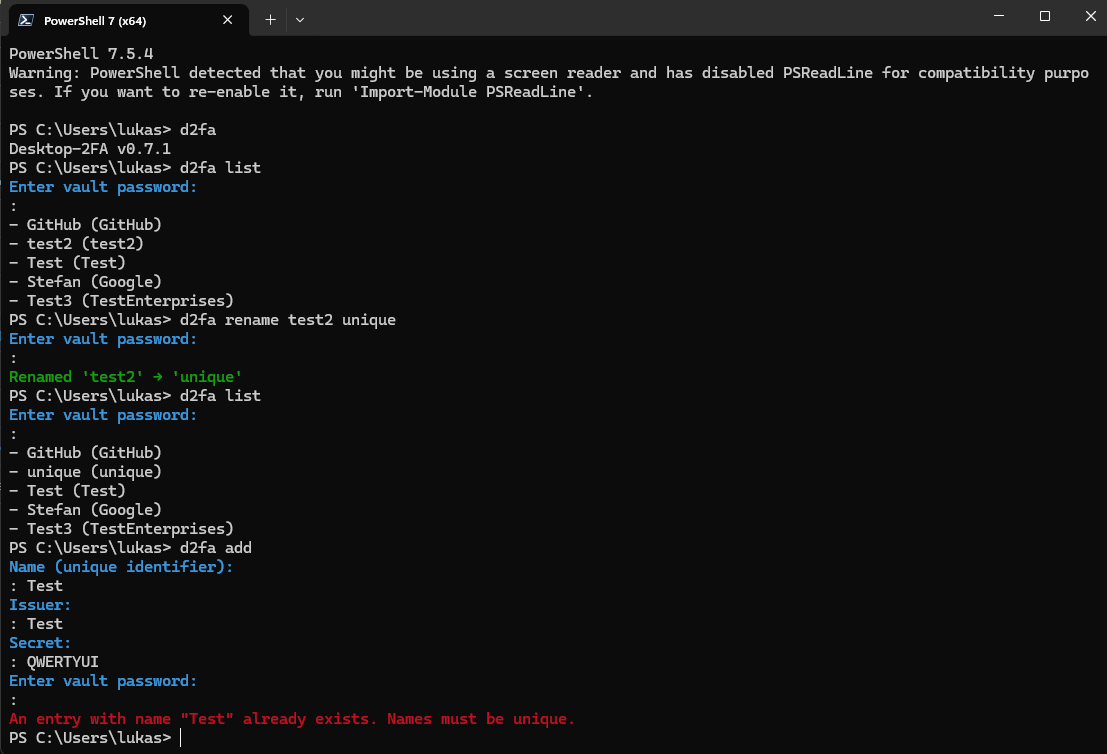 Renaming an entry with duplicate detection
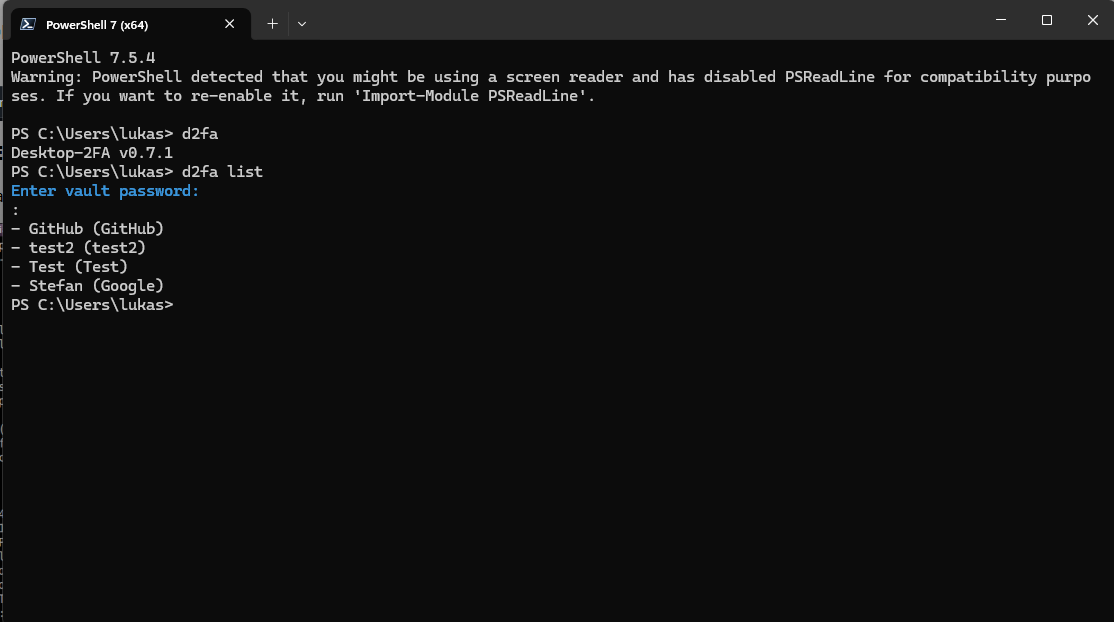 Viewing version info and listing all entries
pip install desktop-2faVerify installation:
python -c "import desktop_2fa; print(desktop_2fa.__version__)"
# Output: 0.8.1dev# Initialize a new vault
d2fa vault init
# Add a new TOTP token
d2fa vault add GitHub GitHub JBSWY3DPEHPK3PXP
# List all entries
d2fa vault list
# Generate a code
d2fa code GitHub# Provide password via command line
d2fa vault add GitHub GitHub JBSWY3DPEHPK3PXP --password mypassphrase
# Provide password via file
d2fa vault add GitHub GitHub JBSWY3DPEHPK3PXP --password-file /path/to/passphrase.txtThe vault is an encrypted storage file located at ~/.desktop-2fa/vault.
When a command requires a vault and none exists:
- The CLI prompts for a new password (interactive mode) or requires
--password/--password-file(non-interactive mode) - An empty encrypted vault is created
- A confirmation message is always printed:
Vault created at <path>
When a command requires a vault and it exists:
- The CLI prompts for the existing password (interactive mode) or requires credentials (non-interactive mode)
- The vault is decrypted and loaded
- If the password is invalid, the CLI exits with
typer.Exit(1)
The rename command enforces deterministic behavior when multiple entries match the target name:
- If multiple entries match the provided name (issuer or account_name), the rename is aborted
- Error message:
Error: Multiple entries named '<name>' exist. Operation aborted. Resolve duplicates first. - No entry is renamed in this case
- This check occurs before any mutation
| Command | Description |
|---|---|
d2fa vault add <name> <issuer> <secret> |
Add a new TOTP entry |
d2fa vault list |
List all stored TOTP entries |
d2fa vault rename <old> <new> |
Rename an entry |
d2fa vault remove <name> |
Remove an entry |
d2fa code <name> [--copy|--copy-only] |
Generate TOTP code with clipboard copy options |
| Command | Description |
|---|---|
d2fa vault init [--force] |
Initialize a new vault |
d2fa vault unlock |
Open vault with weak password warning (if configured) |
d2fa vault change-password |
Change the vault password |
d2fa vault backup |
Create an encrypted backup of the vault |
d2fa vault export <path> |
Export vault to file |
d2fa vault import <path> [--force] |
Import vault from file |
| Option | Description |
|---|---|
--password <pwd> |
Provide vault password directly |
--password-file <path> |
Read vault password from file |
--json |
Output in JSON format |
--raw |
Raw output (no formatting) |
--quiet |
Suppress non-essential output |
--copy |
Copy TOTP code to clipboard and display |
--copy-only |
Copy TOTP code to clipboard only |
--force |
Force operation (bypass confirmations) |
The vault uses:
- AES-256-GCM for authenticated encryption
- Argon2id for key derivation (time_cost=4, memory_cost=128MiB, parallelism=2)
- zxcvbn for password strength evaluation
- Versioned header for forward compatibility
Every command requires explicit password authentication. No session-based access.
Desktop-2FA uses zxcvbn to evaluate password strength when creating or changing vault passwords:
- Score 0-2 (Weak): Easily guessable passwords (e.g., "password123")
- Score 3-4 (Strong): Resistant to common attacks (recommended)
Examples:
- ❌ Weak:
password,123456,qwerty,admin2024 - ✅ Strong:
Battery-Horse-Staple-Correct,Mountain@River*2024,MySecureVault#42
Configuration (~/.config/d2fa/config.toml):
[security]
# Require strong passwords (score >= 3)
reject_weak_passwords = false  # warn but allow | true: reject weak passwords
When reject_weak_passwords = false:
- Weak passwords trigger a yellow warning
- User is prompted to confirm continuation
- Password acceptance is non-blocking
When reject_weak_passwords = true:
- Weak passwords are rejected immediately
- Command exits with error
- User must choose a stronger password
Backward Compatibility:
If you have min_password_entropy set in your config (legacy option), it is recognized and treated as equivalent to requiring zxcvbn score >= 3.
Version 0.8.0 maintains all previous security hardening from v0.7.3 and introduces modular architecture for better code isolation:
- Empty passwords are immediately rejected with a clear error message
- Permission errors are distinguished from missing vault files
- No Python stack traces are shown to users
- User-friendly error messages for filesystem permission issues
- Modular design separates CLI and core cryptographic components for enhanced security boundaries
- zxcvbn-based password strength evaluation (new in v0.8.0)
| Document | Description |
|---|---|
| User Manual | Complete usage guide |
| Security Model | Detailed threat analysis and cryptographic design |
| CLI UX Specification | UX contract and behavior |
| Cryptography | Security implementation details |
pytest tests/              # Run all tests
pytest --cov=src/desktop_2fa # Run with coveragesrc/desktop_2fa/
├── app/ # Application components
├── cli/ # Command-line interface
├── crypto/ # Encryption utilities
├── totp/ # TOTP generation
├── ui/ # User interface components
├── vault/ # Vault management
└── utils/ # Utilities
Apache License 2.0. See LICENSE file.
Łukasz Perek
desktop‑2fa is supported through the Kilo OSS Sponsorship Program.
For questions or support, contact us at contact@desktop-2fa.org
Desktop‑2FA is an independent open‑source tool built with a focus on autonomy, transparency, and offline security. If you find it useful and want to support ongoing development, you can do so through the platforms below:
- Ko‑fi: https://ko-fi.com/lukaszperek
- Buy Me a Coffee: https://buymeacoffee.com/lukaszperek
- AirTM: https://airtm.me/lukper

