





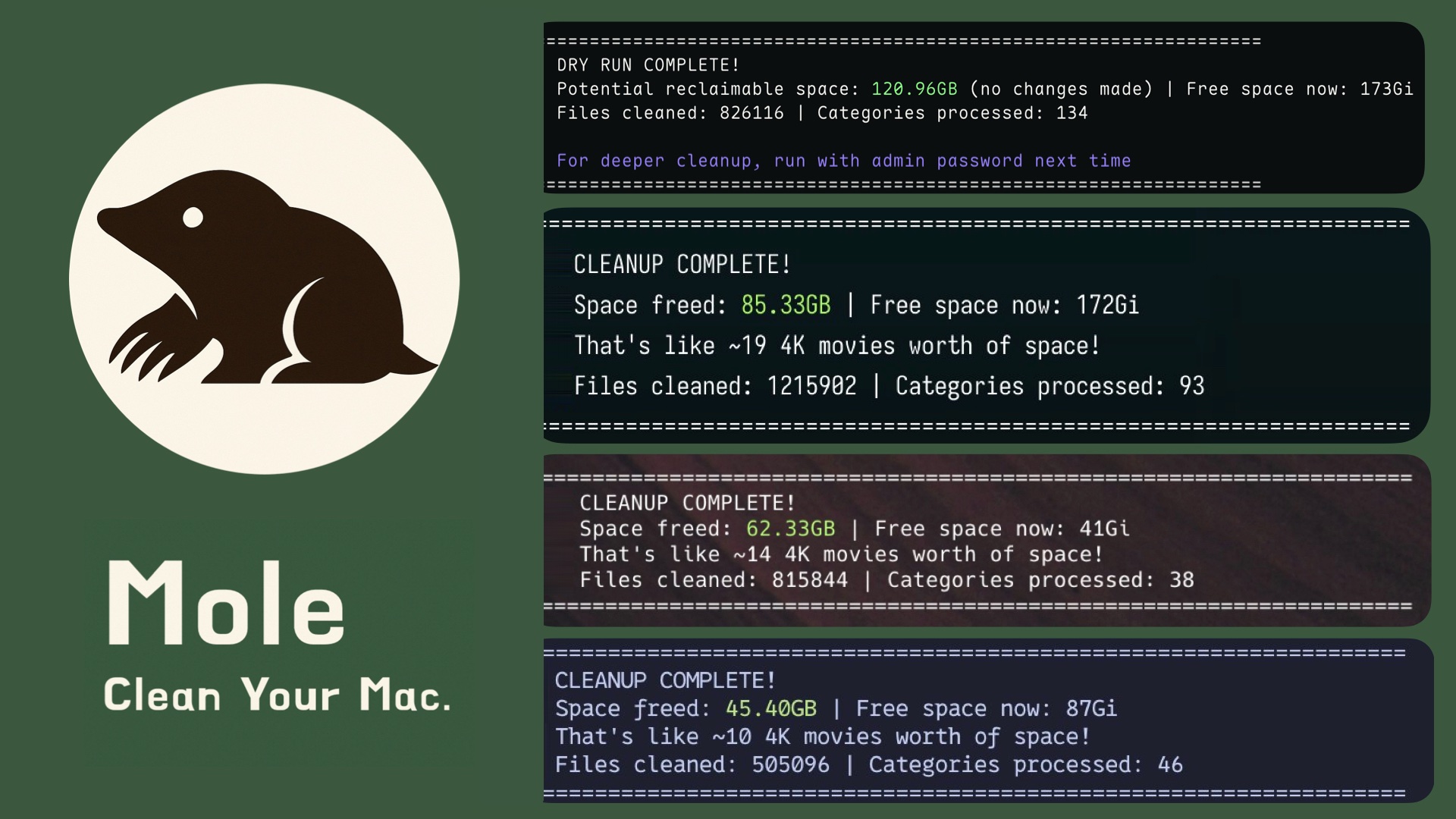
- All-in-one toolkit: Combines CleanMyMac, AppCleaner, DaisyDisk, and iStat Menus in a single binary
- Deep cleaning: Removes caches, logs, and browser leftovers to reclaim gigabytes of space
- Smart uninstaller: Removes apps plus launch agents, preferences, and hidden remnants
- Disk insights: Visualizes usage, finds large files, rebuilds caches, and refreshes system services
- Live monitoring: Shows real-time CPU, GPU, memory, disk, and network stats
Install via Homebrew:
brew install moleOr via script:
# Optional args: -s latest for main branch code, -s 1.17.0 for specific version
curl -fsSL https://raw.githubusercontent.com/tw93/mole/main/install.sh | bash
Windows: Mole is built for macOS. An experimental Windows version is available in the windows branch for early adopters.
Run:
mo                           # Interactive menu
mo clean                     # Deep cleanup
mo uninstall                 # Remove apps + leftovers
mo optimize                  # Refresh caches & services
mo analyze                   # Visual disk explorer
mo status                    # Live system health dashboard
mo purge                     # Clean project build artifacts
mo installer                 # Find and remove installer files

mo touchid                   # Configure Touch ID for sudo
mo completion                # Set up shell tab completion
mo update                    # Update Mole
mo update --nightly          # Update to latest unreleased main build, script install only
mo remove                    # Remove Mole from system
mo --help                    # Show help
mo --version                 # Show installed version

mo clean --dry-run           # Preview the cleanup plan
mo clean --whitelist         # Manage protected caches
mo clean --dry-run --debug   # Detailed preview with risk levels and file info

mo optimize --dry-run        # Preview optimization actions
mo optimize --debug          # Run with detailed operation logs
mo optimize --whitelist      # Manage protected optimization rules
mo purge --paths             # Configure project scan directories
mo analyze /Volumes # Analyze external drives only- Video tutorial: Watch the Mole tutorial video, thanks to PAPAYA 電腦教室.
- Safety first: Deletions are permanent. Review carefully and preview with
mo clean --dry-run. See Security Audit. - Debug and logs: Use
--debugfor detailed logs. Combine with--dry-runfor a full preview. File operations are logged to~/.config/mole/operations.log. Disable withMO_NO_OPLOG=1. - Navigation: Mole supports arrow keys and Vim bindings
h/j/k/l.
$ mo clean

Scanning cache directories...

  ✓ User app cache                                           45.2GB
  ✓ Browser cache (Chrome, Safari, Firefox)                  10.5GB
  ✓ Developer tools (Xcode, Node.js, npm)                    23.3GB
  ✓ System logs and temp files                                3.8GB
  ✓ App-specific cache (Spotify, Dropbox, Slack)              8.4GB
  ✓ Trash                                                    12.3GB

====================================================================
Space freed: 95.5GB | Free space now: 223.5GB
====================================================================
Note: In mo clean -> Developer tools, Mole removes unused CoreSimulator Volumes/Cryptex entries and skips IN_USE items.
$ mo uninstall

Select Apps to Remove
═══════════════════════════
▶ ☑ Photoshop 2024            (4.2G) | Old
  ☐ IntelliJ IDEA             (2.8G) | Recent
  ☐ Premiere Pro              (3.4G) | Recent

Uninstalling: Photoshop 2024

  ✓ Removed application
  ✓ Cleaned 52 related files across 12 locations
    - Application Support, Caches, Preferences
    - Logs, WebKit storage, Cookies
    - Extensions, Plugins, Launch daemons

====================================================================
Space freed: 12.8GB
====================================================================$ mo optimize
System: 5/32 GB RAM | 333/460 GB Disk (72%) | Uptime 6d
✓ Rebuild system databases and clear caches
✓ Reset network services
✓ Refresh Finder and Dock
✓ Clean diagnostic and crash logs
✓ Remove swap files and restart dynamic pager
✓ Rebuild launch services and spotlight index
====================================================================
System optimization completed
====================================================================
Use `mo optimize --whitelist` to exclude specific optimizations.By default, Mole skips external drives under /Volumes for faster startup. To inspect them, run mo analyze /Volumes or a specific mount path.
$ mo analyze

Analyze Disk  ~/Documents  |  Total: 156.8GB

 ▶  1. ███████████████████  48.2%  |  📁 Library                     75.4GB  >6mo
    2. ██████████░░░░░░░░░  22.1%  |  📁 Downloads                   34.6GB
    3. ████░░░░░░░░░░░░░░░  14.3%  |  📁 Movies                      22.4GB
    4. ███░░░░░░░░░░░░░░░░  10.8%  |  📁 Documents                   16.9GB
    5. ██░░░░░░░░░░░░░░░░░   5.2%  |  📄 backup_2023.zip              8.2GB

↑↓←→ Navigate | O Open | F Show | ⌫ Delete | L Large files | Q QuitReal-time dashboard with health score, hardware info, and performance metrics.
$ mo status

Mole Status  Health ● 92  MacBook Pro · M4 Pro · 32GB · macOS 14.5

⚙ CPU                                    ▦ Memory
Total   ████████████░░░░░░░  45.2%       Used    ███████████░░░░░░░  58.4%
Load    0.82 / 1.05 / 1.23 (8 cores)     Total   14.2 / 24.0 GB
Core 1  ███████████████░░░░  78.3%       Free    ████████░░░░░░░░░░  41.6%
Core 2  ████████████░░░░░░░  62.1%       Avail   9.8 GB

▤ Disk                                   ⚡ Power
Used    █████████████░░░░░░  67.2%       Level   ██████████████████  100%
Free    156.3 GB                         Status  Charged
Read    ▮▯▯▯▯  2.1 MB/s                  Health  Normal · 423 cycles
Write   ▮▮▮▯▯  18.3 MB/s                 Temp    58°C · 1200 RPM

⇅ Network                                ▶ Processes
Down    ▁▁█▂▁▁▁▁▁▁▁▁▇▆▅▂  0.54 MB/s      Code       ▮▮▮▮▯  42.1%
Up      ▄▄▄▃▃▃▄▆▆▇█▁▁▁▁▁  0.02 MB/s      Chrome     ▮▮▮▯▯  28.3%
Proxy   HTTP · 192.168.1.100             Terminal   ▮▯▯▯▯  12.5%
Health score is based on CPU, memory, disk, temperature, and I/O load, with color-coded ranges.
Shortcuts: In mo status, press k to toggle the cat and save the preference, and q to quit.
Clean old build artifacts such as node_modules, target, build, and dist to free up disk space.
mo purge

Select Categories to Clean - 18.5GB (8 selected)

➤ ● my-react-app       3.2GB | node_modules
  ● old-project        2.8GB | node_modules
  ● rust-app           4.1GB | target
  ● next-blog          1.9GB | node_modules
  ○ current-work       856MB | node_modules  | Recent
  ● django-api         2.3GB | venv
  ● vue-dashboard      1.7GB | node_modules
  ● backend-service    2.5GB | node_modules
We recommend installing
fdon macOS.brew install fd
Use with caution: This permanently deletes selected artifacts. Review carefully before confirming. Projects newer than 7 days are marked and unselected by default.
Custom Scan Paths
Run mo purge --paths to configure scan directories, or edit ~/.config/mole/purge_paths directly:
~/Documents/MyProjects
~/Work/ClientA
~/Work/ClientB
When custom paths are configured, Mole scans only those directories. Otherwise, it uses defaults like ~/Projects, ~/GitHub, and ~/dev.
Find and remove large installer files across Downloads, Desktop, Homebrew caches, iCloud, and Mail. Each file is labeled by source.
mo installer

Select Installers to Remove - 3.8GB (5 selected)

➤ ● Photoshop_2024.dmg     1.2GB | Downloads
  ● IntelliJ_IDEA.dmg       850.6MB | Downloads
  ● Illustrator_Setup.pkg   920.4MB | Downloads
  ● PyCharm_Pro.dmg         640.5MB | Homebrew
  ● Acrobat_Reader.dmg      220.4MB | Downloads
○ AppCode_Legacy.zip 410.6MB | DownloadsLaunch Mole commands from Raycast or Alfred:
curl -fsSL https://raw.githubusercontent.com/tw93/Mole/main/scripts/setup-quick-launchers.sh | bashAdds 5 commands: clean, uninstall, optimize, analyze, status.
After running the script, complete these steps in Raycast:
- Open Raycast Settings (⌘ + ,)
- Go to Extensions → Script Commands
- Click "Add Script Directory" (or "+")
- Add path:
~/Library/Application Support/Raycast/script-commands - Search in Raycast for: "Reload Script Directories" and run it
- Done! Search for
mole,clean, oroptimizeto use the commands
Note: The script creates the commands, but Raycast still requires a one-time manual script directory setup.
Mole auto-detects your terminal app. iTerm2 has known compatibility issues. We highly recommend Kaku. Other good options are Alacritty, kitty, WezTerm, Ghostty, and Warp. To override, set MO_LAUNCHER_APP=<name>.
Thanks to everyone who helped build Mole. Go follow them. ❤️

Real feedback from users who shared Mole on X.

- If Mole helped you, star the repo or share it with friends.
- Got ideas or bugs? Read the Contributing Guide and open an issue or PR.
- Like Mole? Buy Tw93 a Coke to support the project. 🥤 Supporters are below.


MIT License. Feel free to use Mole and contribute.