
Please note there is no license.
This code is open source but not available for redistributing. See more in the DISCLAIMER.md file.
SparkRadar is the free online, reliable, community-supported, multiplatform, easy-to-use weather radar for beginners and pros. Also try the Lite version at lite.sparkradar.app
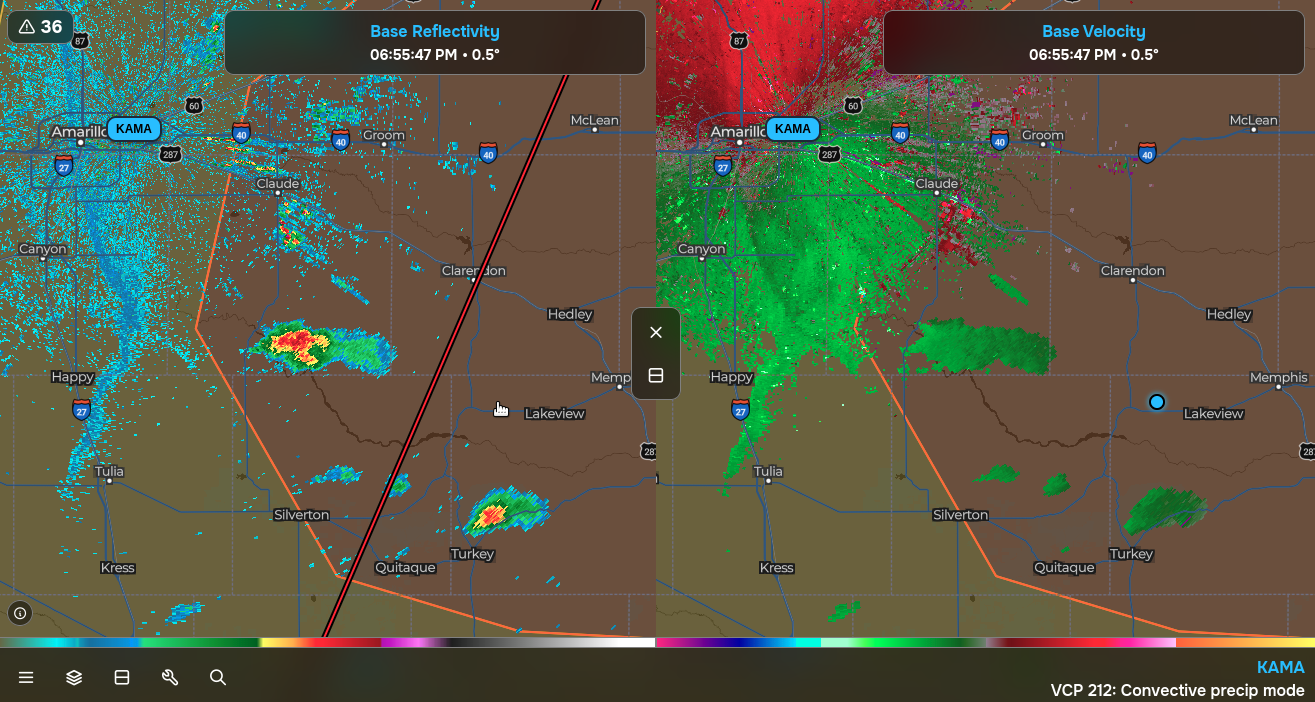
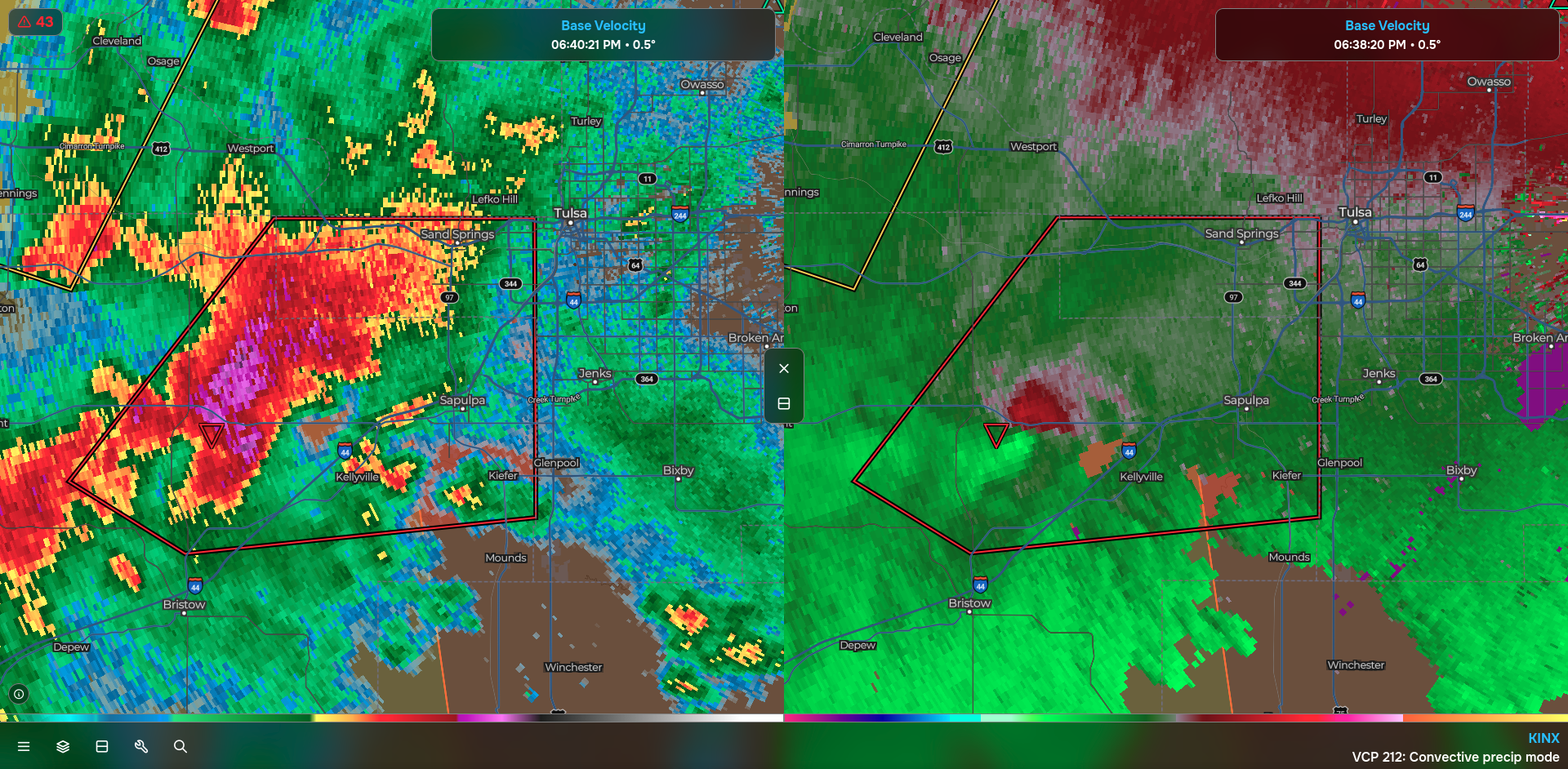
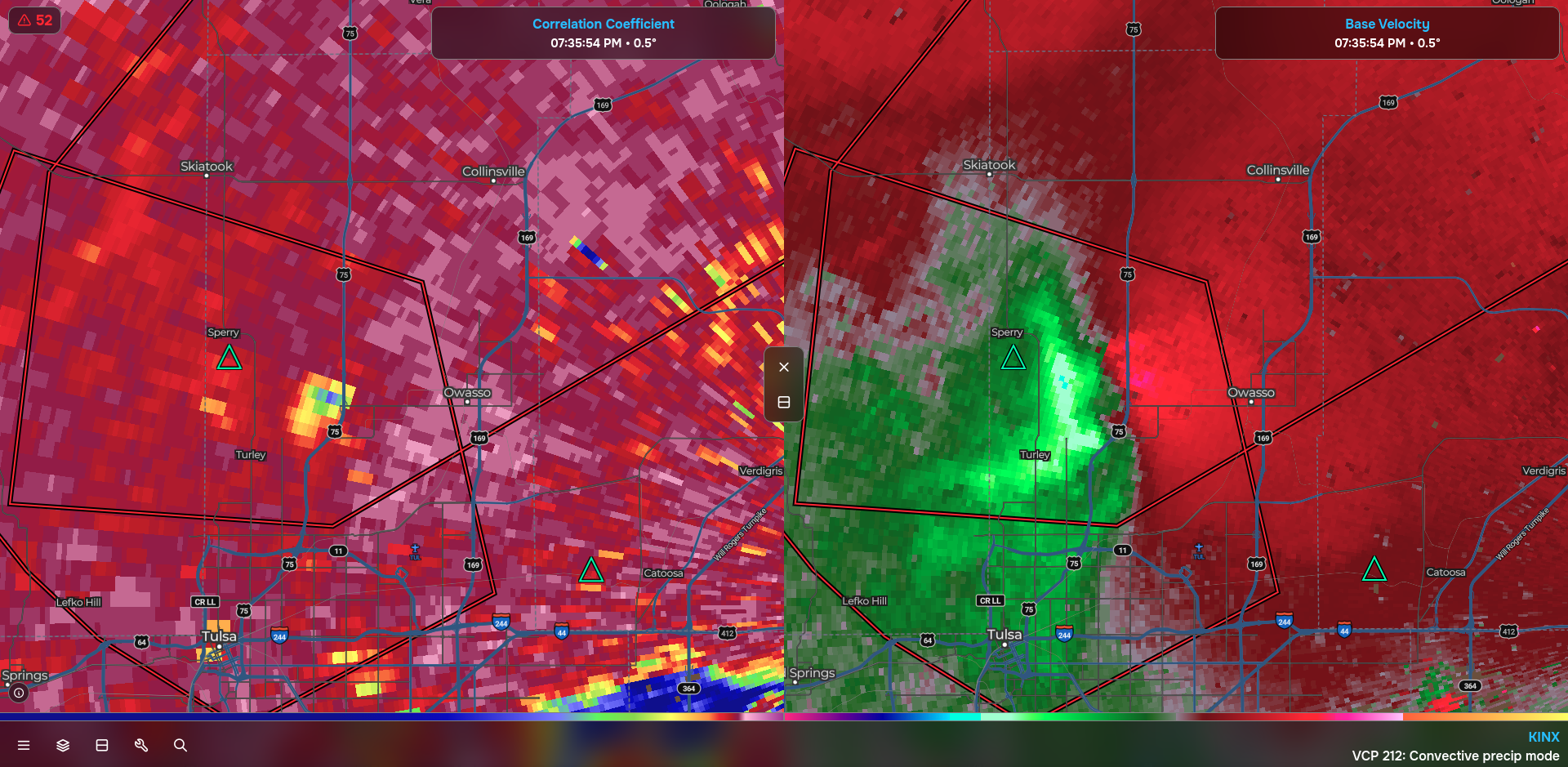
- Access to L3 products such as Reflectivity, Velocity, Correlation Coefficient, Differential Reflectivity, Hydrometer Classification, and more at all available tilt levels.
- Access to archive L2 products including Reflectivity, Velocity, and Correlation Coefficient for any station at anytime for years back.
- Multiple advanced tools including a radar inspector, drawing tool, measurement tool, and more.
- Literally instant alerts from the National Weather Service. In my testing, SparkRadar was consistently the first radar to recieve any given alert over RadarScope, WeatherWise, and SupercellWX thanks to SparkAlerts.
- Simplest, most easy to use yet visually appealing radar application to date.
- 100% Free forever with no ads or intrusive trackers.
***
- Open an issue ("Issues" at the top > "New Issue").
- Describe the issue you are facing. Explain how to reproduce the error.
- Include your operating system, operating system version, browser, and date when the issue was discovered.
- If needed, include screenshots or screen recordings.
- Click "Labels" > "bug" to label your issue as a bug.
- When you are done, click "Create" and I will check out the issue.
- Open an issue ("Issues" at the top > "New Issue").
- Describe the feature you would like to see added in SparkRadar.
- Click "Labels" > "enhancement" to label your issue as a feature request.
- When you are done, click "Create" and I will check out the request.
- I will review all pull requests and approve them if they fix an issue or add a feature.
- Run
npm install. - Run
npm run dev. Code will hot-reload without browser refreshing thanks to Vite. Usenpm run hostto make the development server accessible on your network.
- Run
npm run build. Builds will appear in a /dist folder. - In the dist folder, run
python3 -m http.server 8000then navigate tolocalhost:8000in a browser to view the build.
