Table2Sheets is a powerful and user-friendly Chrome extension designed to extract tables from websites and instantly save them as CSV or Excel files.
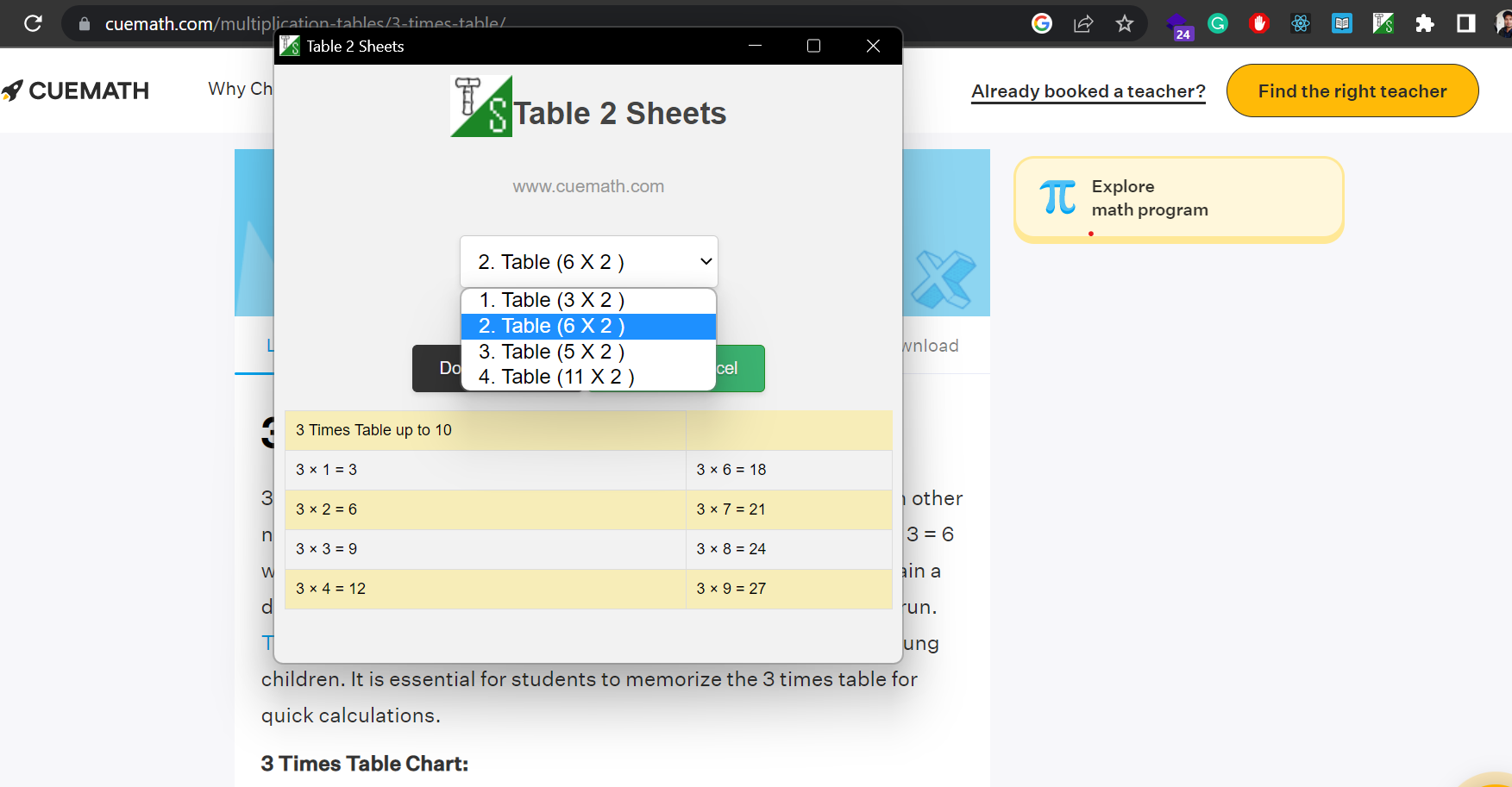
- One-click extraction of tables from websites
- Instant saving of extracted tables as CSV or Excel files
- Supports multiple tables on a single page
- Automatic formatting of the saved data
- User-friendly interface
- Compatible with a wide range of websites
- Download the
table2sheets.zipfile from the repository. - Go to the Chrome extensions page:
chrome://extensionsin your Chrome browser. - Enable "Developer mode" by toggling the switch in the top-right corner.
- Click on "Load unpacked" and select the unzipped
table2sheetsfolder. - The Table2Sheets extension is now installed and ready to use!
- Navigate to a website containing the table(s) you want to extract.
- Click on the Table2Sheets extension icon in the Chrome toolbar.
- Choose the table you want to extract by selecting it from the list.
- Select the desired file format (CSV or Excel).
- Click the "Download" button.
- It will automatically save the file in your donwload folder.