This plugin is not woking at the moment due to changes in the sketch plugin api.

Screens helps you with testings the visible portion of your Design on different screen sizes and operating systems.
- Download the Screens Zip file and extract it.
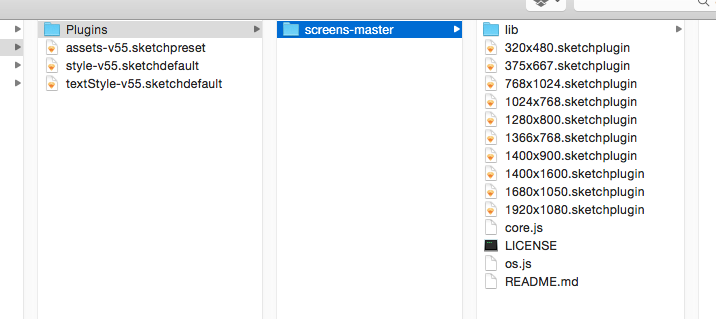
- Copy the folder to the Sketch plugin folder which can be opened by selecting
Plugins›Reveal Plugins Folder....
You can rename the Plugin folder fromscreens-mastertoScreensif you like. - The
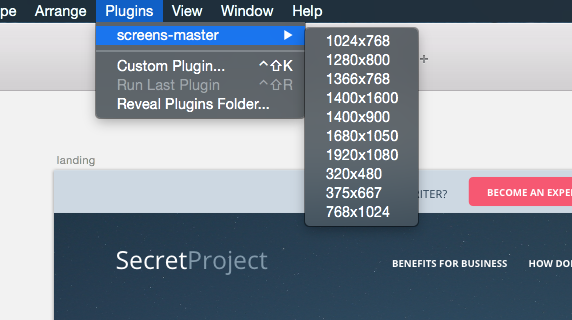
Screensplugin menu should appear in thePluginsmenu. Select an artboard and choose a screen size from the menu. The plugin will automatically add an overlay.