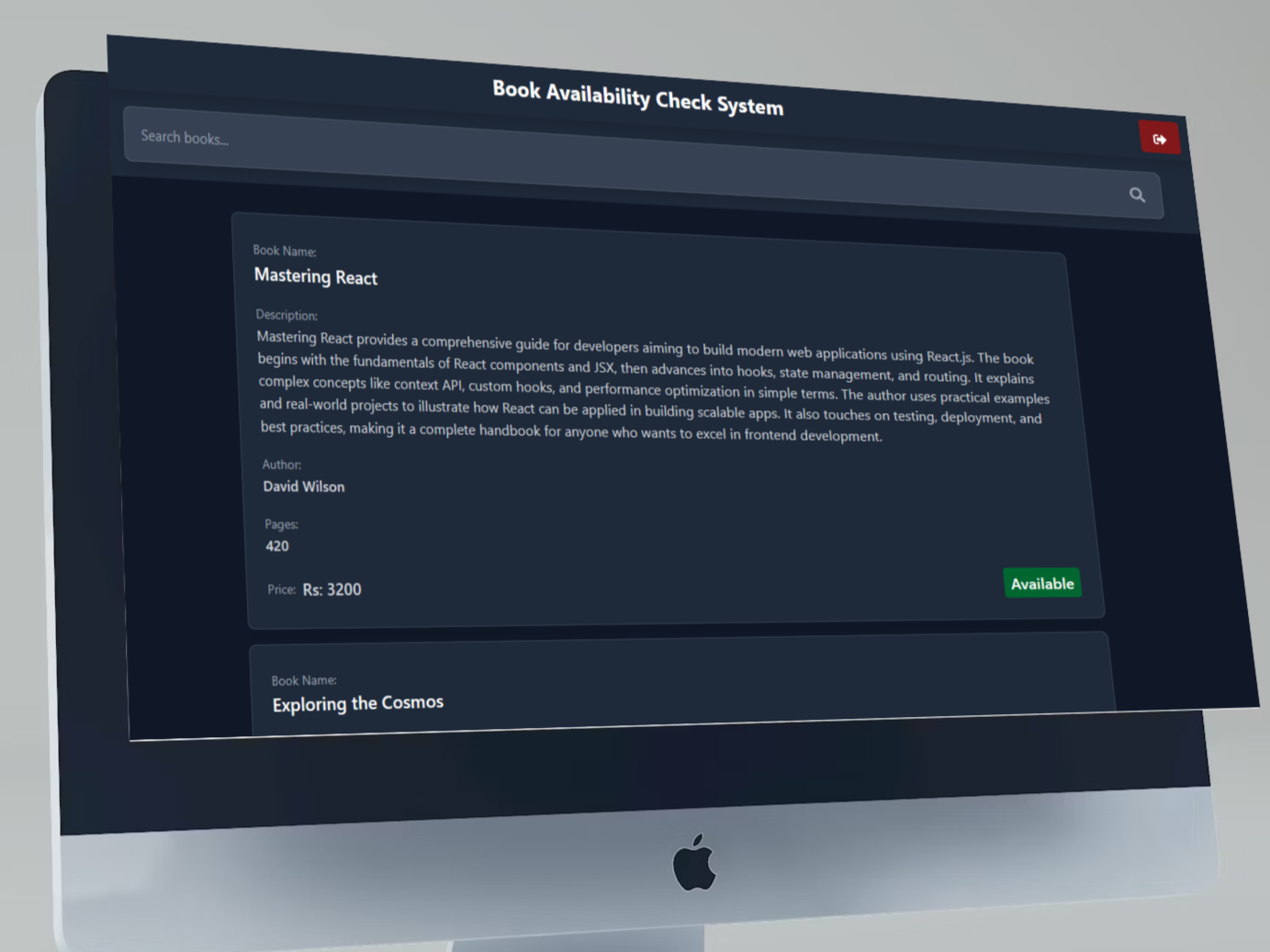
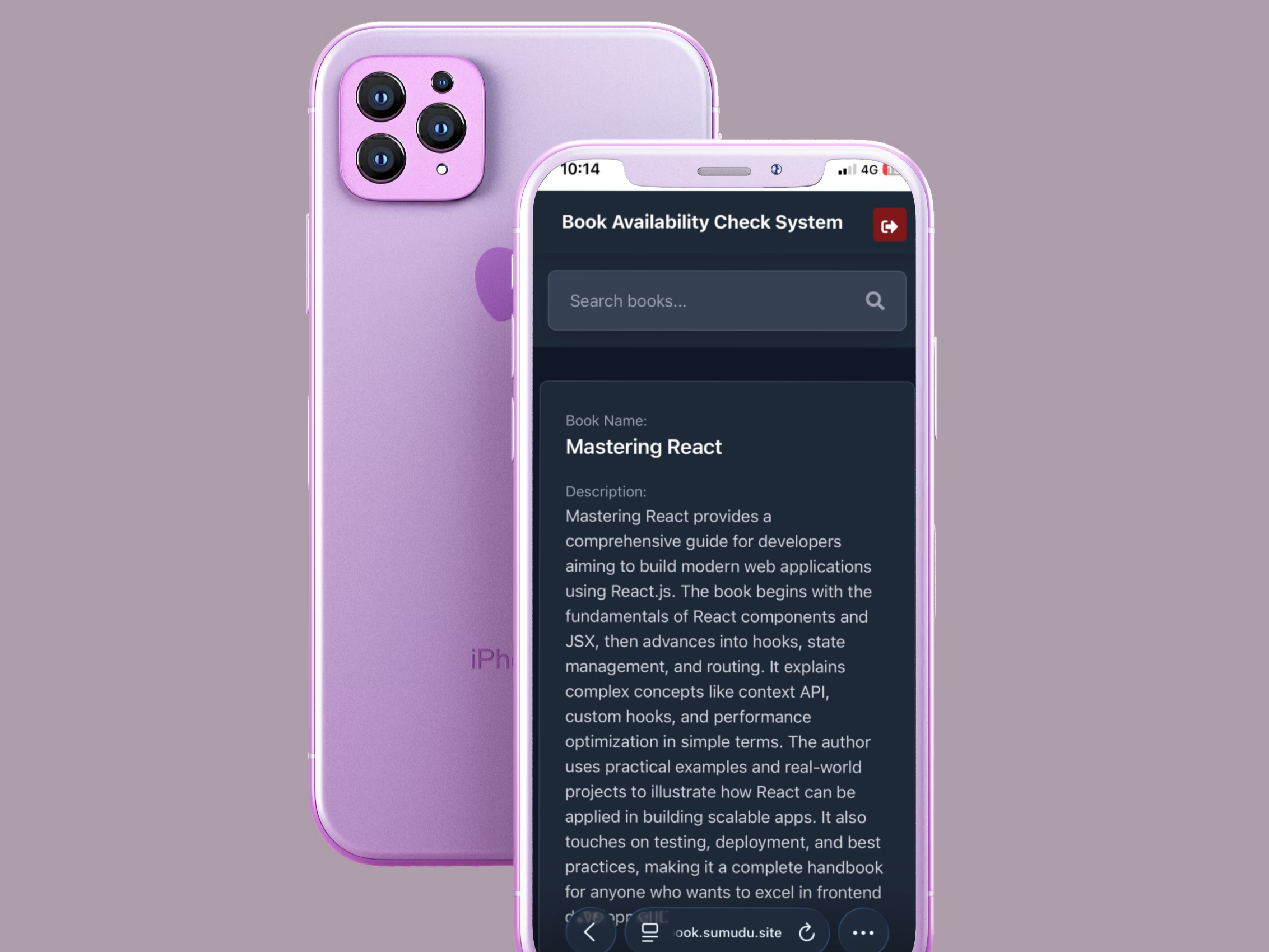
This system is specifically designed for small educational centers that operate a mini library. It enables registered students to conveniently check the availability of books online, eliminating the need to visit the library in person. By streamlining access to library resources, the platform enhances the student experience and supports effective learning within the educational center.

🔗 Website: https://book.sumudu.site
- Search Books
- Find books by title
- Book Details
- View book descriptions, author, and availability status.
- Login & Registration
- Secure sign up and sign in
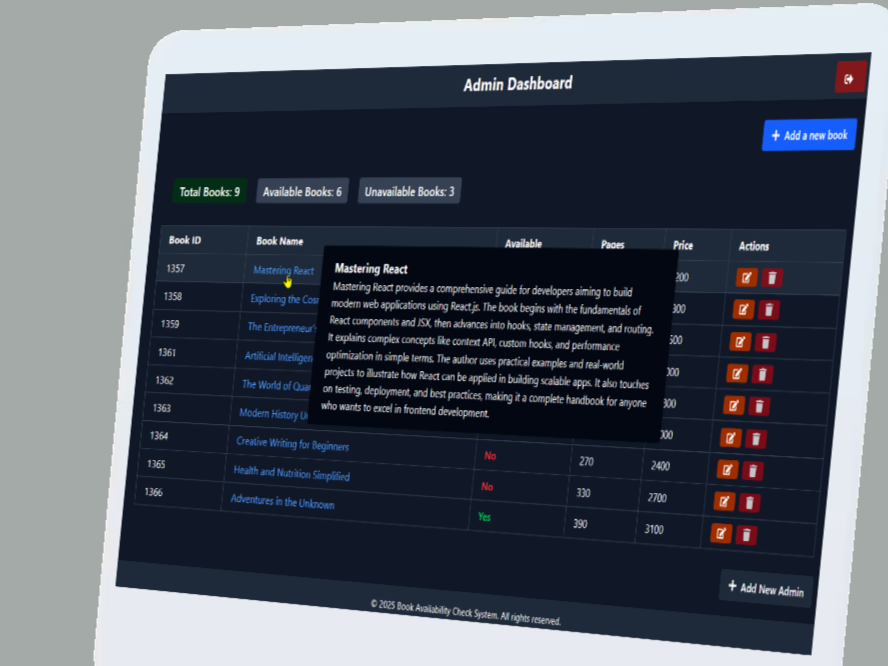
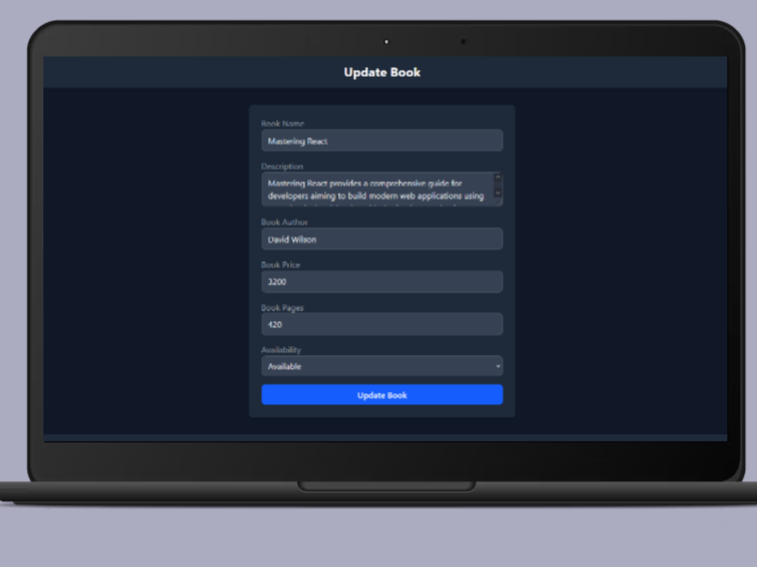
- Inventory Management
- Add, edit, or remove books from the system.
- Secure Admin Authentication
- JWT-based login for admins.
- Session Management: Authenticated access for users and admins.
- Role-Based Access: Separate dashboards and permissions.
- Password Hashing: Secure password storage.
- JWT Authentication: Used for secure API access.
Book Availability Check System is deployed on:
- ✅ Server Provider: DigitalOcean
- 🌐 Data Center Location: BLR1 (Bangalore, India)
- 🧠 Memory (RAM): 2 GB
- 💾 Disk Space: 50 GB SSD
- 🖥️ Operating System: Ubuntu 24.04 LTS (x64)
Book Availability Check System has separate repositories for frontend and backend.
# Frontend
git clone https://github.com/sumudu-k/Book-Availability-Check-System_FrontEnd.git
cd Book-Availability-Check-System_FrontEnd
npm install

# Backend
git clone https://github.com/sumudu-k/Book-Availability-Check-System_BackEnd.git
cd Book-Availability-Check-System_BackEnd
npm installCopy .env.example to .env and update with your credentials:
MONGO_DB_URI="your-mongodb-uri"
SECRET="your-jwt-secret"Copy .env.example to .env and update with your credentials:
VITE_BACKEND_URL="http://localhost:5000"- Ensure you have a MongoDB cluster (Atlas or local).
- The backend will create necessary collections on first run.
# Backend
cd Book-Availability-Check-System_BackEnd
npm start

# Frontend (in separate terminal)
cd Book-Availability-Check-System_FrontEnd
npm run dev- Frontend: http://localhost:5173
- Backend: http://localhost:5000
-
Frontend
- React.js
- Tailwind CSS (Modern responsive design)
- Vite (Development/build tool)
-
Backend
- Node.js
- Express.js (API server)
- MongoDB (Database)
- JWT (Authentication & authorization)
We welcome improvements to Book Availability Check System! To contribute:
- Fork the frontend and backend repositories.
- Create a new branch for your feature or bug fix.
- Submit a pull request with a clear description of your changes.
This project is licensed under the MIT License.
- Frontend: https://github.com/sumudu-k/Book-Availability-Check-System_FrontEnd
- Backend: https://github.com/sumudu-k/Book-Availability-Check-System_BackEnd
Book Availability Check System — Making it easy to find your next read!