An application that estimates the differences in the UI of a web page by comparing the actual page against the updated page. In short, live page vs local page.
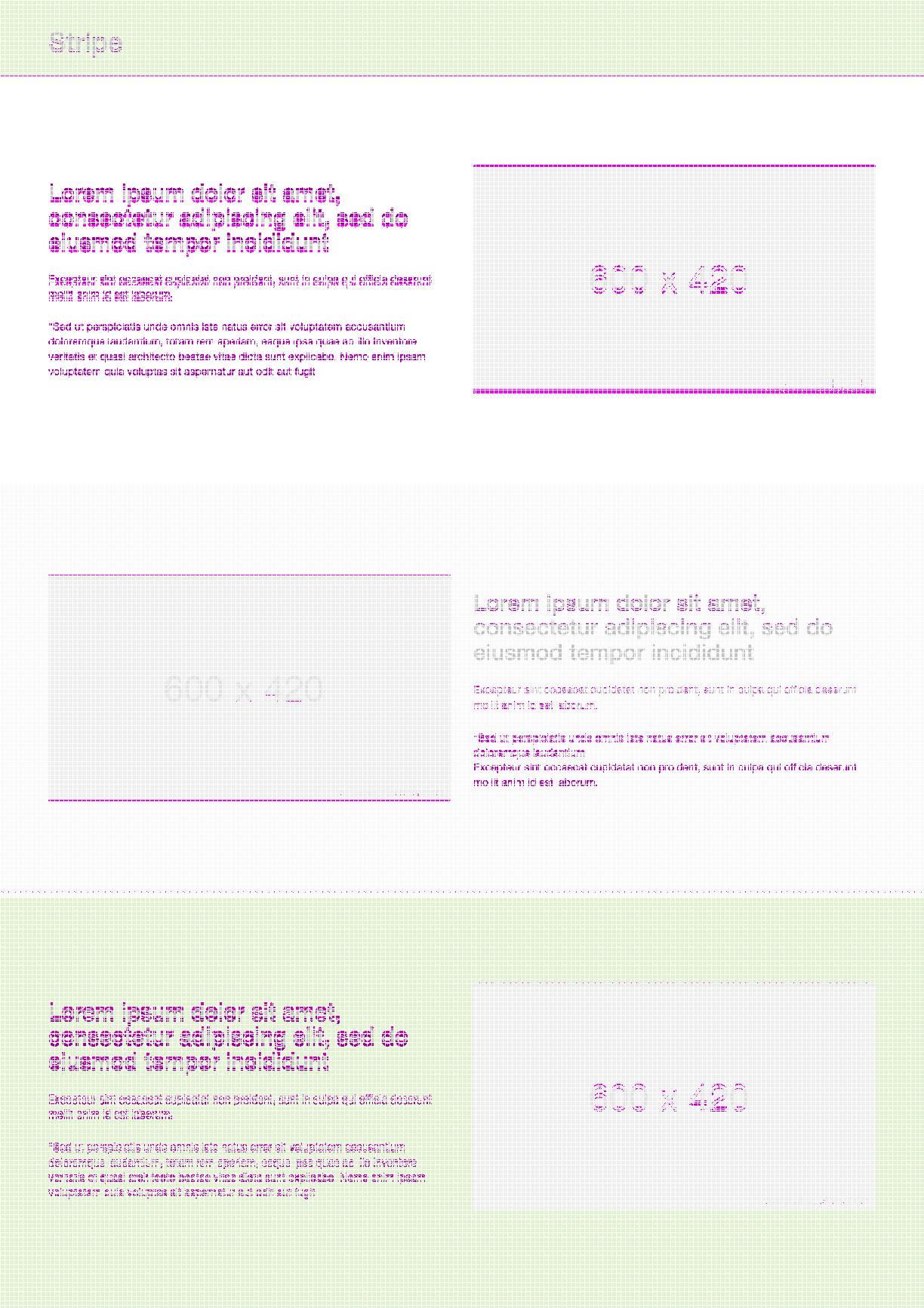
For demo purposes, the sample site in this repo has been used. The ui-visual comparator will compare the live static page and the local version of the same.
- To make use of this comparator for your project, in config.js file, change the live and local properties accordingly. Note, both the live and local urls should be accessible for the puppeteer.
domains: {
  live: 'https://static-site-sample.herokuapp.com/',
  local: 'http://localhost:3000/'
}
The screen resolutions can be changed in the viewports section in config.js,
viewports: {
  mobile: {
    width: 320,
    height: 480
  },
  ipad: {
    width: 768,
    height: 1024
  },
  desktop: {
    width: 1224,
    height: 1200
  },
  largeDesktop: {
    width: 1824,
    height: 1200
  }
}
-
Clone the static sample repo
-
cd <directory-name> -
node app.js- This will serve the static html page in local. The live static page is available in this url -
Clone the ui-visual-comparator(https://github.com/srivallis/ui-visual-comparator.git) repo
-
cd <directory-name> -
node app.js- This script will capture screenshots (in all screen resolutions like mobile, tablet, desktop etc) of both the live page and the local page and compare the screenshots to find any differences in the UI and highlights them.
- Screenshots will be available in the screenshots directory namely Live, Local & Results - live page screenshots, local page screenshots and the compared screenshots of live and local
When there are numerous changes to UI and to test the UI for any major design breaks before pushing them to production, this script can be used to identify any major UI bugs.