

Steganography is the process of hiding a secret message within a larger one in such a way that someone can not know the presence or contents of the hidden message. The purpose of Steganography is to maintain secret communication between two parties. Unlike cryptography, which conceals the contents of a secret message, steganography conceals the very fact that a message is communicated.
For more Details visit - What is steganography? A complete guide to the ancient art of concealing messages
Steganography is of many types as given in the picture
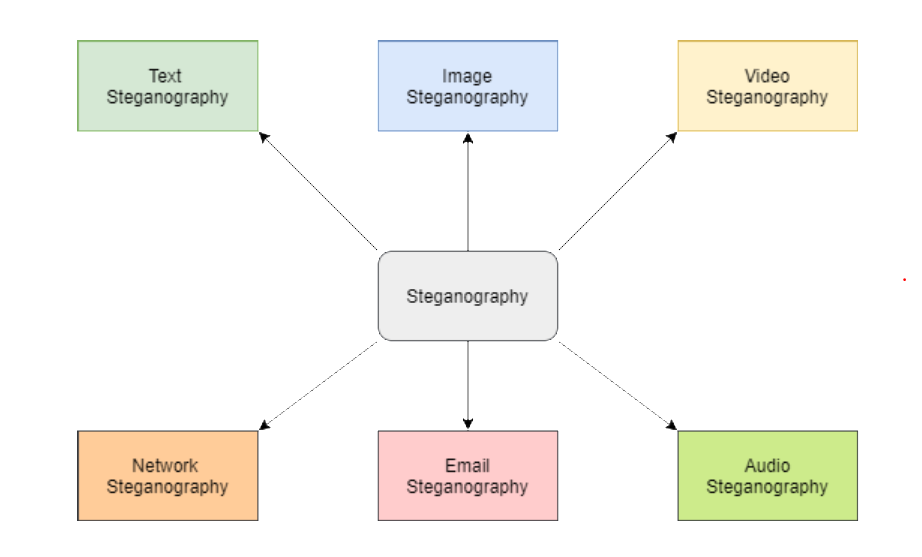
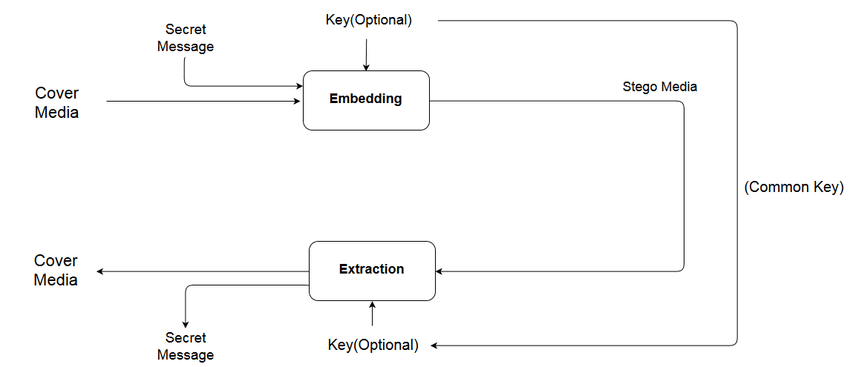
The method/architecture being employed
The code is writtern in as a command line argument format with the appropriate commands as shown in the snippets provided below.
Here we are using the Least Significant Bit Steganography technique of performing the encoding and decoding.

- We first read the image as well as the text file which contains the message to be encoded and send it into a function that does the encoding.
- We then extract the message from the text file and then check if the size of the text to be encoded is less than the size of the image, else an error message is raised
- The delimiter string is added and then the entire message is sent to a funtion that converts the entire message into a binary value.
- We then substitute each bit, after converting the pixel values into their respective binary values, into the Least Significant bit of each pixel until the all the bits of the message are substituted.
- We then return the image and save it with the name of the filename along with an "_encoded.png"
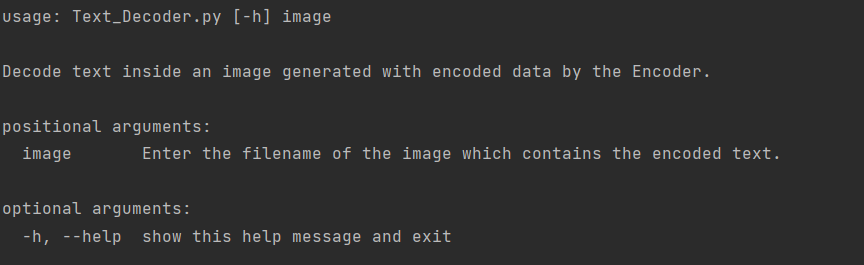
- We read the encoded image and send it into the function that decodes the image.
- The image is then passed into a function that extracts the bits from the LSB of each of the pixels of the image.
- We then group the extracted bits into groups containing 8 bits each, and then pass it into the function that converts the bytes data into characters, which are then grouped to form our actual encoded message.
- We then return the message obtained and then print it into a text file named "Extracted_msg.txt".
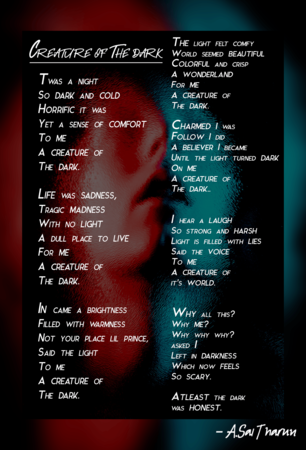
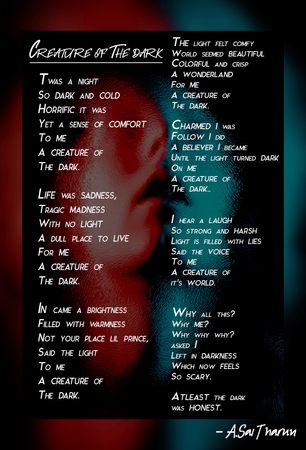
Hey, This is Sai Tharun here and the person who wrote this cool bit of code. This text is the secret message that is to be hidden in the picture.
As you can see there is no difference between the Sample Image and the encoded image, yet the text is encoded into the image.
Seems Magical isn't it!