
AI-powered ATC voice communication plugin for X-Plane 12 VFR flights.
Talk to ATC using your microphone via push-to-talk. The plugin transcribes your speech (OpenAI Whisper), interprets your intent through a rule-based ATC state machine, and plays back realistic ATC responses (OpenAI TTS).
- Push-to-Talk — via X-Plane command binding (keyboard or joystick)
- Speech-to-Text — OpenAI Whisper transcription
- ATC State Machine — VFR phraseology for towered and non-towered airports
- Flight Phase Detection — context-aware guards prevent unrealistic ATC interactions based on aircraft state (parked, taxi, airborne, etc.)
- ATIS Generation — automatic ATIS broadcasts from live sim weather data
- GPT Fallback — GPT-4o-mini handles ambiguous or unrecognized intents
- Text-to-Speech — natural ATC voice responses via OpenAI TTS (separate voices for Tower, Ground, and ATIS)
- Radio discipline coaching — ATC issues a polite reminder when the pilot uses inappropriate language, followed by a firm "last warning" on repeated offenses
- Phraseology Hints — context-aware cheat sheet showing the correct radio call for your current situation, with full ICAO phraseology on hover
- Cross-Country Support — full VFR departure, en-route frequency change, and inbound flow between airports
- Radio Power Awareness — ATC panel disables when COM radio has no electrical power, with optional bypass for exotic aircraft
- ImGui UI — in-sim ATC panel with frequency management, phraseology hints, transcript history, and settings
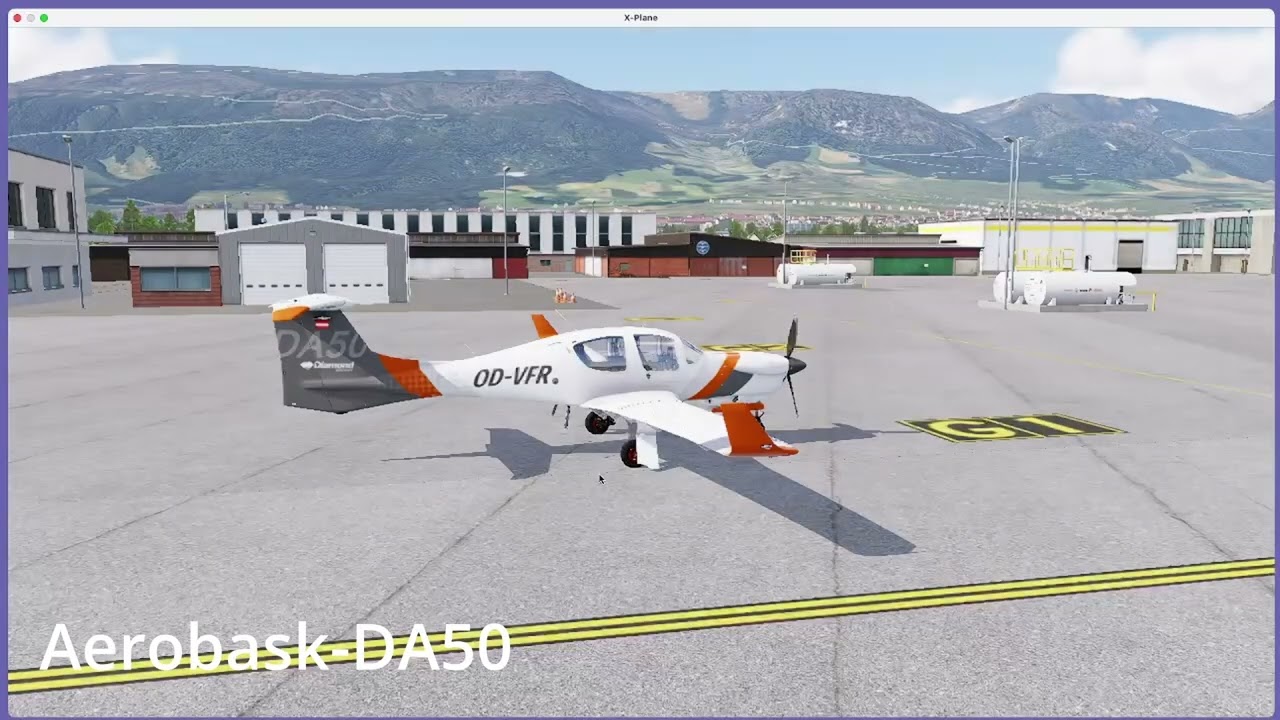
This walkthrough covers initial plugin configuration inside X-Plane — setting your callsign, entering your OpenAI API key, and binding push-to-talk — followed by a first live ATC interaction: tuning the ATIS frequency at Grenchen (LSZG) and receiving the automated weather broadcast.
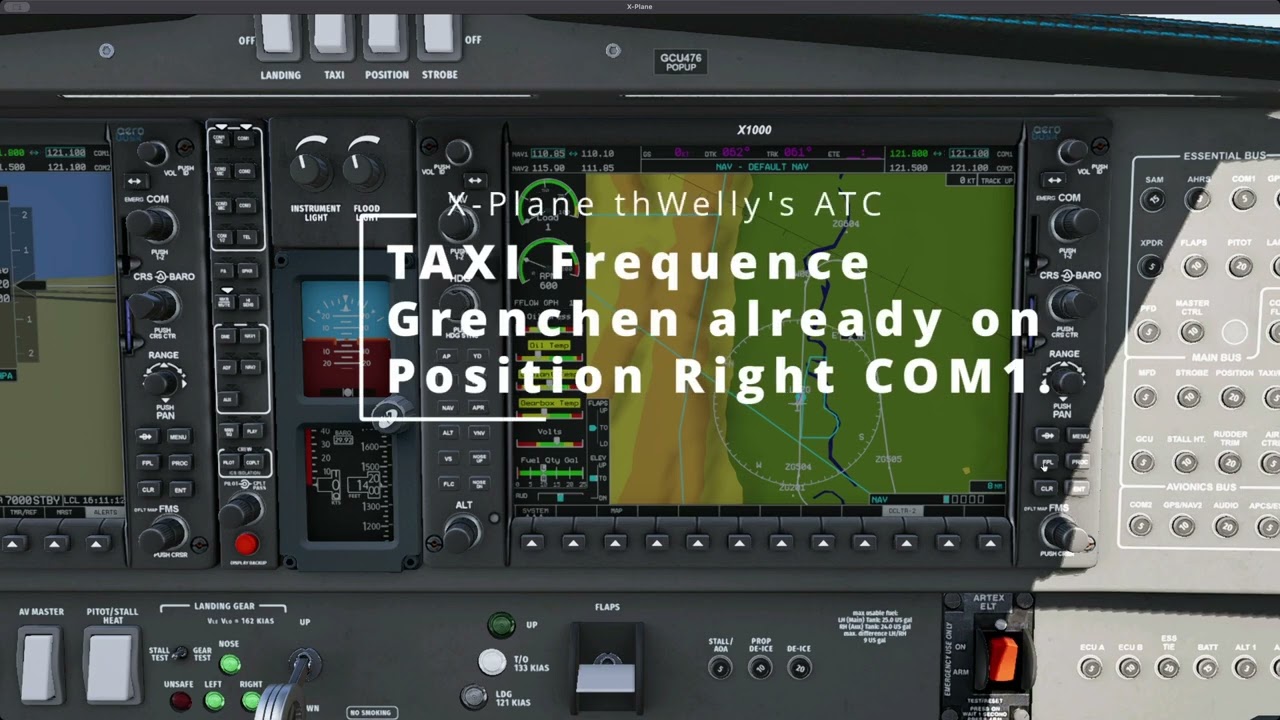
Preparing for a left-hand traffic pattern at Grenchen (LSZG): tuning the ATIS frequency for current weather and runway information, then contacting Ground to request taxi to the active runway.
macOS only. Built for macOS users who lack access to commercial ATC voice solutions on their platform. Windows and Linux are not supported — the plugin relies on macOS-specific frameworks (Core Audio, AudioToolbox, Security/Keychain, AVFoundation).
- macOS 12.0+ (ARM64 / x86_64 universal binary)
- X-Plane 12
- CMake 3.21+
- Homebrew LLVM (
brew install llvm) - OpenAI API key
# 1. Clone and setup dependencies
git clone <repo-url>
cd xp_wellys_atc
make setup      # Downloads X-Plane SDK, Dear ImGui, nlohmann/json

# 2. Build
make build      # CMake Release build → build/xp_wellys_atc.xpl

# 3. Install into X-Plane
make install # Code-sign + deploy to X-Plane plugins directoryThis plugin requires an OpenAI API key for speech recognition (Whisper), intent classification (GPT-4o-mini), and voice synthesis (TTS). You can create an API key at platform.openai.com.
Cost estimate: A single traffic pattern circuit (taxi, takeoff, pattern, landing) uses roughly 8–10 API calls and costs approximately $0.02–0.05 USD. A touch-and-go session with multiple circuits costs proportionally more. These are rough estimates — actual costs depend on transmission length and how often the GPT fallback is triggered.
Security: The API key is stored exclusively in the macOS Keychain. It is never written to disk, never logged, and never visible within the plugin. It is only used for HTTPS requests to the OpenAI API.
On first launch, open the plugin menu in X-Plane and enter your OpenAI API key in the settings tab.
Settings are stored in data/settings.json:
| Setting | Default | Description |
|---|---|---|
tts_voice_tower |
onyx |
OpenAI TTS voice for Tower |
tts_voice_ground |
echo |
OpenAI TTS voice for Ground |
tts_voice_atis |
nova |
OpenAI TTS voice for ATIS |
tts_model |
tts-1 |
OpenAI TTS model |
whisper_model |
whisper-1 |
OpenAI Whisper model |
gpt_model |
gpt-4o-mini |
OpenAI GPT model for fallback |
pilot_callsign |
(empty) | Your callsign (set in plugin settings) |
active_com |
1 |
Active COM radio (1 or 2) |
volume |
1.0 |
Playback volume (0.0–1.0) |
gpt_fallback_enabled |
true |
Use GPT when intent confidence is low |
pattern_direction |
left |
Default traffic pattern direction (left/right) — overridden per airport/runway by airport_vrps.json |
disable_default_atc |
false |
Suppress X-Plane's built-in default ATC |
skip_radio_power_check |
false |
Bypass radio power detection (workaround for exotic aircraft) |
show_phraseology_hints |
true |
Show phraseology cheat sheet in ATC panel |
auto_correction_factor |
1.0 |
ATC recovery time multiplier (0.5 = faster, 2.0 = slower) |
debug_logging |
false |
Enable verbose debug output |
ATC response templates are defined in data/regions/{eu,us}/atc_templates.json (towered and uncontrolled airports, one file per region). Flight phase detection thresholds, ATC precondition guards, frequency guards, and auto-correction rules are configured in data/regions/{eu,us}/flight_rules.json. Switching the Region setting hot-reloads both files. All data files can be edited without rebuilding the plugin.
Per-airport configuration for Visual Reporting Points (VRPs) and traffic pattern directions. The plugin ships with pre-configured data for common Swiss and German VFR airports.
VRPs are used to recognize VRP names in pilot transmissions and issue realistic arrival instructions (e.g., "cleared to enter control zone via November").
Pattern direction can be configured globally in settings.json (pattern_direction) or per airport/runway in airport_vrps.json. The airport-specific value takes precedence over the global setting. This supports airports where the pattern direction differs by runway (e.g., Grenchen LSZG: right traffic for runway 07, left traffic for runway 25).
{
  "LSZG": {
    "name": "Grenchen",
    "pattern_direction": {
      "07": "right",
      "25": "left"
    },
    "vrps": [
      { "name": "Tango", "lat": 47.175, "lon": 7.410, "alt_ft": 3000 }
    ],
    "arrival_routes": {
      "07": ["Golf", "Tango"],
      "25": ["Mike", "Tango"]
    }
  }
}
pattern_direction can be a simple string ("left") to apply to all runways, or an object with per-runway entries. Lookup order: exact runway match → base runway (strip L/R/C suffix) → airport default → global settings.json fallback.
Defines the ATC response text for every combination of airport type, ATC state, and pilot intent. The file is split into two top-level sections:
towered— full ATC flow (Ground → Tower → Pattern → Landing)uncontrolled— CTAF/UNICOM self-announce (no clearances, acknowledgement only)
Each entry contains:
| Field | Description |
|---|---|
response |
Template text with {variable} placeholders (e.g., {callsign}, {runway}, {wind}) |
next_state |
ATC state machine transition after this response |
requires_readback |
Whether the pilot must read back the clearance |
The special key _INVALID is the fallback response when no matching intent exists for the current state (e.g., "say again your request"). Variables are substituted at runtime from XPlaneContext data. The file can be edited without rebuilding the plugin.
Controls flight phase detection, ATC state guards, and automatic state corrections. Contains six sections:
| Section | Purpose |
|---|---|
phase_thresholds |
Sensor values for FlightPhase transitions (e.g., taxi above 5 kt GS, pattern below 3000 ft AGL) |
hysteresis |
Time delays (seconds) to prevent phase jitter during transitions |
intent_preconditions |
Guards that block invalid intents based on current flight phase — e.g., a taxi request while airborne returns a rejection message |
auto_corrections |
Fixes state/phase mismatches after a configurable delay — e.g., pilot is airborne but state is still DEPARTURE_CLEARED → auto-transition to PATTERN_ENTRY after 5 seconds |
intent_frequency |
Frequency guard enforced by the ATC state machine. Each intent has { "allowed": [...], "rejection": "..." }; valid frequency types are GROUND, TOWER, APPROACH, UNICOM, CTAF. allowed: [] rejects the intent on every frequency — used e.g. for REQUEST_FLIGHT_FOLLOWING in the EU region, where flight following is not offered |
pilot_phraseology |
Example phrases per intent, used for UI display |
Contains the prompts sent to OpenAI APIs:
| Key | Purpose |
|---|---|
whisper_prompt |
Static context hint sent to the Whisper API to bias transcription toward aviation vocabulary and NATO phonetic alphabet |
gpt_classify_prompt |
System prompt for GPT-4o-mini intent classification, used when the local keyword parser returns low confidence (< 0.7) or UNKNOWN. Variables: {state}, {valid_intents}, {transcript}, {frequency_type}, {on_ground}, {altitude_ft}, {groundspeed_kts}, {airport} |
gpt_fallback_prompt |
Emergency fallback system prompt that generates a full ATC response via GPT when both the local parser and intent classification fail. Variables: {airport}, {callsign}, {on_ground} |
All prompt templates can be customized without rebuilding the plugin.
Push-to-Talk is configured via X-Plane's keyboard or joystick settings. The plugin registers the command xp_wellys_atc/ptt which can be bound to any key or joystick button in X-Plane.
- Tune COM1/COM2 to the appropriate frequency in X-Plane (or click a frequency in the ATC panel to set it as standby, then flip-flop)
- Hold the PTT key and speak your radio call — the Phraseology Hints panel shows you what to say (hover for full ICAO phraseology)
- Release PTT — the plugin transcribes, processes, and plays back the ATC response
- Check the ImGui overlay for transcript history and current ATC state
- If you get stuck in a loop, click the Disregard button to reset and start over
make format     # Run clang-format on all source files
make lint       # Run clang-tidy
make clean # Remove build artifacts| Limitation | Impact | Effort |
|---|---|---|
| "via Alpha" hardcoded — taxiway name is always "Alpha" regardless of airport | Unrealistic at airports with different taxiway layouts | High — would need taxiway data from apt.dat or WED |
| EU/ICAO and US/Canada only — two phraseology sets (EU and US) ship out of the box; other regional variants (UK CAA-specific wording, Australian AIP, etc.) fall back to ICAO defaults | Non-EU/US wording is not modelled | Medium — would require additional region template sets |
| No traffic — always "number one", no sequencing | Unrealistic at busy airports | Very high — would require traffic awareness |
| No callsign validation — ATC accepts any callsign without checking against configured one | In real ATC, unknown callsigns get "station calling, say again" | Low — but low priority for single-player |
- Improved ATIS with real-world NOTAMs and airport-specific information
- Additional airports with VRPs and pattern directions
- IFR Support — IFR introduces significantly more complexity (clearances, holds, approach procedures, etc.) and will be tackled in a later phase. Stay tuned!
The GitHub Actions pipeline (.github/workflows/build.yml) runs in two situations only:
- Pull Request against
main— validates the change (build + scenario tests) before it can be merged - Push of a version tag
v*— builds the release artifact and publishes a GitHub Release with the packaged ZIP
Direct pushes to main no longer trigger a build. All code changes must go through a Pull Request.
To keep main stable and guarantee that every commit on main has passed CI, the branch is protected by the following rules:
- Pull Request required — no direct pushes to
main - Required status check:
build-macos— the PR can only be merged if the CI build and all scenario tests (make test) pass successfully - Branch must be up to date — the PR branch must include the latest
mainbefore merging, so the passing build reflects the actual merge result
This project is licensed under the GNU General Public License v3.0.