" LINK PARA O WEBCHAT " https://chat-webapp-4344a.web.app
WEBCHAT
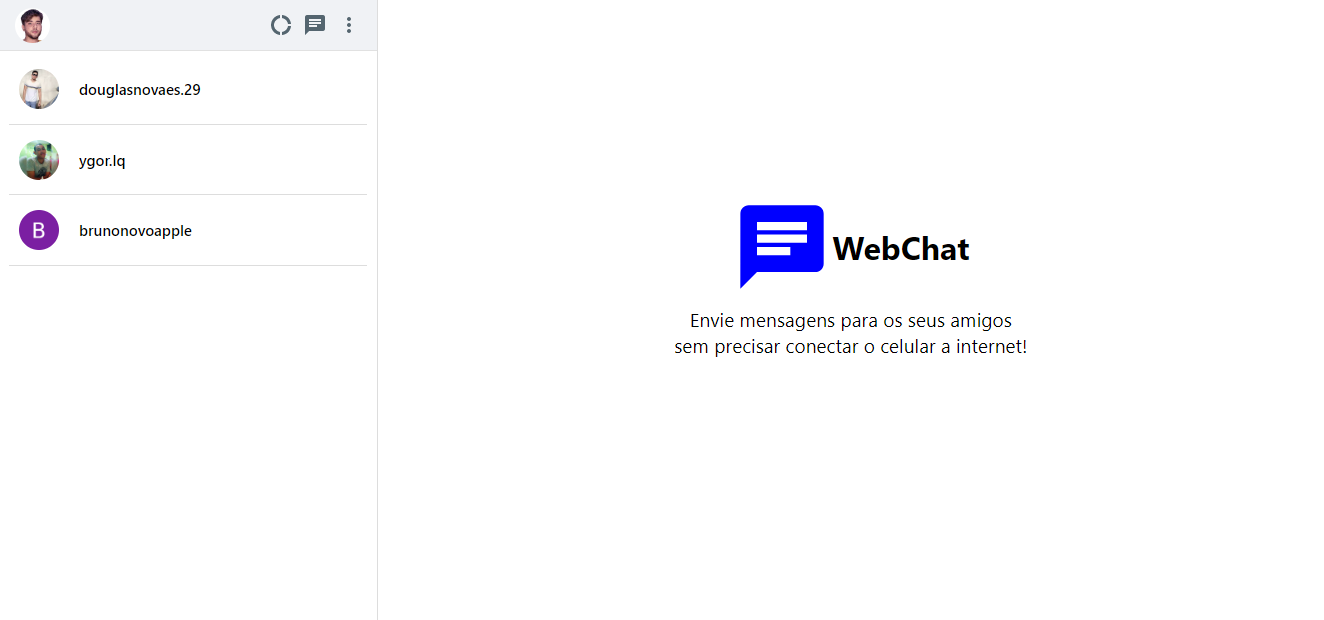
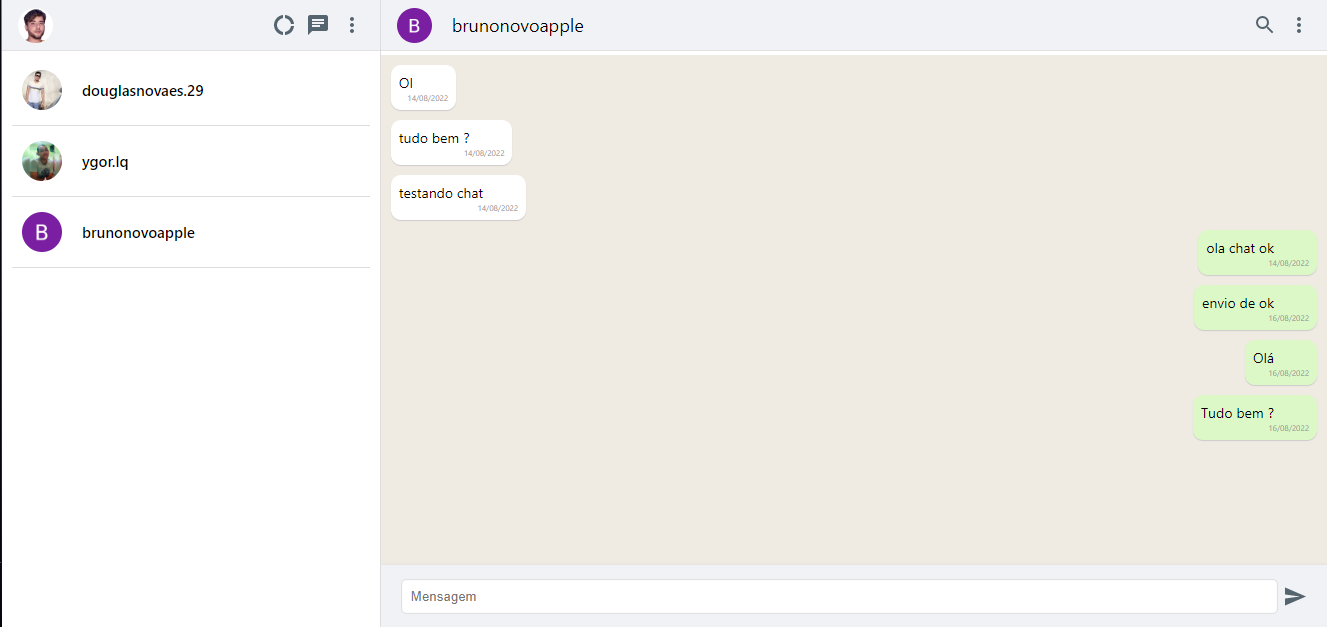
Versão pt-br.
Este projeto foi inicializado com Create React App.
No diretório do projeto, você pode executar:
Executa o aplicativo no modo de desenvolvimento.
Abra http://localhost:3000 para visualizá-lo em seu navegador.
A página será recarregada quando você fizer alterações.
Você também pode ver erros de lint no console.
Inicia o executor de teste no modo de exibição interativa.
Veja a seção sobre [executar testes](https://facebook.github.io/create-
react-app/docs/running-tests) para obter mais informações.
Compila o aplicativo para produção na pasta build.
Ele agrupa corretamente o React no modo de produção e otimiza a compilação para o melhor desempenho.
A compilação é reduzida e os nomes dos arquivos incluem os hashes.
Seu aplicativo está pronto para ser implantado!
Consulte a seção sobre implantação para obter mais informações.
Nota: esta é uma operação unidirecional. Depois de 'ejetar', você não pode voltar!
Se você não estiver satisfeito com a ferramenta de construção e as opções de configuração, você pode ejetar a qualquer momento.
Este comando removerá a dependência de compilação única do seu projeto.
Em vez disso, ele copiará todos os arquivos de configuração e as dependências transitivas (webpack, Babel, ESLint, etc) diretamente em seu projeto para que você tenha controle total sobre eles. Todos os comandos, exceto eject, ainda funcionarão,
mas eles apontarão para os scripts copiados para que você possa ajustá-los. Neste ponto você está por conta própria.
Você não precisa usar eject. O conjunto de recursos com curadoria é adequado para implantações pequenas e médias, e você não deve se sentir obrigado a usar esse recurso.
No entanto, entendemos que essa ferramenta não seria útil se você não pudesse personalizá-la quando estiver pronto para isso.
Você pode aprender mais na documentação Criar aplicativo React.
Para aprender o React, confira a documentação do React .
Versao inglês / English version.
This project was bootstrapped with Create React App.
In the project directory, you can run:
Runs the app in the development mode.
Open http://localhost:3000 to view it in your browser.
The page will reload when you make changes.
You may also see any lint errors in the console.
Launches the test runner in the interactive watch mode.
See the section about running tests for more information.
Builds the app for production to the build folder.
It correctly bundles React in production mode and optimizes the build for the best performance.
The build is minified and the filenames include the hashes.
Your app is ready to be deployed!
See the section about deployment for more information.
Note: this is a one-way operation. Once you eject, you can't go back!
If you aren't satisfied with the build tool and configuration choices, you can eject at any time. This command will remove the single build dependency from your project.
Instead, it will copy all the configuration files and the transitive dependencies (webpack, Babel, ESLint, etc) right into your project so you have full control over them. All of the commands except eject will still work, but they will point to the copied scripts so you can tweak them. At this point you're on your own.
You don't have to ever use eject. The curated feature set is suitable for small and middle deployments, and you shouldn't feel obligated to use this feature. However we understand that this tool wouldn't be useful if you couldn't customize it when you are ready for it.
You can learn more in the Create React App documentation.
To learn React, check out the React documentation.
This section has moved here: https://facebook.github.io/create-react-app/docs/code-splitting
This section has moved here: https://facebook.github.io/create-react-app/docs/analyzing-the-bundle-size
This section has moved here: https://facebook.github.io/create-react-app/docs/making-a-progressive-web-app
This section has moved here: https://facebook.github.io/create-react-app/docs/advanced-configuration
This section has moved here: https://facebook.github.io/create-react-app/docs/deployment
This section has moved here: https://facebook.github.io/create-react-app/docs/troubleshooting#npm-run-build-fails-to-minify