



The fastest way to browse SAP Notes and Knowledge Base Articles.
Welcome to my vibe coding project with purpose! This is a Chrome Extension that makes "life with SAP" just a tiny bit better. Over the course of your career, No Nonsense Notes will save you many seconds that you should spend offline with friends and family.
Enjoy,
Marc
NO WARRANTIES, MIT License

- Show any SAP Note or KBA in 2 seconds, max^
- Responsive design optimized for mobile
- Caching of SAP Note content to make it even faster
- Offline mode (if cached beforehand)
- Smart language switcher keeps setting also when navigating to other SAP Notes
- Autolink other SAP Notes to NNN including old Support Portal and Launchpad links
- Change plain text URLs to clickable links
- No paging of long list so you won't have to click "More..." again and again
- Convert "Release Date" to ISO format and add "time ago" with highlighting of recently released SAP Notes
- Sort list of referenced SAP Notes by number
- Highlight of CVSS Score and autolink of CVSS Vectors to https://first.org
- Alert icon for HotNews and critical SAP Security Notes
- Display attachment counter
- Scroll-to-top button
^ There are exceptions like SAP Notes that have an extreme number of references (for example, SAP Note 2144559 which has over 8400 references).
- Go to the browser address bar (Ctrl+L) and type note followed by TAB.
- Type the SAP Note number you want to view followed by ENTER.
- Don't blink or you might miss loading the SAP Note.
- Enjoy reading the SAP Note or navigating to other SAP Notes.
You can test the extension using SAP Note 42424242 - How to Configure Your Coffee Machine for Maximum Productivity in SAP Environments. No access to me.sap.com required.
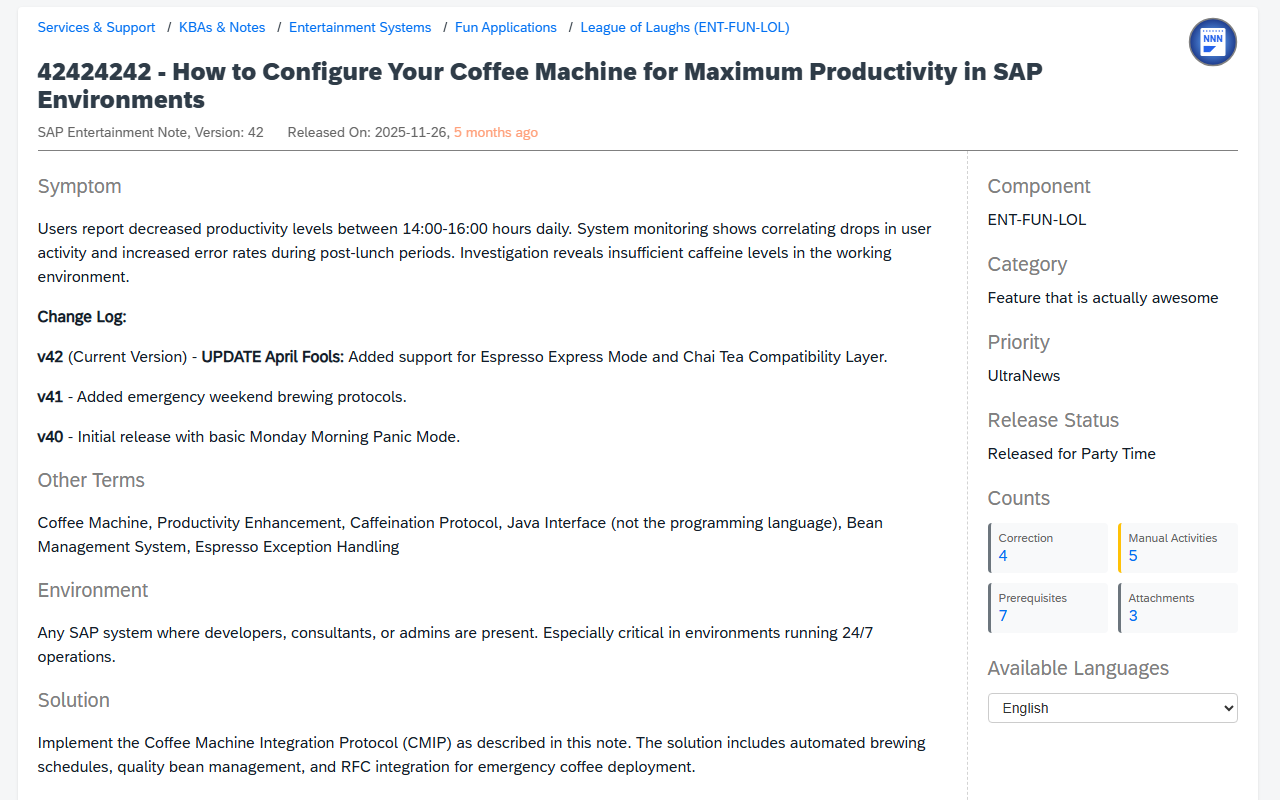
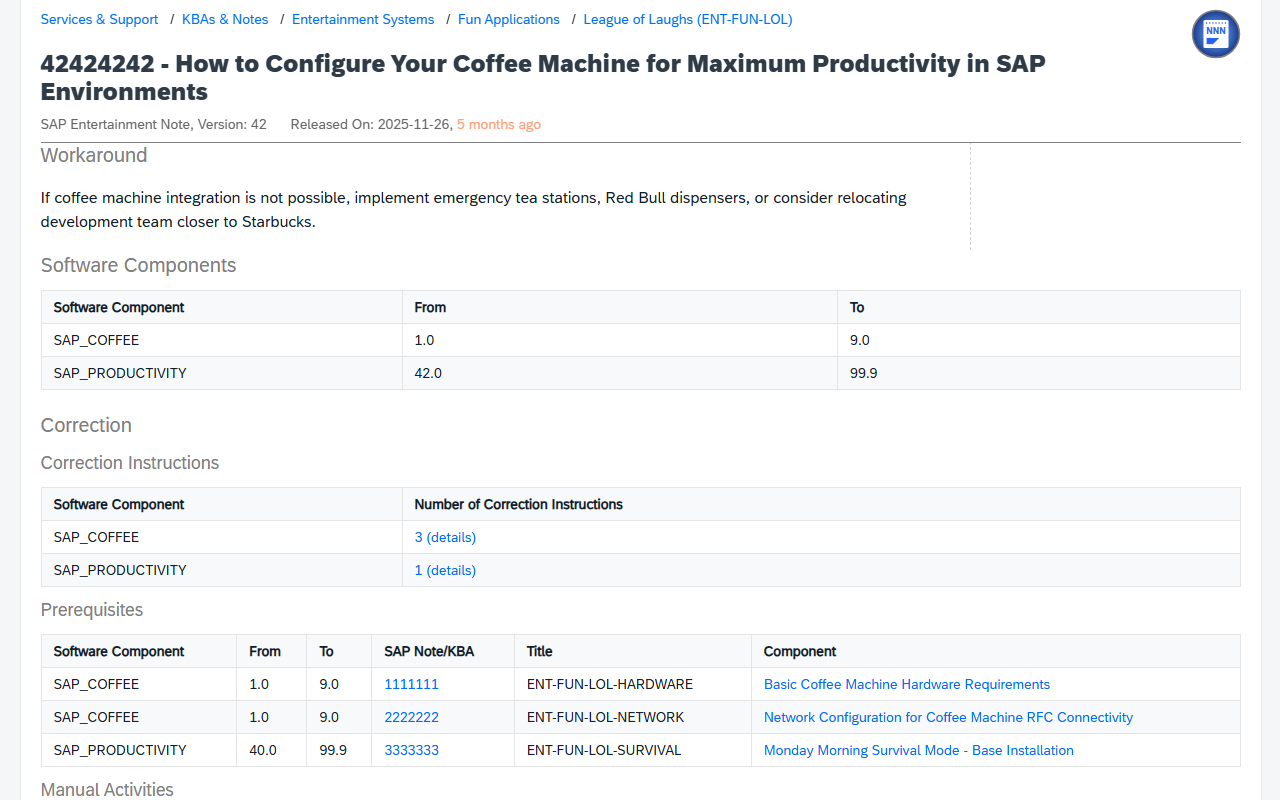
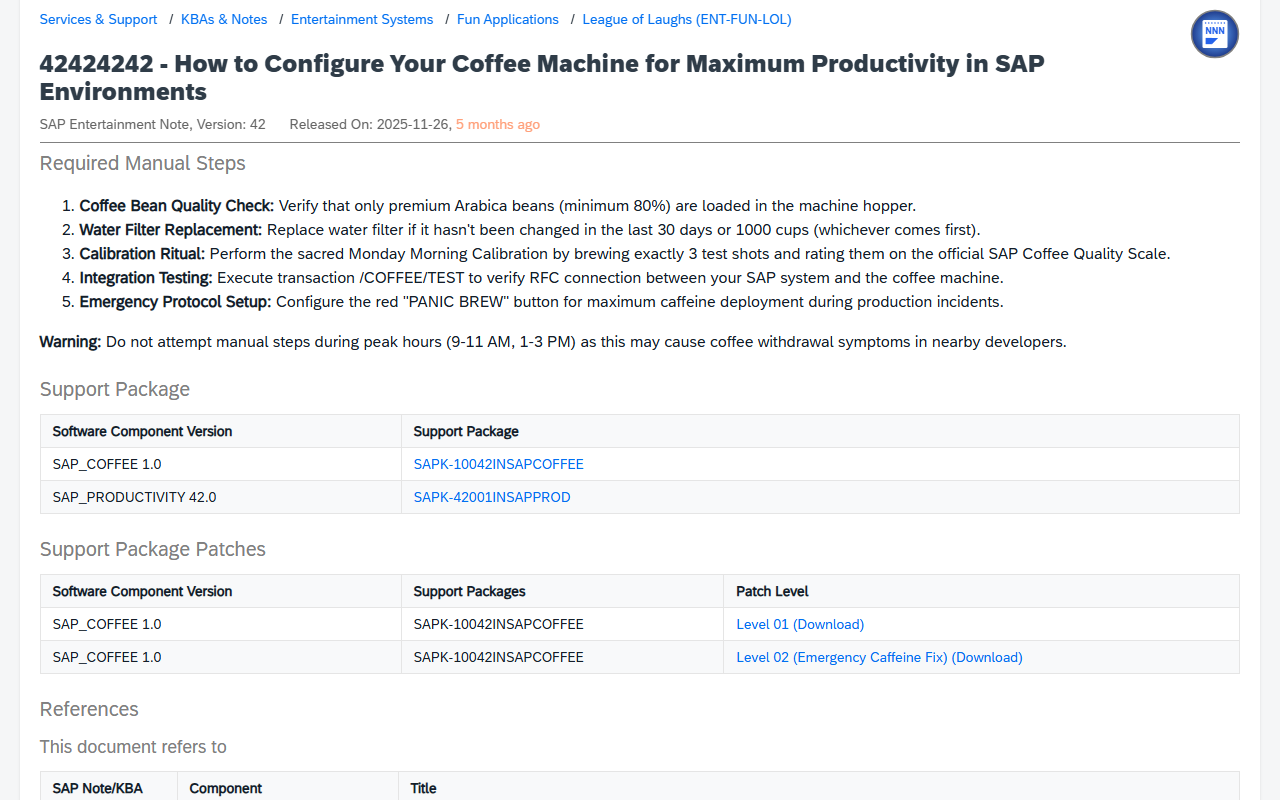
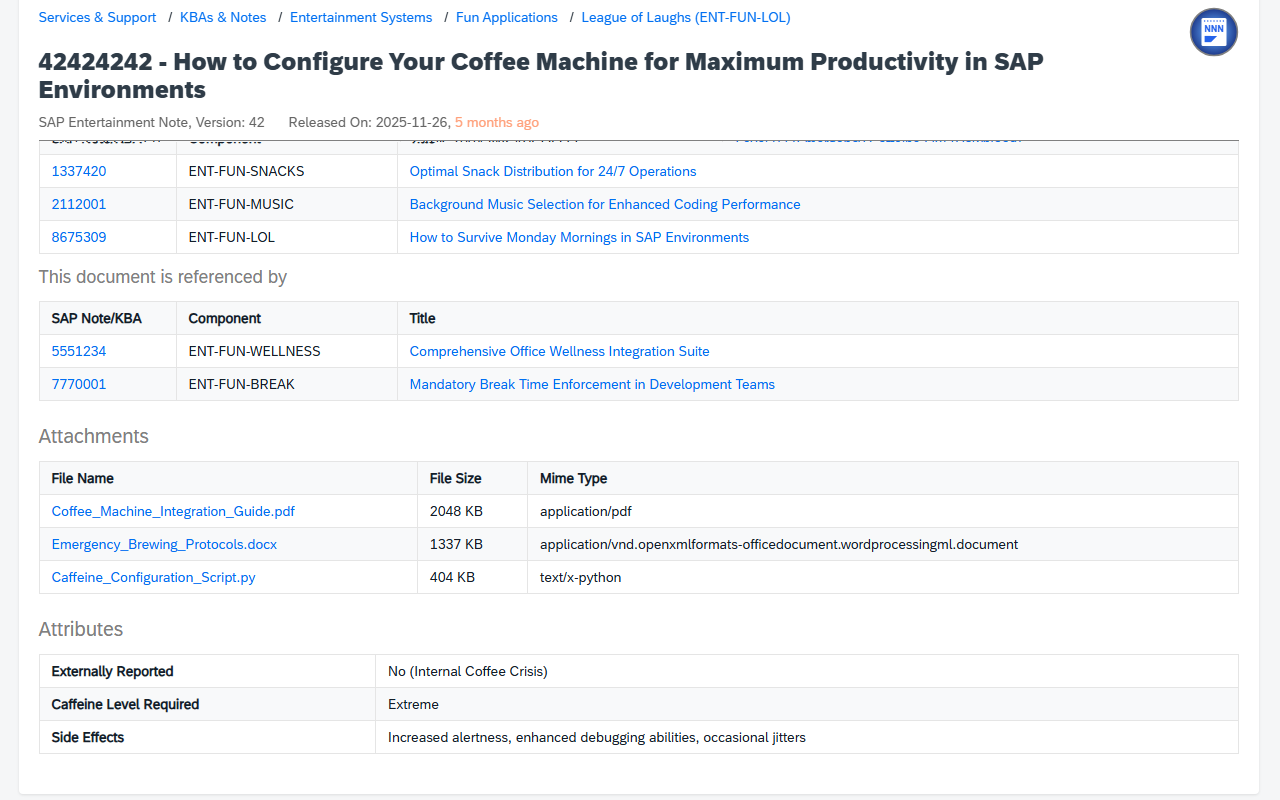
The extension requires a valid session cookie for me.sap.com. If you get an authentication error, simply log on to https://me.sap.com/home, once. Then you can use the extension, freely.
Made with ❤ in Canada
Copyright 2025 Marc Bernard