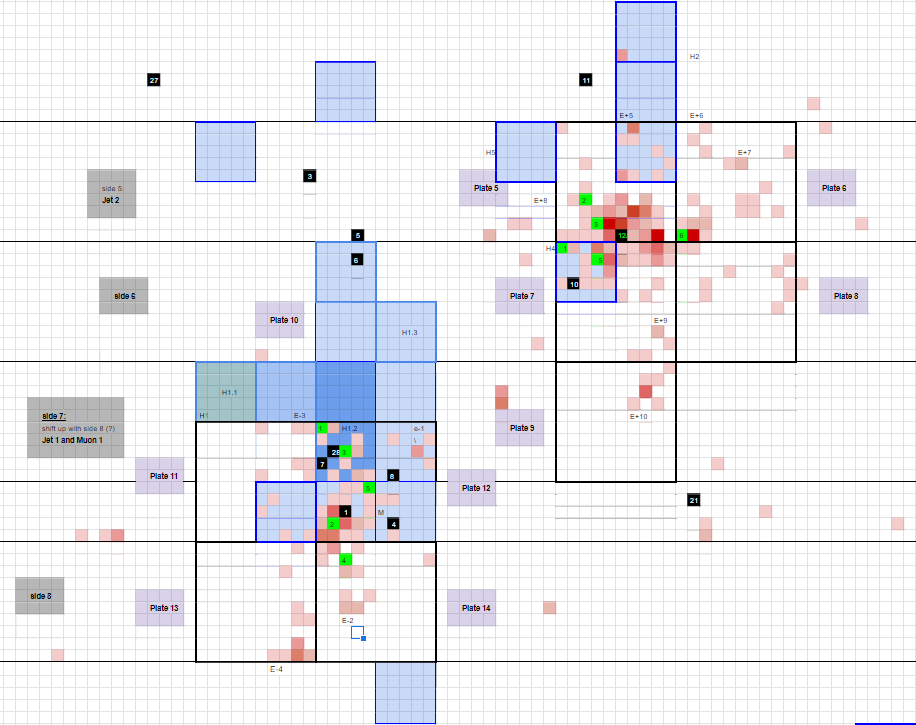
Use this document as a guide through this spreadsheet.
- HitstoLego.py:
- Also Located in ~jwesterl/nobackup/LegoPflow/CMSSW_10_2_22/src/HitstoLego.py
- For ECAL hits:
- From Untime.cc
- Printout ECAL hits in order iEta,iPhi,hitE and save into text file ehits.txt in the same directory as HitstoLego.py
- Change boolean flag isECAL to True
- For HCAL hits:
- From Untime.cc
- Printout HCAL hits in same order and save into hhits.txt
- Change boolean flag isECAL to False
- $ python HitstoLego.py
- Outputs 2d array of your input file (for sanity checks)
- Outputs # of hits
- Outputs # of blue/red lego's you will need (accounts for HCAL hits being 5x5)
- Outputs ECAL.csv or HCAL.csv
- Open ECAL.csv or HCAL.csv in a spreadsheet
- Apply conditional formatting based on # of legos
- Which you can set for yourself in the colorgradiant() function