Hello Everyone ,
WELCOME in our Brand CapturePoint

This is the website which we created with react , bootstrap, node.js , express , mongodb,Oauth
Deployed Link- https://capturepoint-hp.netlify.app/index.html
This is ecommerce brand specially for women where you can find products related to "digital", "electronic",
and many more
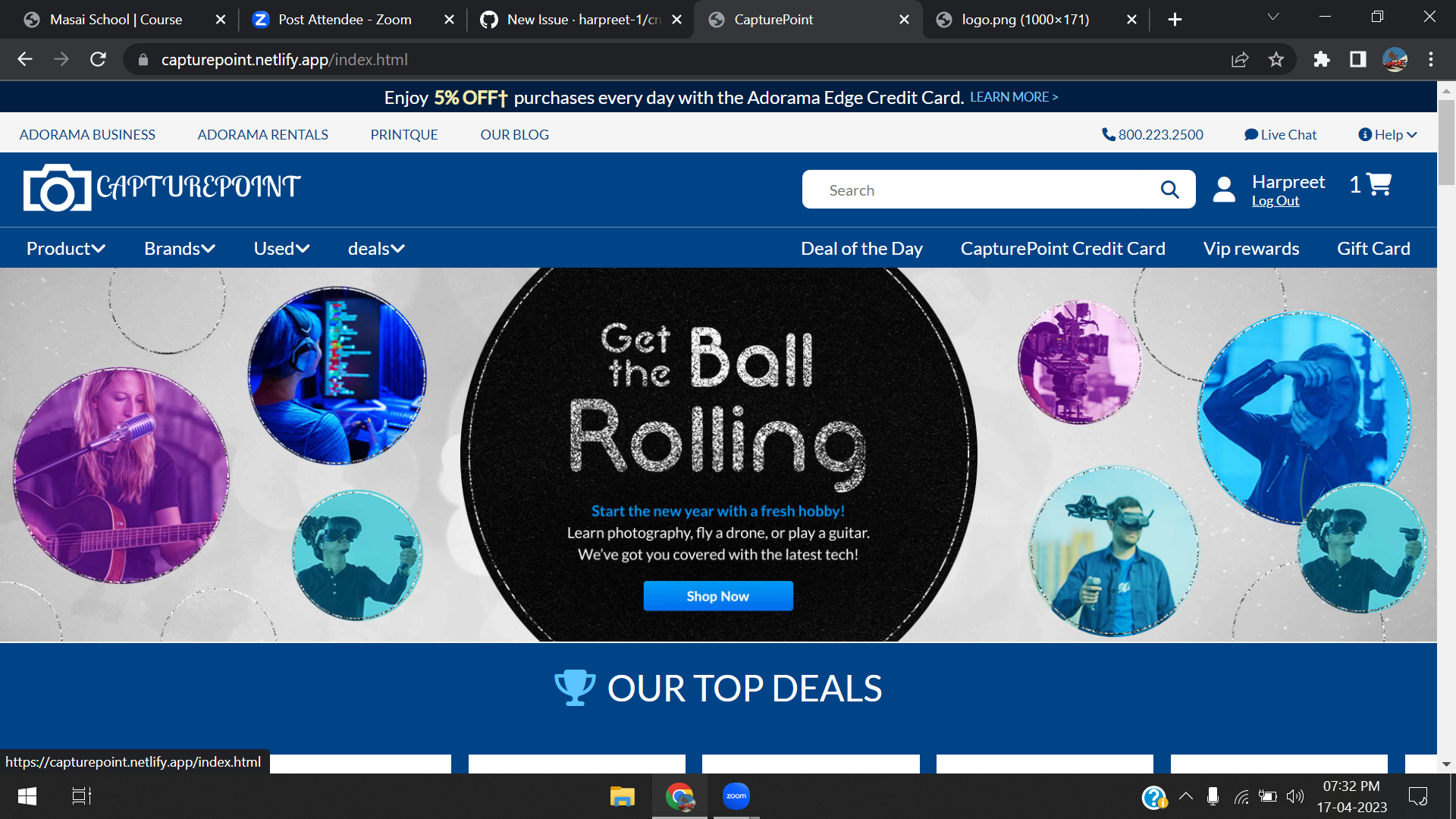
This is the first glance of our website where you see the landing page. Here you can see the NAVIGATION BAR on the top which will help you to acces all pages of website. NAVIGATION BAR contain SEARCH BAR option where you can search all the item whatever you want to buy.
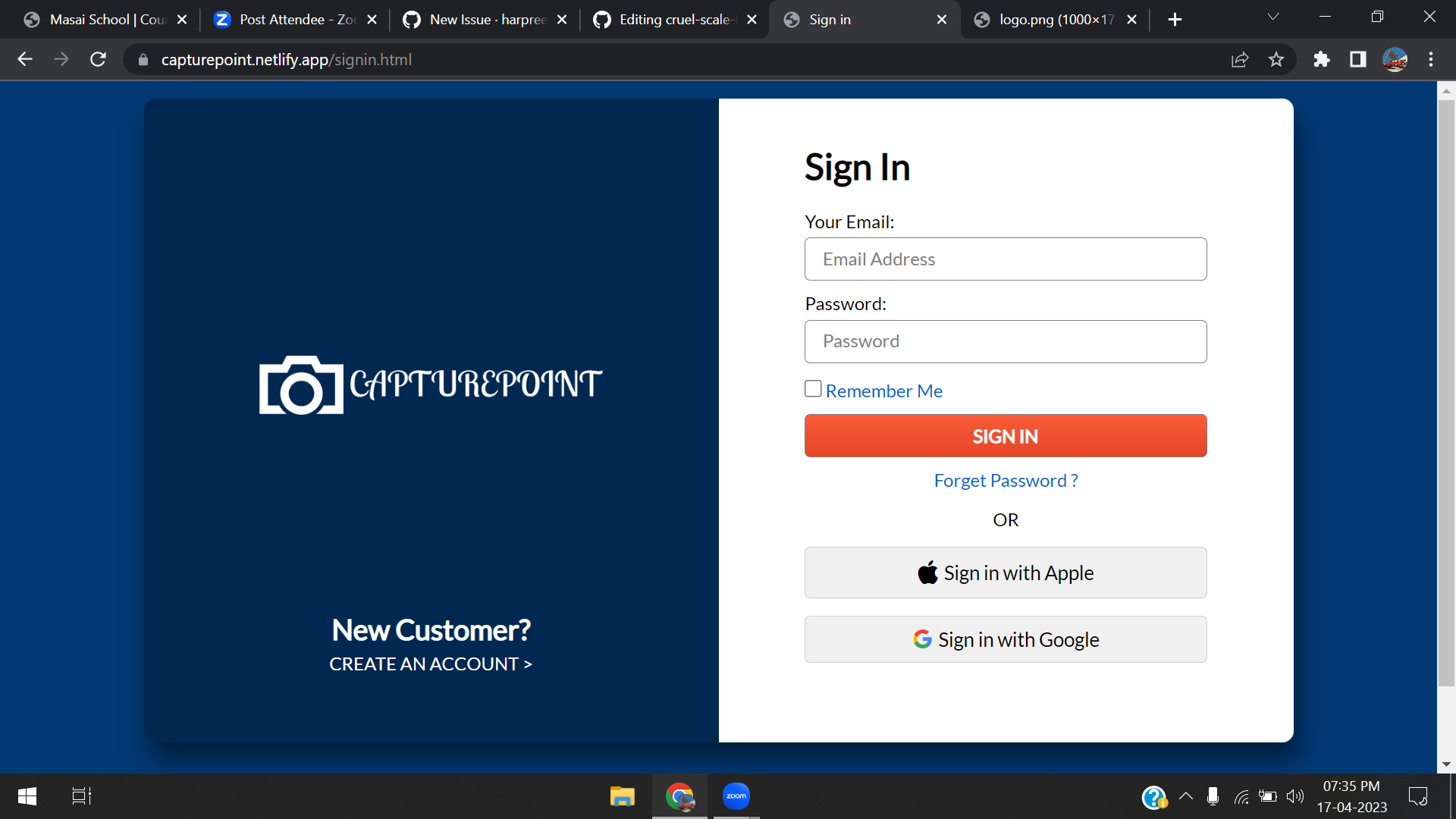
After moving to LOGIN & SIGNUP page you can see a beautiful and amazing animation of slide .
If you are register already you can directly signin whith your ID and PASSWORD.
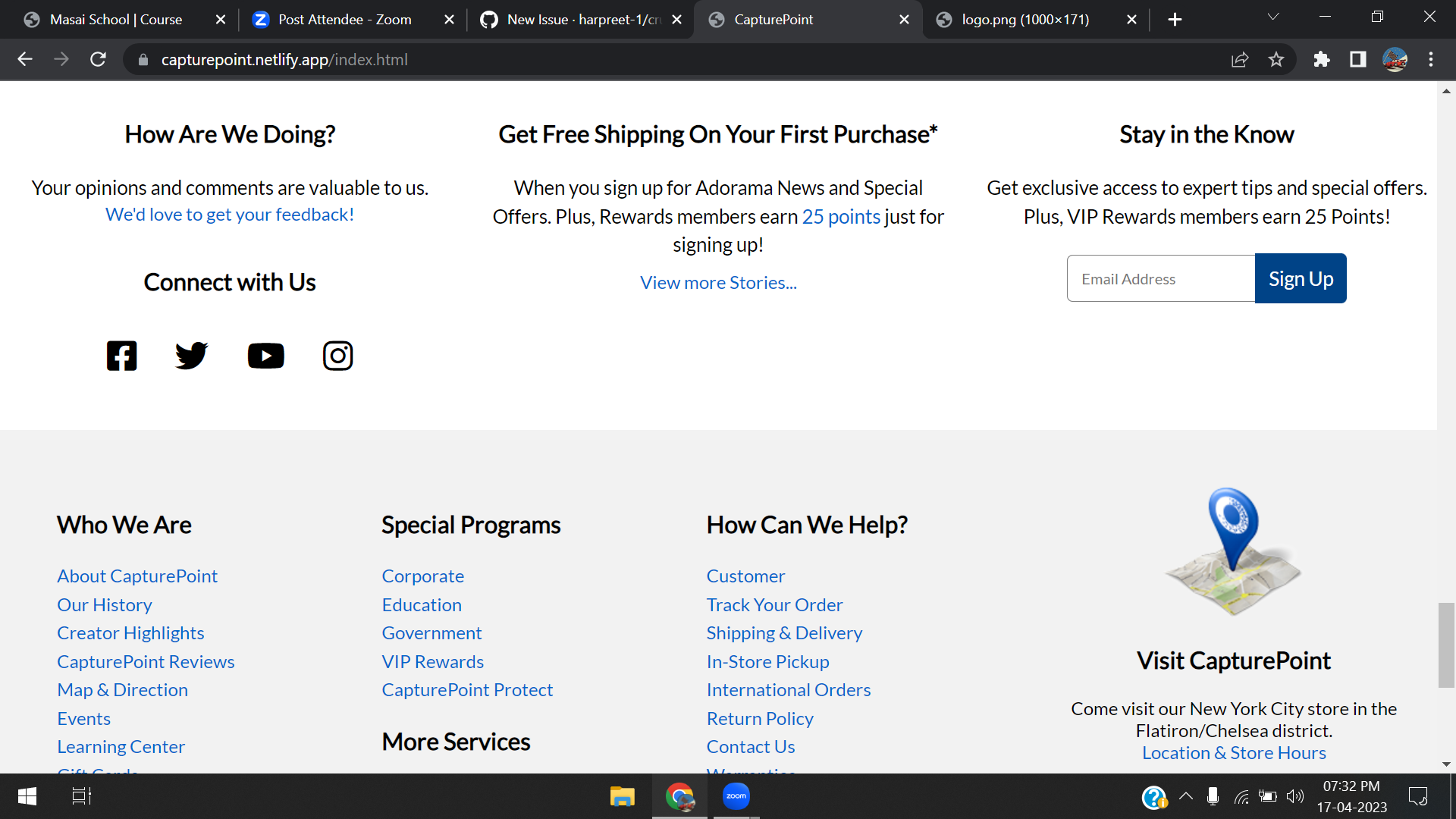
AND lastly on landing page a little a beautiful footer where all the details about BRAND.
ON top if you click any category or you search anything you will redirect to products page.

IF you want to know about product more particularly press on that product you redirect to the product detail page.

After click on the ADD TO CART button the product will added to your CART page.
And click on cART BUTTOON ON TOP OF nAV baR YOU WILL redirect to cart page.

After click on Proceed to pay the page redirect you to address filling page you have to fill your address and place your order.
and the cart will gone empty soon.

ADMIN SIDE.
IF Admin want to access the admin side login with these credentials email --> c@gmail.com password --> 1234
And after enter right E-mail and Password Admin can access the admin data. And redirect to Login Admin Page.
You can see the dashboard of ADMIN side.

After click on products on Side bar you see all the products in our stock with their deatils.

You can edit , ADD and Delete items from here from API.


order deatils--> by click on orders on Side bar you see all the orders with their deatils. . and you can edit there status from here like shipped or delivered!
That's all about my project ,thanks for visiting