This Theme based on dracula-official 🙏
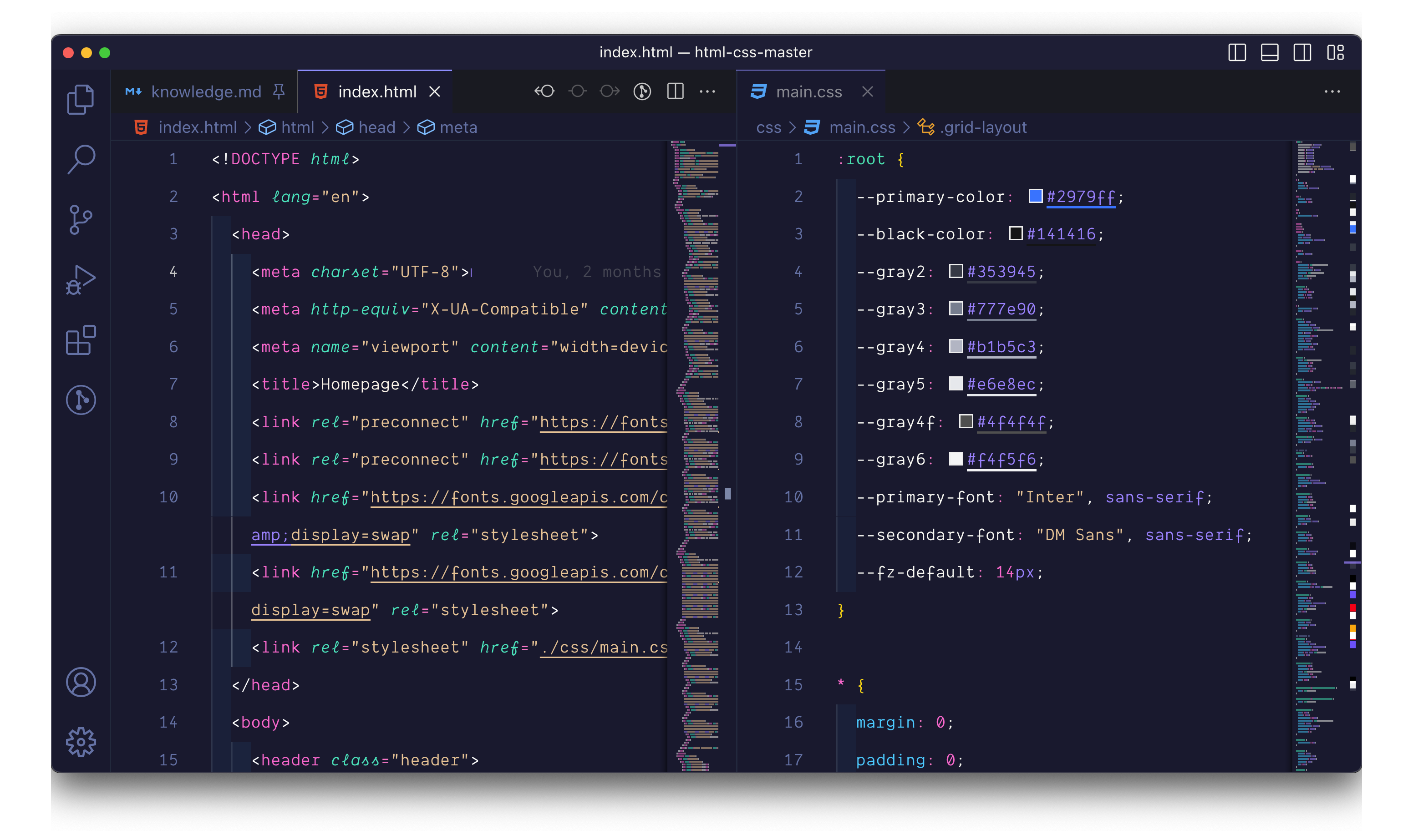
- Open Extensions sidebar panel in VS Code. View → Extensions
- Search for Evondev Dracula
- Click Install to install it.
- Click Reload to reload the editor.
- File > Preferences > Color Theme > Dracula High Contrast
- Evondev Dracula High Contrast New Color ✨
- Evondev Dracula Night Contrast New color ✨
- Evondev Dracula High Contrast ⭐️
- Evondev Dracula Night Contrast 🦉
- Evondev Dracula New Contrast ❤️
- Evondev Dracula Normal Contrast 🤩


