
Track your coding sessions effortlessly and push your work seamlessly.



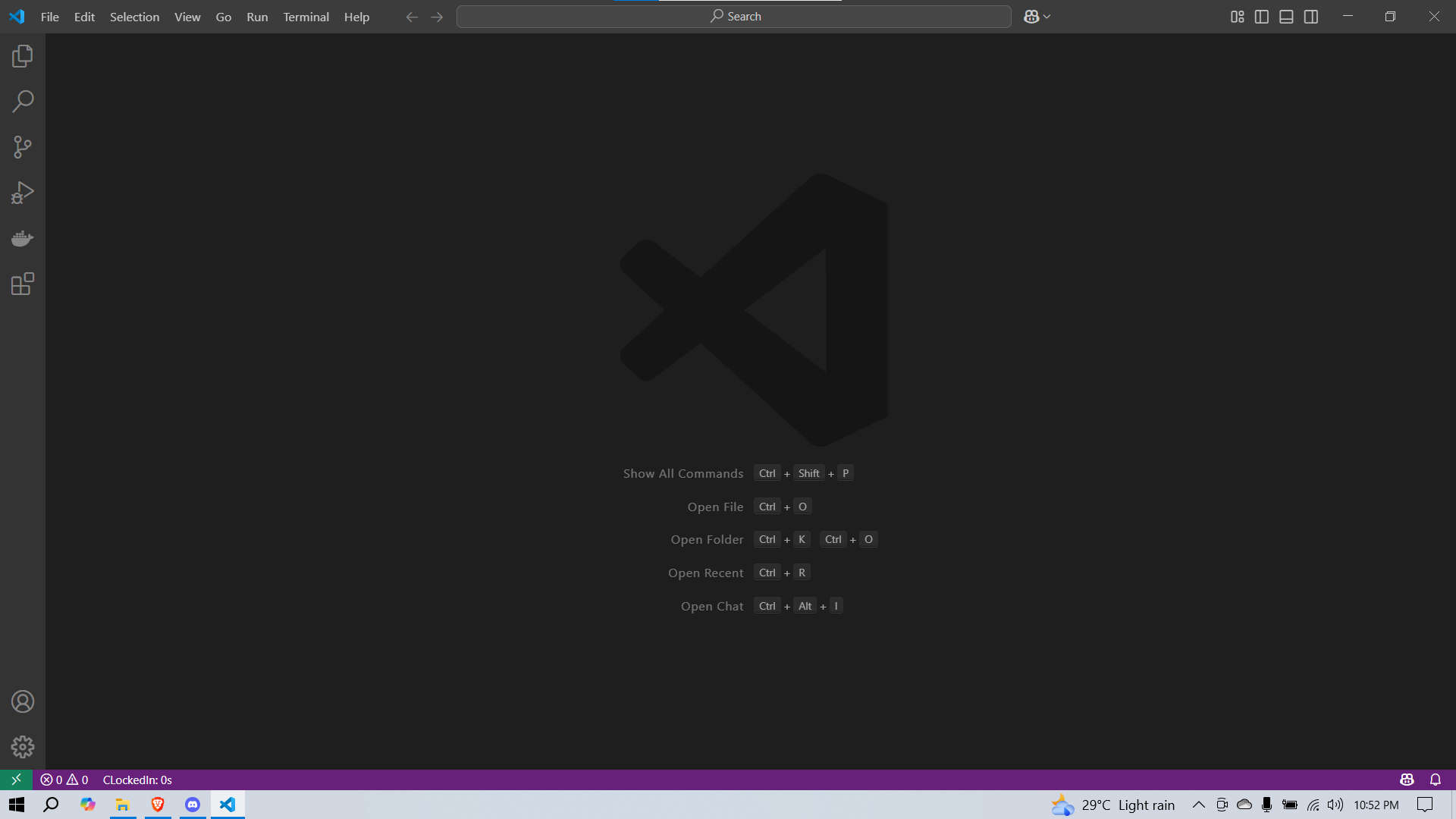
- Automatic Time Tracking: Starts when you open your first file and stops when all editors are closed.
- Smart Formatting: Displays elapsed time in
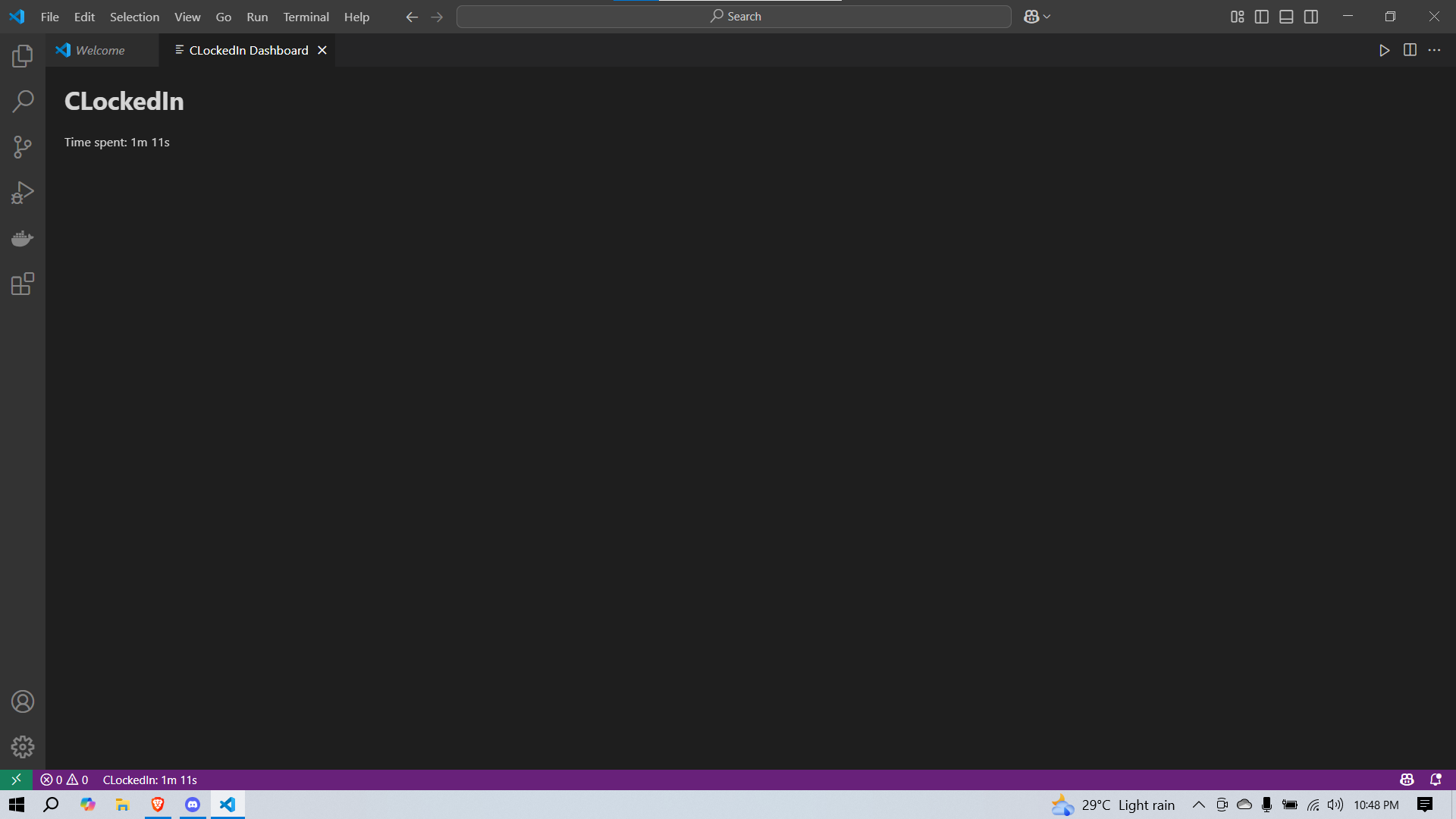
h m s,m s, orsbased on duration. - Status Bar Integration: Real-time timer in the VS Code status bar.
- Interactive Dashboard: Detailed session stats in a sleek WebView panel.
- GitHub Commit & Push: Prompts for repo URL and commit message, then auto-commits & pushes.
- Configurable: Toggle features on/off via settings.
- Visit the Visual Studio Marketplace.
- Click Install or search
ClockedInin VS Code Extensions panel. - Reload VS Code and enjoy automatic time tracking!
Open Settings (Ctrl+,) and search for CLockedIn:
| Setting | Type | Default | Description |
|---|---|---|---|
clockedin.enabled |
boolean | true |
Enable or disable the extension. |
| Command | Description |
|---|---|
clockedin.startTimer |
Manually start the timer. |
clockedin.stopTimer |
Manually stop the timer. |
competitiveTimer.showStats |
Display session statistics. |
competitiveTimer.showDashboard |
Open the stats dashboard panel. |
Maintained by: @duttaturja
Contributions, issues, and feature requests are welcome! Fork the repo and submit a pull request.
Licensed under the MIT License. See the LICENSE file for details.