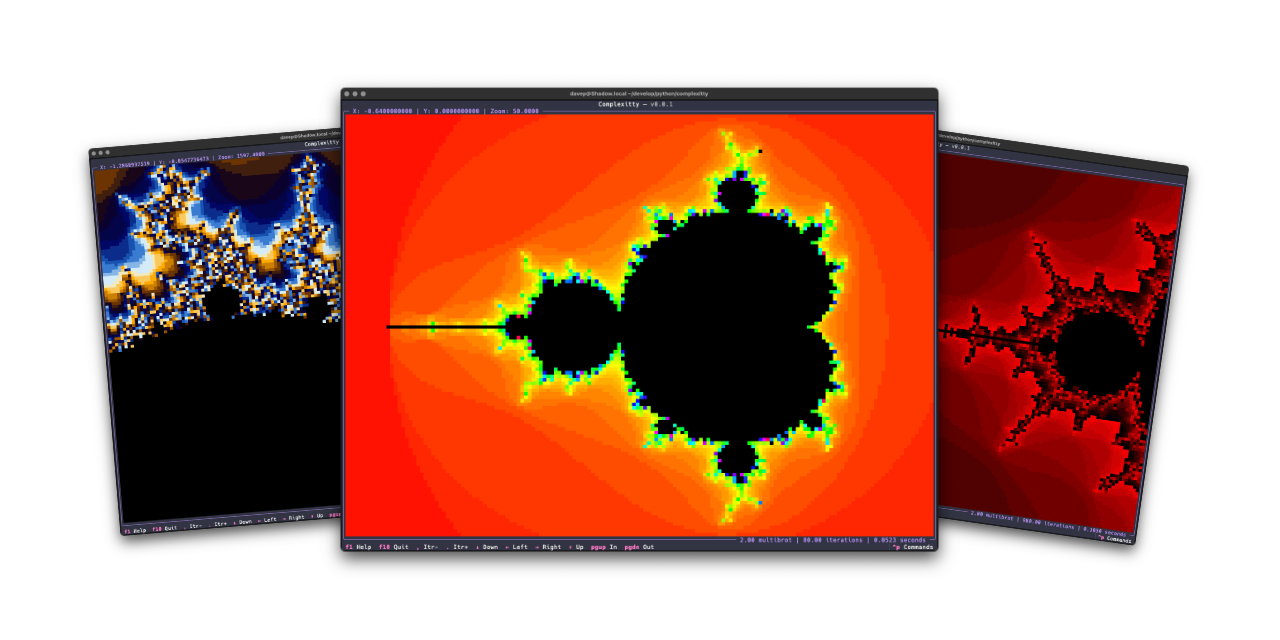







Complexitty is a simple terminal-based application that lets you explore the
classic Mandelbrot set in full character-based glory. It is the successor to
and replacement for
textual-mandelbrot.
The package can be installed using pipx:
$ pipx install complexittyThe application can be installed using uv:
uv tool install complexittyIf you don't have uv installed you can use uvx.sh to
perform the installation. For GNU/Linux or macOS or similar:
curl -LsSf uvx.sh/complexitty/install.sh | shor on Windows:
powershell -ExecutionPolicy ByPass -c "irm https://uvx.sh/complexitty/install.ps1 | iex"Complexitty has a (currently experimental) installation option to make it go
faster using Numba. If you want to try this out,
install it as complexitty[faster] rather than complexitty.
Once you've installed Complexitty using one of the above methods, you can
run the application using the complexitty command.
The best way to get to know Complexitty is to read the help screen, once in the main application you can see this by pressing F1.
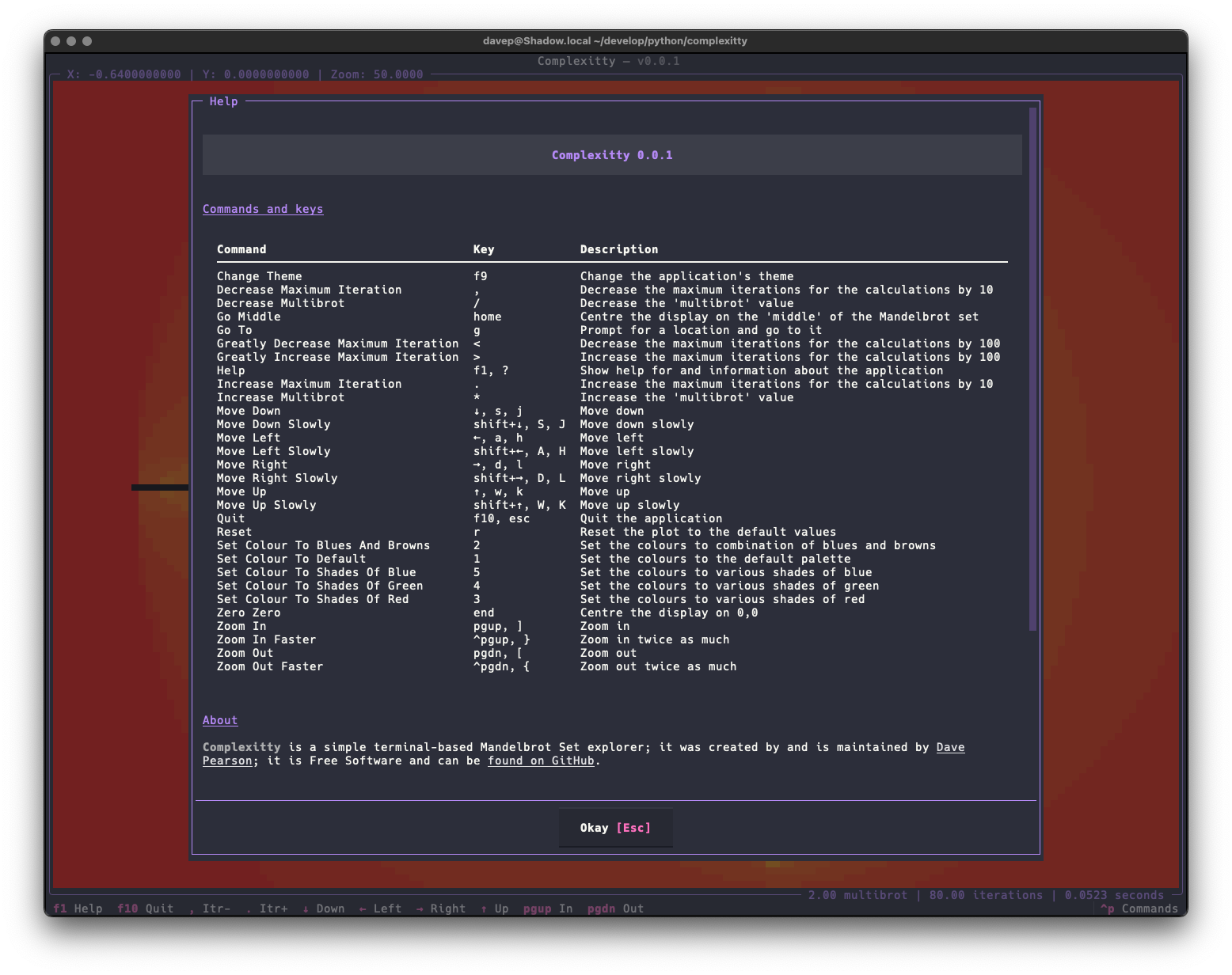
For more information and details on configuring Complexitty, see the online documentation.
If you need help, or have any ideas, please feel free to raise an issue or start a discussion.
See the TODO tag in issues to see what I'm planning.
