Please be aware that this application / sample is provided as-is for demonstration purposes without any guarantee of support
Application to show the API and DataWedge interface to Zebra's Enterprise Keyboard
- The layout(s) have been designed in the designer tool and a .encrypted file has been exported from the tool
- The .encrypted file has been deployed to the device in the following directory: /enterprise/device/settings/ekb/config/.
- Enterprise Keyboard version 3.2 or higher is present on the device. This is a downloadable apk file available from the support portal.
- Enterprise Keyboard is set to the default IME.
- Your device is running DataWedge 7.4.44. This is required to switch Enterprise Keyboard layouts using DataWedge but is not required to use the EKB API
Before using the demo application, you must deploy the provided Test001.encrypted file to /enterprise/device/settings/ekb/config/ which is easily achieved via adb:
adb push Test001.encrypted /enterprise/device/settings/ekb/config/Test001.encrypted
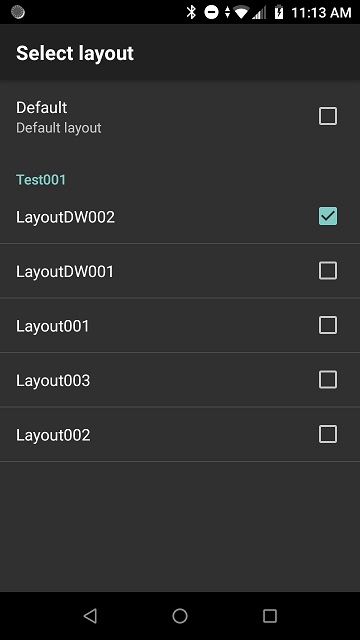
Test001.encrypted contains a set of 5 pre-defined layouts quickly knocked together for demo purposes only. After deployment, provided you are running DataWedge 7.4.44 or higher you should see something like the below in the Enterprise Keyboard Layout configuration
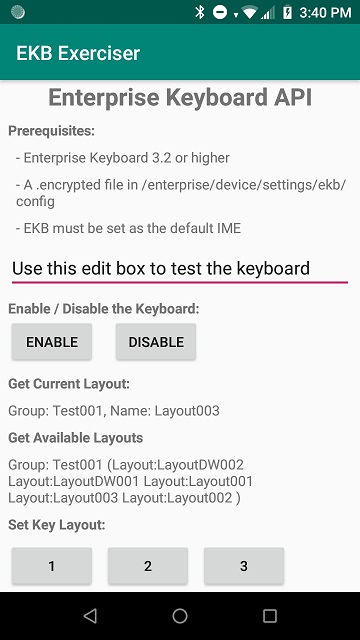
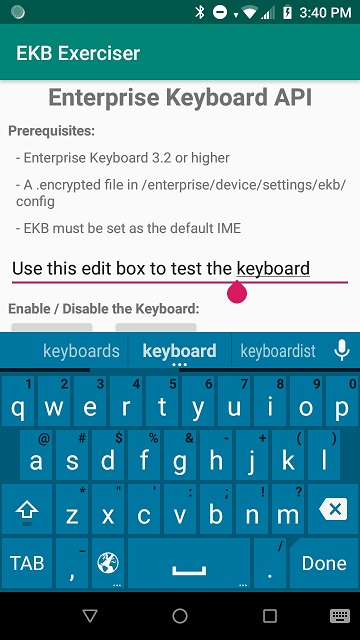
With all prerequisites in place you can now run the demo application. You can use the buttons on the first activity to exercise the different APIs and you should see something like the following screenshots (obtained from a TC57):
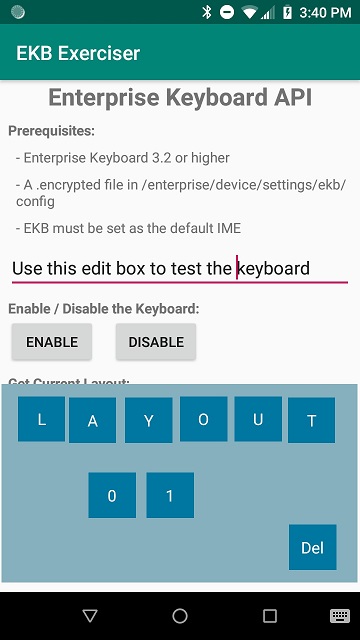
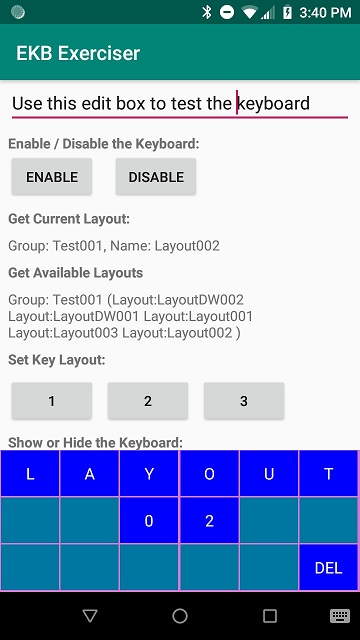
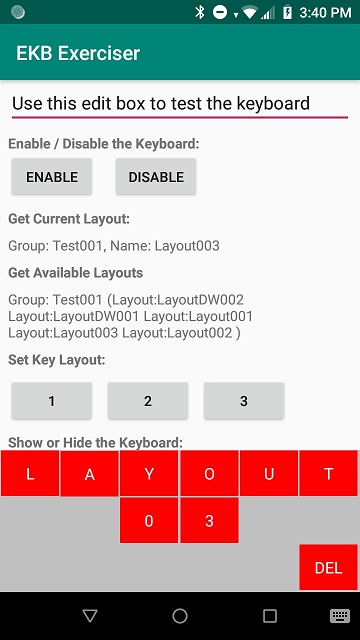
You can also see a 1-minute video of the demo application exercising the EKB API at https://youtu.be/aDheQTz9gU0
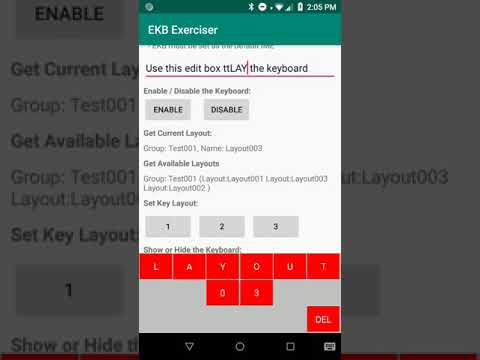
Modifying your application to make use of the EKB API may not be an option for you but you can still take advantage of custom EKB layouts through the DataWedge profile mechanism. This works as follows:
- You define your custom keyboard layouts with the EKB designer tool as before and provision your device with the .encrypted file.
- You create a DataWedge profile and associate the profile with a custom layout.
- When DataWedge detects that the application associated with your profile comes to the foreground, the appropriate custom keyboard layout is applied.
- You can use the existing DataWedge SET_CONFIG API to modify the selected keyboard at runtime.
The same demo application described previously, when first launched, will automatically create a new DataWedge profile called “EKB_Exerciser” and associate that DW profile with the second activity in the demo app, “SecondActivity”.
The button at the bottom of the main UI labelled “EKB Via DataWedge Demo” will launch this second activity and you will immediately see a new custom layout file is shown, this is the custom layout selected by the “EKB_Exerciser” profile.
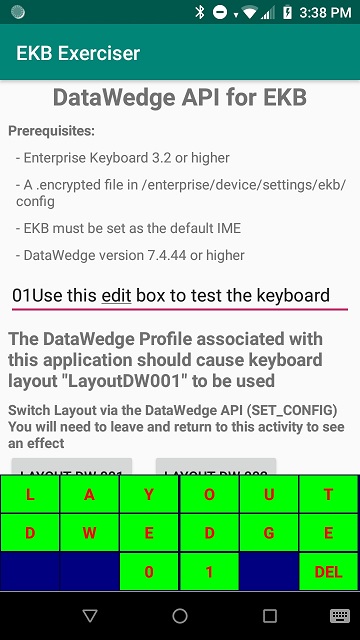
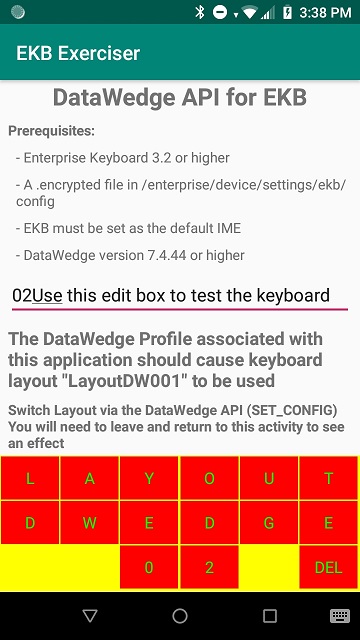
The two buttons will invoke the DataWedge SET_CONFIG API to switch between this layout and an additional custom layout file although you will need to exit and relaunch the activity for the change to have an effect:
You can also see a 30 second video of the demo application showing the DataWedge capabilities at https://youtu.be/Y7BSHywJ6Gw