


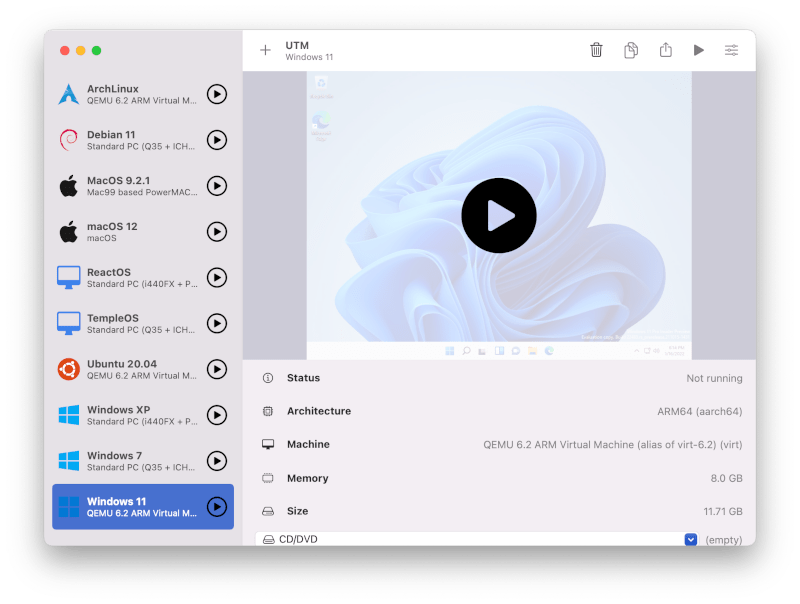
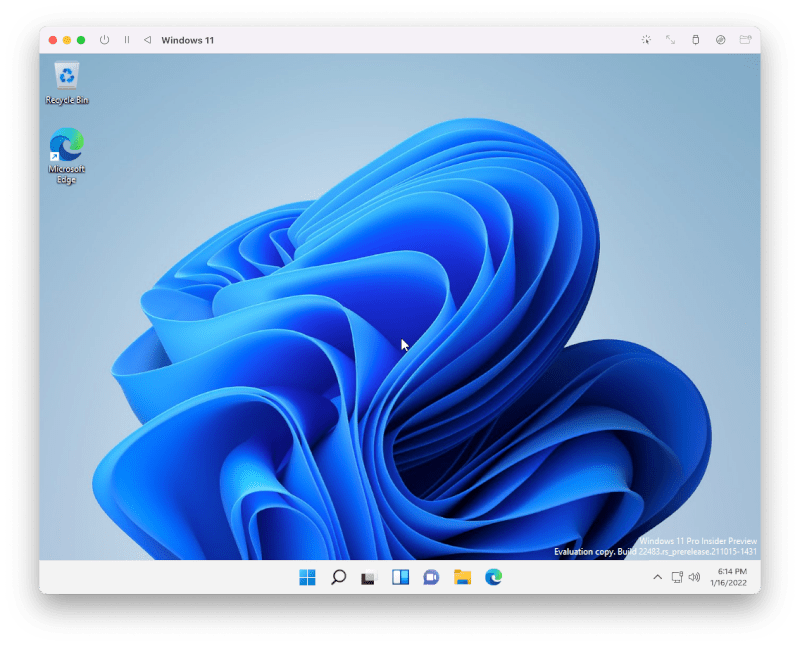
The ability to run multiple operating systems on a single Mac has always been valuable, but the transition to Apple Silicon introduced new complexity to virtualization workflows that required dedicated solutions capable of handling the ARM architecture's different virtualization requirements. UTM addresses this comprehensively as a free, open-source application built on the QEMU emulation framework, providing both native ARM virtualization for maximum performance and full x86/x86_64 CPU emulation for running legacy software designed for Intel processors. On Apple Silicon Macs, ARM-native operating systems including Windows 11 ARM and Linux ARM distributions run with near-native performance through hardware acceleration via Apple's Hypervisor framework, while emulated x86 environments allow compatibility with the vast ecosystem of software built for Intel architectures.
Setting up virtual machines in UTM has been streamlined to be accessible to users without deep virtualization expertise. The VM gallery provides pre-configured installation options for popular operating systems, handling the technical configuration details — CPU type selection, memory allocation, storage sizing, display configuration — with sensible defaults while still exposing advanced settings for users who need custom configurations. The shared folder system enables seamless file exchange between your macOS host and running virtual machines, eliminating the friction of moving files through network shares or virtual disk images. Clipboard synchronization extends this integration to text content, making it natural to work across host and guest environments simultaneously.
The practical applications for UTM span a wide range of professional and personal use cases. Web developers use it to test applications across multiple operating systems without maintaining separate physical hardware. System administrators use it to manage and test server configurations in isolated environments. Security researchers use the network isolation capabilities to run potentially dangerous software in sandboxed VMs that cannot affect the host system. Users who need specific Windows applications unavailable on macOS run them within UTM without the cost of a Windows PC. The combination of powerful QEMU-based emulation, Apple Silicon optimization, and complete zero-cost availability makes UTM OSX the most compelling free virtualization solution on the macOS platform.
- Run Windows, Linux, and other operating systems as virtual machines on Mac
- Native Apple Silicon support with ARM virtualization via Hypervisor framework
- Full x86 and x86_64 emulation for running legacy software on Apple Silicon
- Hardware-accelerated GPU virtualization for improved guest OS performance
- Easy virtual machine gallery with pre-configured OS download options
- Shared folders and clipboard for seamless host-guest file exchange
- USB device passthrough for connecting hardware to virtual machines
- Network configuration with NAT, bridged, and host-only mode support
- Completely free and open-source with no subscription or license required
- Active community with extensive documentation and support
UTM is free and open-source, available from the UTM website and GitHub. The Mac App Store version supports automatic updates for a small fee. Compatible with macOS 11.0 Big Sur and later on both Apple Silicon and Intel Macs. No account or registration required.