This is a process monitoring tool (like Sysinternal's Process Monitor) implemented with Intel VT-X/EPT for Windows 7+.
- Visual Studio 2015 update 3
- Windows SDK 10
- Windows Driver Kit 10
- QT5.7 for MSVC
- QT GUI project: SyscallMonQT/SyscallMonQT.pro
- Windows kernel driver project: ddimon/DdiMon/DdiMon.vcxproj
- Remember to modify the shadow build path to /build32 or /build64 when configure the QT project
- Remember to modify the windeploy.exe path in deploy32/deploy64.bat, run deploy32/64.bat to deploy x86/x64 binary files to bin32/bin64
- Remember to sign the x64 kernel driver file
- x86 and x64 Windows 7, 8.1 and 10
- CPU with Intel VT-x and EPT technology support
- BOOST http://www.boost.org/
- QT https://www.qt.io/
- HyperPlatform https://github.com/tandasat/HyperPlatform
- Capstone http://www.capstone-engine.org/
1.Optimize the memory usage issue.
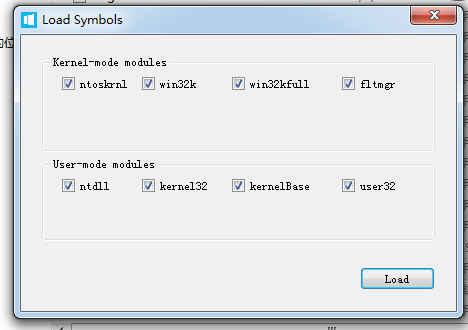

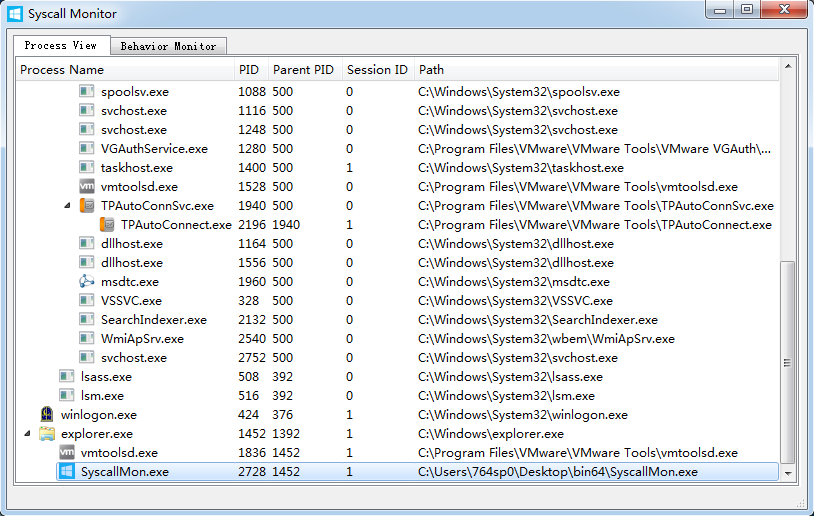

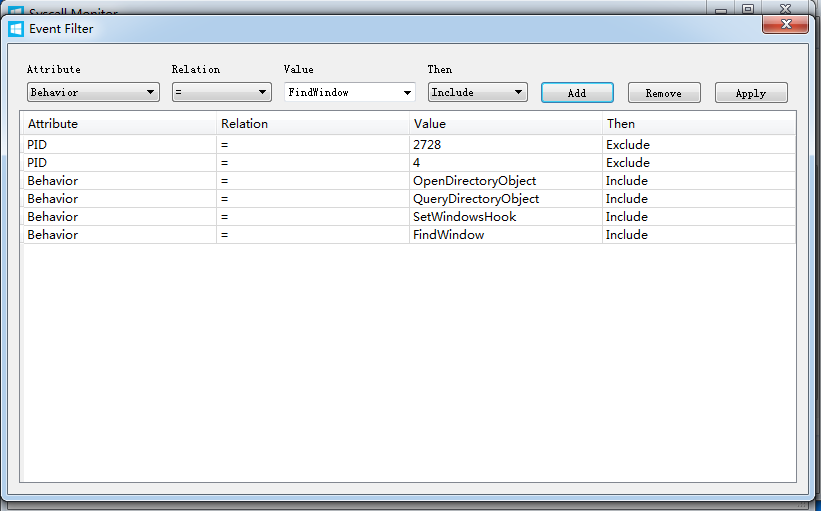

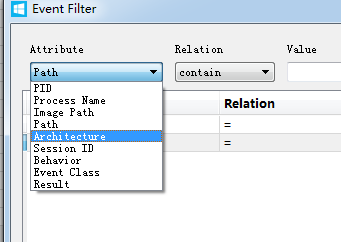
this repo forks from hzqst's Syscall-Monitor fix newest win10 BSOD
- lua filter
- event export function
- config.ini
- ETW instead of sys-thread
- unload SyscallMon.sys when exit the monitor UI
32-bit OS support is not tested.
Visual Studio 2017 (Hyperplatform need newer VS version) Windows SDK 10 Windows Driver Kit 10 QT5.X for MSVC
1st. clone git clone http:this repos --recursive #--recursive make the dependencies (ddimon/hyperplatform/capstone) up-to-date 2nd. make link see ./boost_here.bat 3rd. open ./SyscallMon.sln & build Driver & sign the driver your self 4th. open ./SyscallMonUI/SyscallMon.pro & build ui