English | 中文
A floating AI buddy for Codex, Claude Code, and other agents.
Vibebud gives your coding agents a visible presence: a floating virtual character that stays with you on desktop, web, and Android. Connect it to multiple Codex or Claude Code agents, drag it around, dock it when you need focus, chat with it, organize agents into teams, assign tasks, and get notifications when something needs attention.
Connect VibeBud to Codex and Claude Code
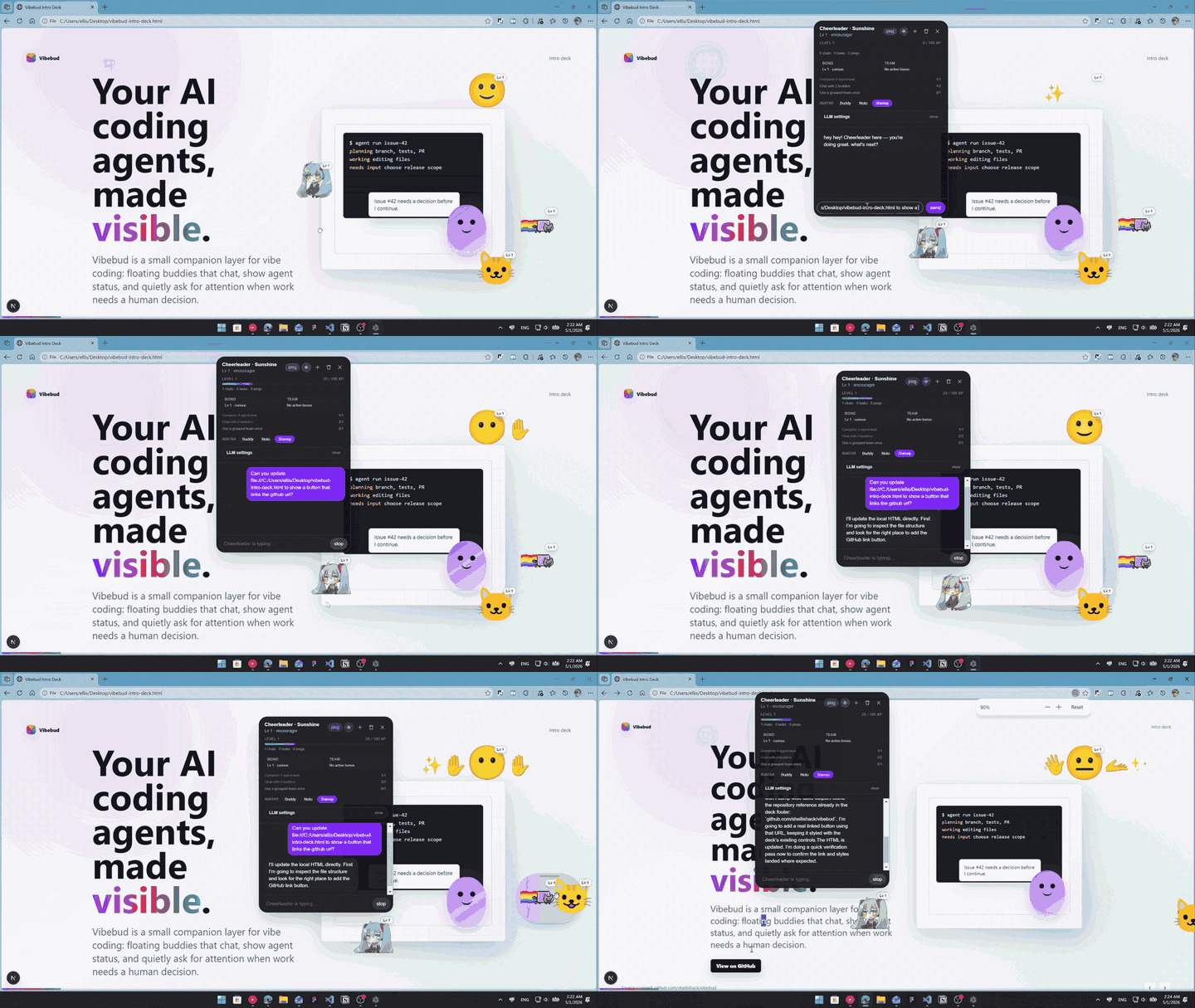
Generate a new animated buddy look with Codex
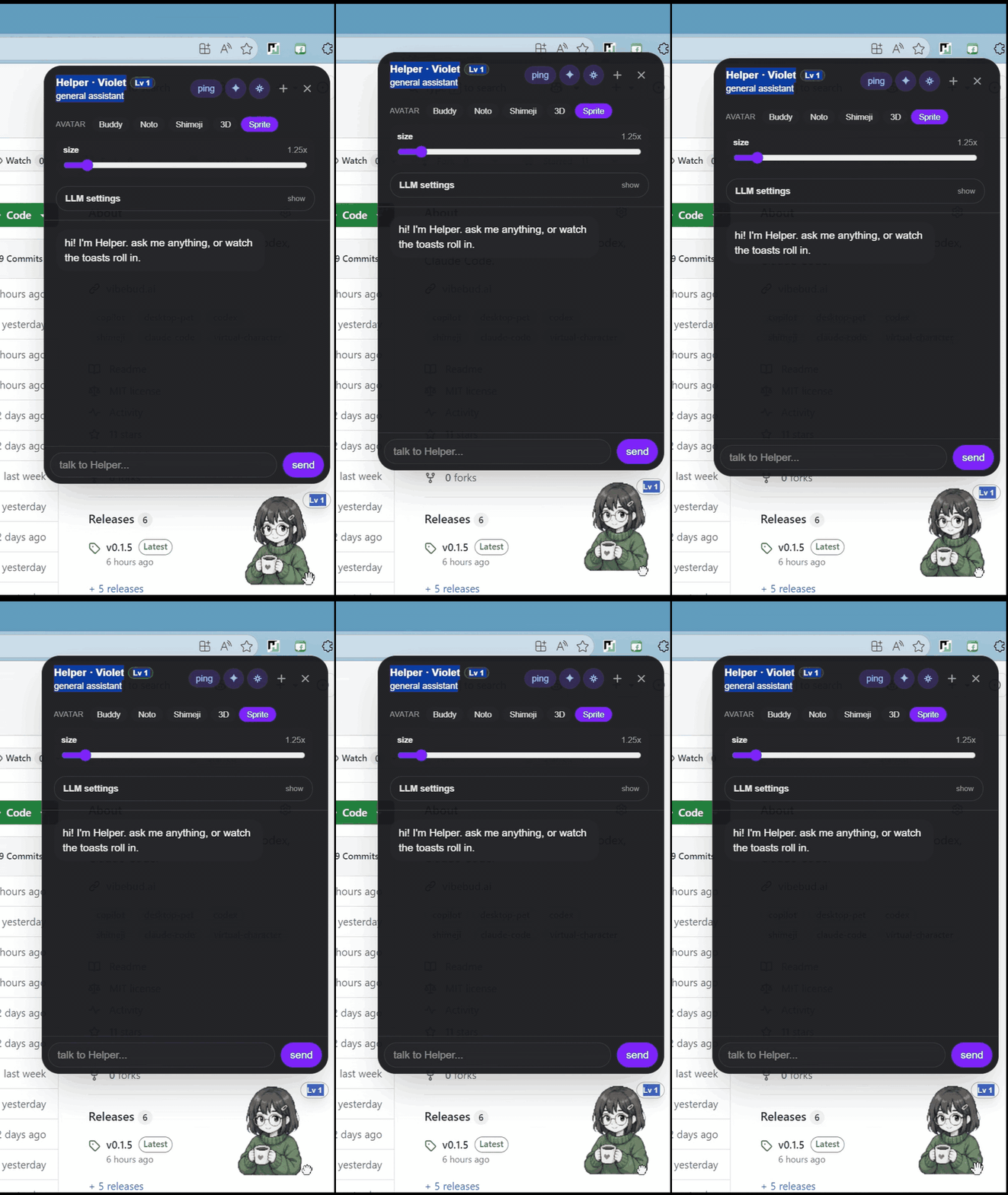

Vibebud is meant for developers experimenting with AI coding agents, desktop companions, and more playful development workflows.
| Surface | Status |
|---|---|
Web preview (core/) |
Working |
| Electron desktop - Windows | Working, NSIS installer builds end-to-end |
| Electron desktop - macOS / Linux | Working |
| Android (Capacitor 8) | Scaffolded overlay shell via OverlayService |
| iOS | Out of scope |
Each buddy has a name, a role, and its own system prompt. The six built-ins:
- Helper - general assistant
- Tactician - planner and prioritizer
- Researcher - digger for prior art and references
- Skeptic - critical reviewer who probes assumptions
- Cheerleader - upbeat encourager
- Empath - listens first, validates, then suggests
Drag two buddies near each other and they form a small team. A pastel hull appears behind them, and each member is told who its teammates are so it can defer to a better-suited specialist when appropriate.
# Install deps for both core and desktop
npm run install-all

# Web preview at http://localhost:3060
npm run web-dev
For the desktop app:
# Run Electron pointed at the web dev server
# Use this alongside npm run web-dev in another terminal
npm run desktop-dev
Build commands:
# Build core, copy into desktop, launch Electron against the static export
npm run desktop-run

# Windows installer -> desktop/dist/vibebud-desktop-setup.exe
npm run desktop-build

# Android debug APK on a connected device/emulator
npm run android-dev

# Android release APK
npm run android-build
The dev server runs on port 3060, not 3000. The desktop window loads the /buddy route, which has a transparent background so only the avatar shows through.
vibebud/
├── core/        # shared Next.js UI: web app and bundled desktop UI
├── desktop/     # Electron wrapper around core/
└── mobile/      # Capacitor wrapper around core/
Anything that can live in core/ should. The platform shells stay thin.
core/- Next.js 16 App Router, React 19, Tailwind v4, TypeScript 5, lottie-react. Configured for static export so the desktop shell can serve it from disk.desktop/- Electron 33 and electron-builder. Transparent always-on-top window covering the full work area, with click-through enabled by default and toggled off per element while the cursor is over a buddy or chat bubble.mobile/- Capacitor 8 plus a native overlay module that can run the buddy as aWindowManageroverlay from a foreground service on Android.
Chat features can call OpenAI, Anthropic, or OpenRouter directly from the renderer. You enter your API key in the buddy settings panel; it is stored in localStorage and never leaves the device except when talking to the provider you chose.
AI coding agents are becoming part of everyday development, but the interface around them is still early. Vibebud is an open experiment in making agent work easier to follow and more personal.
Contributions are welcome around UI polish, agent integrations, buddy behaviors, desktop/mobile shells, accessibility, docs, and product ideas.
The app is called Vibebud: your buddy during vibe coding.