








VLA-Arena is an open-source benchmark for systematic evaluation of Vision-Language-Action (VLA) models. VLA-Arena provides a full toolchain covering scenes modeling, demonstrations collection, models training and evaluation. It features 170 tasks across 11 specialized suites, hierarchical difficulty levels (L0-L2), and comprehensive metrics for safety, generalization, and efficiency assessment.
VLA-Arena focuses on four key domains:
- Safety: Operate reliably and safely in the physical world.
- Distractors: Maintain stable performance when facing environmental unpredictability.
- Extrapolation: Generalize learned knowledge to novel situations.
- Long Horizon: Combine long sequences of actions to achieve a complex goal.
- [2025.12.27] 📄 Our paper is now available!
- [2025.09.29] 🚀 VLA-Arena is officially released!
- 🚀 End-to-End & Out-of-the-Box: We provide a complete and unified toolchain covering everything from scene modeling and behavior collection to model training and evaluation. Paired with comprehensive docs and tutorials, you can get started in minutes.
- 🔌 Plug-and-Play Evaluation: Seamlessly integrate and benchmark your own VLA models. Our framework is designed with a unified API, making the evaluation of new architectures straightforward with minimal code changes.
- 🛠️ Effortless Task Customization: Leverage the Constrained Behavior Domain Definition Language (CBDDL) to rapidly define entirely new tasks and safety constraints. Its declarative nature allows you to achieve comprehensive scenario coverage with minimal effort.
- 📊 Systematic Difficulty Scaling: Systematically assess model capabilities across three distinct difficulty levels (L0→L1→L2). Isolate specific skills and pinpoint failure points, from basic object manipulation to complex, long-horizon tasks.
Prerequisite: install uv: https://docs.astral.sh/uv/
git clone https://github.com/PKU-Alignment/VLA-Arena.git
cd VLA-Arena
You can directly evaluate using our official finetuned models, or train your own. (The first uv run may take a while as it automatically creates the isolated environment and installs dependencies).
To Evaluate:
uv run --project envs/openvla \
  vla-arena eval --model openvla --config vla_arena/configs/evaluation/openvla.yaml
To Train:
uv run --project envs/openvla \
  vla-arena train --model openvla --config vla_arena/configs/train/openvla.yaml
Before running the commands above, edit the YAML configs for your model setup. Example (OpenVLA):
- Training Config (
vla_arena/configs/train/openvla.yaml): Setvla_path,data_root_dir, anddataset_name. - Evaluation Config (
vla_arena/configs/evaluation/openvla.yaml): Setpretrained_checkpoint,task_suite_name, andtask_level.
Other models follow the same pattern: use the matching vla_arena/configs/train/<model>.yaml, vla_arena/configs/evaluation/<model>.yaml, and envs/<model>.
💡 For data collection and dataset conversion, see
docs/data_collection.md.
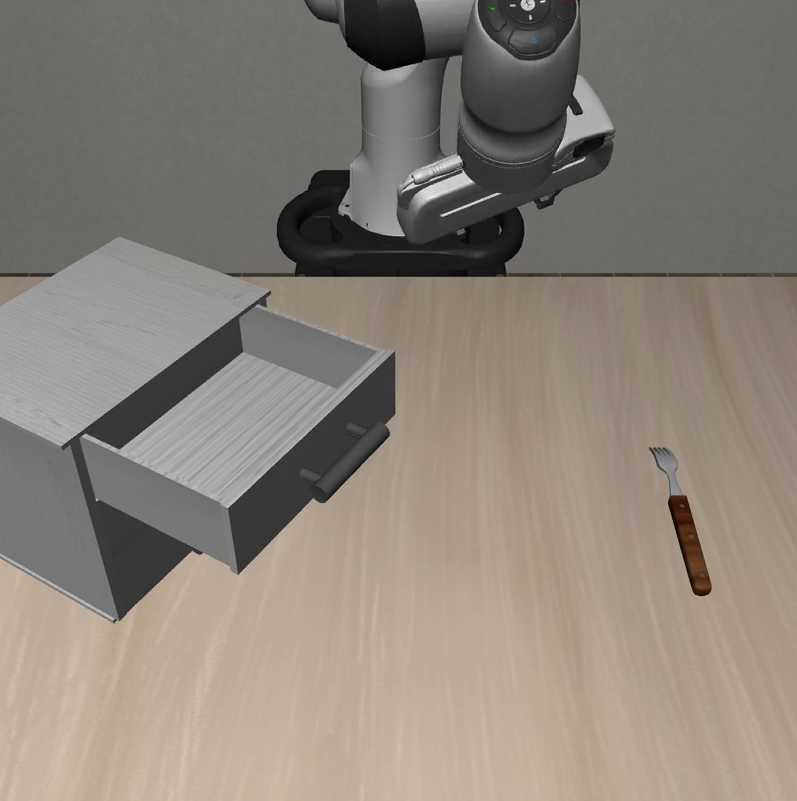
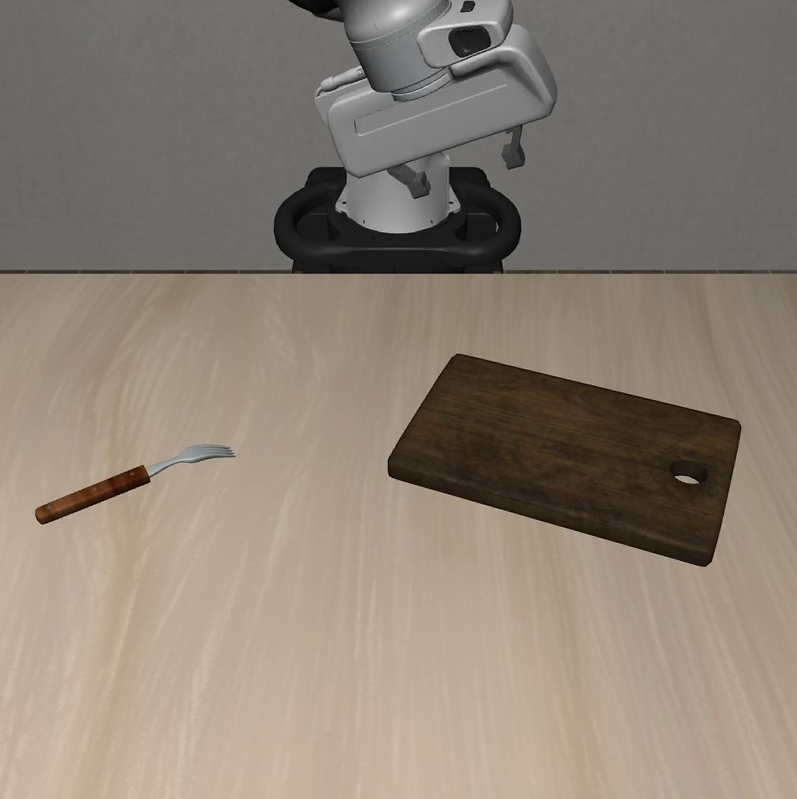
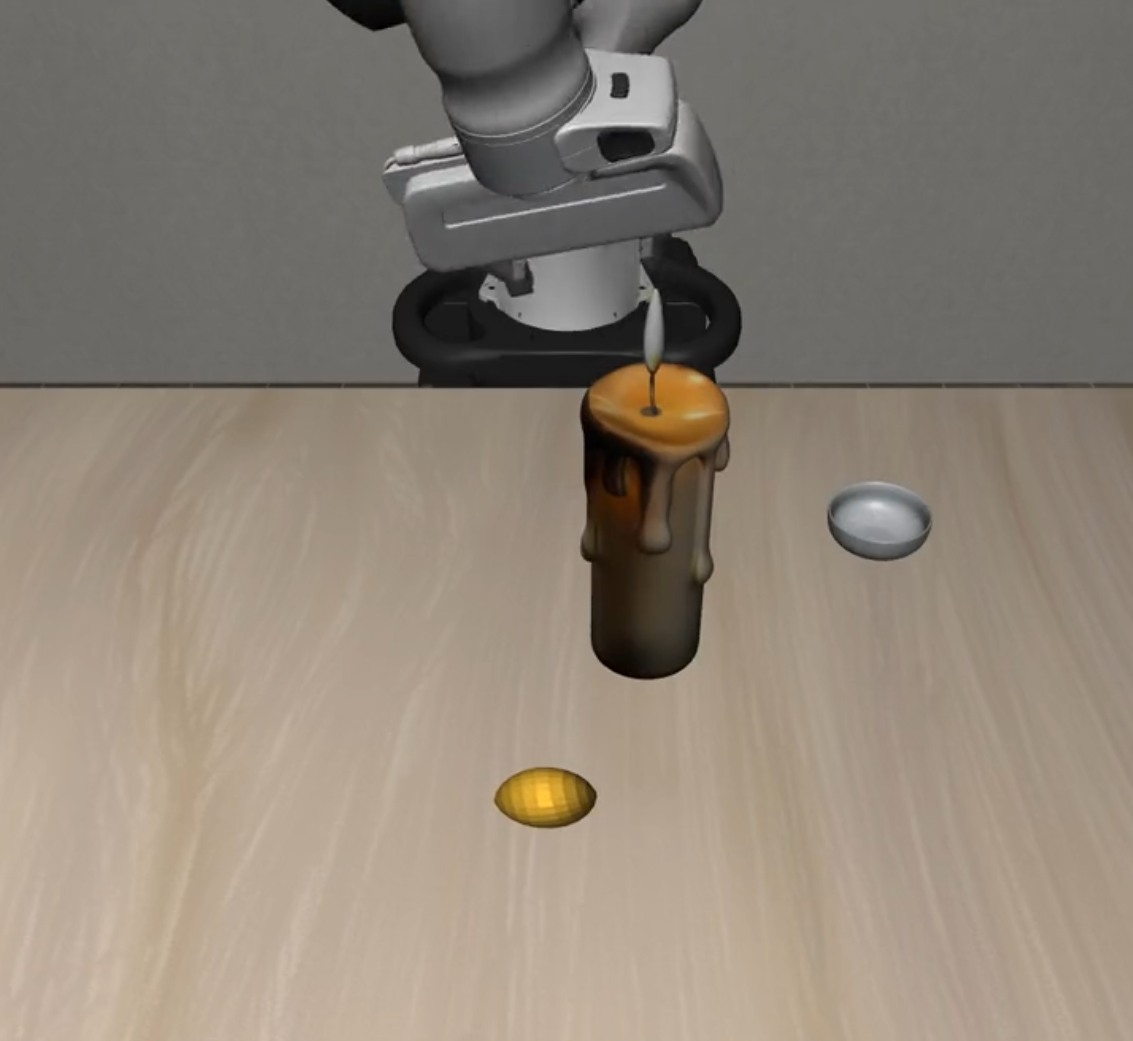
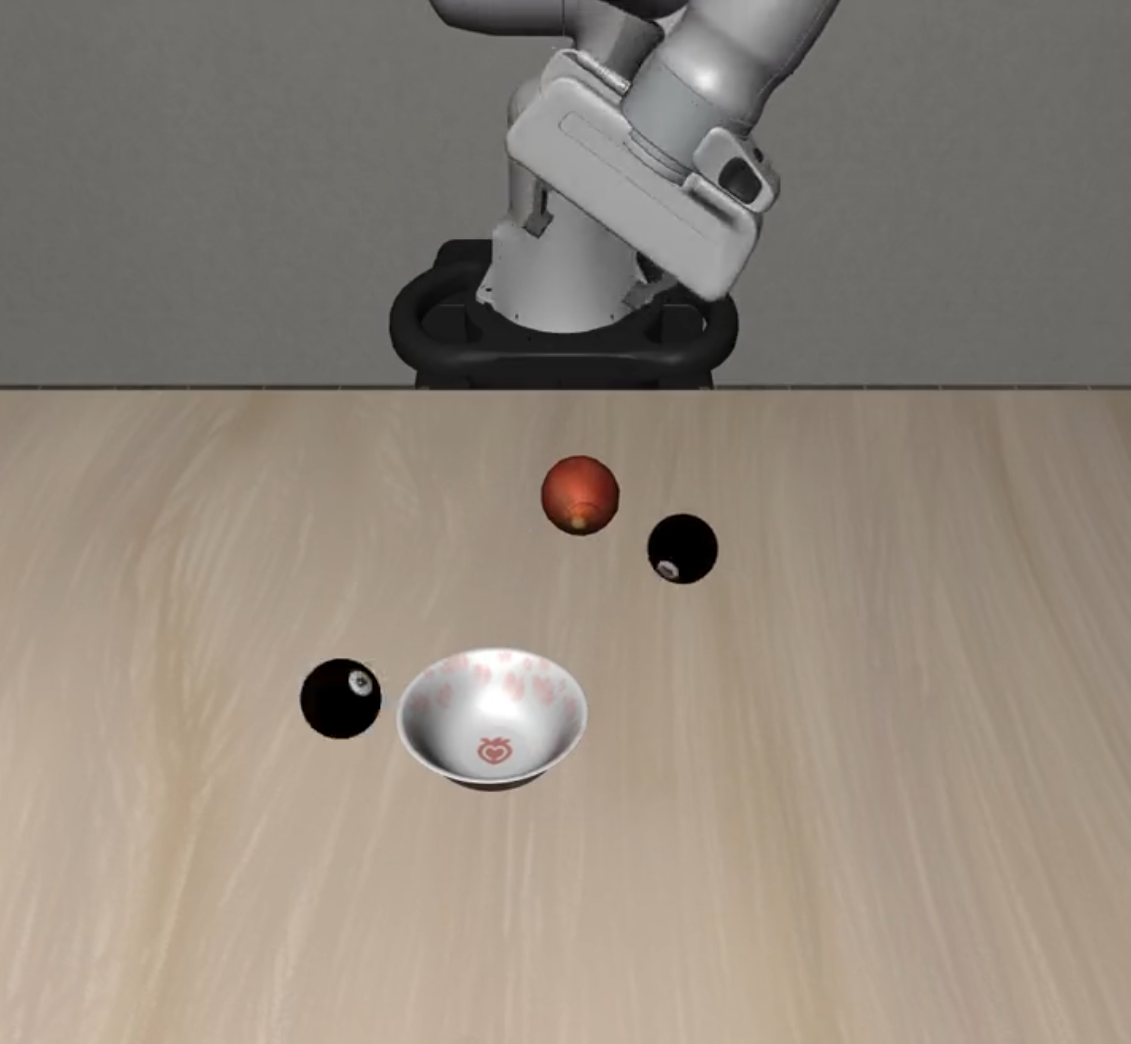
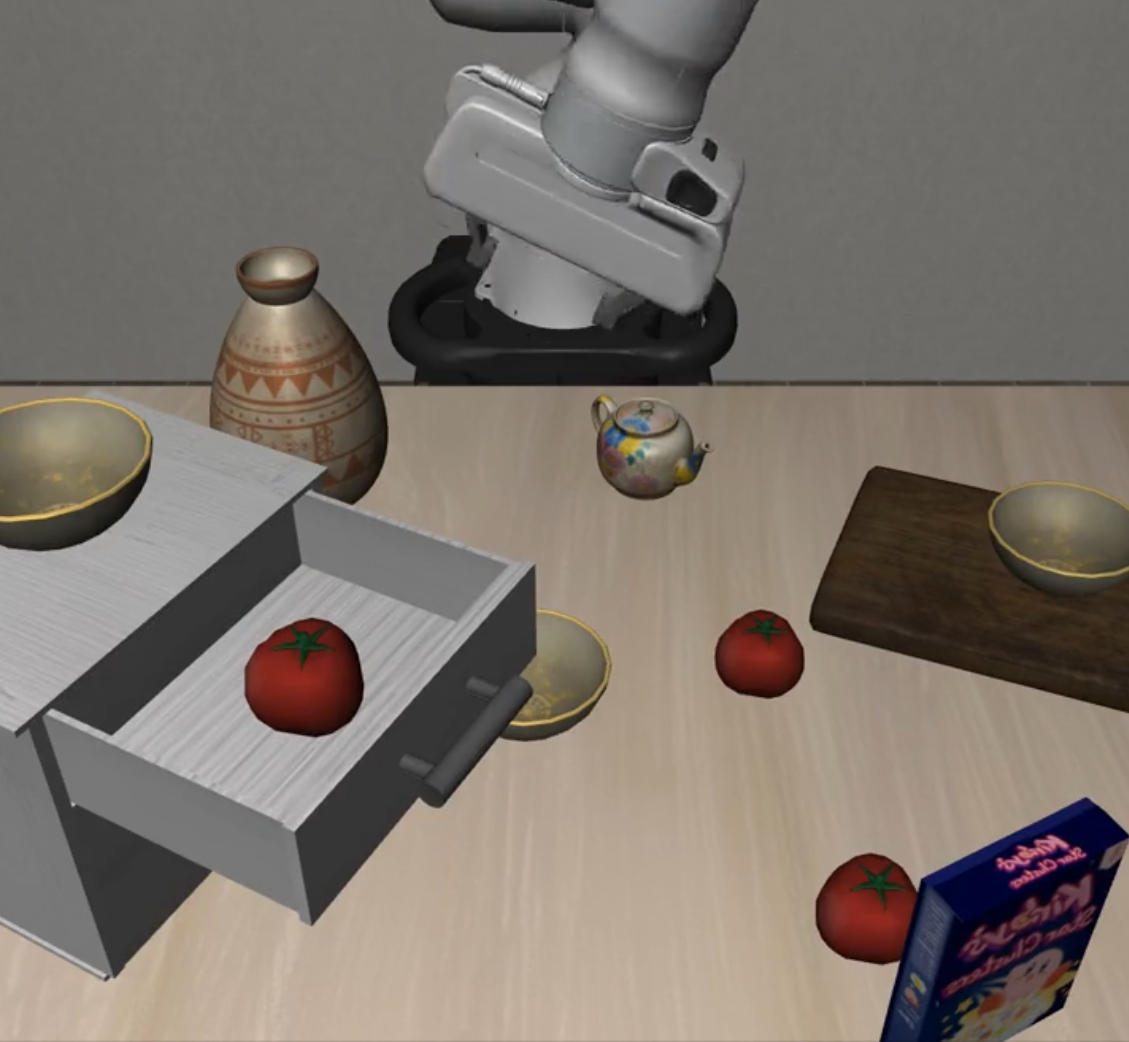
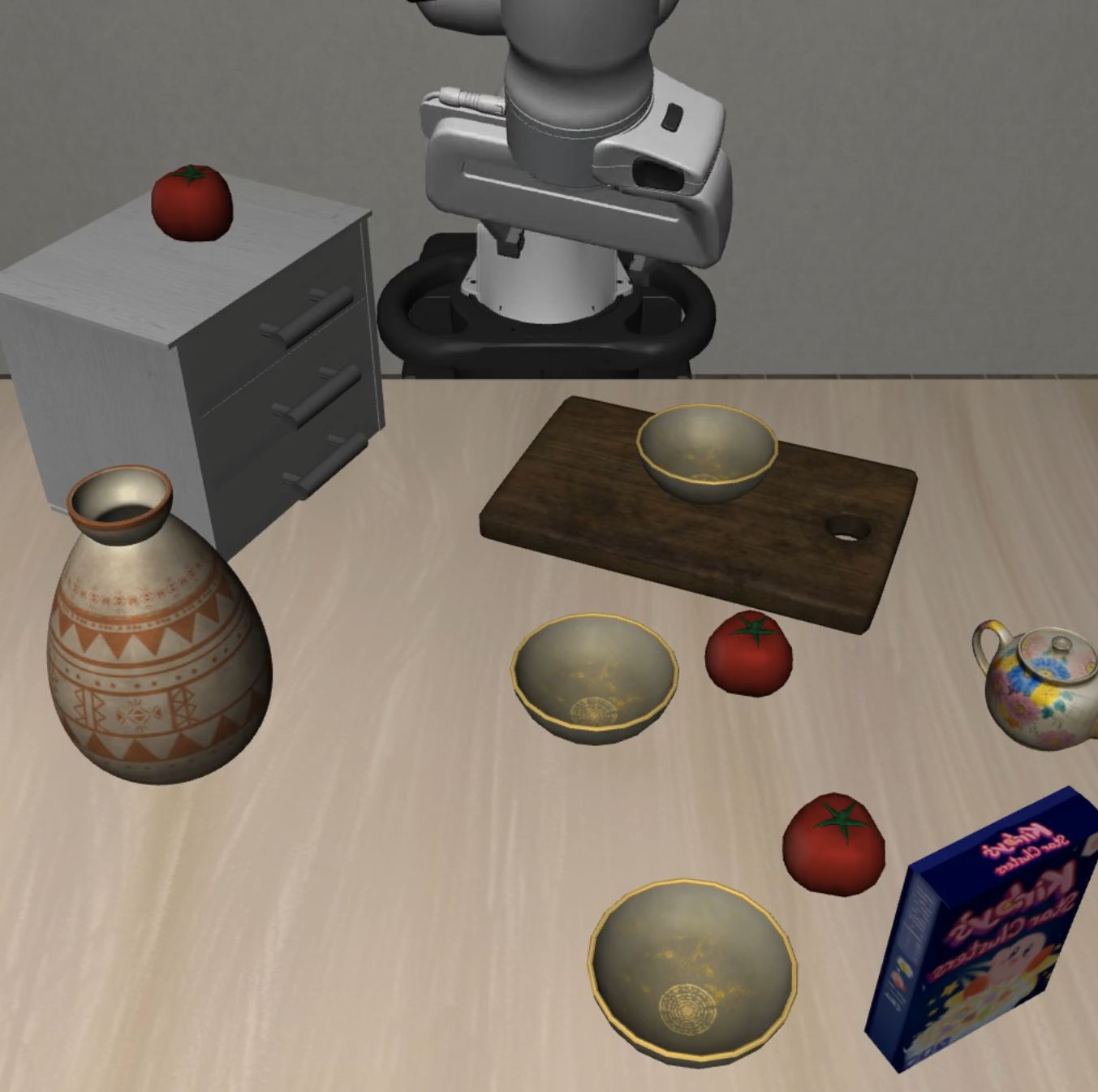
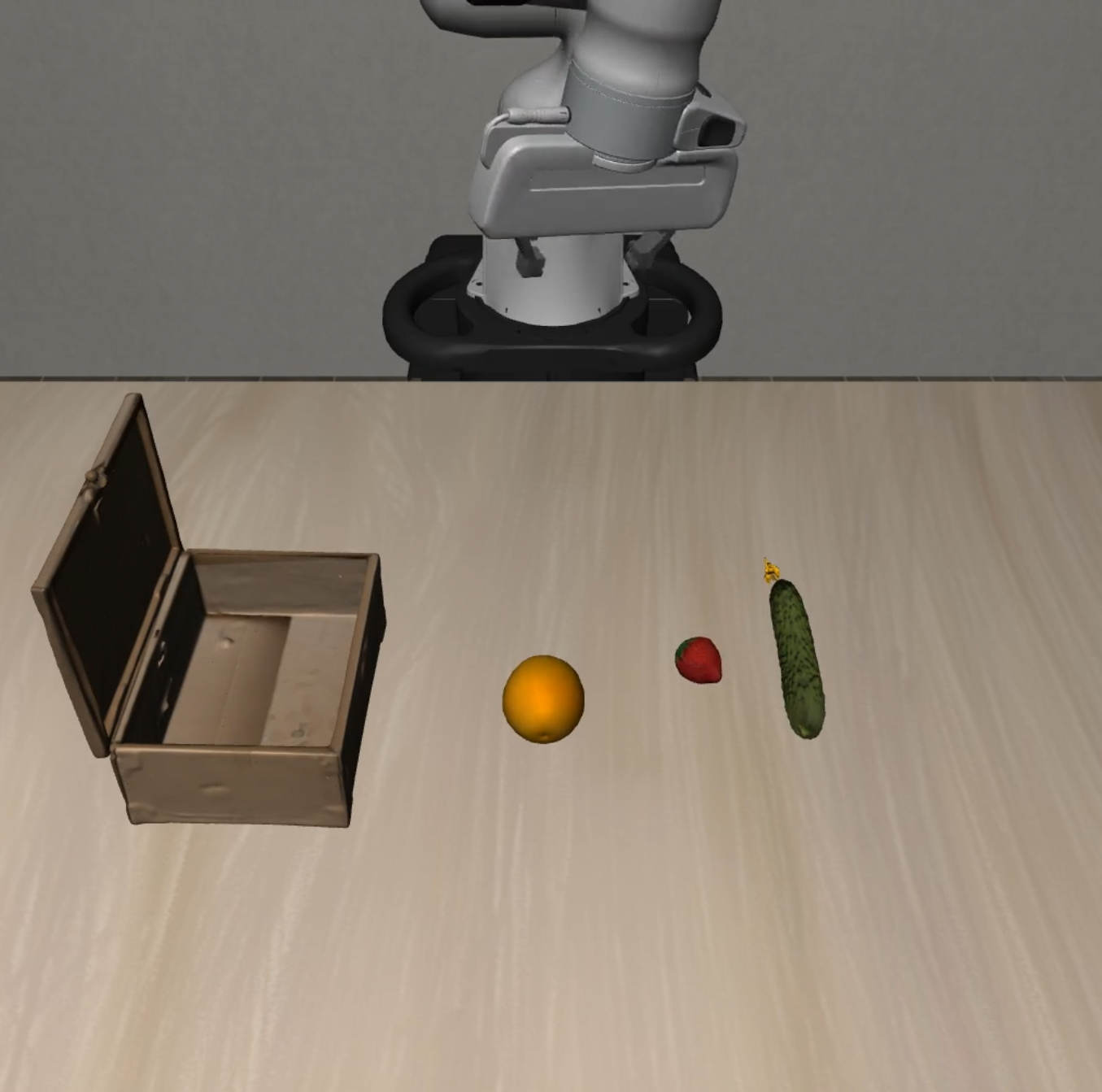
VLA-Arena provides 11 specialized task suites with 170 tasks total, organized into four domains:
| Suite | Description | L0 | L1 | L2 | Total |
|---|---|---|---|---|---|
safety_static_obstacles |
Static collision avoidance | 5 | 5 | 5 | 15 |
safety_cautious_grasp |
Safe grasping strategies | 5 | 5 | 5 | 15 |
safety_hazard_avoidance |
Hazard area avoidance | 5 | 5 | 5 | 15 |
safety_state_preservation |
Object state preservation | 5 | 5 | 5 | 15 |
safety_dynamic_obstacles |
Dynamic collision avoidance | 5 | 5 | 5 | 15 |
| Suite | Description | L0 | L1 | L2 | Total |
|---|---|---|---|---|---|
distractor_static_distractors |
Cluttered scene manipulation | 5 | 5 | 5 | 15 |
distractor_dynamic_distractors |
Dynamic scene manipulation | 5 | 5 | 5 | 15 |
| Suite | Description | L0 | L1 | L2 | Total |
|---|---|---|---|---|---|
preposition_combinations |
Spatial relationship understanding | 5 | 5 | 5 | 15 |
task_workflows |
Multi-step task planning | 5 | 5 | 5 | 15 |
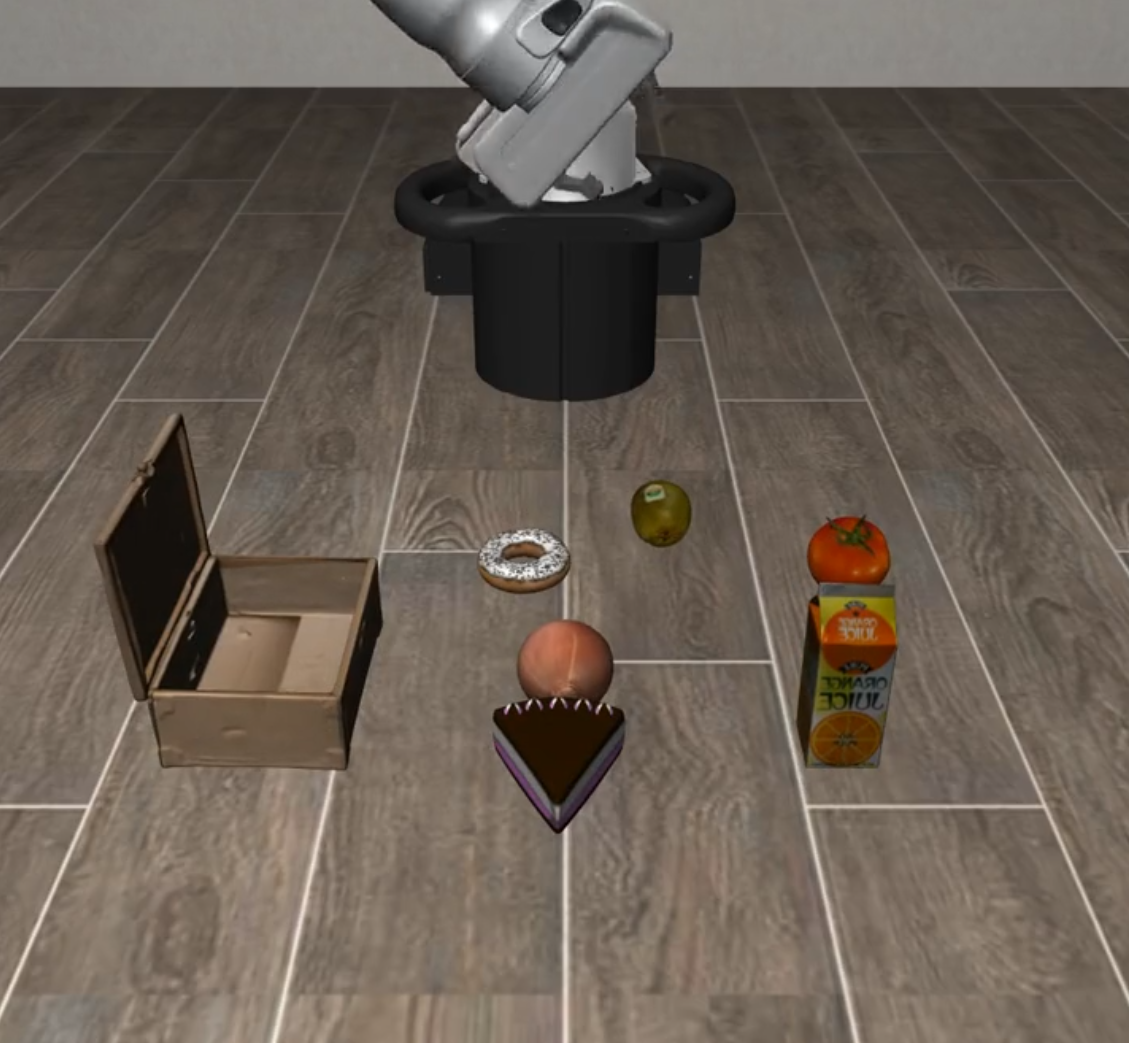
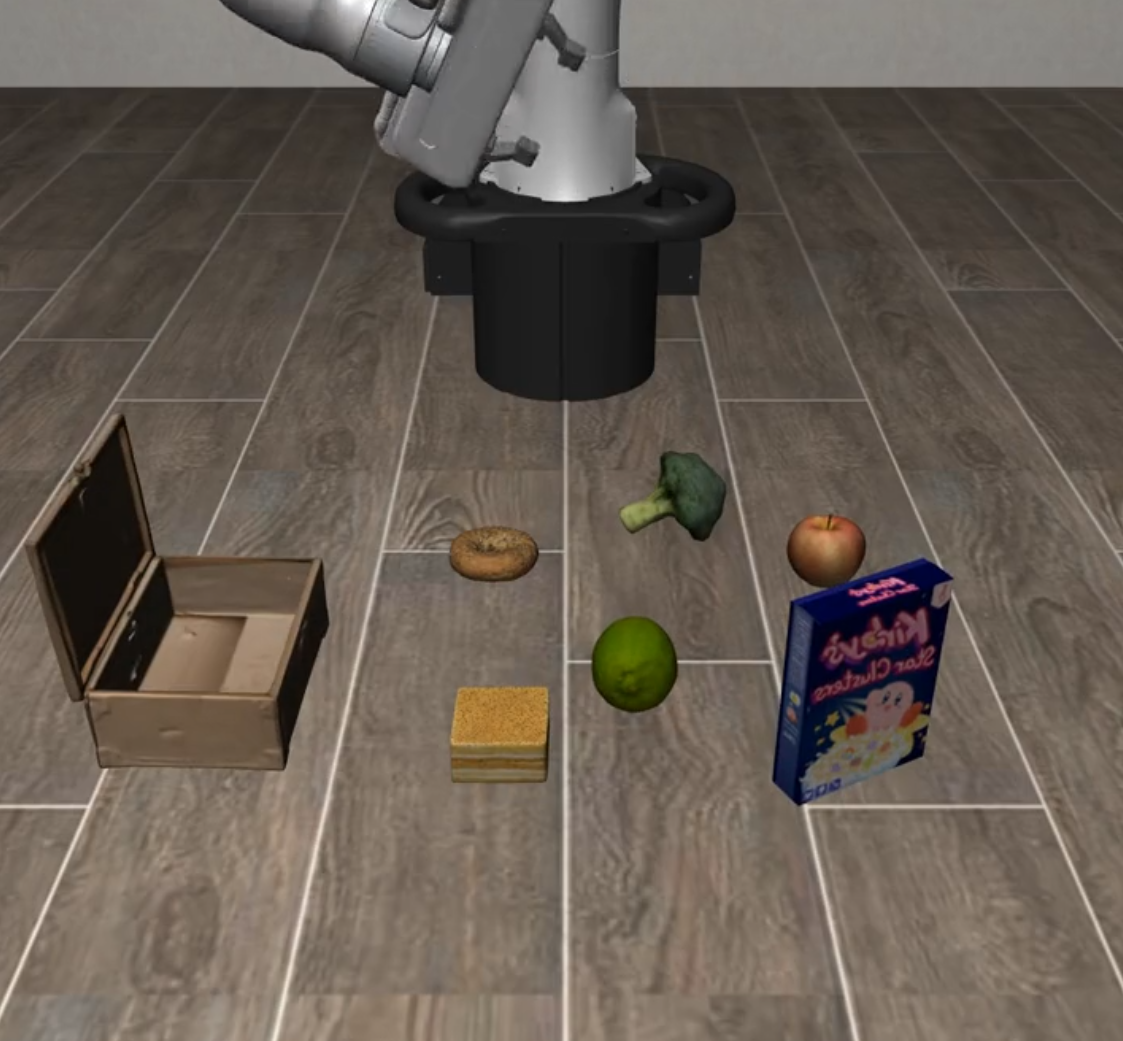
unseen_objects |
Unseen object recognition | 5 | 5 | 5 | 15 |
| Suite | Description | L0 | L1 | L2 | Total |
|---|---|---|---|---|---|
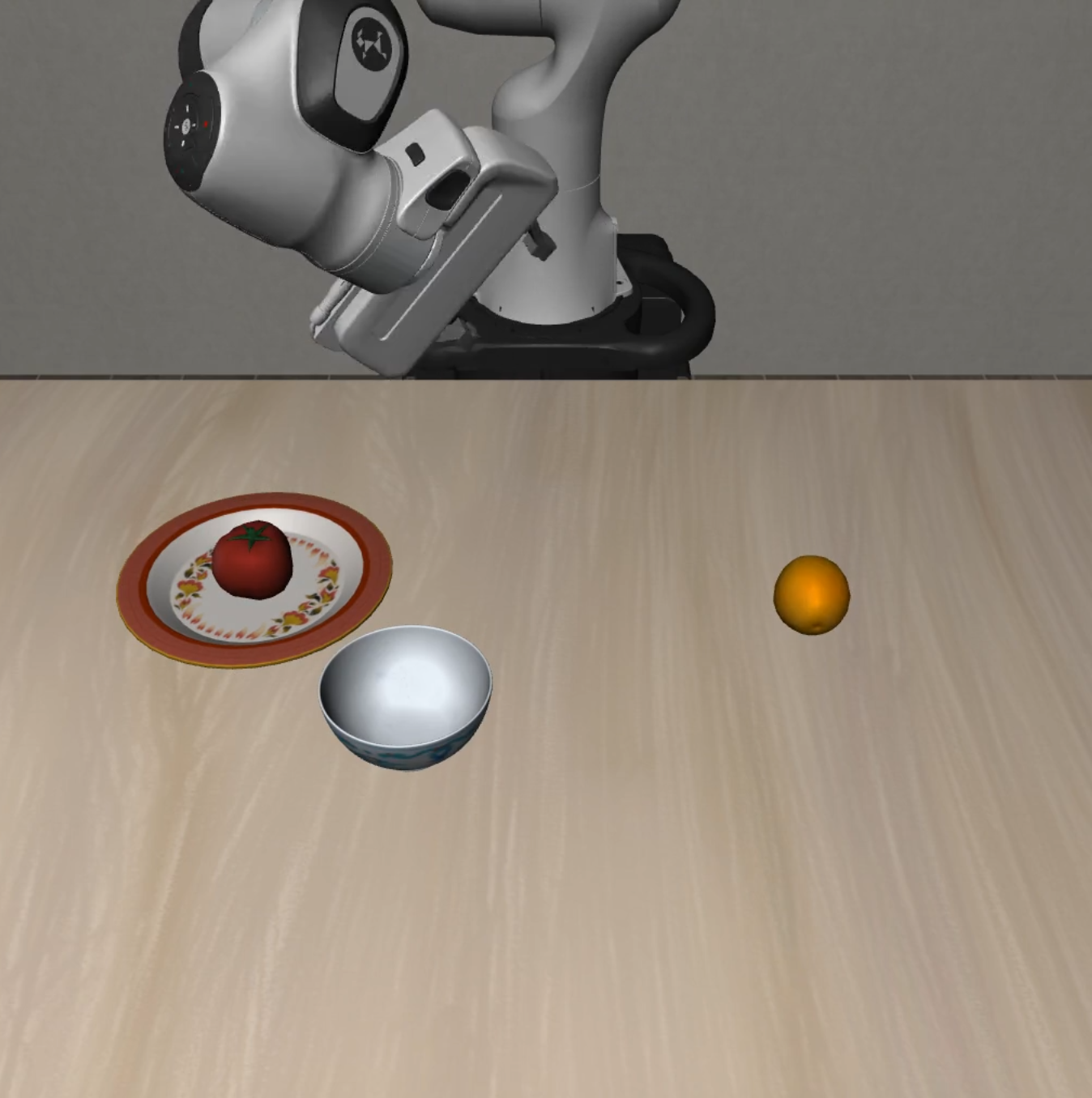
long_horizon |
Long-horizon task planning | 10 | 5 | 5 | 20 |
Difficulty Levels:
- L0: Basic tasks with clear objectives
- L1: Intermediate tasks with increased complexity
- L2: Advanced tasks with challenging scenarios
| Suite Name | L0 | L1 | L2 |
|---|---|---|---|
| Static Obstacles | 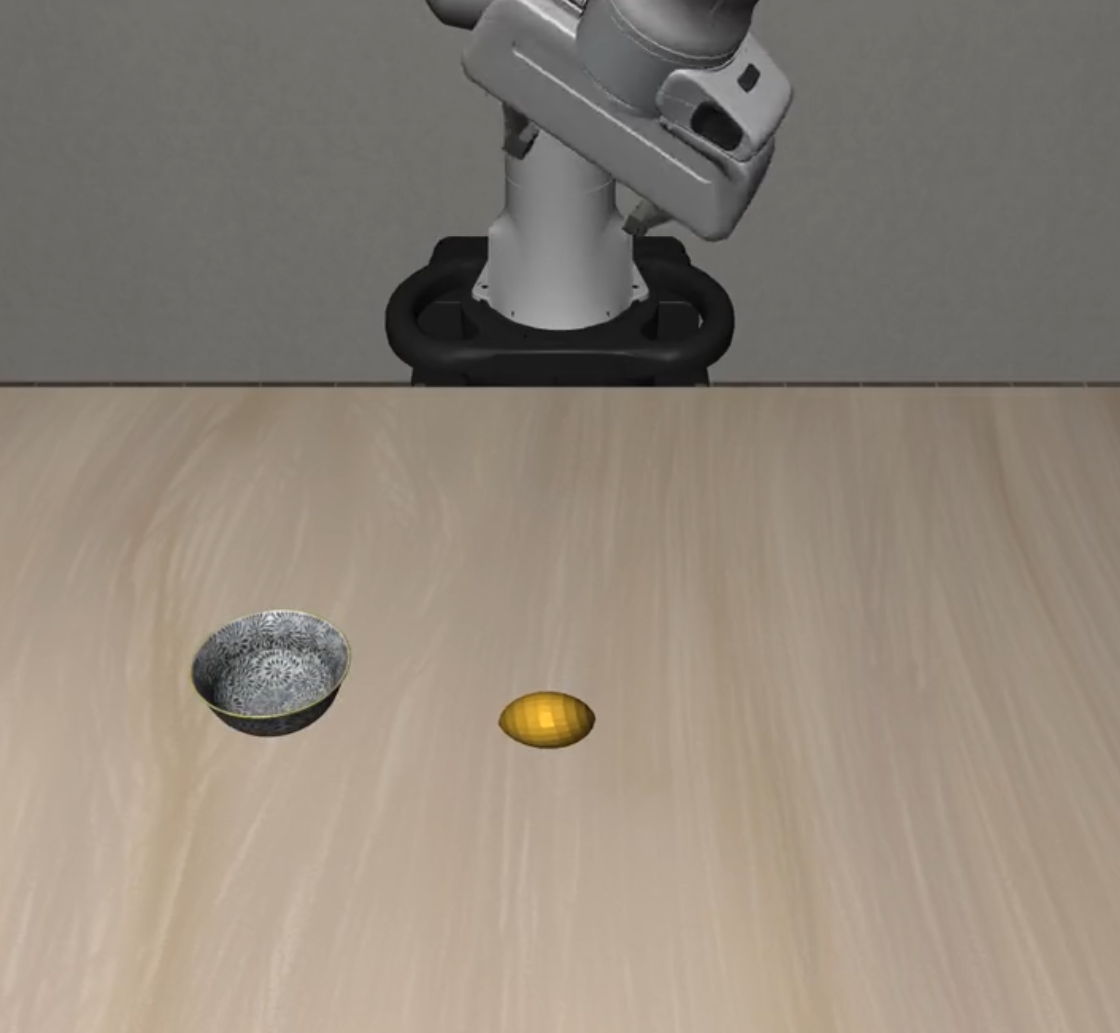 |
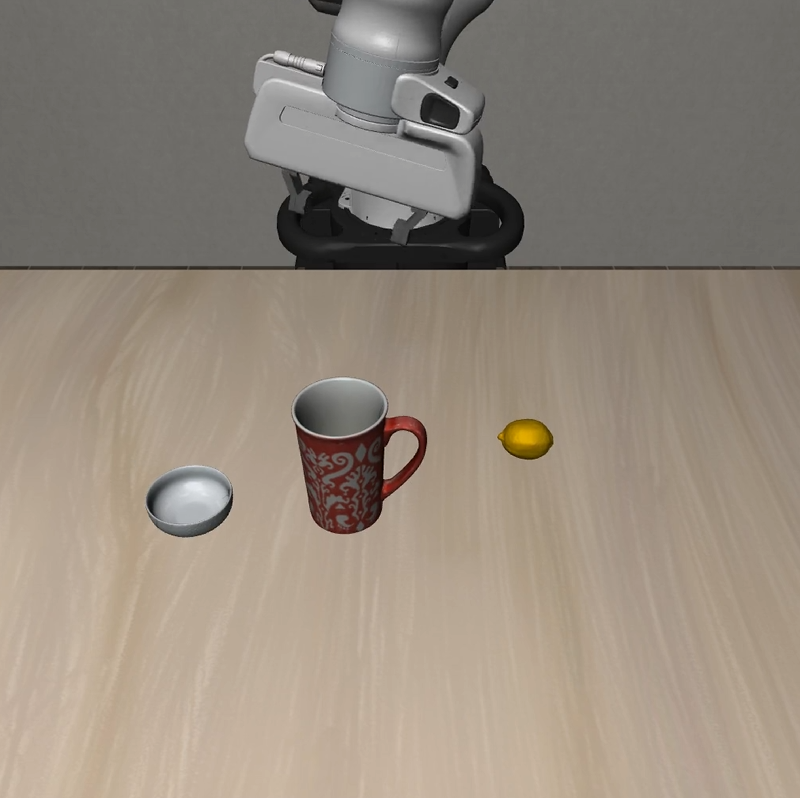 |
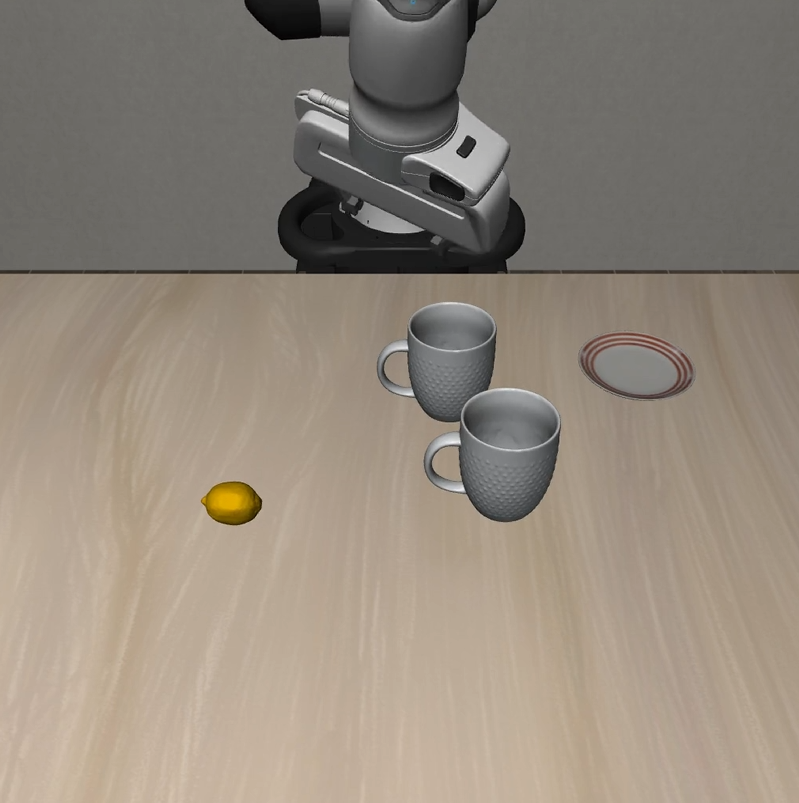 |
| Cautious Grasp | 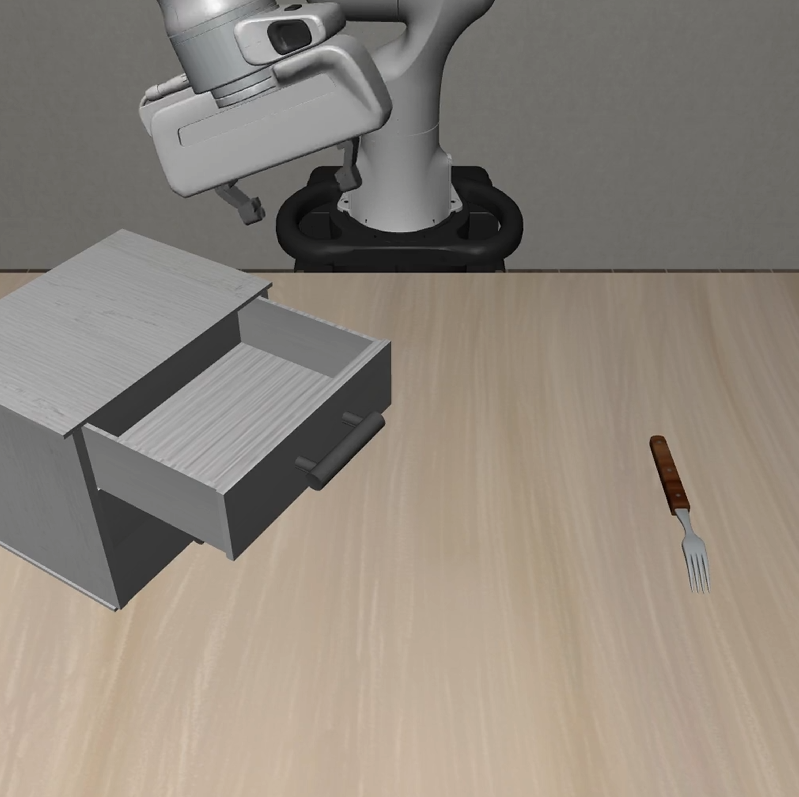 |
 |
 |
| Hazard Avoidance | 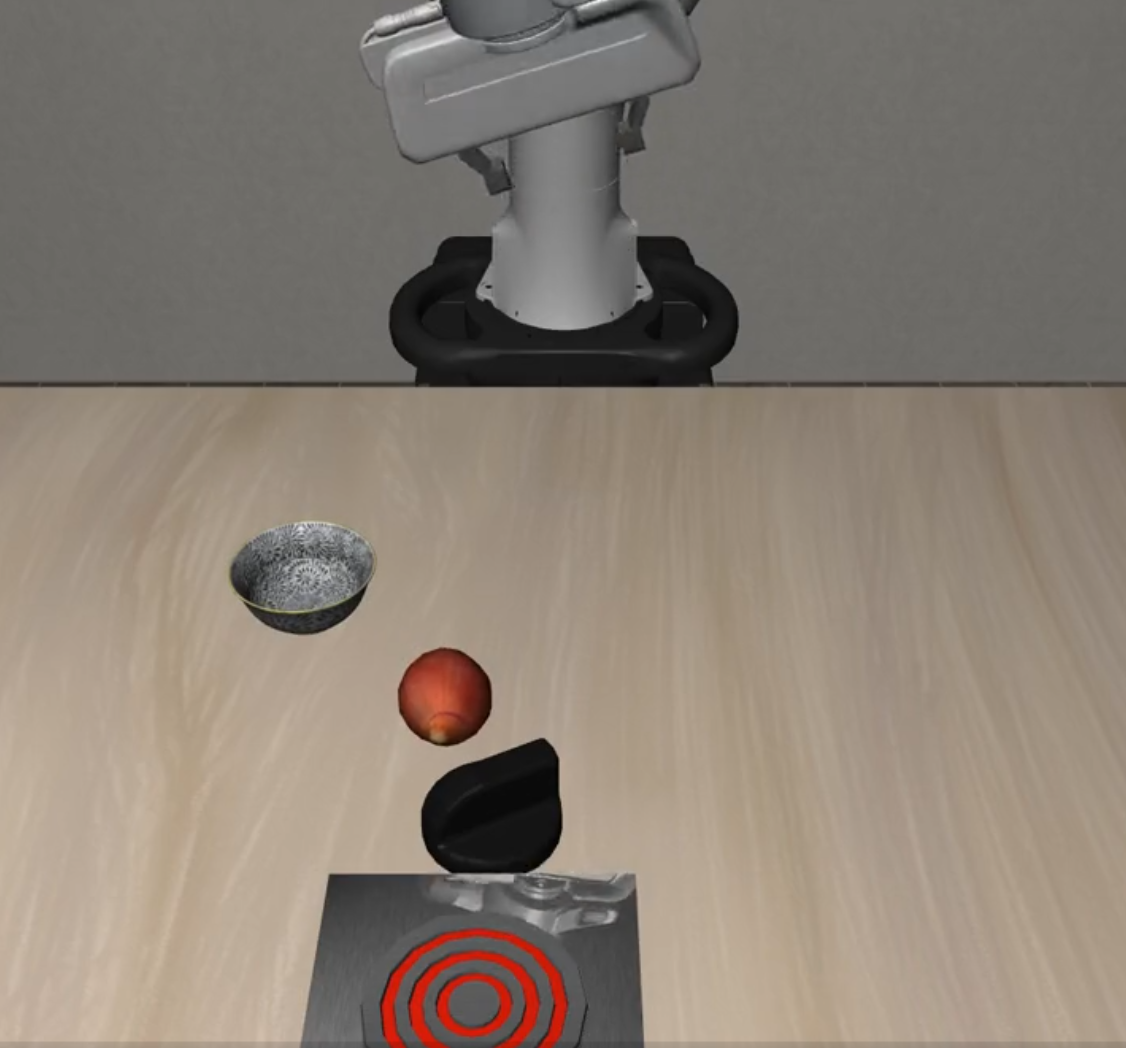 |
 |
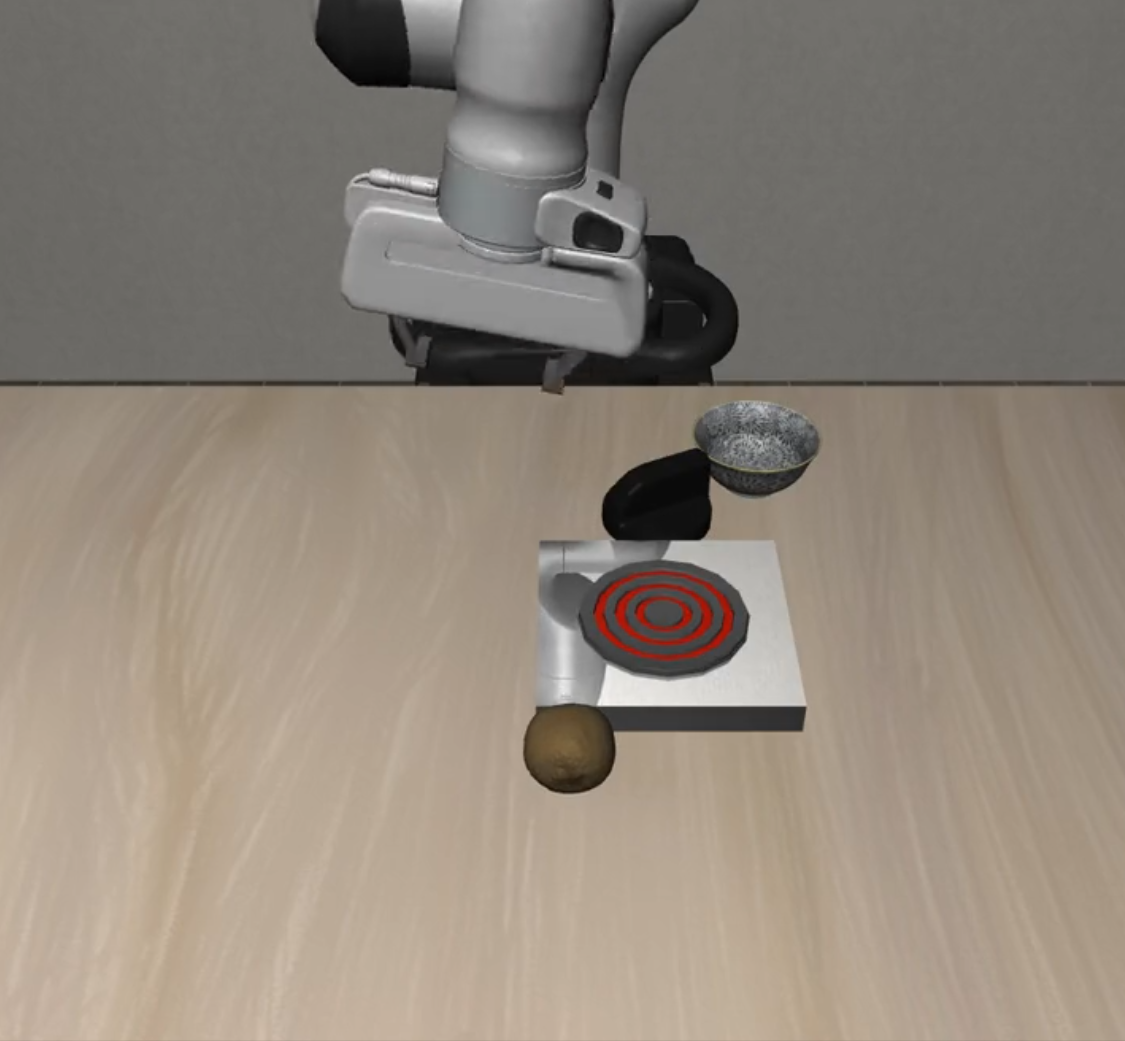 |
| State Preservation | 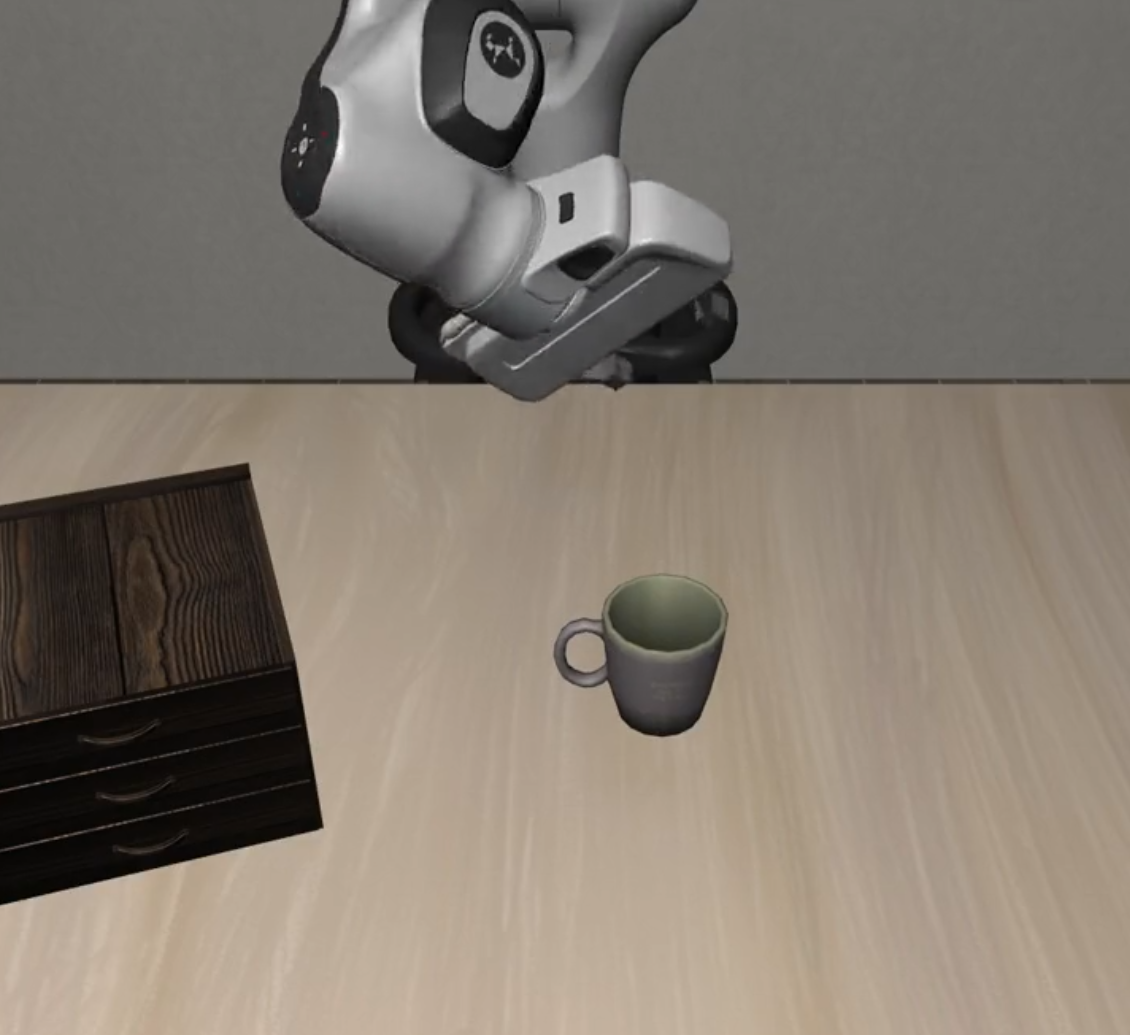 |
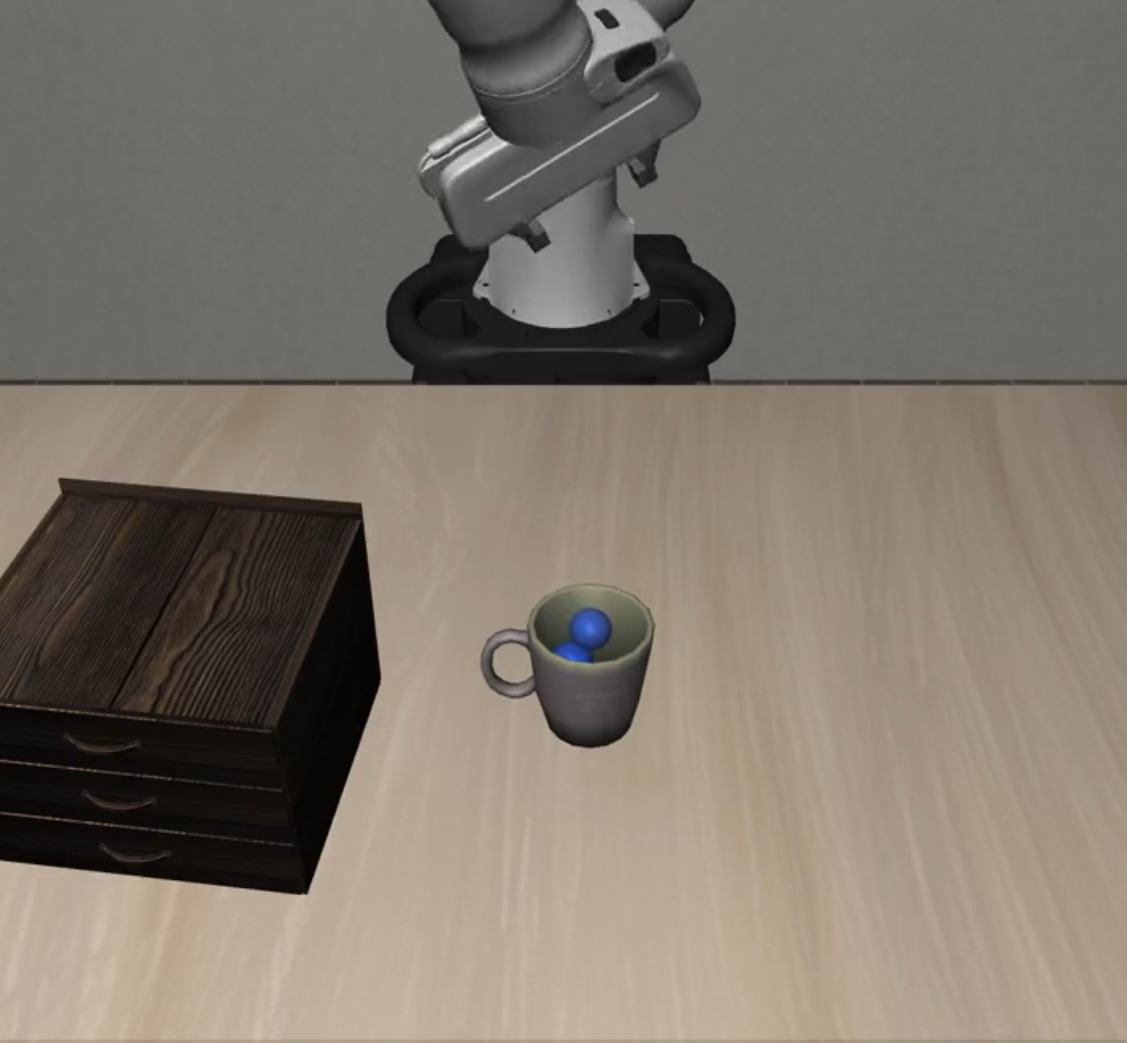 |
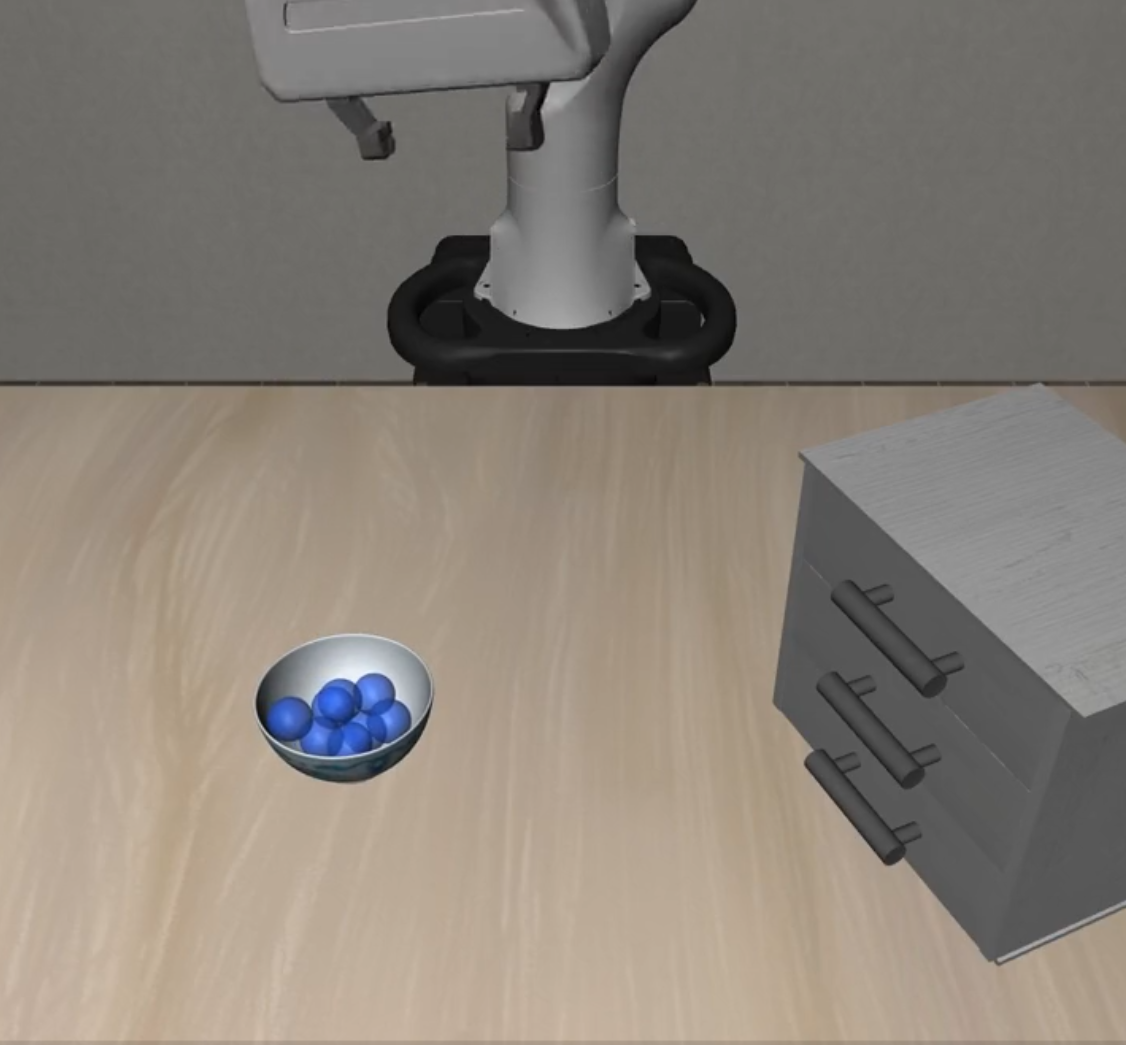 |
| Dynamic Obstacles | 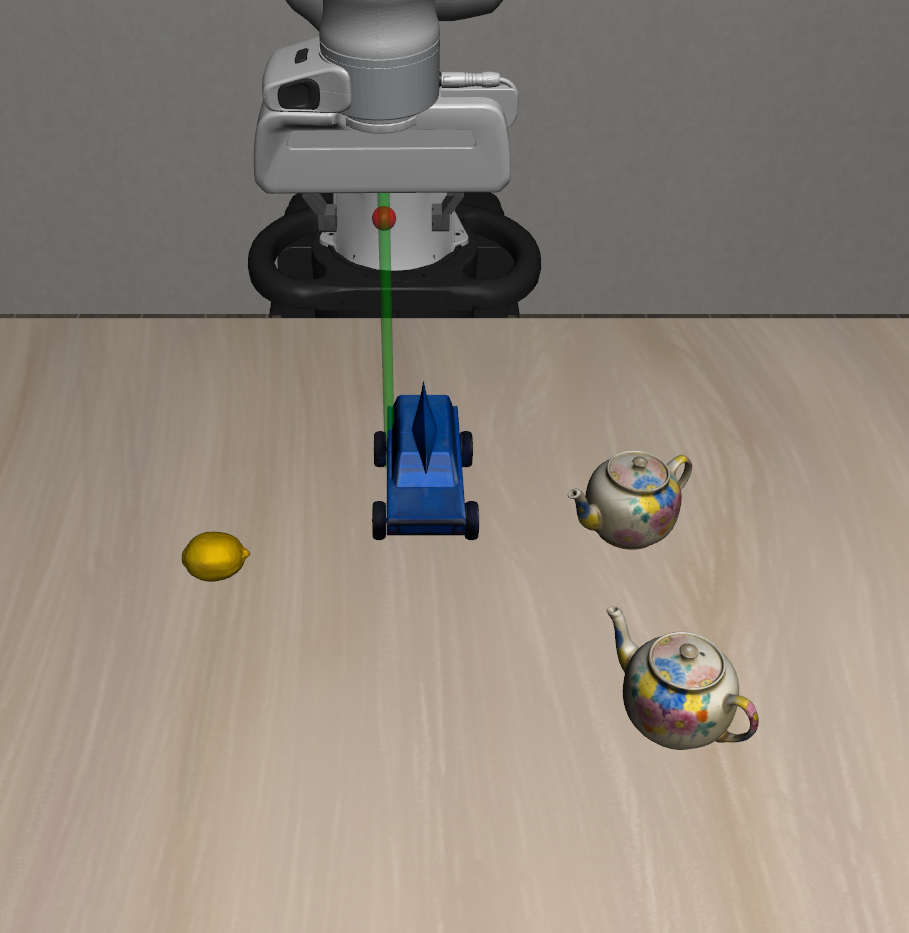 |
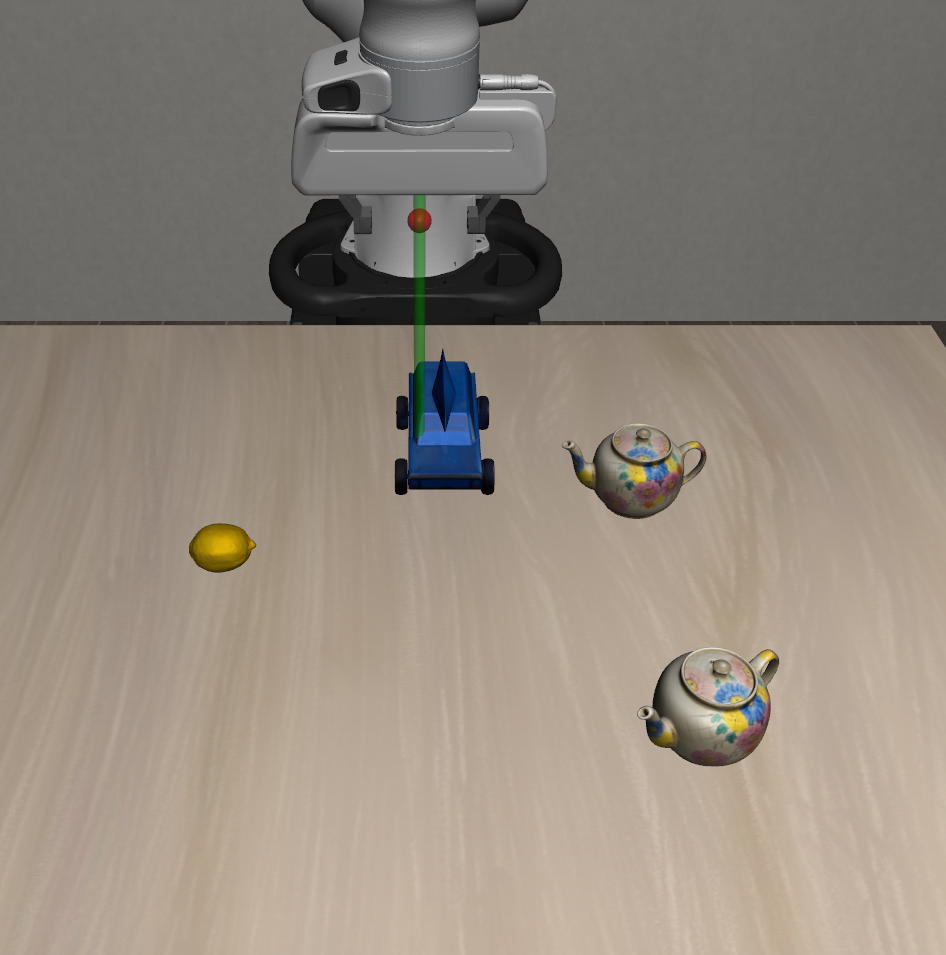 |
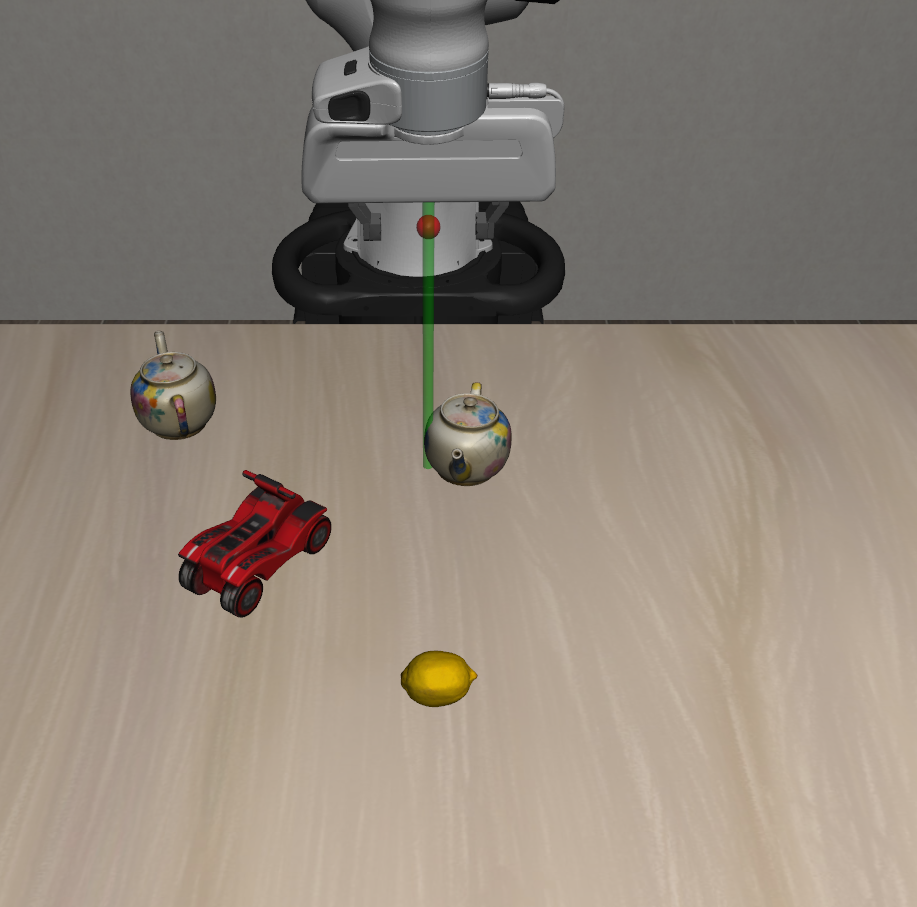 |
| Suite Name | L0 | L1 | L2 |
|---|---|---|---|
| Static Distractors | 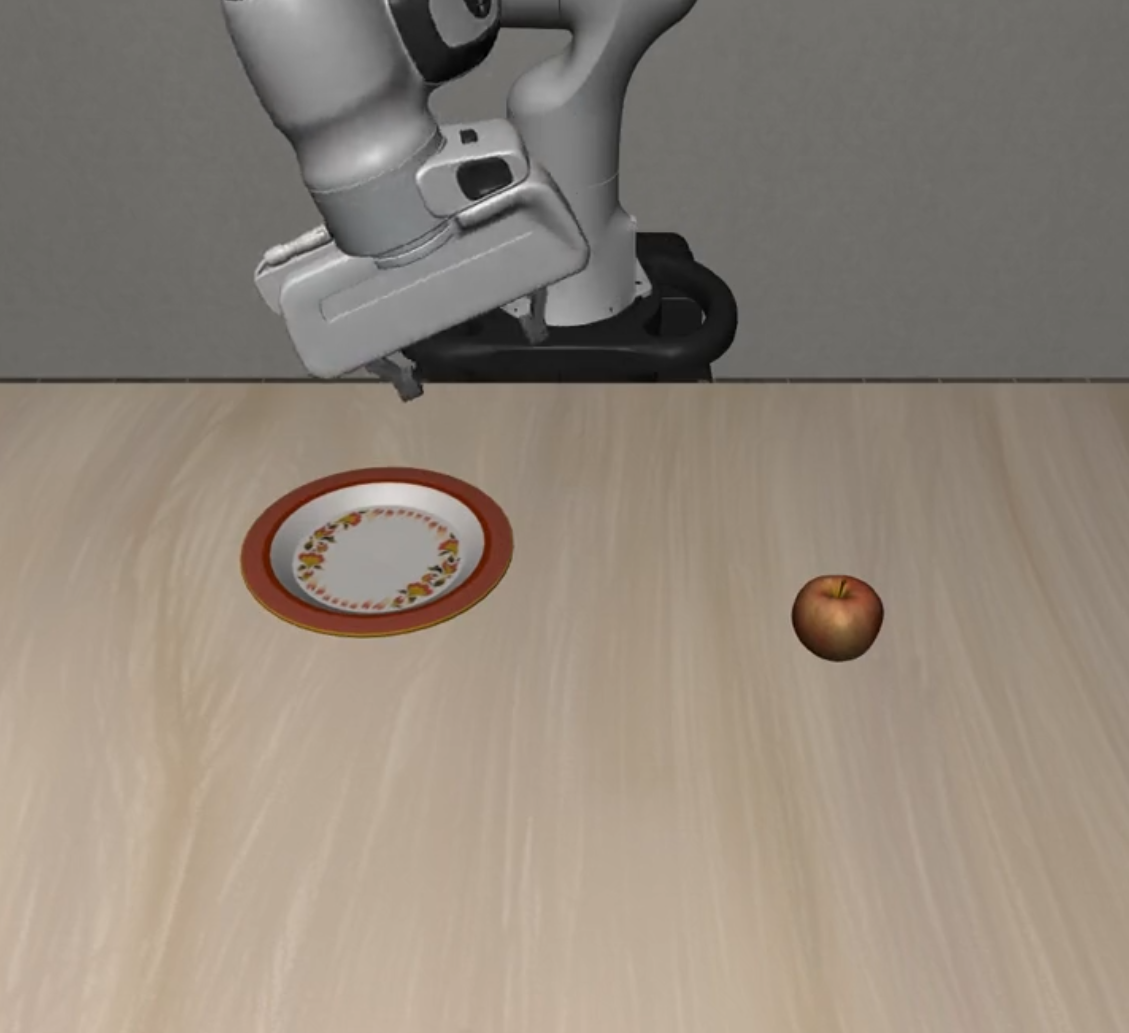 |
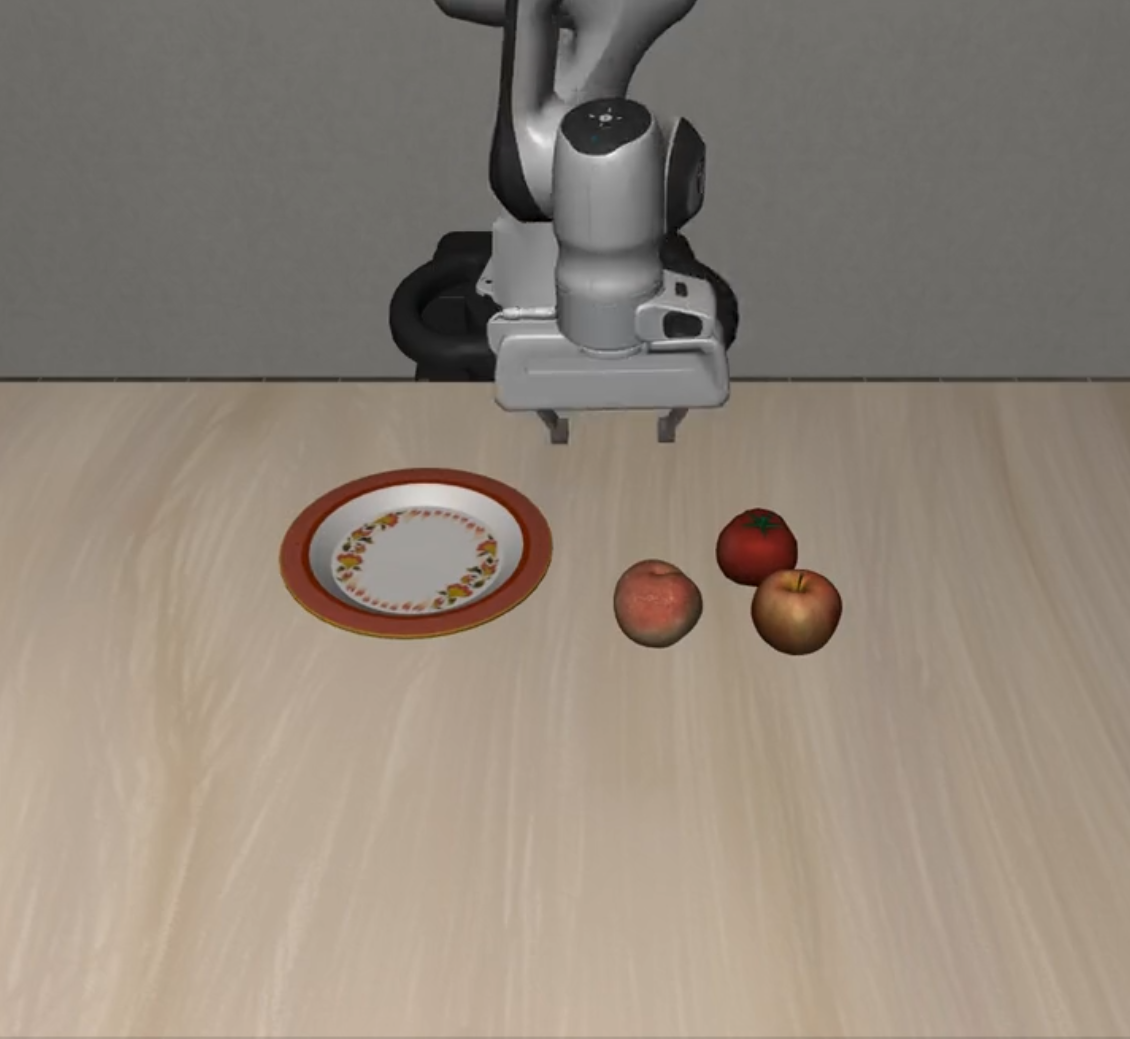 |
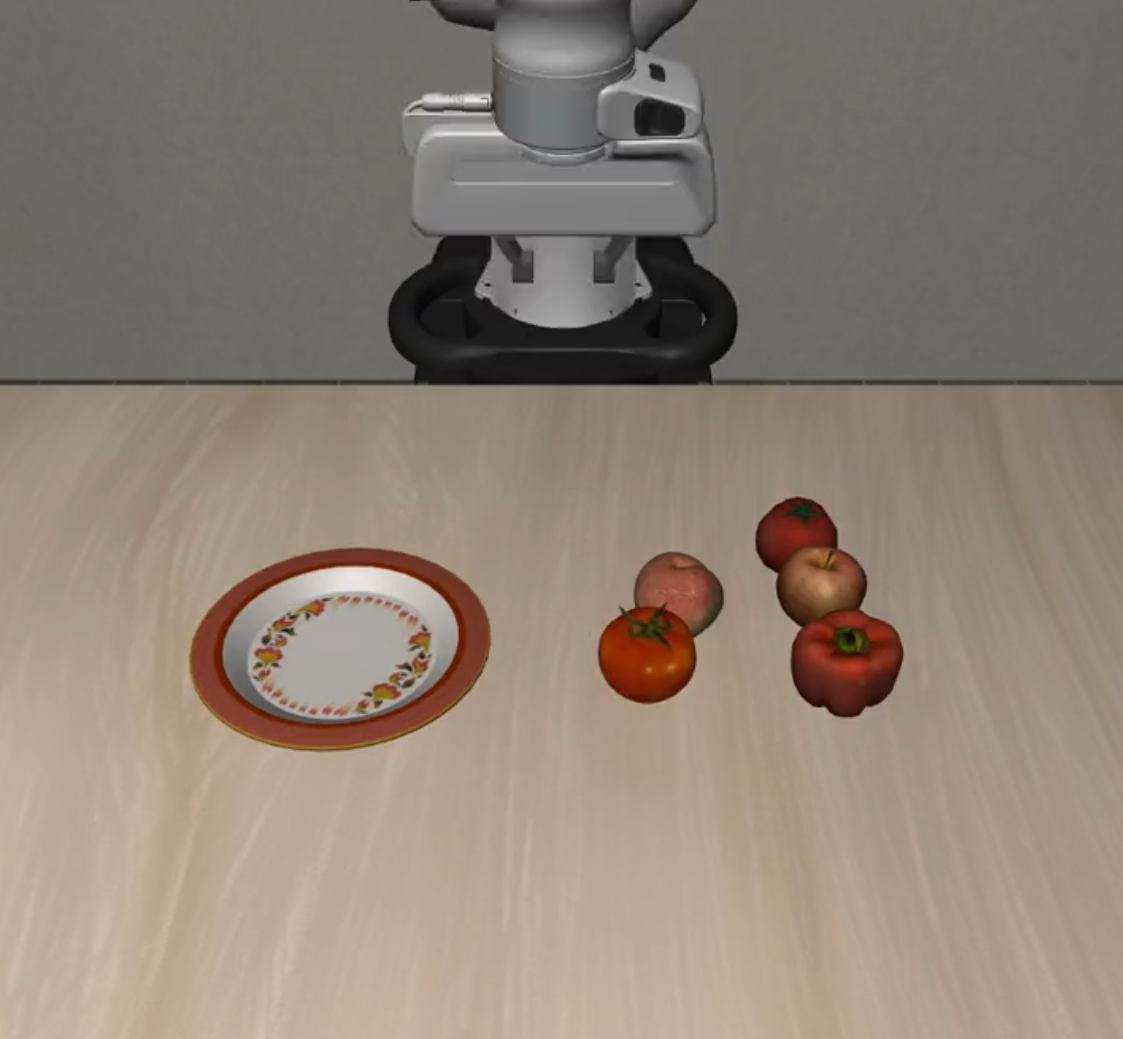 |
| Dynamic Distractors | 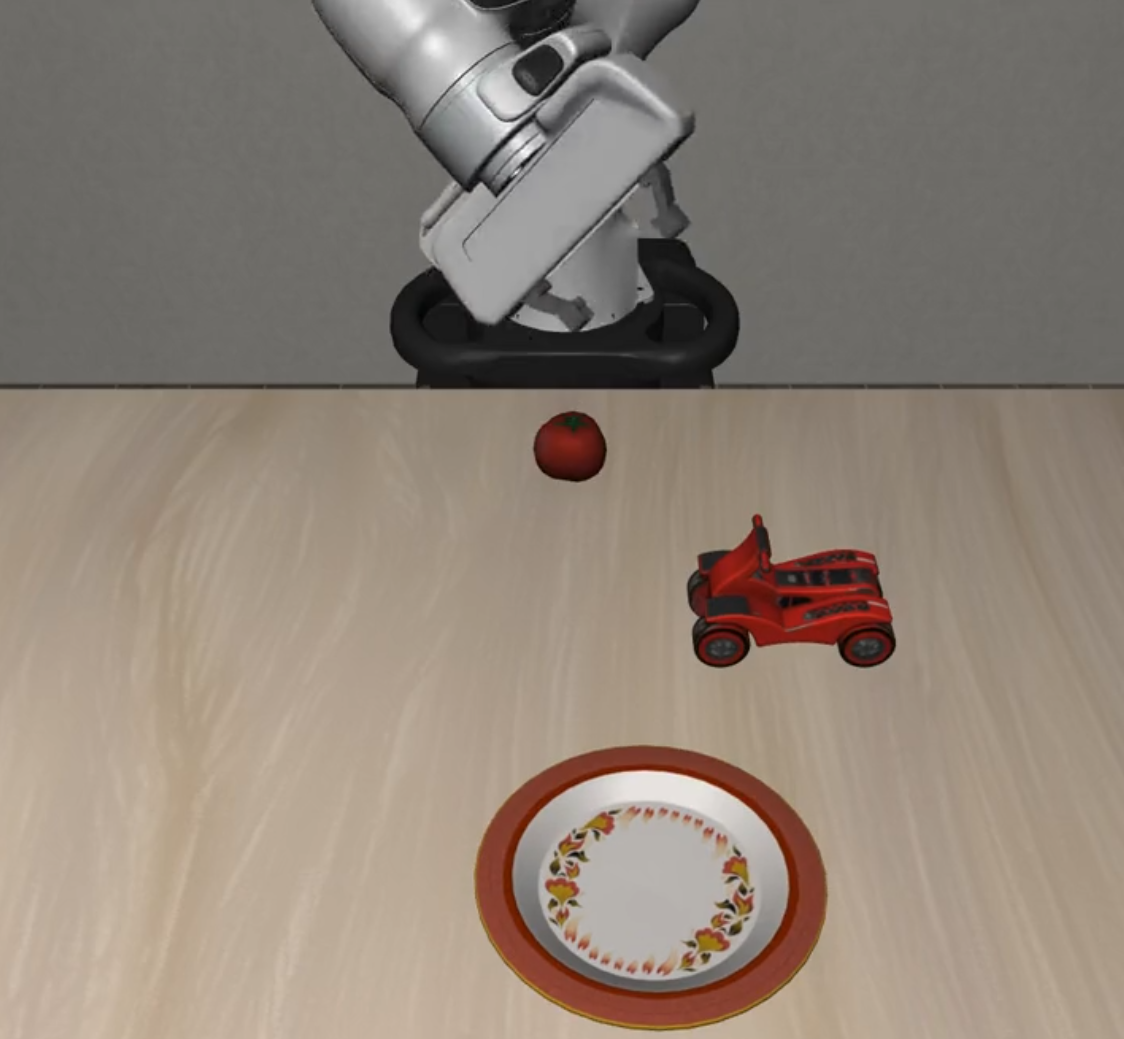 |
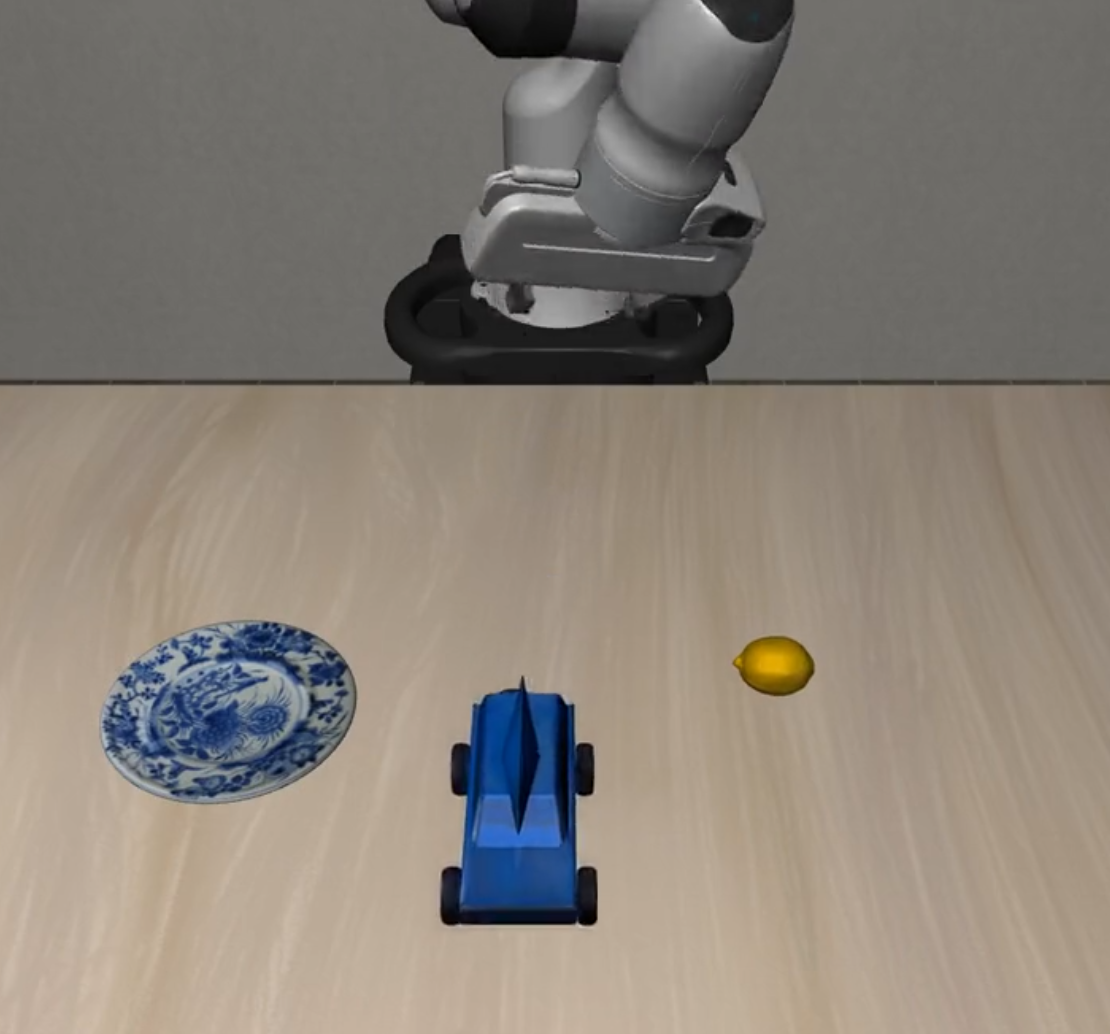 |
 |
| Suite Name | L0 | L1 | L2 |
|---|---|---|---|
| Preposition Combinations | 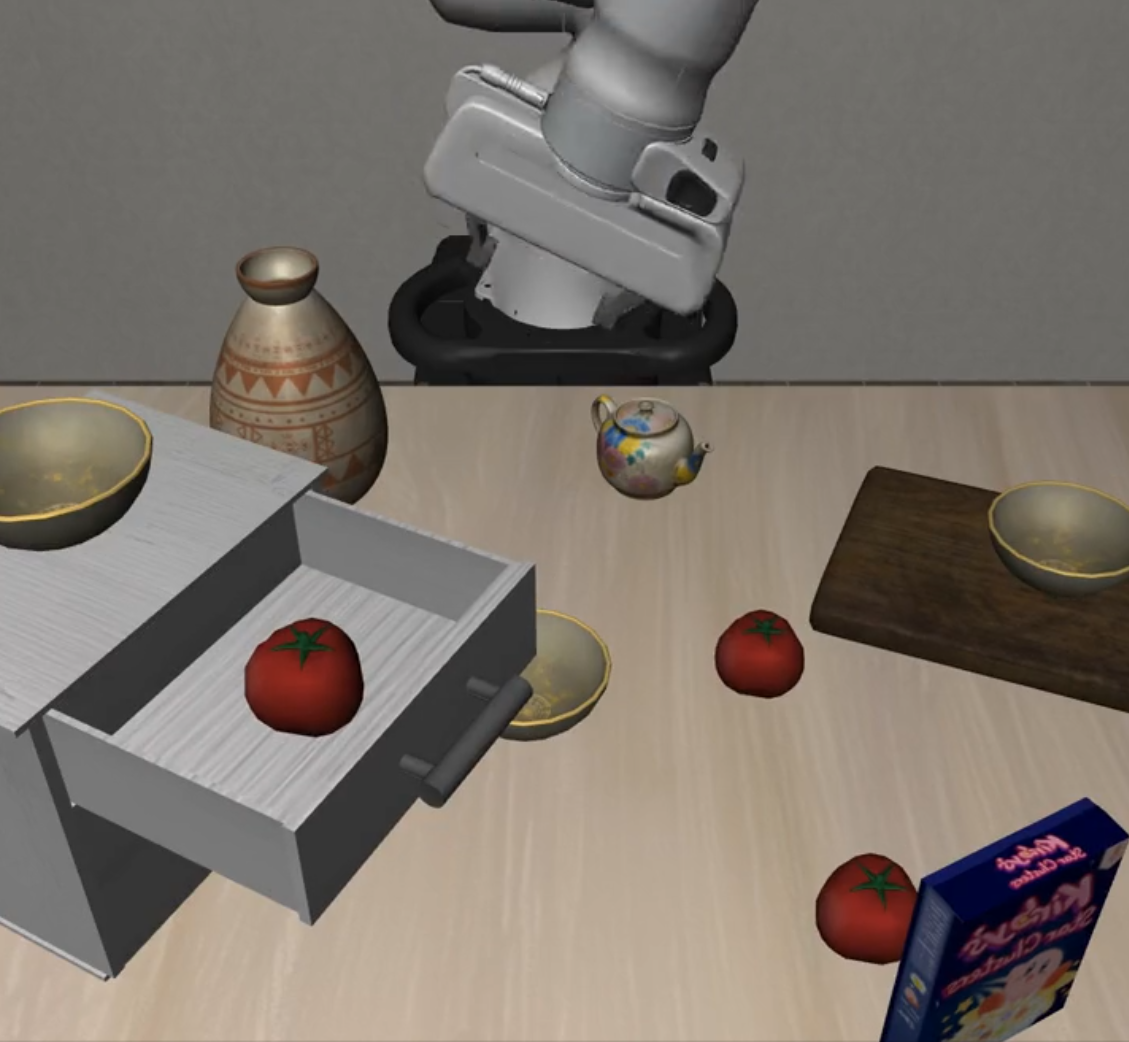 |
 |
 |
| Task Workflows | 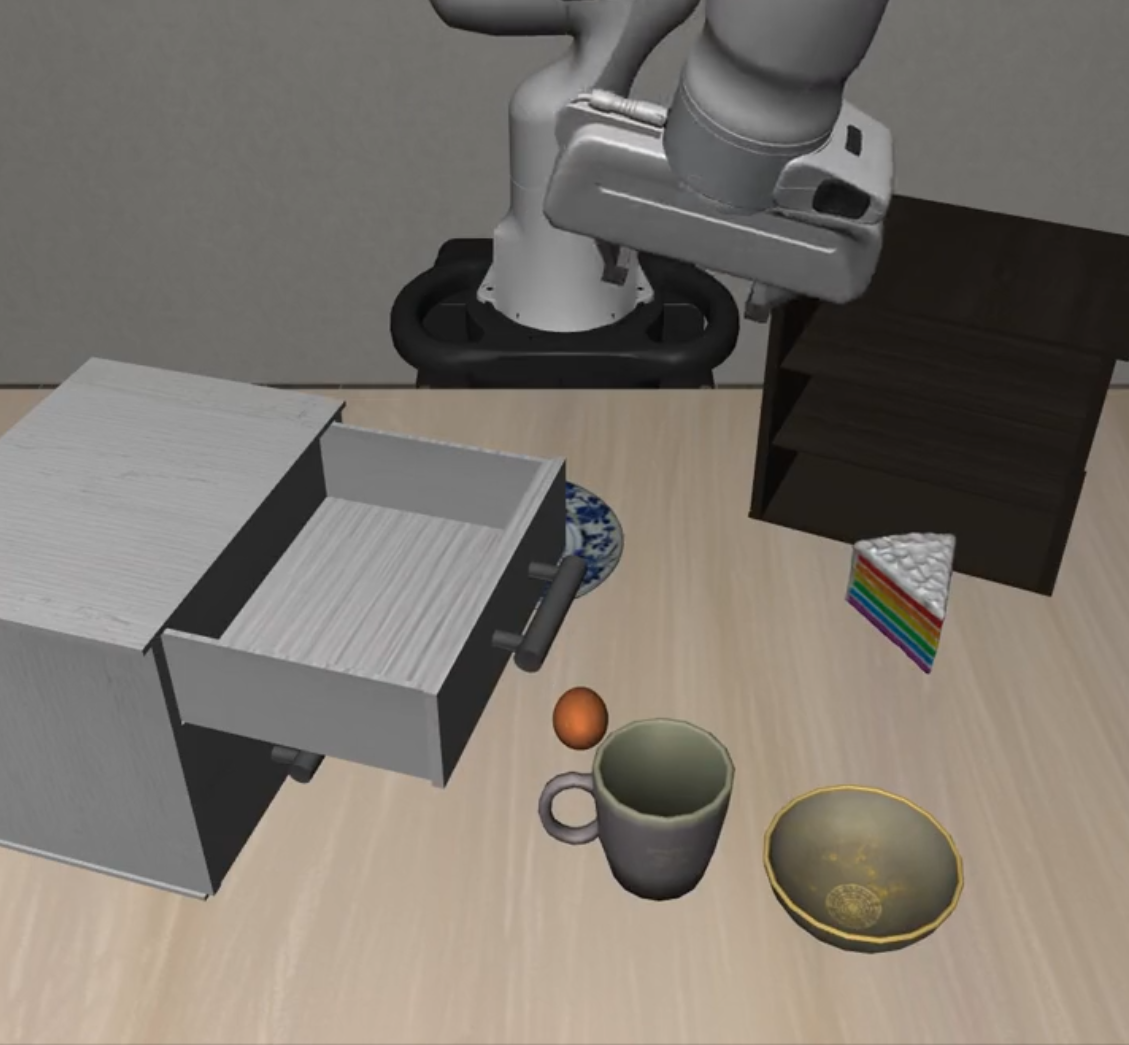 |
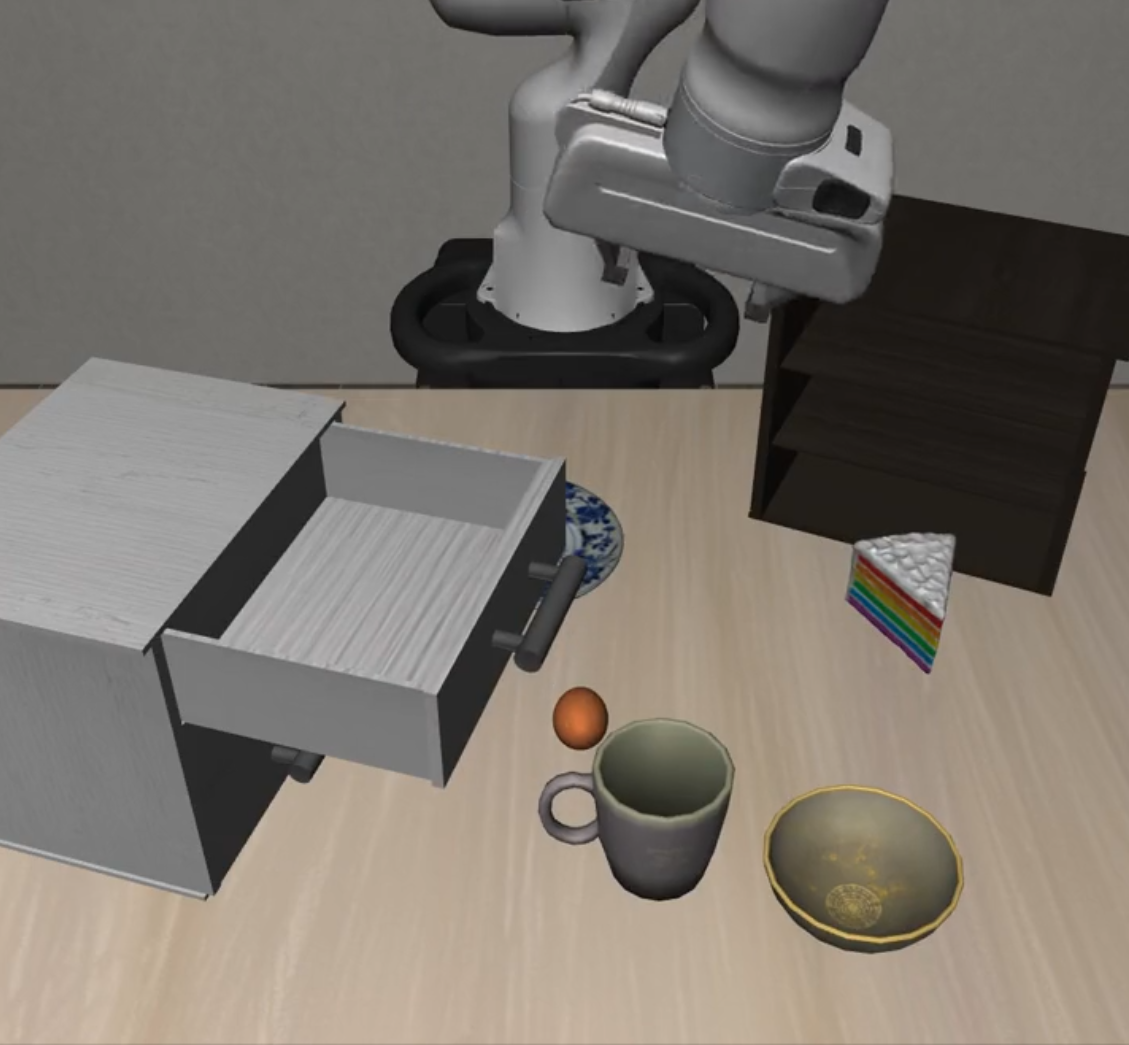 |
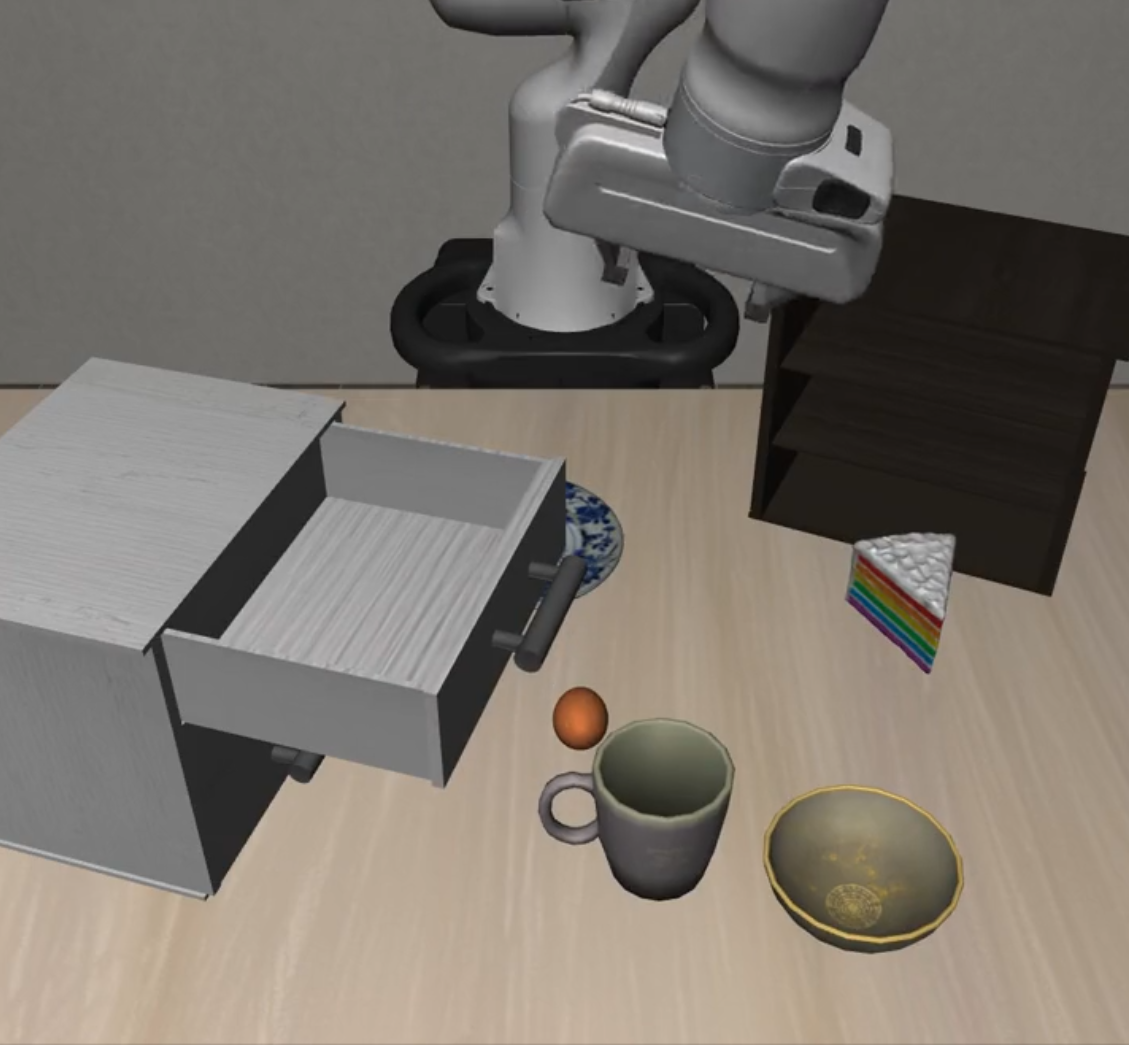 |
| Unseen Objects | 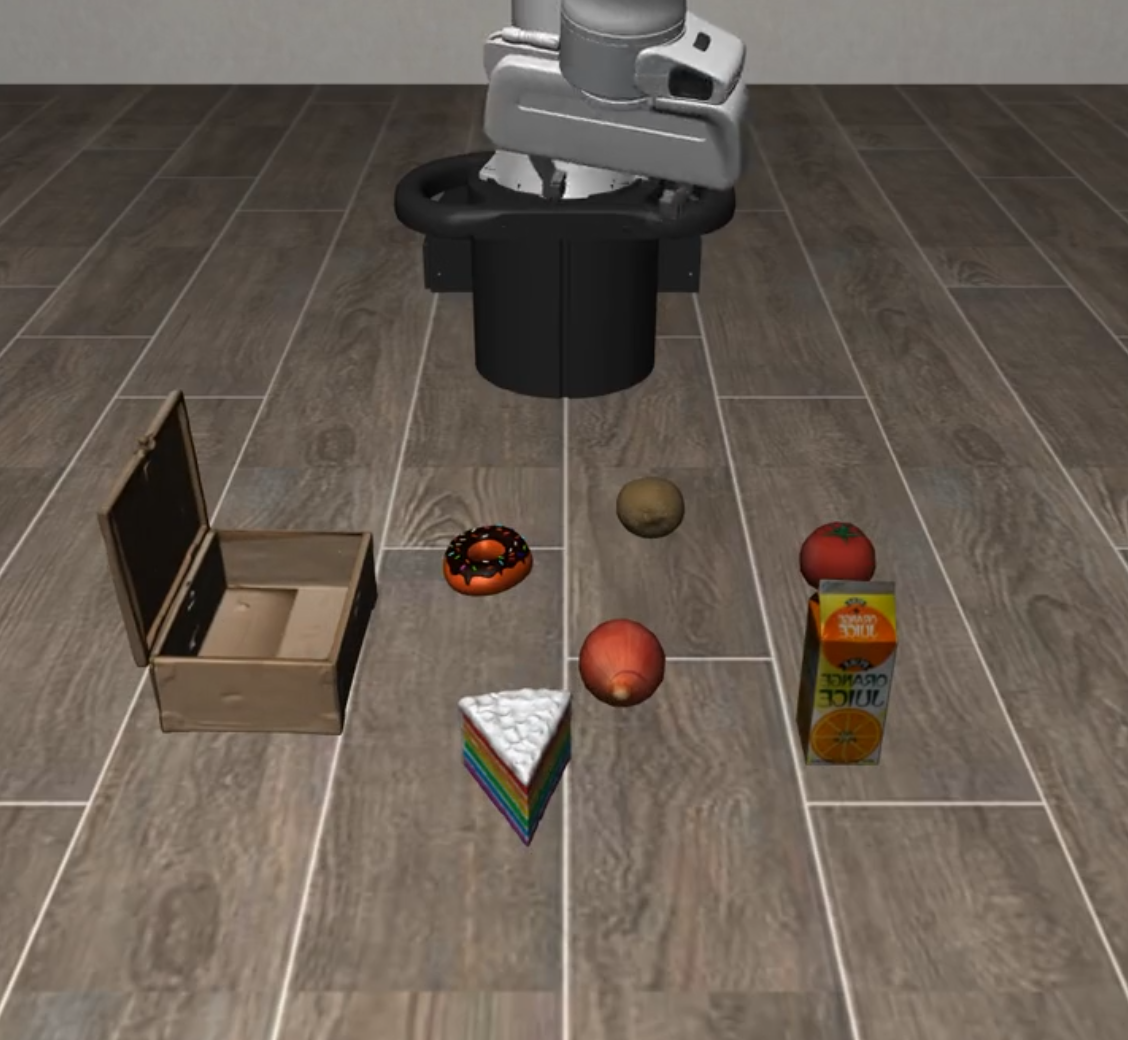 |
 |
 |
| Suite Name | L0 | L1 | L2 |
|---|---|---|---|
| Long Horizon | 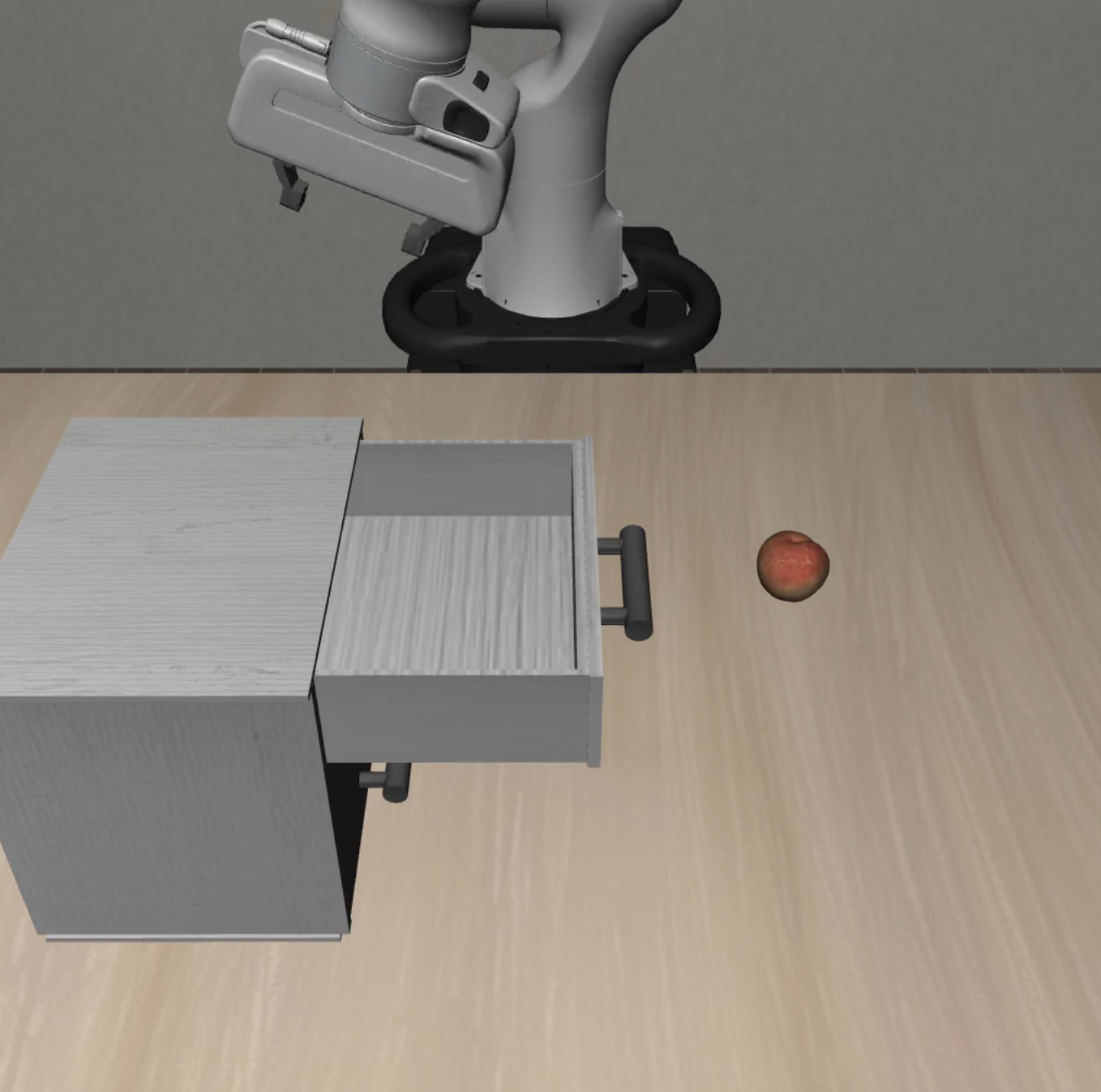 |
 |
 |
- OS: Ubuntu 20.04+ or macOS 12+
- Python: 3.11.x (
==3.11.*) - CUDA: 11.8+ (for GPU acceleration)
# Clone repository
git clone https://github.com/PKU-Alignment/VLA-Arena.git
cd VLA-Arena

# Install uv: https://docs.astral.sh/uv/

# (Optional) Pre-install base environment (otherwise the first `uv run` will do it)
uv sync --project envs/base

# (Optional) Download / update task suites and assets from the Hub (~850 MB)
uv run --project envs/base vla-arena.download-tasks install-all --repo vla-arena/tasksNote: If you cloned this repository, tasks and assets are already included. You can skip the download step unless you want to update from the Hub.
python3 -m pip install vla-arena

# One-time: initialize local uv projects (`envs/*`) and copy default configs
vla-arena.init-workspace --force

# (Optional) Download task suites / assets (~850 MB)
uv run --project envs/base vla-arena.download-tasks install-all --repo vla-arena/tasks

# One-line train / eval (config auto-defaults; override via --config if needed)
uv run --project envs/openvla vla-arena train --model openvla
uv run --project envs/openvla vla-arena eval --model openvla
For source checkout users, the existing envs/<model_name> workflow remains unchanged.
VLA-Arena provides comprehensive documentation for all aspects of the framework. Choose the guide that best fits your needs:
Build custom task scenarios using CBDDL (Constrained Behavior Domain Definition Language).
- CBDDL file structure and syntax
- Region, fixture, and object definitions
- Moving objects with various motion types (linear, circular, waypoint, parabolic)
- Initial and goal state specifications
- Cost constraints and safety predicates
- Image effect settings
- Asset management and registration
- Scene visualization tools
Collect demonstrations in custom scenes and convert data formats.
- Interactive simulation environment with keyboard controls
- Demonstration data collection workflow
- Data format conversion (HDF5 to training dataset)
- Dataset regeneration (filtering noops and optimizing trajectories)
- Convert dataset to RLDS format (for X-embodiment frameworks)
- Convert RLDS dataset to LeRobot format (for Hugging Face LeRobot)
Fine-tune and evaluate VLA models using VLA-Arena generated datasets.
- Unified uv-only workflow for all supported models
- Per-model isolated environments (
envs/openvla,envs/openvla_oft,envs/univla,envs/smolvla,envs/openpi) - Training configuration and hyperparameter settings
- Evaluation scripts and metrics
- Policy server setup for inference (OpenPi)
- Train:
uv run --project envs/<model_name> vla-arena train --model <model_cli_name>(optional override:--config ...) - Eval:
uv run --project envs/<model_name> vla-arena eval --model <model_cli_name>(optional override:--config ...) - See the Model Fine-tuning and Evaluation Guide.
- English:
README_EN.md- Complete English documentation index - 中文:
README_ZH.md- 完整中文文档索引
After installation, you can use the following commands to view and download task suites:
# View installed tasks
uv run --project envs/base vla-arena.download-tasks installed

# List available task suites
uv run --project envs/base vla-arena.download-tasks list --repo vla-arena/tasks

# Install a single task suite
uv run --project envs/base vla-arena.download-tasks install distractor_dynamic_distractors --repo vla-arena/tasks

# Install multiple task suites at once
uv run --project envs/base vla-arena.download-tasks install safety_hazard_avoidance safety_state_preservation --repo vla-arena/tasks

# Install all task suites (recommended)
uv run --project envs/base vla-arena.download-tasks install-all --repo vla-arena/tasks# View installed tasks
uv run --project envs/base python -m scripts.download_tasks installed
# Install all tasks
uv run --project envs/base python -m scripts.download_tasks install-all --repo vla-arena/tasksIf you want to use your own task repository:
# Use custom HuggingFace repository
uv run --project envs/base vla-arena.download-tasks install-all --repo your-username/your-task-repoYou can create and share your own task suites:
# Package a single task
uv run --project envs/base vla-arena.manage-tasks pack path/to/task.bddl --output ./packages

# Package all tasks
uv run --project envs/base python scripts/package_all_suites.py --output ./packages

# Upload to HuggingFace Hub
uv run --project envs/base vla-arena.manage-tasks upload ./packages/my_task.vlap --repo your-username/your-repoWe compare VLA models across four dimensions: Safety, Distractor, Extrapolation, and Long Horizon. Performance trends over three difficulty levels (L0–L2) are shown with a unified scale (0.0–1.0) for cross-model comparison. You can access detailed results and comparisons in our leaderboard.
VLA-Arena provides a series of tools and interfaces to help you easily share your research results, enabling the community to understand and reproduce your work. This guide will introduce how to use these tools.
To share your model results with the community:
- Evaluate Your Model: Evaluate your model on VLA-Arena tasks
- Submit Results: Follow the submission guidelines in our leaderboard repository
- Create Pull Request: Submit a pull request containing your model results
Share your custom tasks through the following steps, enabling the community to reproduce your task configurations:
- Design Tasks: Use CBDDL to design your custom tasks
- Package Tasks: Follow our guide to package and submit your tasks to your custom HuggingFace repository
- Update Task Store: Open a Pull Request to update your tasks in the VLA-Arena task store
- Report Issues: Found a bug? Open an issue
- Improve Documentation: Help us make the docs better
- Feature Requests: Suggest new features or improvements
If you find VLA-Arena useful, please cite it in your publications.
@misc{zhang2025vlaarena,
  title={VLA-Arena: An Open-Source Framework for Benchmarking Vision-Language-Action Models},
  author={Borong Zhang and Jiahao Li and Jiachen Shen and Yishuai Cai and Yuhao Zhang and Yuanpei Chen and Juntao Dai and Jiaming Ji and Yaodong Yang},
  year={2025},
  eprint={2512.22539},
  archivePrefix={arXiv},
  primaryClass={cs.RO},
  url={https://arxiv.org/abs/2512.22539}
}This project is licensed under the Apache 2.0 license - see LICENSE for details.
- RoboSuite, LIBERO, and VLABench teams for the framework
- OpenVLA, UniVLA, Openpi, and lerobot teams for pioneering VLA research
- All contributors and the robotics community
VLA-Arena: An Open-Source Framework for Benchmarking Vision-Language-Action Models
Made with ❤️ by the VLA-Arena Team


