


A Flutter package to create easy slide animation countdown / countup timer



- ⏱️ Support Count down and Count up
- ⏯️ Controll duration with StreamDuration package
- 🔔 Callback finished
- 🎨 Easily custom duration layout with
RawSlideCountdownandRawDigitItemwidget.

Farhan The author of this package is available for hiring as Flutter Engineer. See portofolio website here.
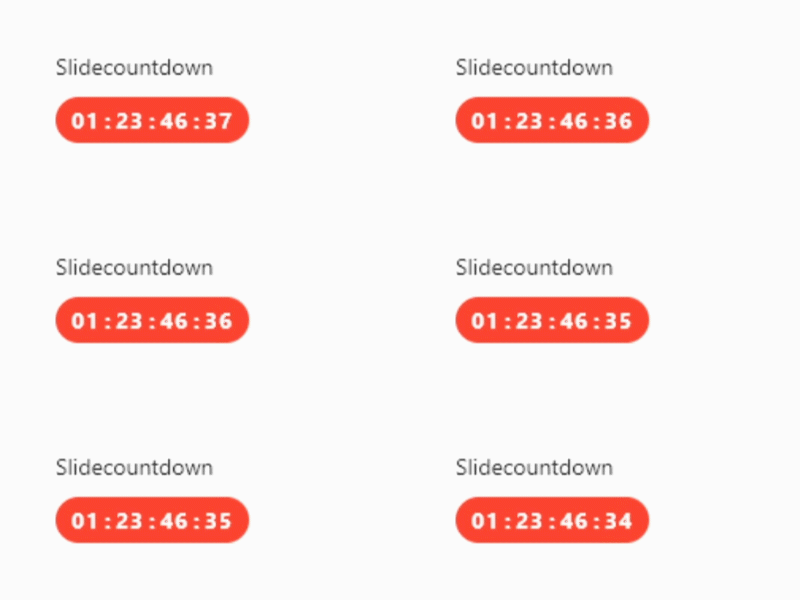
SlideCountdown(
  duration: const Duration(days: 2),
)
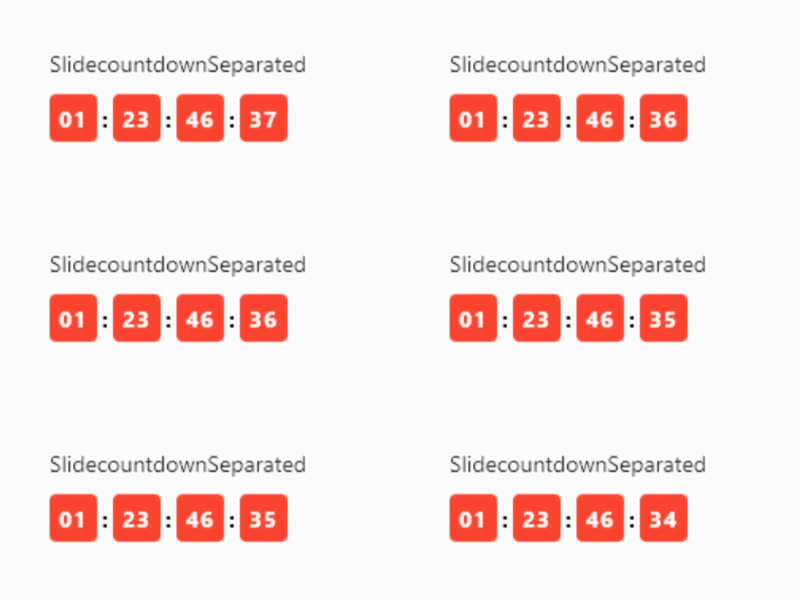
SlideCountdownSeparated(
  duration: const Duration(days: 2),
)
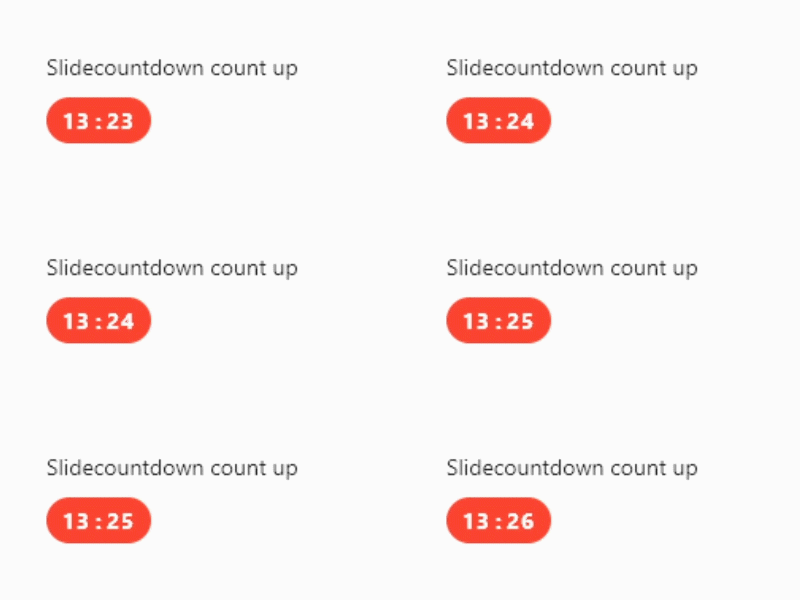
When the countup value is the same as the duration, it will call onDone. If you do not set a duration, the countup will continue infinitely and onDone will never be called.
SlideCountdown(
  duration: const Duration(days: 2),
  countUp: true,
)
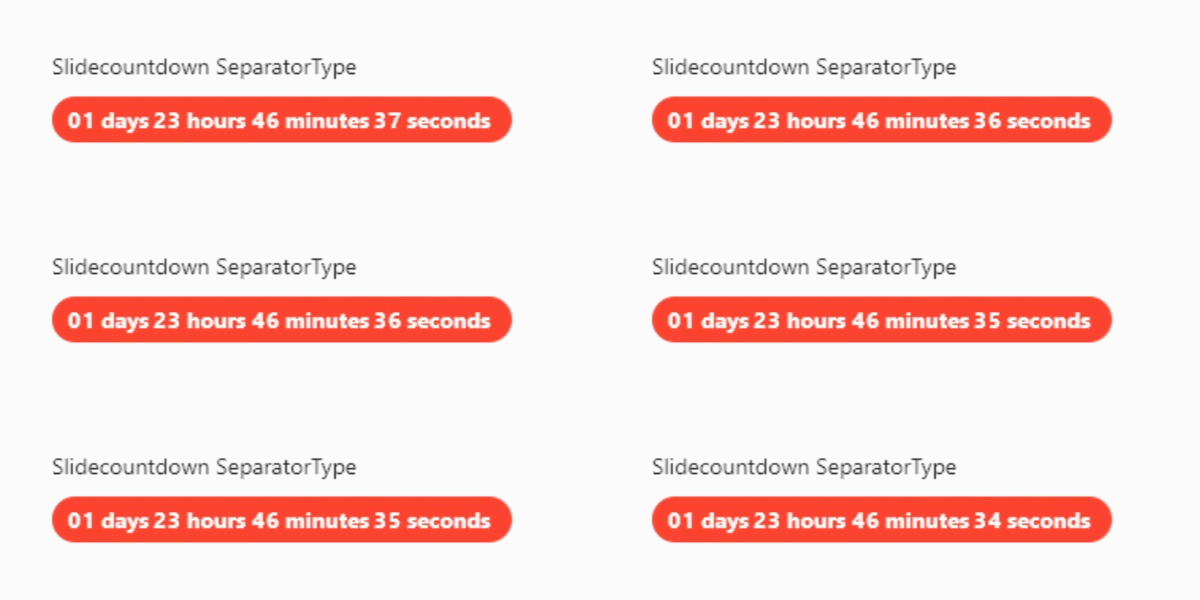
SlideCountdown(
  duration: const Duration(days: 2),
  separatorType: SeparatorType.title,
  slideDirection: SlideDirection.up,
)
You can full customize slidecountdown with RawSlideCountdown and RawDigitItem
see example here
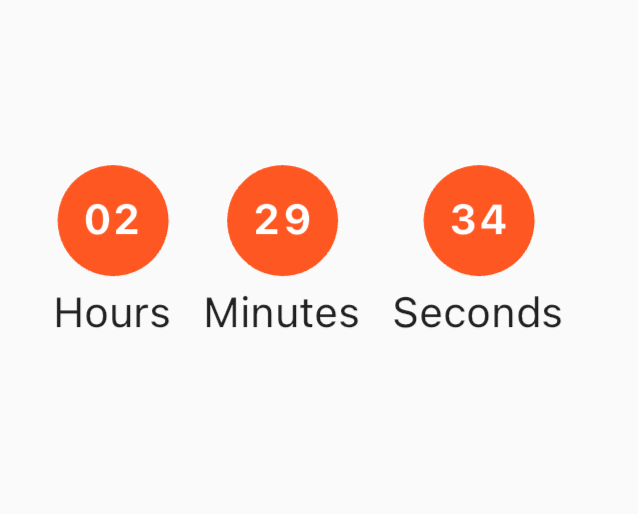
If you want to control duration more advanced, you can override property StreamDuration.
You can play, pause, change, add, subtract duration.
If you override/custom
StreamDurationduration property has no effect anymore.
See Full example control duration here.
final streamDuration = StreamDuration(const Duration(hours: 2));

SlideCountdown(
  // This duration no effect if you customize stream duration
  duration: const Duration(seconds: 10),
  streamDuration: streamDuration,
),
Farhan Fadila
📫 Email: farhan.fadila1717@gmail.com
⛳ Website: farhanfadila.site