You signed in with another tab or window. Reload to refresh your session.You signed out in another tab or window. Reload to refresh your session.You switched accounts on another tab or window. Reload to refresh your session.Dismiss alert
⚠️ Ensure all dependencies are installed, up to date, and ensure BEFORE this script, before proceeding.
🛠️ Installation
Step 1: Inventory Integration
For QBCore (qb-inventory)
Copy items from md-fishing/itemlist/qb.md into qb-core/shared/items.lua.
Add item images from md-drugs/items_install/images to qb-inventory/html/images or your other inventory.
For OX_Inventory
Copy items from md-fishing/itemlist/ox.md into ox_inventory/data/items.lua.
Add item images to ox_inventory/web/images.
STEP 2
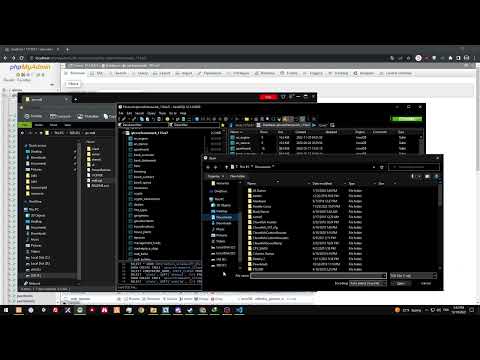
Run SQL
if you dont know how, click this image below
Step 3 Configure The Script To your liking
Everything Is in the server_config.lua OR Config.lua
adjust what you will like.
MAJOR IMPORTANT STEP
IF YOU USE THE OLDER VERSION OF MD-FISHING PLEASE READ BELOW IF NOT YOU CAN IGNORE
AFTER INSTALLING AND BEFORE FLYING IN GO INTO TXADMIN CONSOLE AND RUN THIS COMMAND FishingReFormater THEN WAIT A FEW SECONDS. DELETE IT FROM line 514-end of server.lua
THEN RESTART YOUR SERVER. THIS WILL AUTO UPDATE ALL PLAYER DATA TO NEW FORMAT