
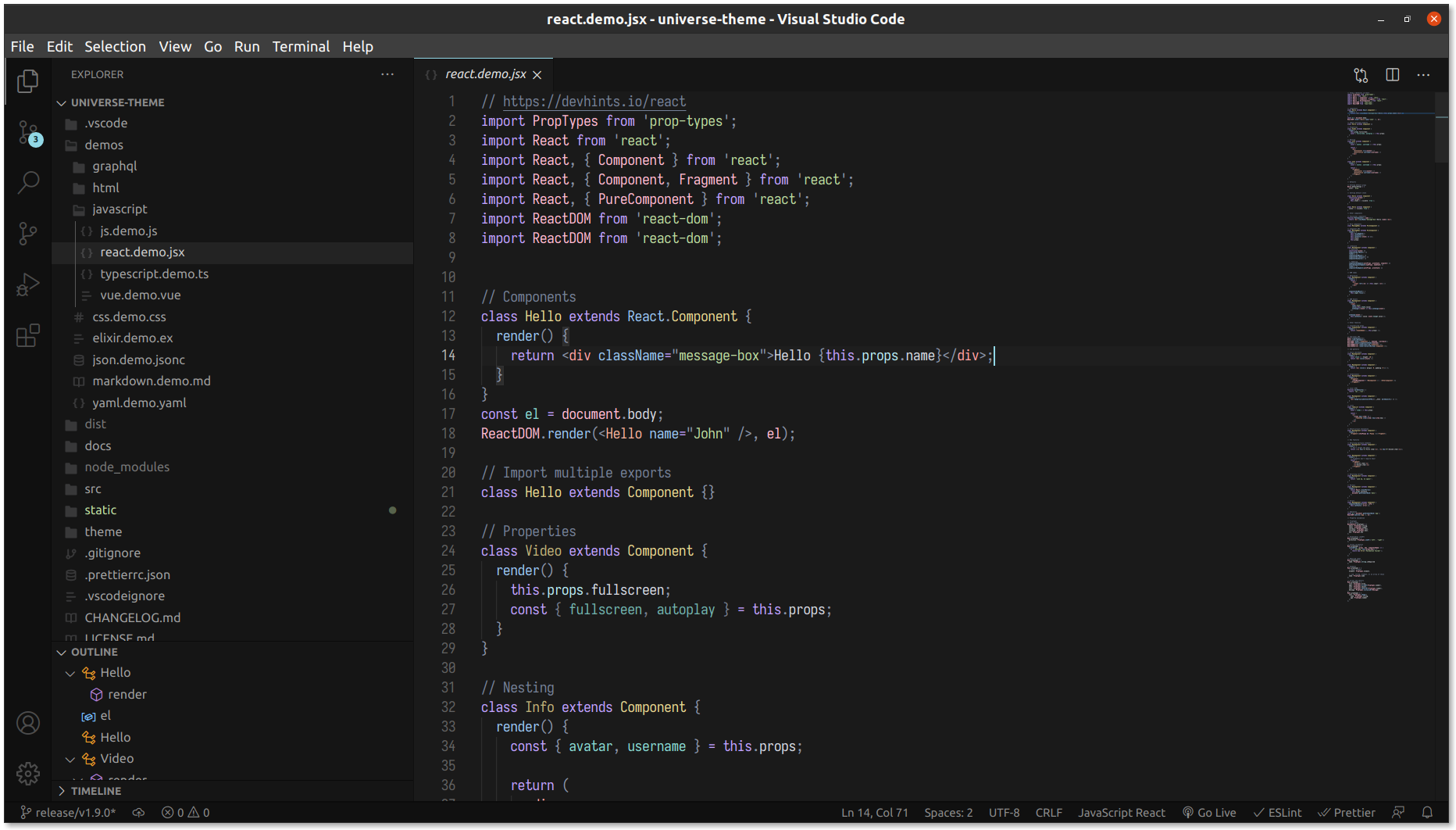
A dark theme designed with consistent syntax highlighting, accessible text contrast and distract-free user interface that let you focus on the code.



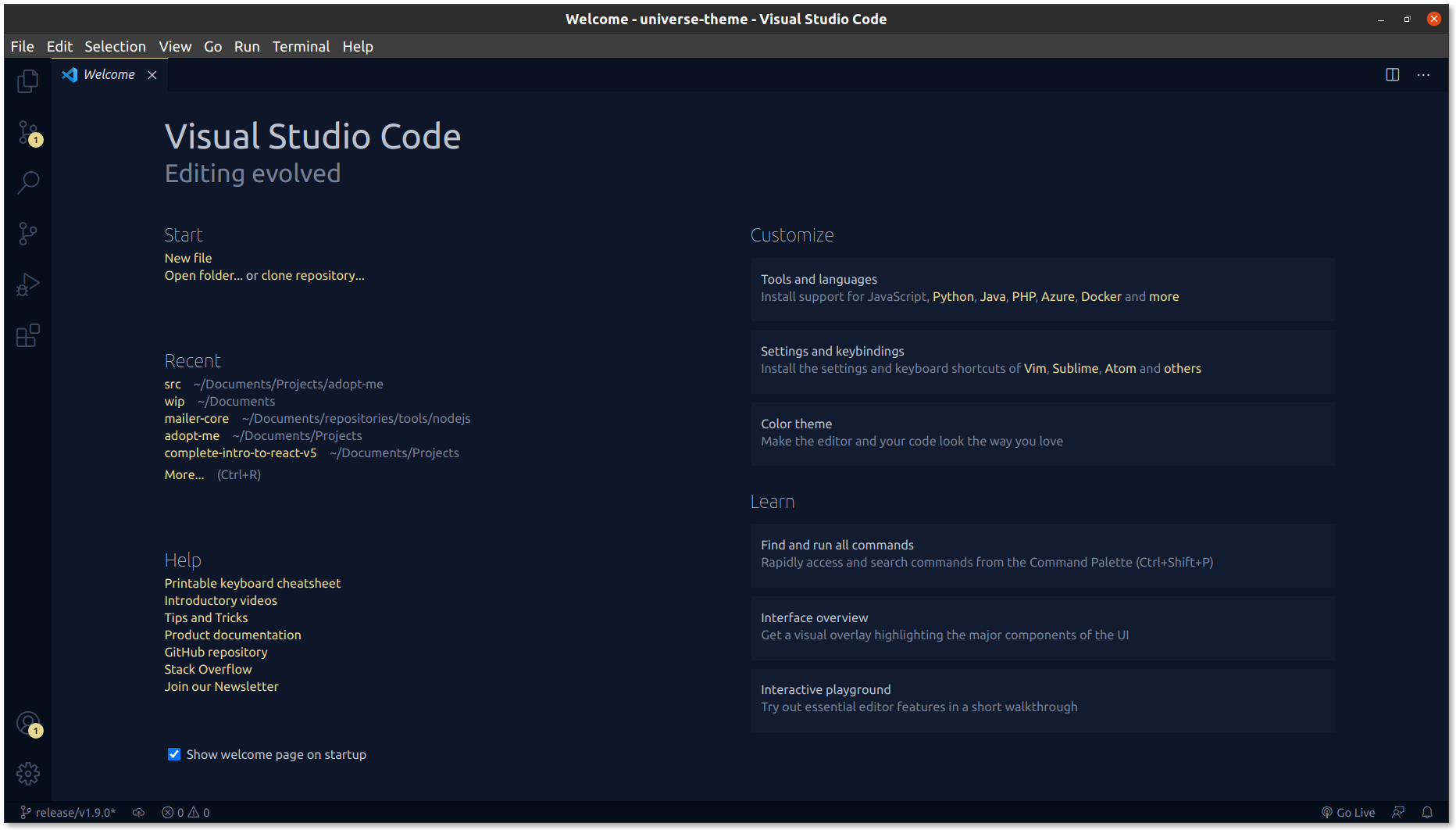
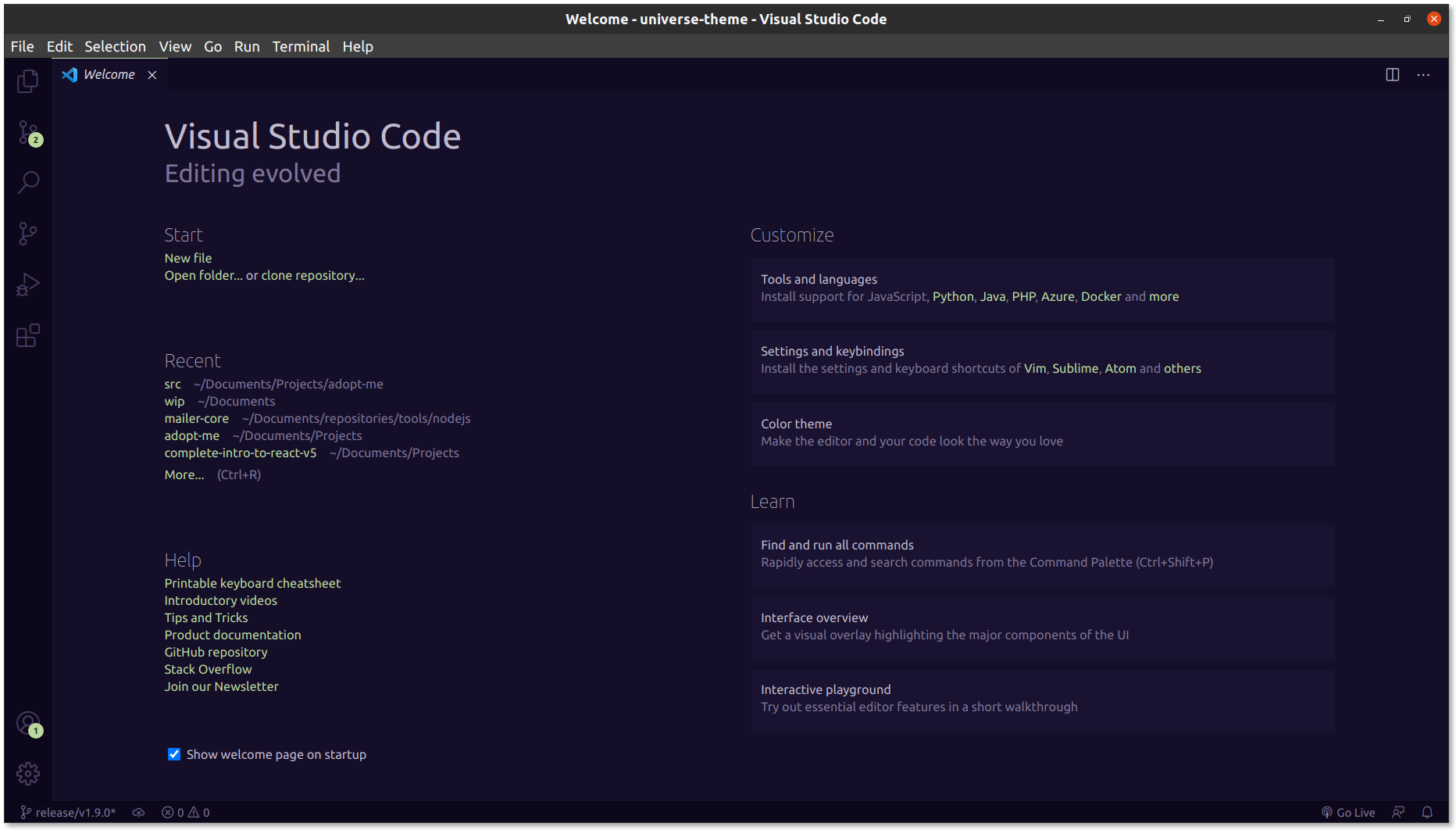

Universe includes normal and italic variants.

This theme was crafted with the accessibility in mind, for all and especially those with visual impairment. It achieves the accessibility standards outlined in the WCAG 2.0, specifically the ones related to the text contrast ratio.
Why is it important to me? Well, you probably read source code during long periods of time and you should not force yourself to read some text with poor contrast. Even if you don't have visual impairments, there are other factors that could affect the text readability, like direct sunlight, dark rooms, etc. so it will help you anyway.
If you want to learn more, check this guide
- Open Extensions sidebar panel in VS Code.
View → Extensions - Search for Universe theme published by MatiasOlivera
- Click Install to install it.
- Select Universe in the quick picker (or click on Set color theme)
- Happy coding!
| Description | Extensions | Support |
|---|---|---|
| Config files | .ini, .editorconfig | ✅ |
| CSS | .css | ✅ |
| Elixir | .ex, .exs | ✅ |
| GraphQL | .gql, .graphql | ✅ |
| HTML | .html | ✅ |
| Javascript | .js | ✅ |
| JSON | .json | ✅ |
| Markdown | .md | ✅ |
| Pug | .pug | ✅ |
| React (JSX) | .jsx | ✅ |
| Typescript | .ts | ✅ |
| Vue | .vue | ✅ |
| YAML | .yml | ✅ |
If you want support for another language / library / framework, please open an issue and let me know
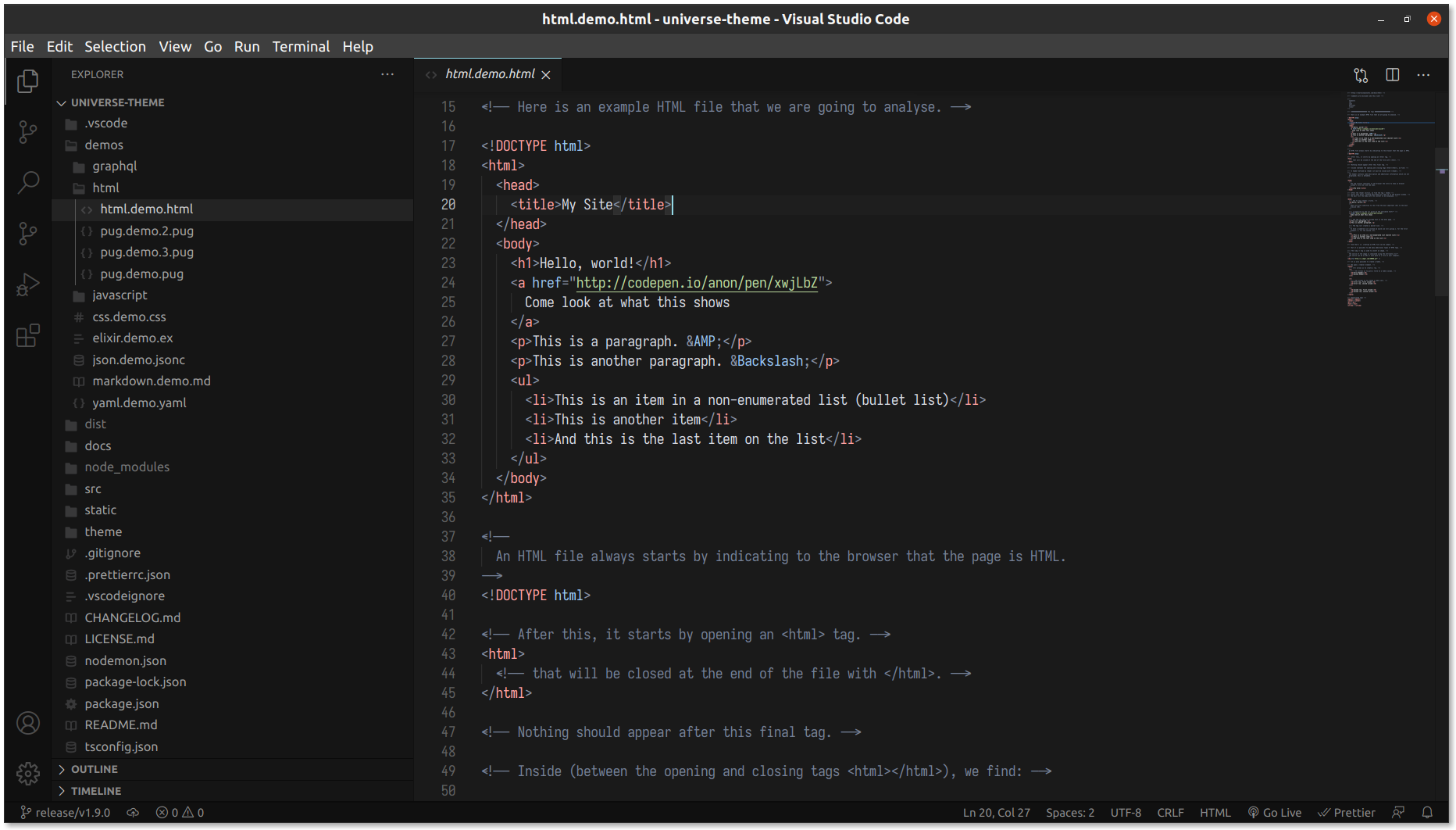
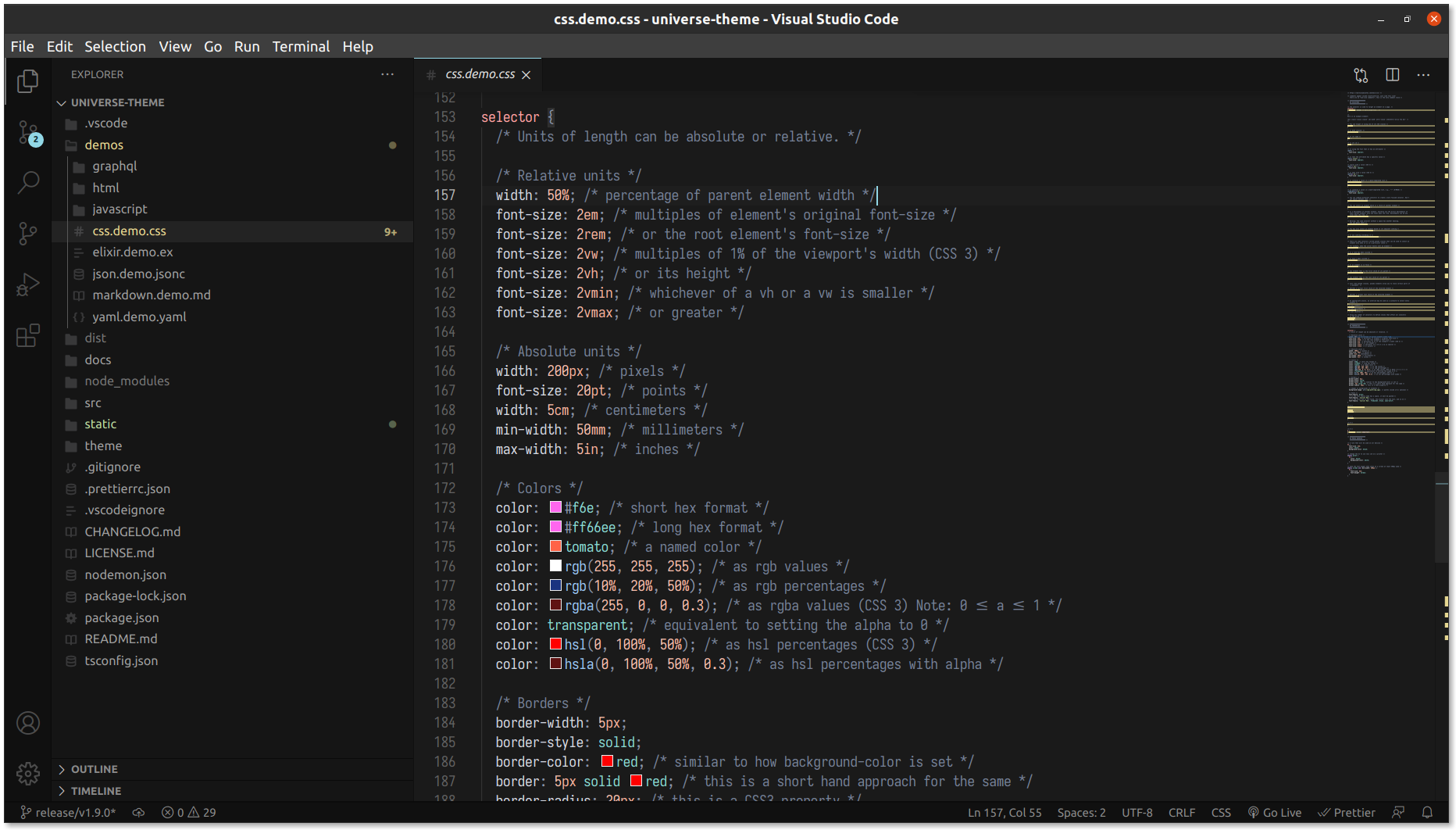
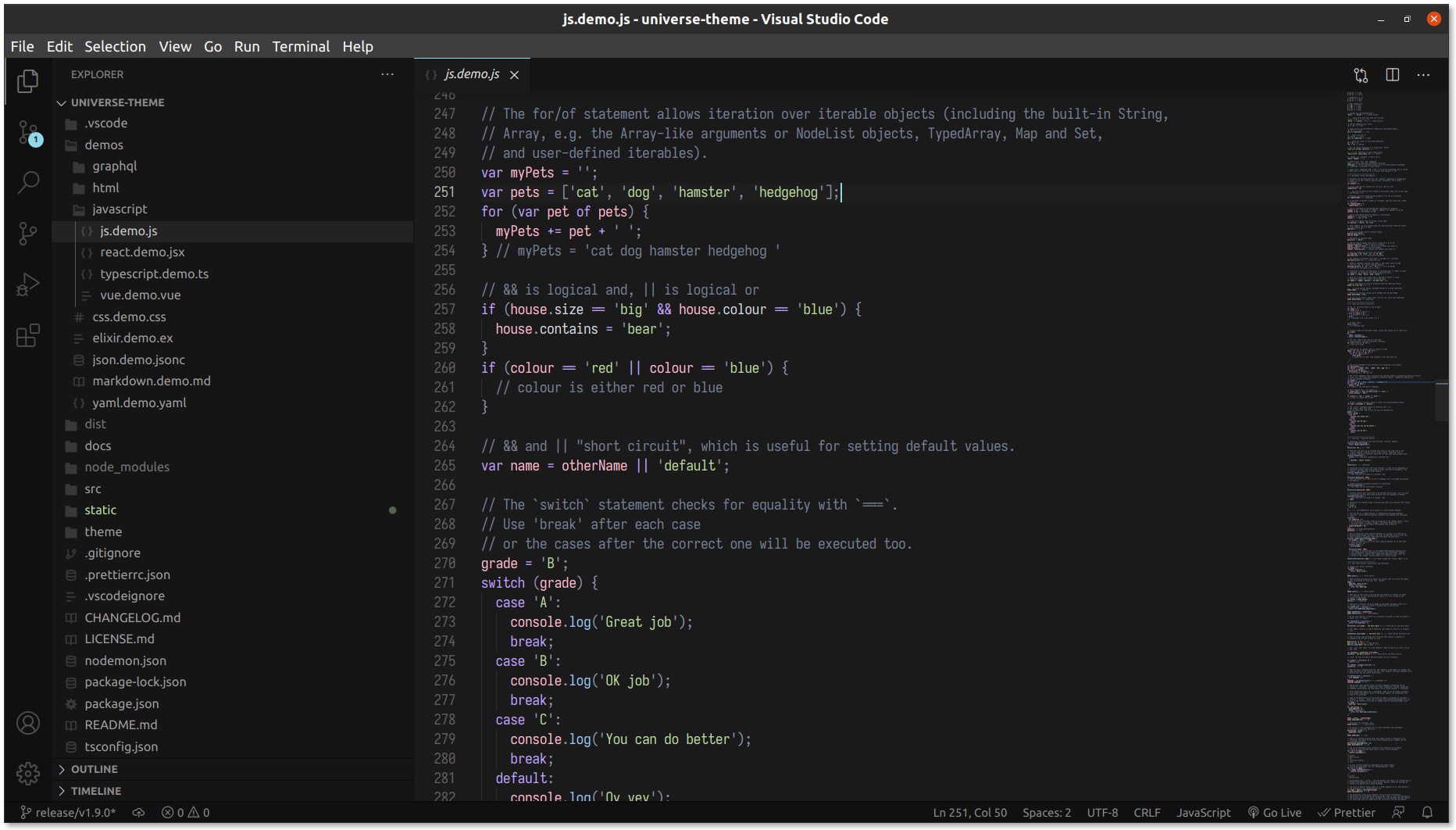
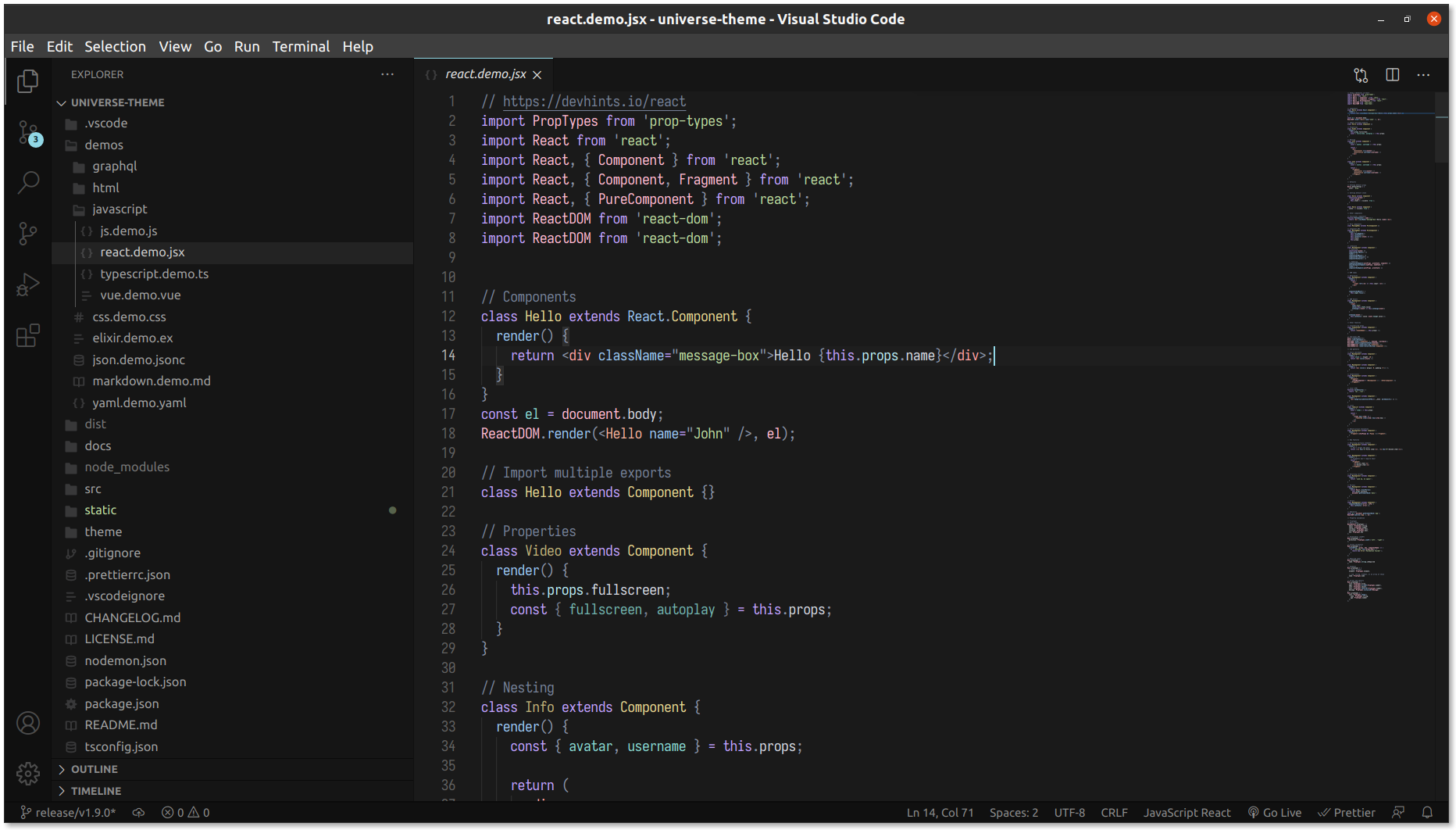
| Usage | Universe | Universe Purple |
|---|---|---|
| editor background | deep blue 5 - #0E1729 |
deep purple 5 - #150E29 |
| editor foreground | neutral 1 - #D6D9E0 |
neutral 1 - #D8D5DF |
The colors used for the syntax highlighting are from Material Design.
| Usage | Color | Hex color |
|---|---|---|
| number | orange 4 | #F2B09A |
| string | green 4 | #BBD99E |
| constant (boolean, null) | teal 4 | #89D9D2 |
| character | blue 4 | #9AC6F2 |
| escape character | purple 4 | #C1A2FF |
| custom type (interface, class) | cyan 4 | #92D8E6 |
| other type | teal 4 | #89D9D2 |
| Usage | Color | Hex color |
|---|---|---|
| keyword | purple 4 | #CCB3FF |
| Usage | Color | Hex color |
|---|---|---|
| variable | pink 4 | #FFBAD1 |
| object property | green 4 | #BBD99E |
| function name | blue 4 | #9AC6F2 |
| class name | yellow 4 | #E6D791 |
| Usage | Color | Hex color |
|---|---|---|
| deprecated | red 4 | #FFA2A2 |
| illegal | red 4 | #FFA2A2 |
| Usage | Color | Hex color |
|---|---|---|
| module name | blue 4 | #9AC6F2 |
| text | neutral 0 | #F2F2F2 |
| comment | neutral 5 | #758096 |
Frequently Asked Questions.
It's Operator Mono.
I love Quill icons.
"workbench.colorTheme": "Universe Purple",
"workbench.iconTheme": "quill-icons",
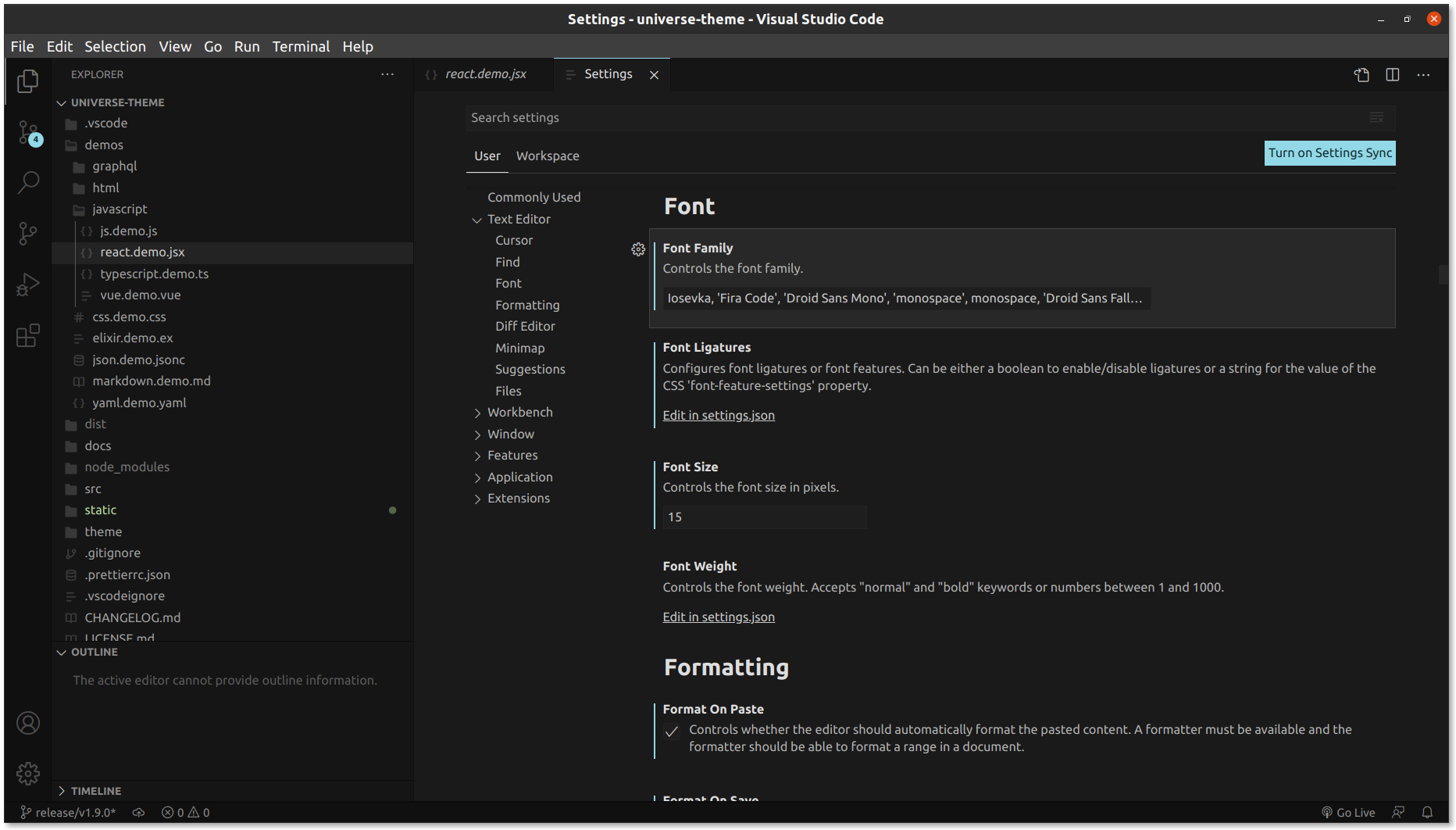
"editor.fontFamily": "Operator Mono",
"window.titleBarStyle": "custom",
"editor.scrollBeyondLastLine": false,"bracket-pair-colorizer-2.colors": ["#C1A2FF", "#FFBAD1", "#92D8E6"],
"bracket-pair-colorizer-2.forceUniqueOpeningColor": false,
"bracket-pair-colorizer-2.forceIterationColorCycle": false,
"bracket-pair-colorizer-2.highlightActiveScope": true,
"editor.matchBrackets": false,
"bracket-pair-colorizer-2.activeScopeCSS": ["opacity: 0"],
"bracket-pair-colorizer-2.showBracketsInGutter": false,
"bracket-pair-colorizer-2.showBracketsInRuler": false,
"bracket-pair-colorizer-2.showVerticalScopeLine": true,
"bracket-pair-colorizer-2.showHorizontalScopeLine": false,
"bracket-pair-colorizer-2.scopeLineCSS": [
"borderStyle : solid",
"borderWidth : 2px",
"borderColor : {color}",
"opacity: 0.5"
],Bracket Pair Colorizer 2 is an extension that hightlight matching brackets
Please open an issue in this repository. Or you just can talk to me on Twitter: @_matiasolivera
- Fork the repository
- Open the repo in VS Code
- Run the command
npm installto install the dev dependencies - Press
F5to open a new window with this theme loaded. - Open
File > Preferences > Color Themesand pick Universe. - Open a file that has a language associated. The languages' configured grammar will tokenize the text and assign 'scopes' to the tokens. To examine these scopes, invoke the
Inspect TM Scopescommand from the Command Palette (Ctrl+Shift+PorCmd+Shift+Pon Mac). - Add the token and his color to an existing or new Typescript file
- Run
npm run ts:watchto compile the Typescript files - Run
npm run node:watchto launch a watcher and generate the JSON theme definition on every change
Changes to the theme file are automatically applied to the Extension Development Host window.