A Runeterra Esport Overlay exporter for those who wants to broadcast LoR matches in an easy and professional way.
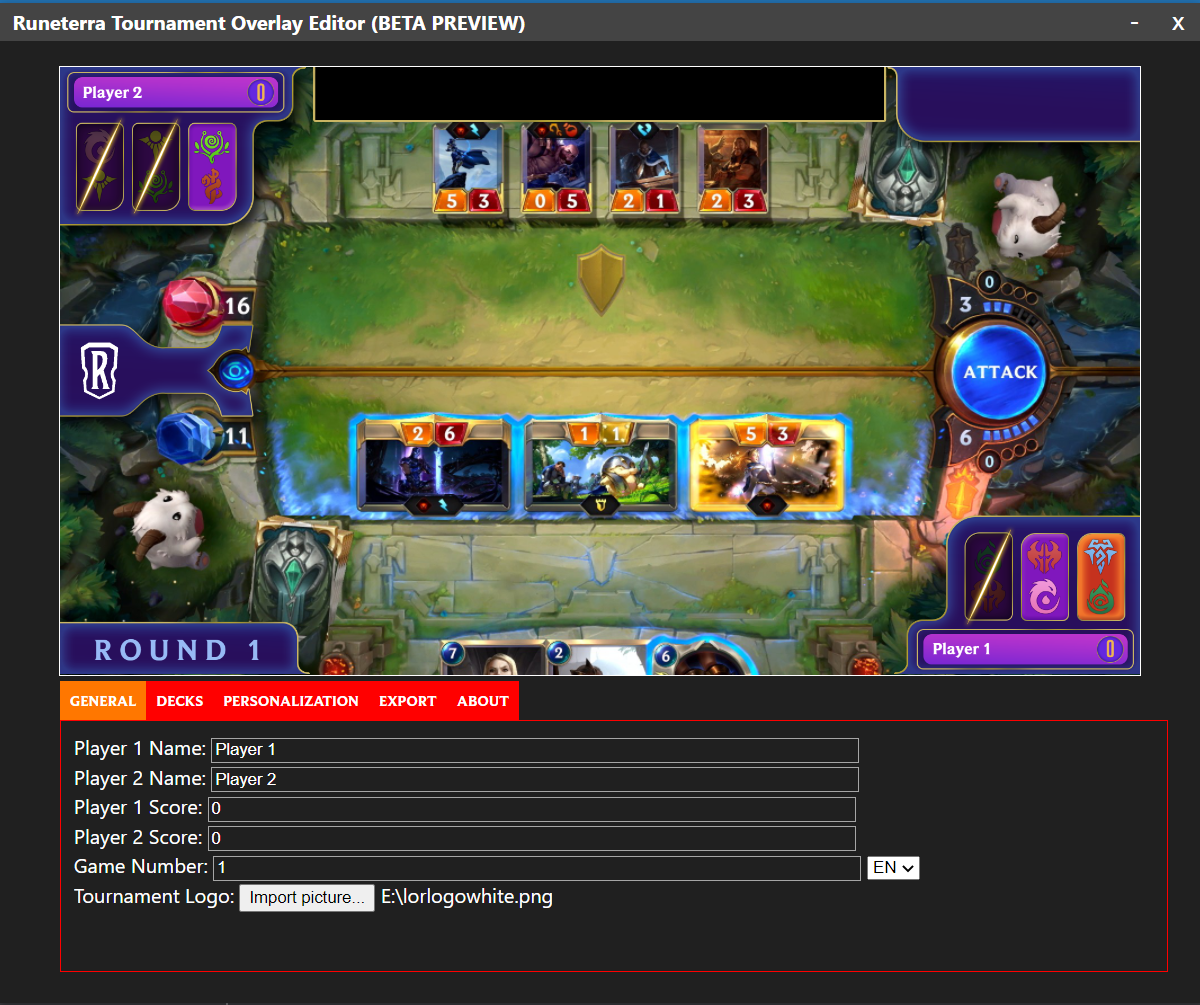
For those who don't really want to build from the source, go to this section
NOTE: If you don't have Node.js installed, make sure to install it before proceed!
After downloading the project source, go to the project directory and run npm install to install all reuqired modules.
Building the app
To start building the project, open the Command Prompt then go to the project folder. You can do one of those things:
- Run
npm startto preview the app - Run
npm run maketo start building the app
The output application (after running npm make) will be stored in the out folder in the project directory.
After exporting the overlay, make sure to include it in your OBS scene. Whenver you edit your overlay and press the "EXPORT" button, OBS will automatically updates the image, so you don't have to worry about resetting the image again every single export.