Video Demo: https://youtu.be/AgIazSLPAj0
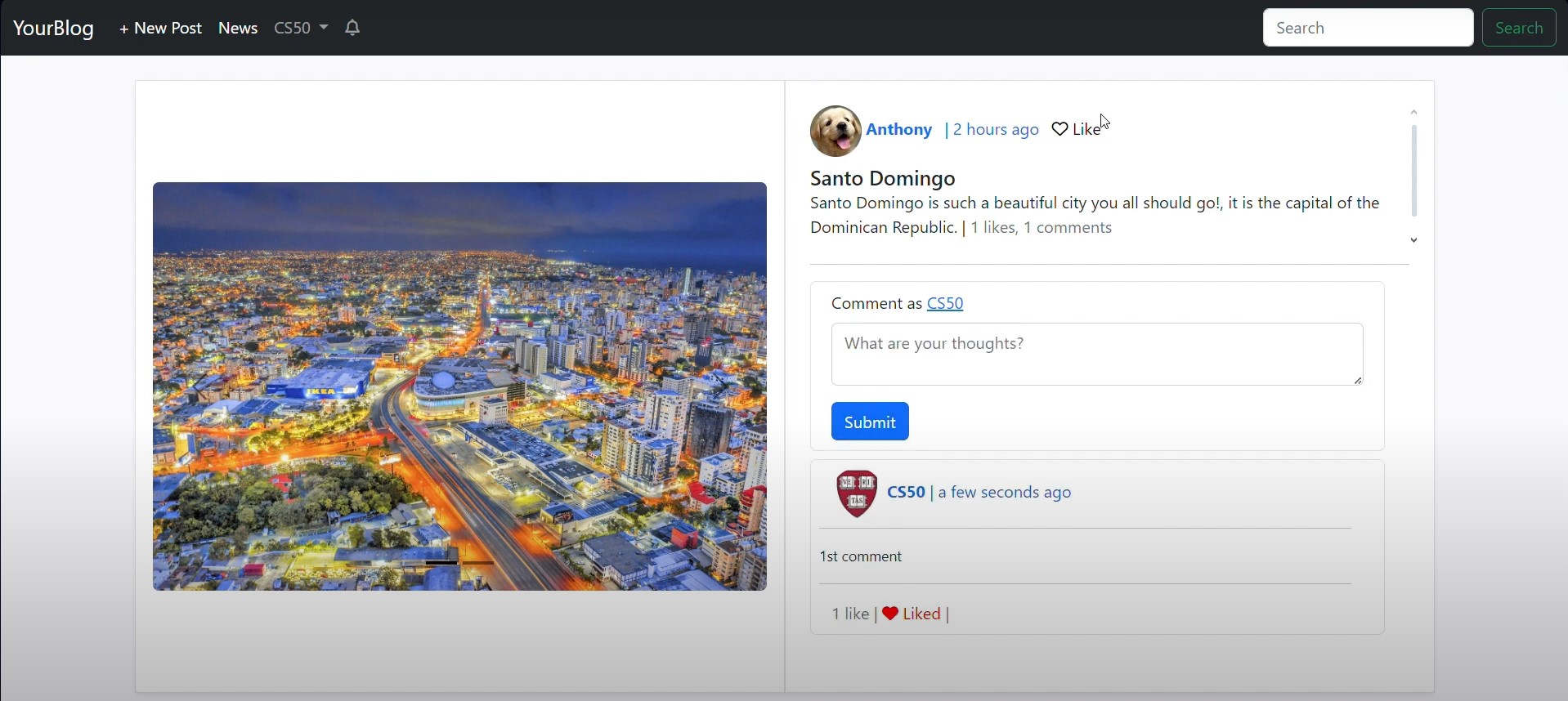
- Liking comments is allowed.
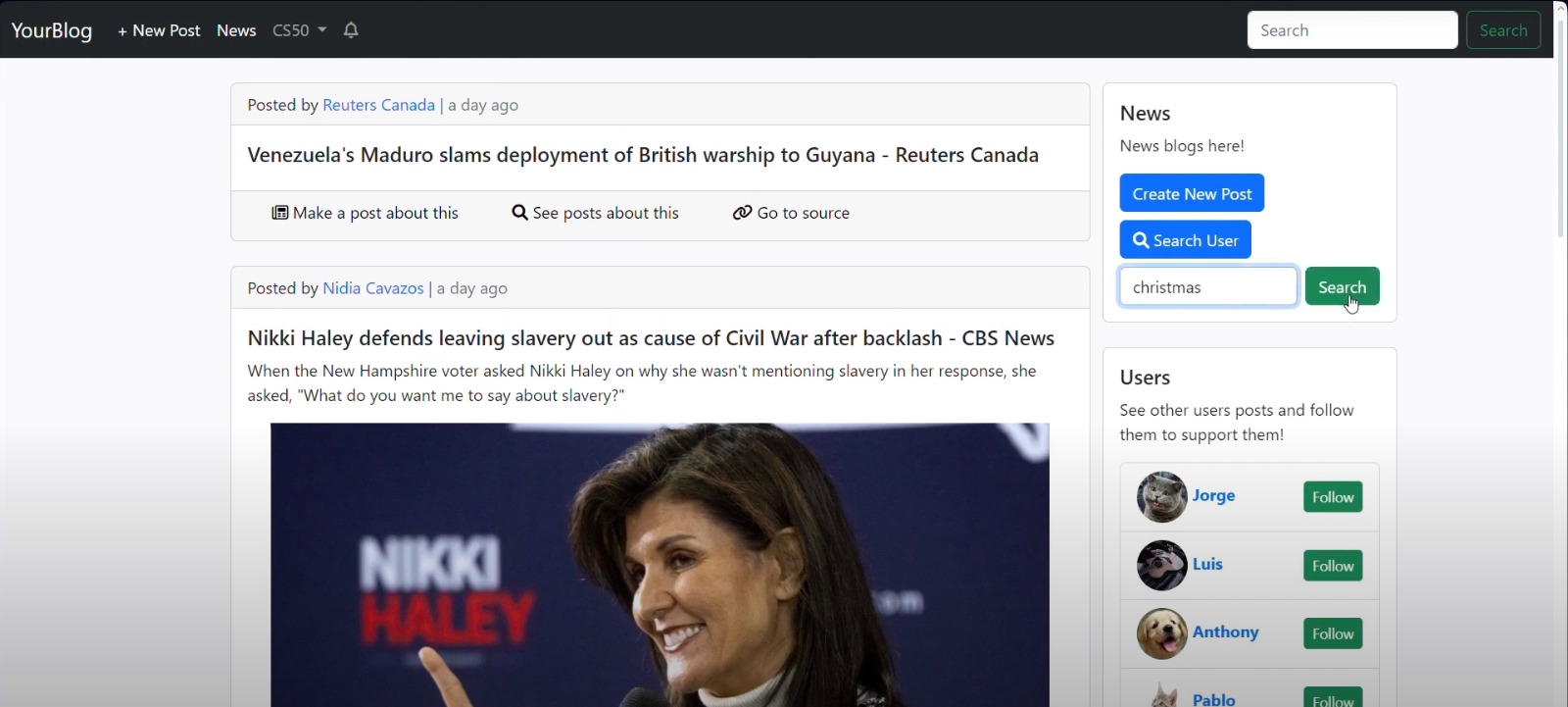
- News can be filtered with the search bar.
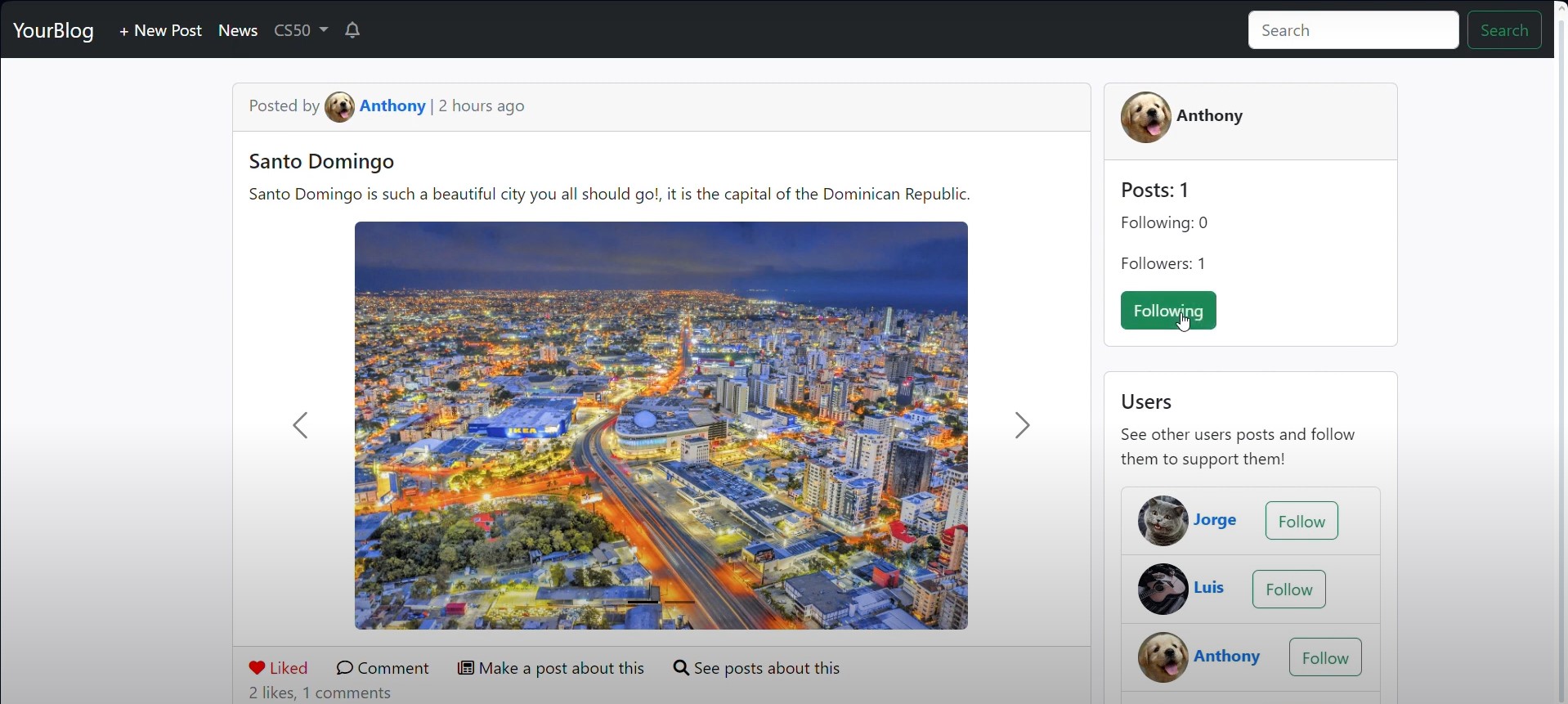
- Like posts.
- Follow other bloggers.
- Search for other bloggers.
- Access news URLs.
- Delete your own posts.
- Edit your profile.
- Receive notifications, among other features.
Flask knowledge comes from the CS50 course and the book Flask Web Development: Developing Web Applications with Python (2nd Edition) by Miguel Grinberg.
-
News API: Used to obtain current news headlines in the United States.
The design was inspired by platforms such as Reddit, Facebook, Instagram, and Twitter.
YourBlog is a web application that allows users to make posts, comment those posts, see other posts, respond with posts other posts, like posts, follow bloggers, and make posts about news, see posts about others posts, go to news's urls, delete oneself's posts, edit own's profile, have notifications and more!
python for the backend, html, CSS and javascript for the frontend, the database is sqlite3, and the framework for the web app is Flask, and the dependencies listed in requeriments.txt. knowledge about flask was obtained from the cs50 course and also by the book of Miguel Grinberg Flask Web Development Developing Web Applications with Python (second edition).
News API News API is used to ask for the top headlines current news of the united states.
To install the web application and have it up and running, firt we need to install the requeriments defined in requeriments.txt, it can be done typing in the terminal:
pip install -r requeriments.txt
It must be typed inside the directory of the web application, once the requeriments are installed we can start the server with the following command:
python flasky.py
The app directory contains the directories, templates, static, main and blogs, and holds the init.py which lists all the routes to view functions given by the subdirectories blueprints defined in theirs init.py files, and also it defines the app factory, the "create_app()" functions which configures the app to be ready to run.
it defines the app factory, the "create_app()" functions which configures the app to be ready to run, initializing the dependencies needed to initialize, such as migrate, the database, LoginManager and moment.
Templates contain all the html files that are used to display the GUI of the web app,.
Every other template inherits from base.html, this contains the meta data for the html files and also contains the navbar which all other templates inherit, in the base.html we have the following options: If user is logged in: + New post: This options allows the user if logged in to make a new post. News: If clicked it shows posts with contents of news from the API 'News API', which returns top headlines news. If user is not logged in: Log in: This option takes the user to the log in page. Sign Up: This option takes the user to the register page. Search form: In this form you can search for posts of users registered in the web app.
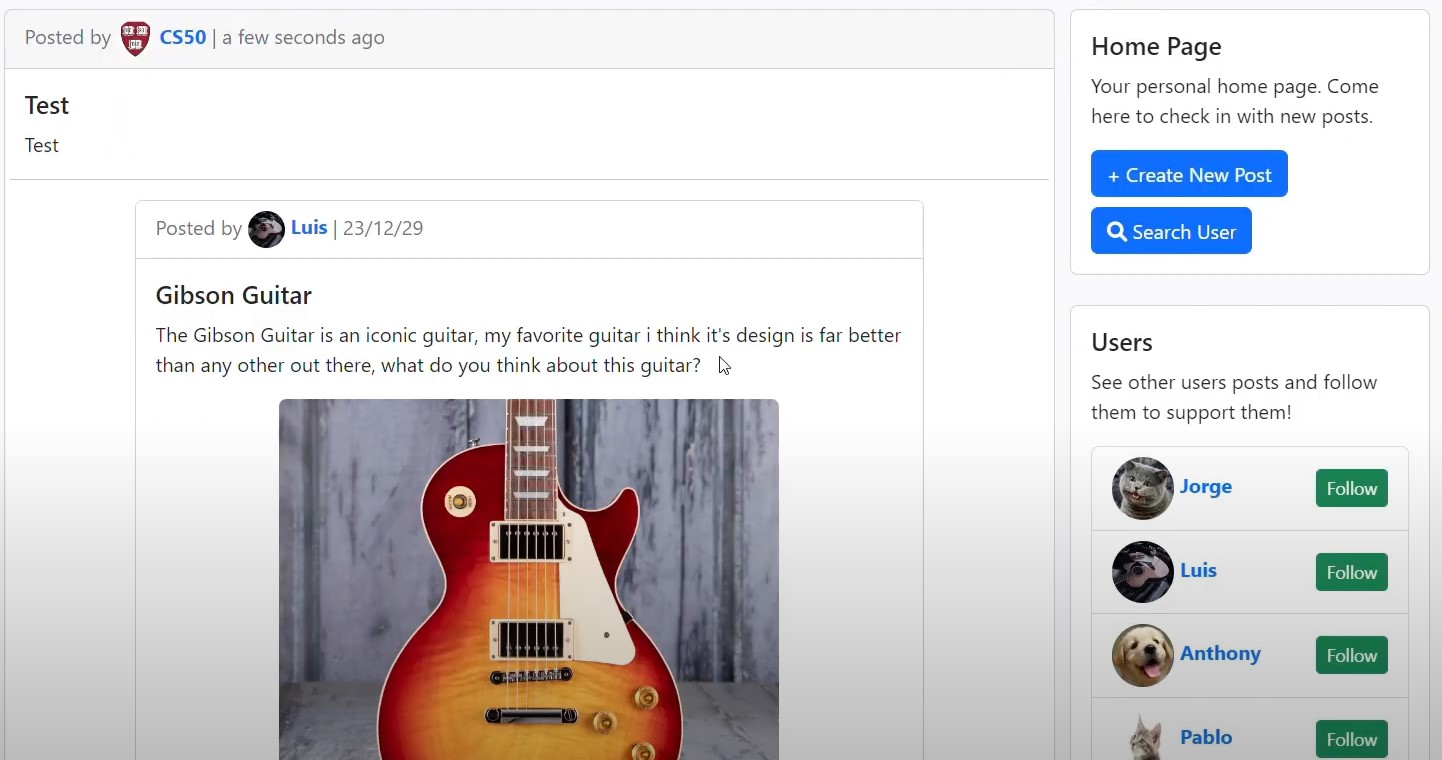
The home.html in which pages of blogs posts are rendered, and in the sides we have widgets for extra information and functionality.
In macros.html there's a list of defined macros which are great to follow the DRY rule (don't repeat yourself), it promotes code reusability and makes fixes faster by only changing code in one file, a lot of templates include one or more of the macros defined in this file.
Renders a custom "not found (404)" error page.
Renders a custom "internal server error (500)" error page.
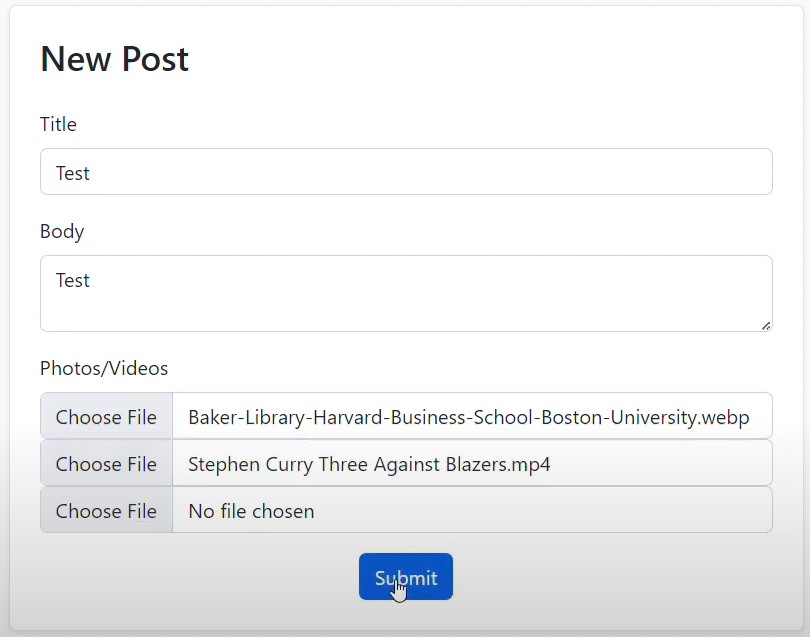
This directory holds templates related to posts functions, such as a template for making a new post (new_post.html), template to render info about a post (post.html), and a template to render news from the News API (news.html).
The auth directory holds the template related to user and authentication functionality, such as templates for authentication, log in (login.html) and register (register.html), login.html prompts the user for valid credentials and register holds the GUI for the user to use to register in the web app.
The user template (user.html) renders information about the user such as his username, a button to follow them, the posts they have posted, and if the user page is about the logged in user then an option to edit their profile is also rendered.
The edit profile template (edit_profile.html) renders options for the user to personalize his profile, options to update their profile pic, username, and email are shown.
The users template (users.html) renders cards with info about the users logged in the web app which usernames matches in some way the given query argument.
In this directory the backend code for the users and authentication functionality is written, auth directory holds two files, init.py and views.py.
In this file the blueprint of auth is defined, which holds the routes for all the views defined in auth/views.py.
In views.py there's a list of view functions and view helping functions related to the users and their authentication processes.
In this directory the backend code for the actions related to posts, this directory holds two files init.py and views.py.
It defines the blueprint for the app to use which defines the routes to the view functions in blogs/views.py.
It defines the view functions related to posting such as posting, commenting, deleting posts, deleting comments, liking posts, searching news, see news, respond posts annd respond news, are defined.
In this directory the main functions for the web app are defined, such as going to the home page, searching users, searching news and searching posts, as well as the errors functionality this directory holds three files, init.py, views.py and errors.py.
This file defines the blueprint for the app to use to know the routes definition for the views function defined in main/views.py.
main/views.py has the definition for the view functions included in the main blueprint, that do things such rendering the index (home), search news functionality, search posts, and search users.
main/errors.py has the view functions for the custom errors templates defined in the templates directory.
the static directory stores the static files, such as images, css files, and javascript files, static files are files that are not dynamic.
It contains the css files.
It contains the javascript files.
It contains the saved images, the images users upload to post posts, or to update/define their profile photo, this files are organized in the following way:
This directory contains directories with the name of each registered user, in which each directory holds two other more directories, profile photos directory and post files directory.
This directory stores the profile photo.
This directory stores the images and video files of the published posts made by .
This directory stores the versions and more related to the alembic dependency related to the sqlite3 database migrations.
This file has configurations definitions for each configuration defined in the file, such as development configurations, production configurations, and testing configurations, for now only the development configuration has been used, all these configurations share in common the configurations defined in their parent configuration, the class 'Config', it sets the global variables needed for the web app, such as the News API key, and the upload directory path.
This is the file for running the application it creates an app with the app factory create_app() function defined in app/init.py and also defines the shell_context for the app.
The design of the widgets of the home page, and all the other similar pages was a confussion needed to think, at first a side navbar was the idea, but didn't like how it came out, then seeing other web pages similar to this project such as reddit, facebook, instagram, twitter, inspiration came coming, from reddit the inspiration of the users, home page and posts widget was originated, and the design for responding posts was inspired by twitter.