Install KairosDB
- Download http://dl.bintray.com/brianhks/generic/kairosdb-0.9.3.tar.gz
- Extract to where you wish to run from
- Make sure that JAVA_HOME is set to your java install.
- Change to the \path\to\kairosdb\bin directory and run >./kairosdb.sh run
- To stop run >./kairosdb.sh stop
- Follow instructions 1 through 3 above.
- Change to path\to\kairosdb\bin directory and open kairos.sh file. On line 33 change CLASSPATH="$CLASSPATH:$jar" to CLASSPATH="$CLASSPATH;$jar"
- Change to the \path\to\kairosdb\bin directory and run >./kairosdb.sh run
- To stop run >./kairosdb.sh stop
-
Open browser and go to http://localhost:8080/
-
It should display a page like this:
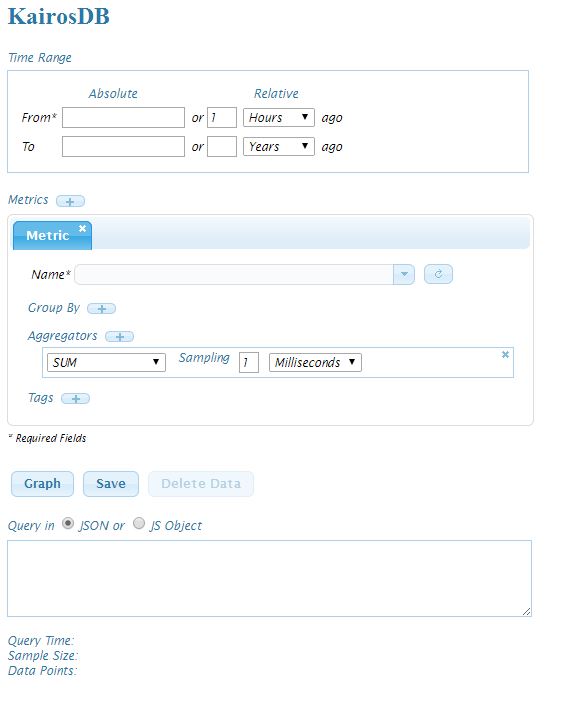
- By default Kairosdb uses H2 database and runs at 8080 port. To change any configuration go to \path\to\kairosdb\conf and edit kairosdb.properties file.
- More detailed instructions for installation and configurations are given at https://code.google.com/p/kairosdb/wiki/GettingStarted.