Conversation


edited explainations


|
@saeedCodium Hello, could you please remove |

|
Hello Krub , Ok
…On Fri, Jun 4, 2021 at 4:16 PM Preeti Yuankrathok ***@***.***> wrote:
@saeedCodium <https://github.com/saeedCodium> Hello, could you please
remove .DS_Store files krubb?
—
You are receiving this because you were mentioned.
Reply to this email directly, view it on GitHub
<#42 (comment)>,
or unsubscribe
<https://github.com/notifications/unsubscribe-auth/APIJEH3JG34PGCHKL77LUNTTRCKVTANCNFSM456RTLFA>
.
--
Best Regards
Saeed Rahmatolahi
|
Head branch was pushed to by a user without write access

 piyapan039285
left a comment
piyapan039285
left a comment
piyapan039285
left a comment
There was a problem hiding this comment.
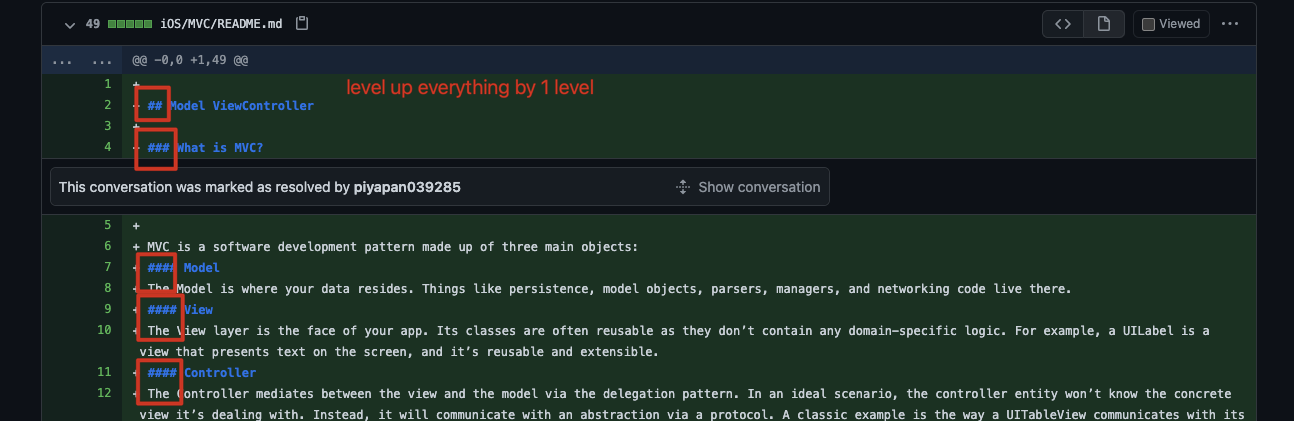
I think the content is good. Some sentences are too long to catch up. So I give you some sample how to break down into smaller topics.
| the easiest and fastest way to setting the constraints is using the AutoLayout part in the storyboard and xib files without need to set any constraints in the codes (some times you need to change the constraints run time and the size will set in the runtime as well so in that case you need to set the constraints in the storyboard or xib files and then drag that constraint to your code to change it run time) | ||
|
|
||
| ### passing the data | ||
| to pass the data do not use `Notification Center` or `User Defaults`, you can use call back functions and delegate protocols instead . if you are using delegate protocols remember to make your delegates `weak`to avoid memory leaks. in some callback functions you need to use `weak` for avoiding the memory leaks problem. make sure every view controller which dismissed the `deinit` function executes in that class after dismissing. you can make some protocol functions optional to avoid using those functions in the other classes that you may use. |
There was a problem hiding this comment.
This one should break into small topics.
- Do not use
Notification CenterorUser Defaults. You can use call back functions and delegate protocols instead - If you are using delegate protocols remember to make your delegates
weakto avoid memory leaks. in some callback functions you need to useweakfor avoiding the memory leaks problem. - Make sure every view controller which dismissed the
deinitfunction executes in that class after dismissing. you can make some protocol functions optional to avoid using those functions in the other classes that you may use.
There was a problem hiding this comment.
this part explains how to pass the data , it doesn't contains separate parts .
There was a problem hiding this comment.
I agree with you. I just think that topic "pass the data" can be break down into smaller topics but it is ok to combine together.
Here is sample on apple documentation on how they break down topics:
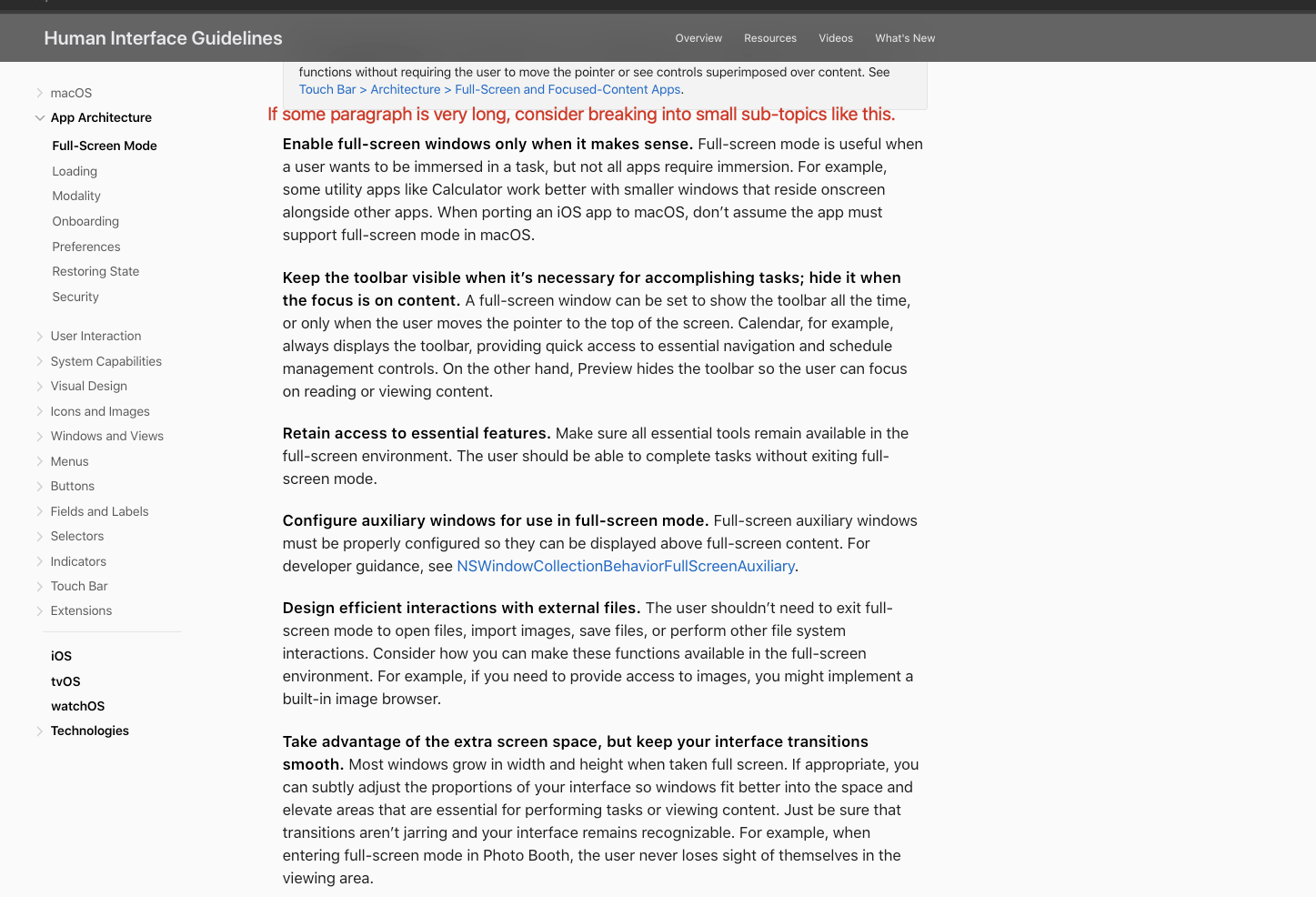
some titles removed & some parts break into other parts
big parts broke up into small parts

|
|

 NorakGithub
left a comment
NorakGithub
left a comment
NorakGithub
left a comment
There was a problem hiding this comment.
To be able to show your content in the compiled website you will need to
- Add
iossection in_config.yml > header_pages - Rename
iOStoiosdirectory - Create
README.mdin newly renamediosdirectory - Add below content in the newly created
README.md
---
 title: iOS
 has_sub_pages: true
 permalink: ios
 ---
- Your MVC README should be in
Architecturesdirectory, since it's about application architecture
4 participants


MVC Design pattern explained . how to implement the MVC Design pattern correctly