


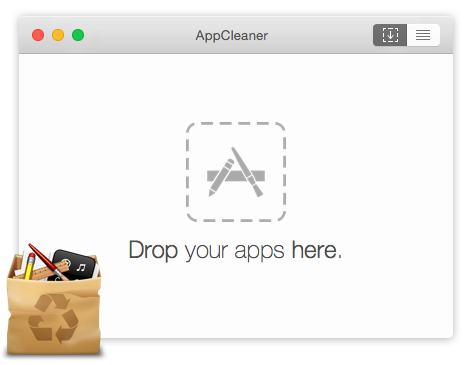
When you drag an application to the Trash on macOS, the experience feels clean and final — but the reality is that most applications leave behind a scattered collection of support files, caches, preferences, and logs that can collectively consume gigabytes of storage over time. These remnants accumulate silently in various Library folders throughout your system, invisible to casual inspection and untouched by standard Finder operations. App Cleaner & Uninstaller addresses this hidden storage drain with a deep scanning engine that identifies every file associated with any application on your system, presenting the complete picture of an app's disk footprint before enabling total, clean removal with a single click. The result is genuinely complete uninstallation that reclaims all the space previously occupied by the application and its supporting data.
The application's value extends beyond the initial cleanup of actively used software to encompass the detection and removal of orphaned files left behind by applications that were previously deleted using standard methods. The leftover file scanner systematically searches known Library locations for support data associated with applications that no longer exist on your system, frequently surfacing hundreds of megabytes or more of unnecessary files from historical installations. The startup item manager provides an equally valuable service by presenting a complete view of all login items, launch agents, and launch daemons configured on your Mac — many of which were installed by applications without clear user awareness — and allowing selective disabling or removal to improve boot time and reduce background resource consumption.
App Cleaner & Uninstaller handles the full spectrum of macOS application components, including Safari extensions, preference panes, screensavers, and contextual menu plugins that standard uninstallation methods often overlook. The application's safety mechanisms prevent accidental removal of genuine macOS system components, and the comprehensive removal history log provides accountability and the ability to review what has been cleaned over time. The intuitive drag-and-drop interface makes it easy to analyze any application quickly, while batch selection enables simultaneous removal of multiple unwanted programs. For Mac users who care about maintaining a clean, efficient system, AppCleanerUninstaller OSX is the definitive uninstallation tool.
- Complete app removal including all associated cache, logs, and preference files
- Automatic detection of leftover files from previously deleted applications
- Manage and disable login items and launch agents for faster Mac startup
- Extension manager for removing Safari extensions and plug-ins
- Batch uninstall multiple apps simultaneously with a single operation
- Smart file size analysis showing total disk space used per application
- Review and clean application service files and support data
- Safe system file protection preventing accidental removal of macOS components
- History log of all removed applications and deleted files
- Simple drag-and-drop interface for quick app analysis and removal
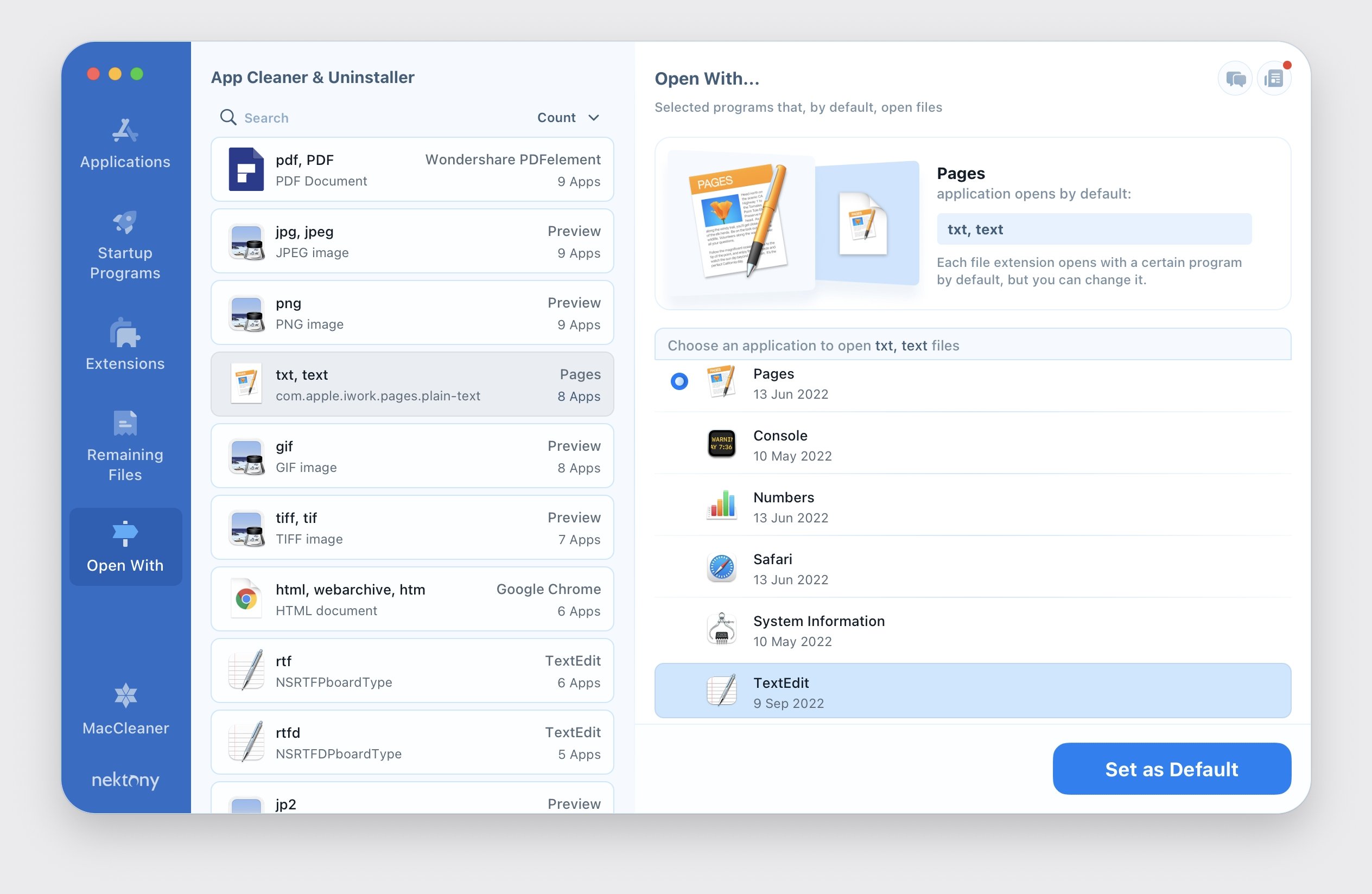
App Cleaner & Uninstaller is compatible with macOS 10.13 High Sierra and later, including Apple Silicon. Available as a free version with basic functionality and a Pro version with advanced features via the developer's website or Mac App Store. Regular updates ensure compatibility with new macOS releases.