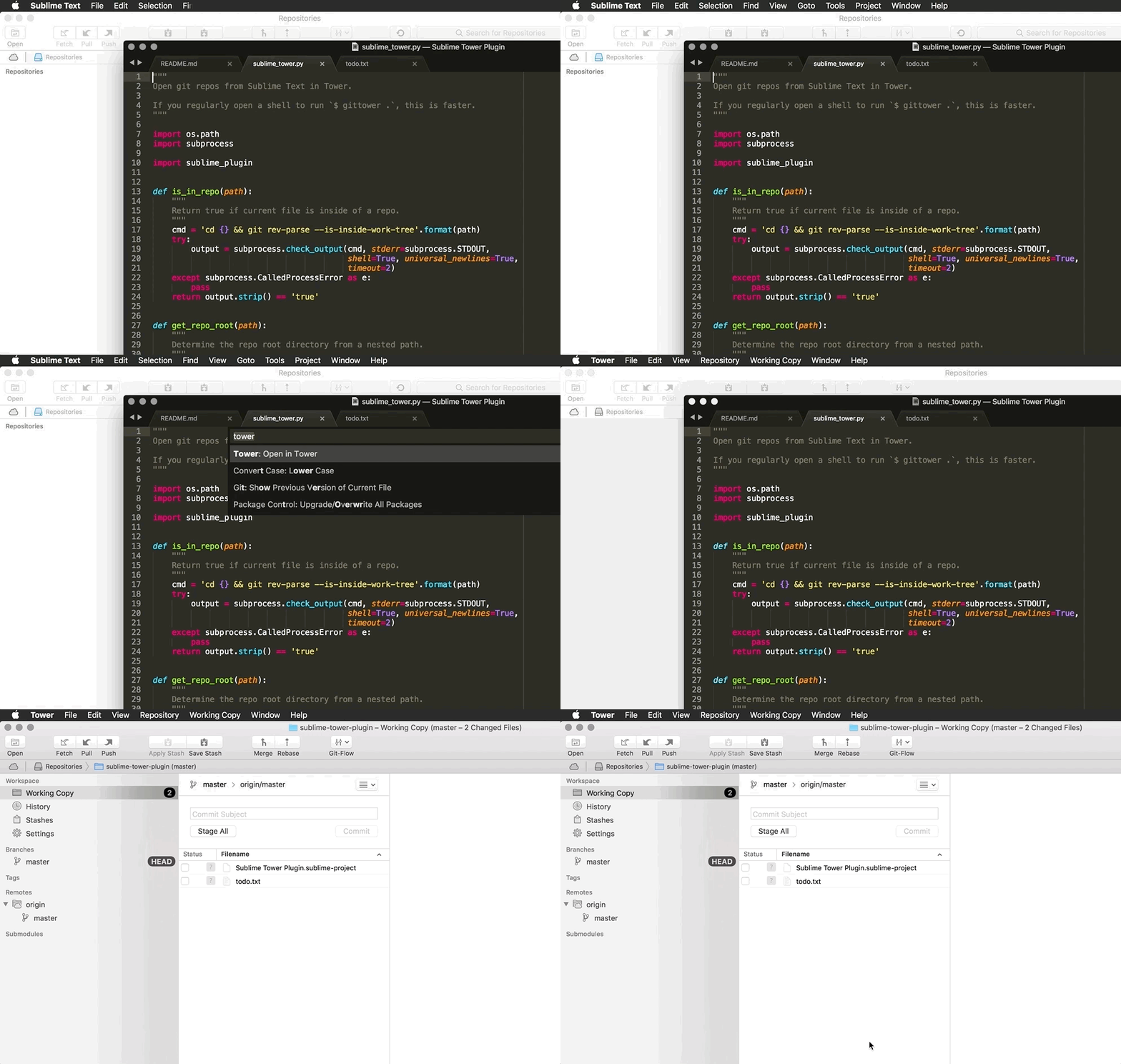
Open git repos from Sublime Text in Tower.
Tested on both Tower 2 and Tower 3 (beta channel).
(Recommended) Install via Package Control:
- Open
Package Control: Install Packageand search forTower.
(Alternative) Install via GitHub:
-
Package Control: Add Repositoryhttps://github.com/tedmiston/sublime_tower_plugin -
Package Control: Install Packagesublime_tower_pluginNote: this requires installing updates manually via
Package Control: Upgrade Package.
Open Command Palette and type Tower.
Install the plugin source code:
cd ~/Library/Application\ Support/Sublime\ Text\ 3/Packages/
git clone https://github.com/tedmiston/sublime_tower_plugin.git
To debug in the Sublime console:
view.run_command('tower_open')
This project uses the SublimeText/UnitTesting test framework.
In the command palette, you can run:
UnitTesting: Test Current PackageUnitTesting: Test Current Package with Coverage.
Run:
pycodestyle .
flake8