One of the big goals in every internal pentest is gathering service credentials to log in to a host, escalate privileges and pivot. Save all the found data in Faraday's and see it in our Credentials View!
When you go to the Manage/Credentials View you will see all the credentials you have for every target on that workspace:

Just click on the 'New' button

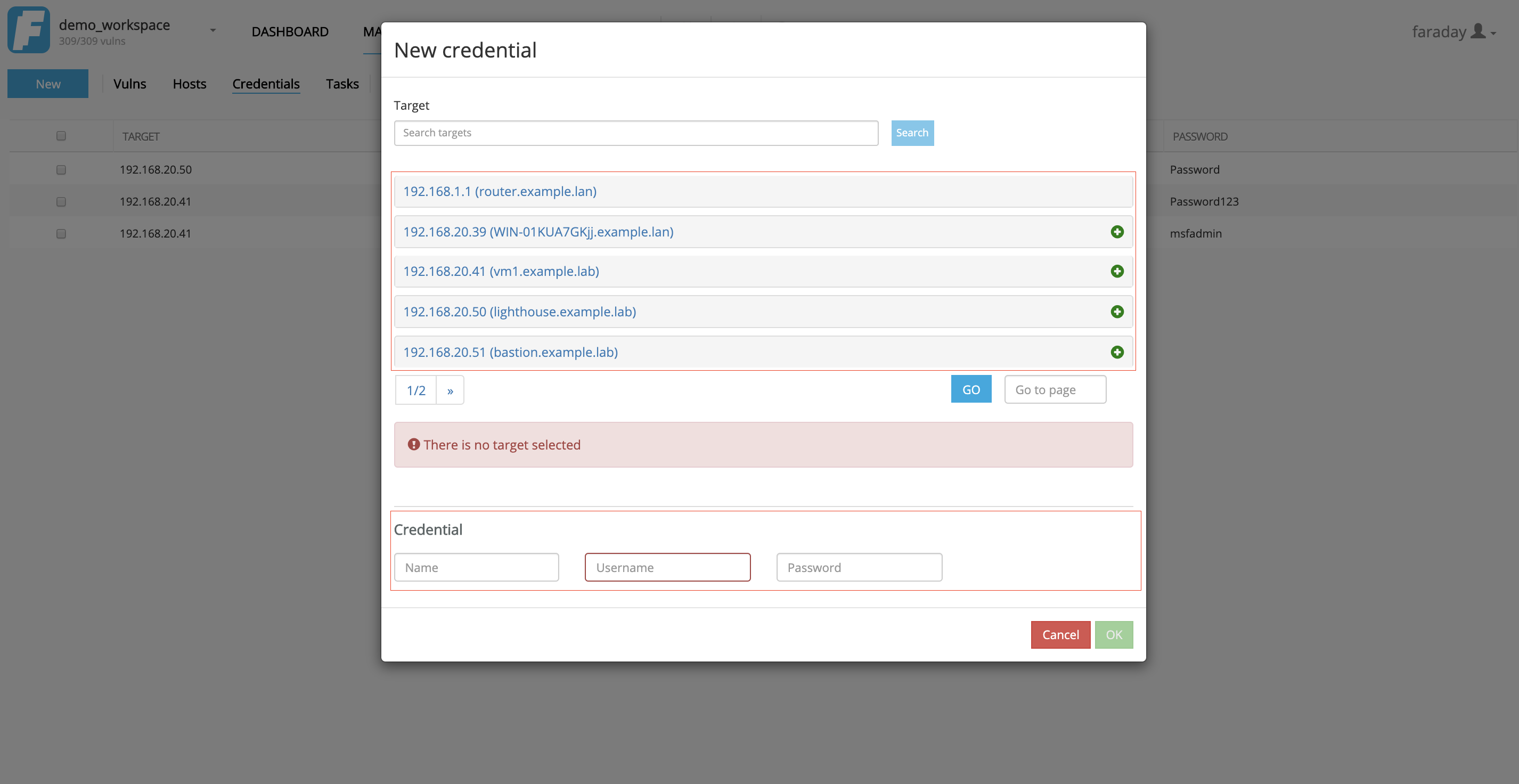
and select a host and complete the form as the following image
In the hosts view you have a special column that says credentials and has a number with the amount of credentials you have already created. Click on that number.
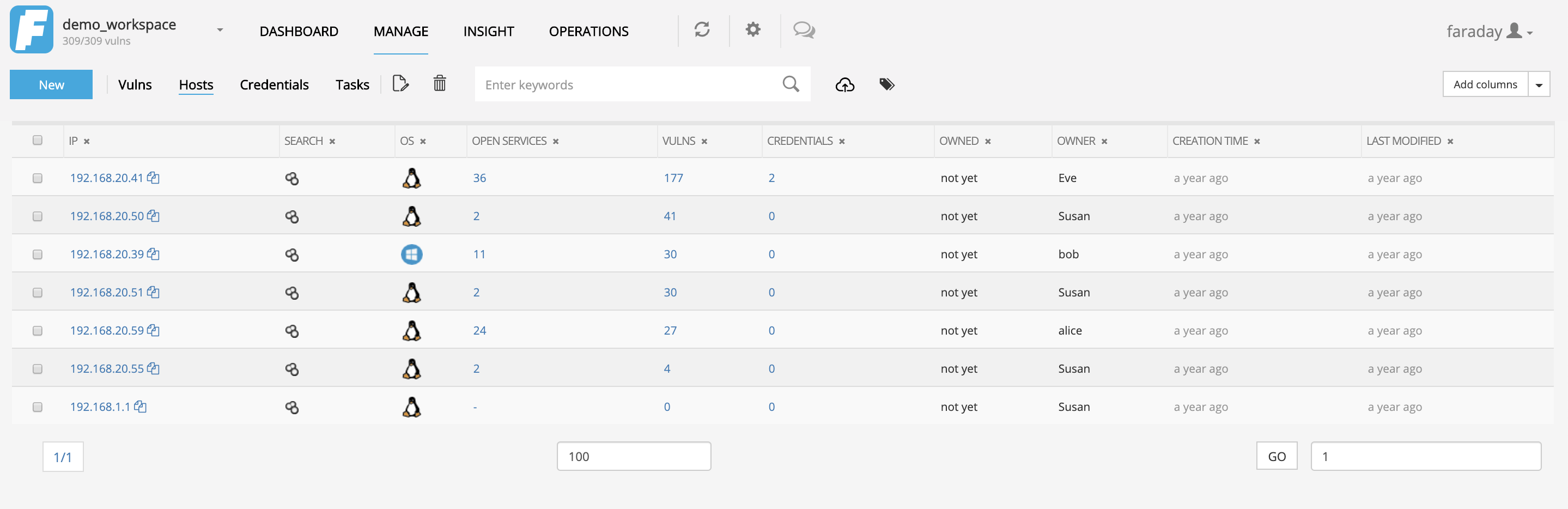
Next just click on the New button
And just complete the data like it shows in the following picture!


To add it to a Service after entering the Hosts view click on the desired target and follow the steps bellow:
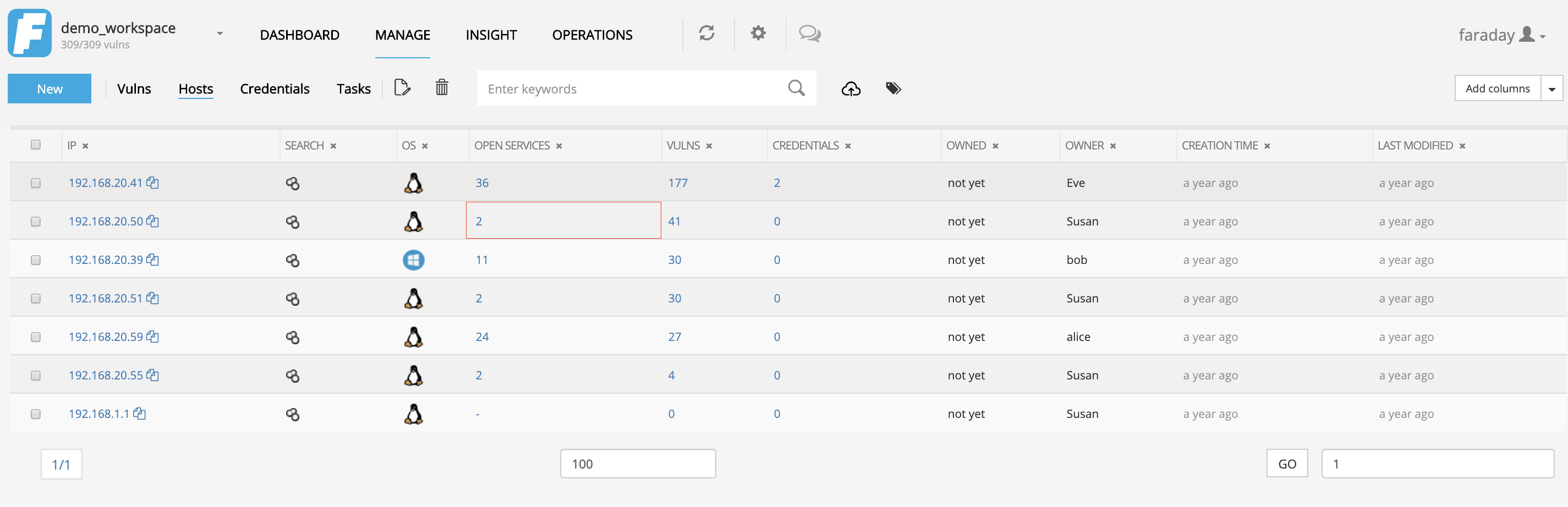
Next just click on the New button
And just complete the data like it shows in the following picture!