Project 3: Due: Monday November 10, Noon. Teaming: You can do this project in team of 1, 2, or 3.
Please submit your blog post here: submission link
You can make a blog for yourself and post pages from it via the GWU blog service: https://blogs.gwu.edu/, or use public services like github, wordpress, etc.
The goal of this project is to experiment with real world camera calibration and projection models.
Part 1 -- Known Data.
Here I will give you lat/long/altitude coordinates of a collection of points in the wild, and x,y coordinates of those points on the image. Your job is to solve for the lat/long/altitude of the camera, and the calibration matrix K.
I will actually give you code to do all of this. Your job is to modify that code to give an uncertainty analysis of the estimate.
This has 2 parts:
a) Modify the code to perform the analysis leaving out each one of the original points. Output a point cloud of the recovered camera locations.
b) Modify the code to add noise to each of the 3D coordinates (Gaussian Zero-Mean Random Variable, std 1 meter), and each of the pixel locations (Gaussian Zero-Mean Random Variable, std 1 pixel). Output a point cloud of the recovered camera locations after running 100 examples with different random noise. Also output a histogram of the values for the camea focal length.
Code is here:
Part 2 -- Real world cameras.
Your job now is to replicate this and solve for the 3D coordinates of live webcams. You must complete this task for as many cameras as you have people in your group!
Here is a list of cameras:
- https://www.youtube.com/watch?v=5maZNtsWzeY
- https://suffolk.weatherstem.com/skycamera/suffolk/nu/cumulus/snapshot.jpg?
- https://images.weatherstem.com/skycamera/suffolk/bc/cumulus/snapshot.jpg?
- http://sleeper.dyndns.org/record/current.jpg
- https://www.nps.gov/webcams-boha/west-001.jpeg
- https://www.nps.gov/webcams-bost/ne-ts.jpeg
- https://www.nps.gov/webcams-bost/se-ts.jpeg?
- https://www.youtube.com/watch?app=desktop&v=MhmTJQ7I_hU
- https://www.youtube.com/watch?v=jDNdAtIDDT4
- https://www.youtube.com/watch?v=h86wxs67aTk
- https://www.youtube.com/watch?v=hYnWDuvXXvc
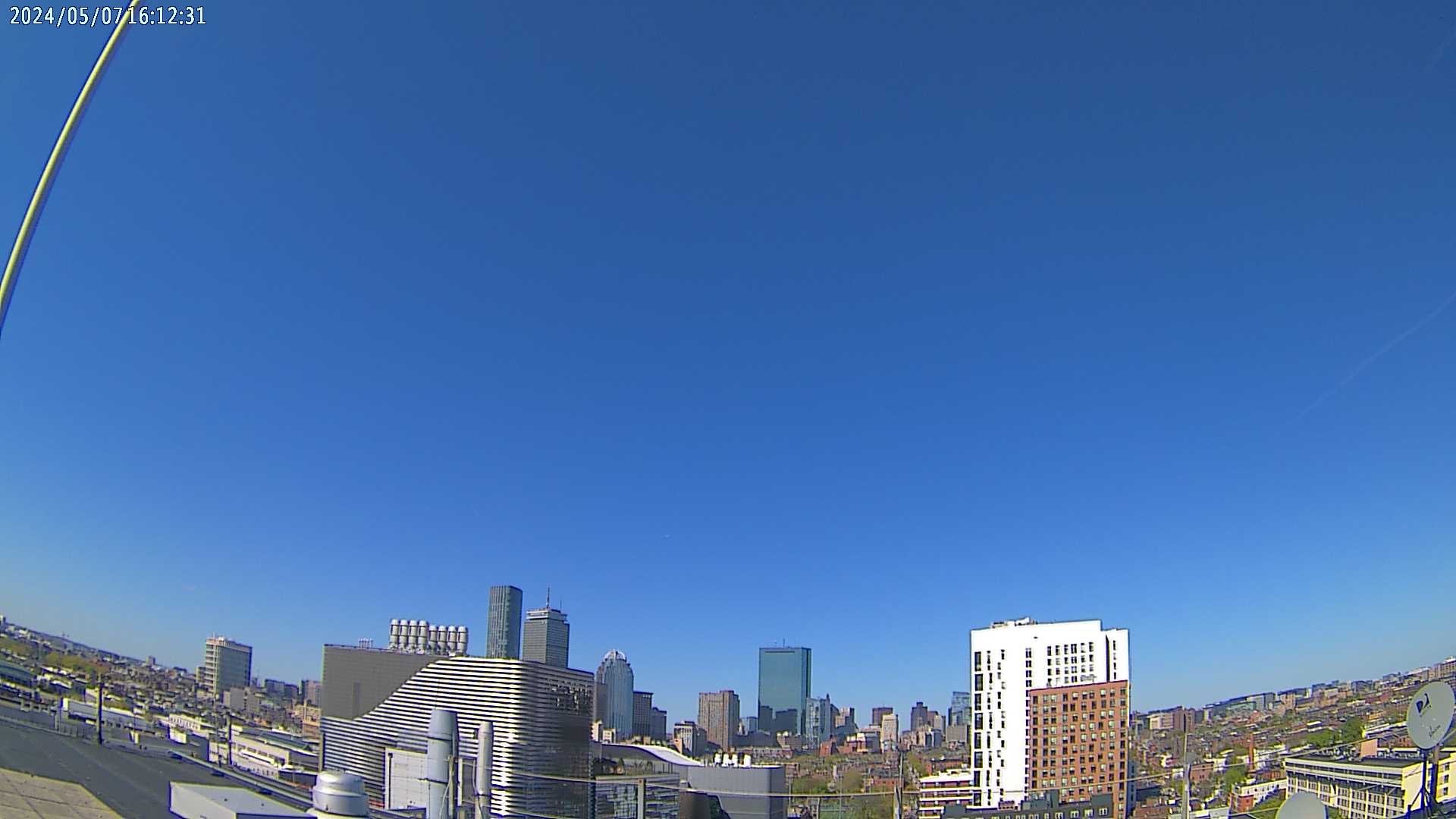
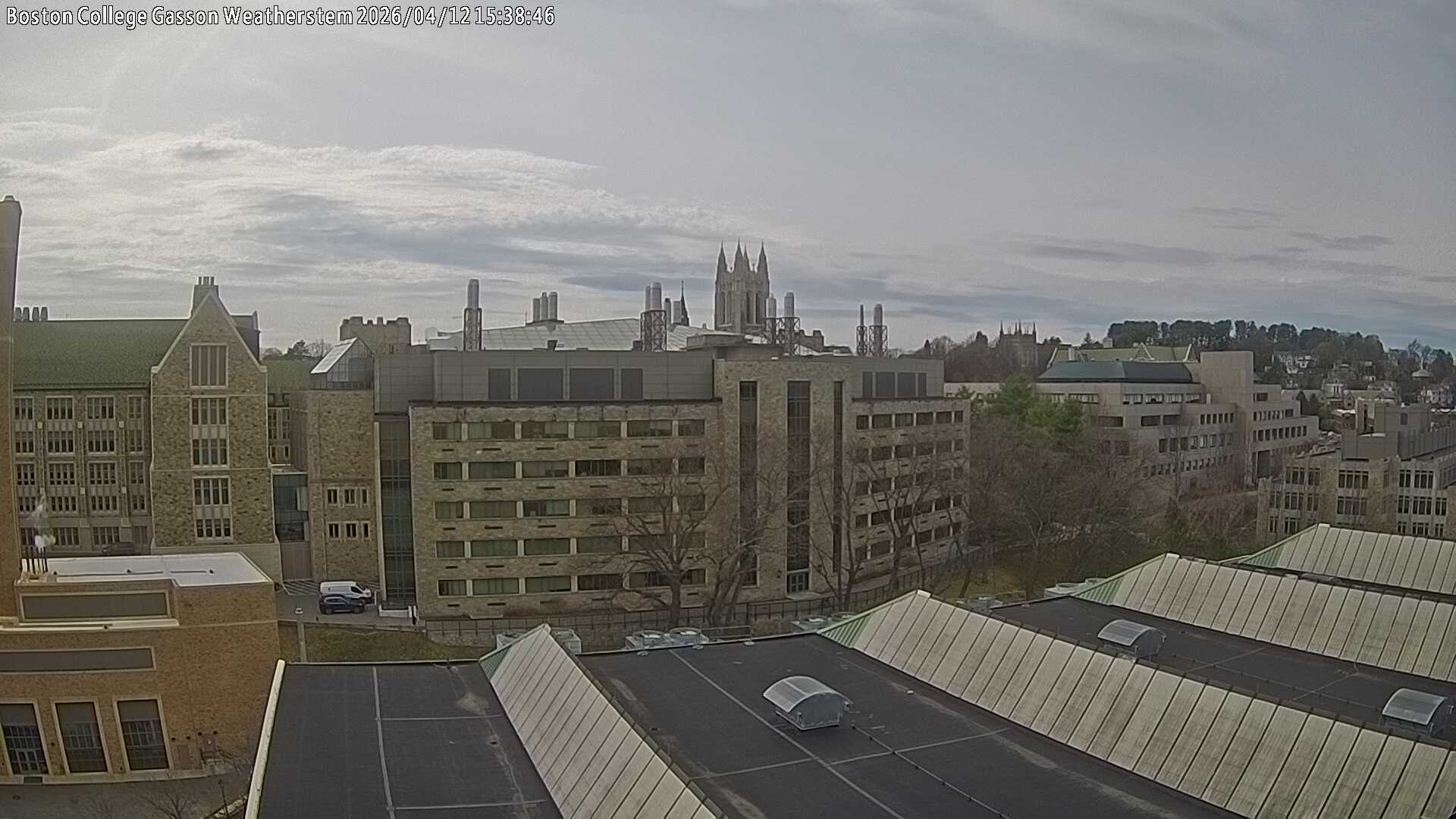

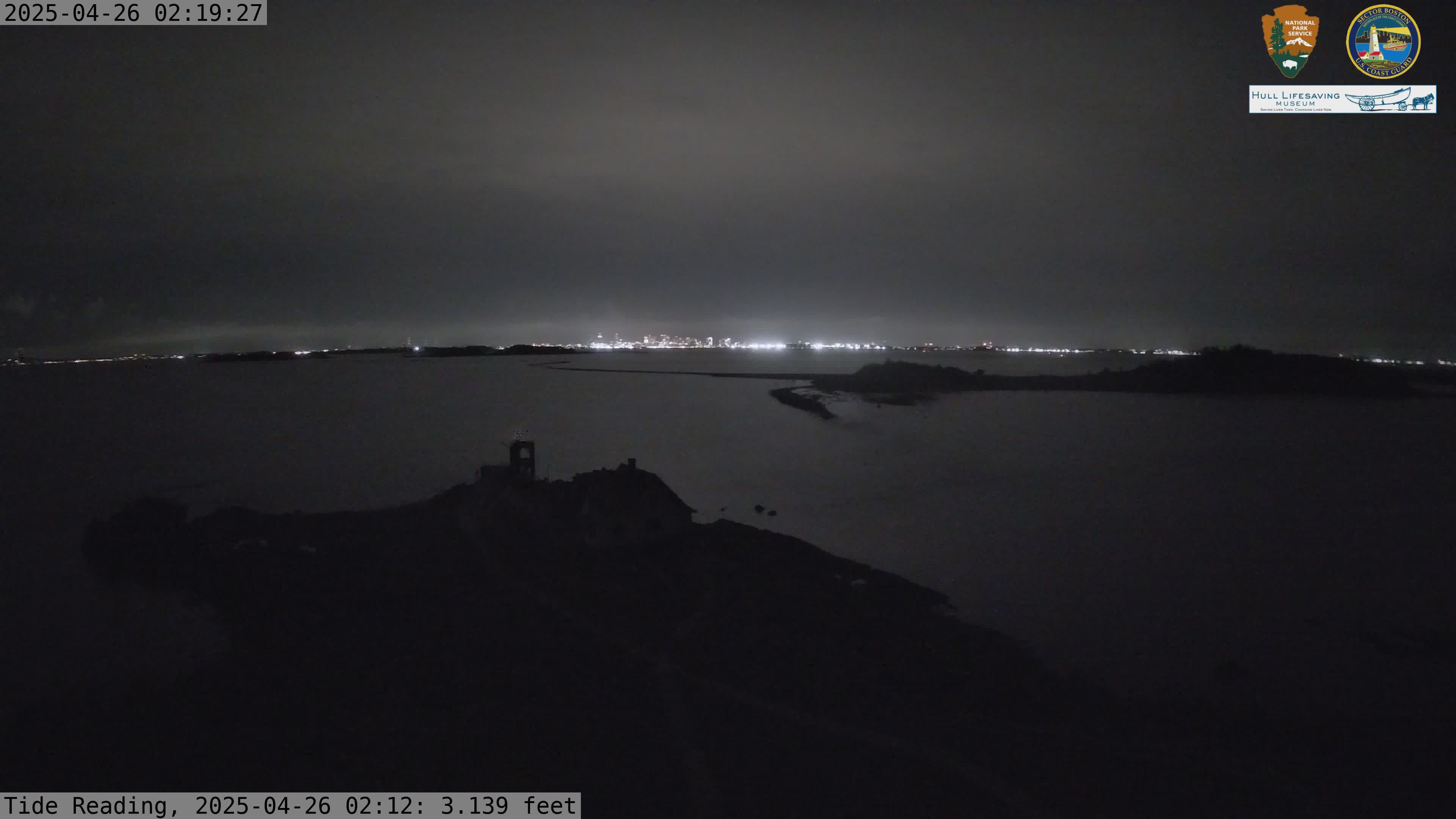
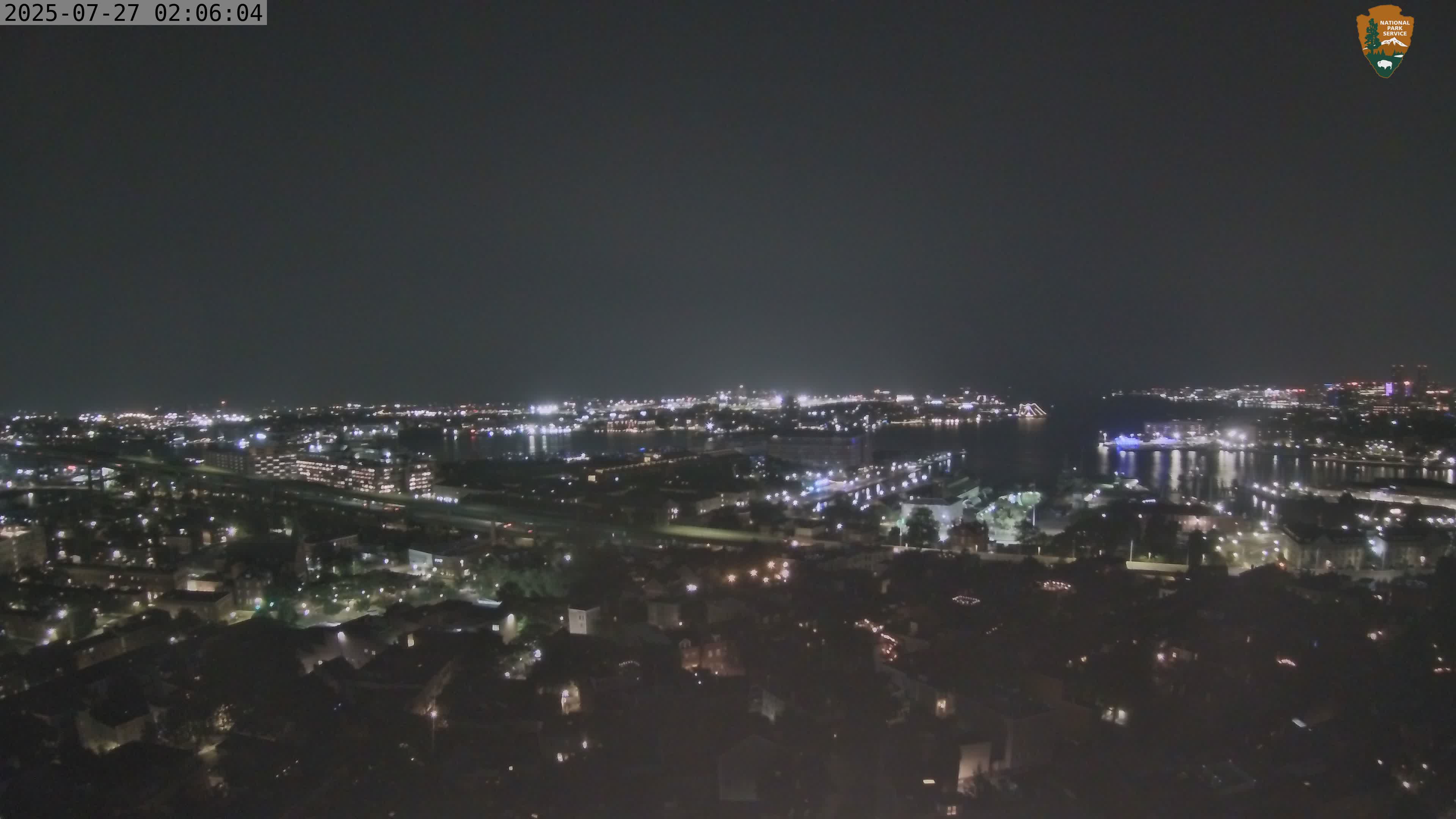
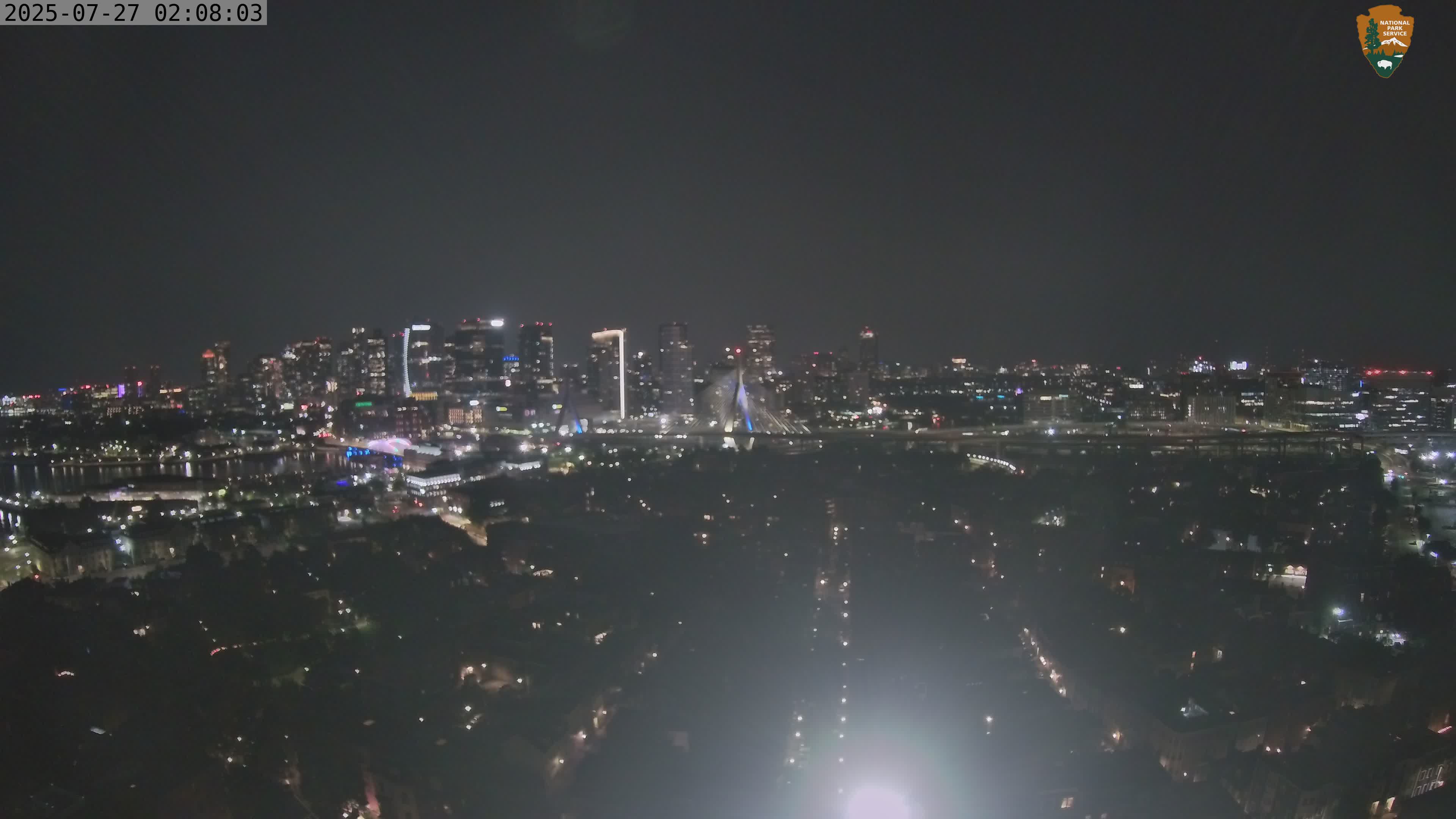
Your blog post should share (a) a clear list of pixel coordinates and matching 3D lat/long/alt coordinates. (b) your recovered camera locations (c) any relevant or interesting about your process for finding image points and matching 3D coordinates.
As one option, you can use Google Earth Pro (Free download): https://earth.google.com/
I did not find a clean way to get 3D coordinates from the Google Earth Web browser.
On Google Earth Pro, if you haven't used it much, you should start by getting comfortable navigating the 3D space, zooming in (e.g. to boston), tilting the view so you can see buildings from the side, etc.
Then you can select the "little yellow pushpin" to put a placemark, which gives a little popup window where you can select "altitude --> absolute" and "track cursor height".
With some playing you can see your cursor lat/long/and altitude on the bottom right of the screen (which you could copy down), or make a placemark at the height of objects in the scene.