An SVG code editor with AI assistance, schema-aware autocomplete, and live preview.
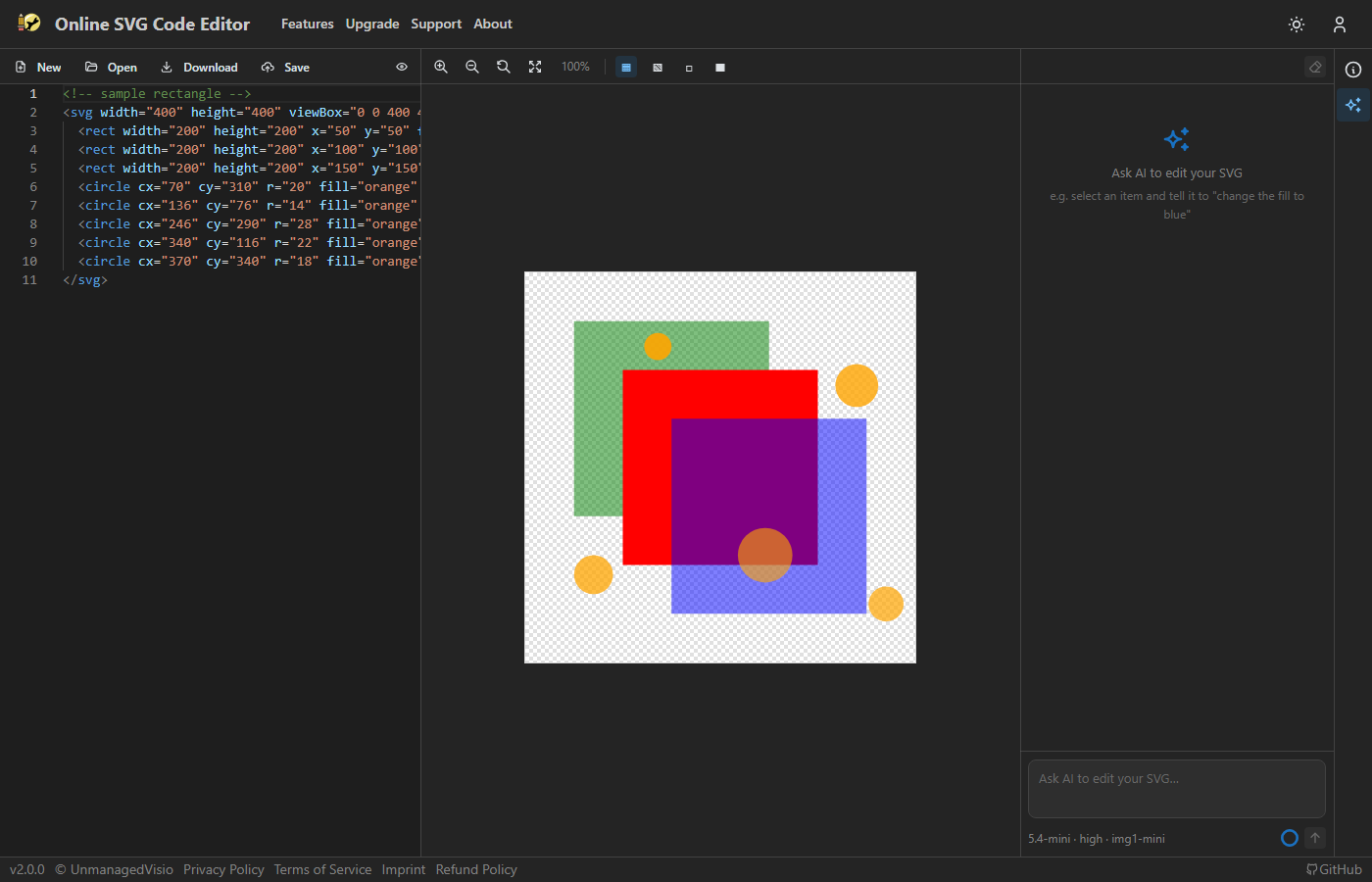
The same engine used in VS Code. Syntax highlighting, bracket matching, code folding, multi-cursor editing, find/replace with regex, and minimap. Live preview updates as you type.
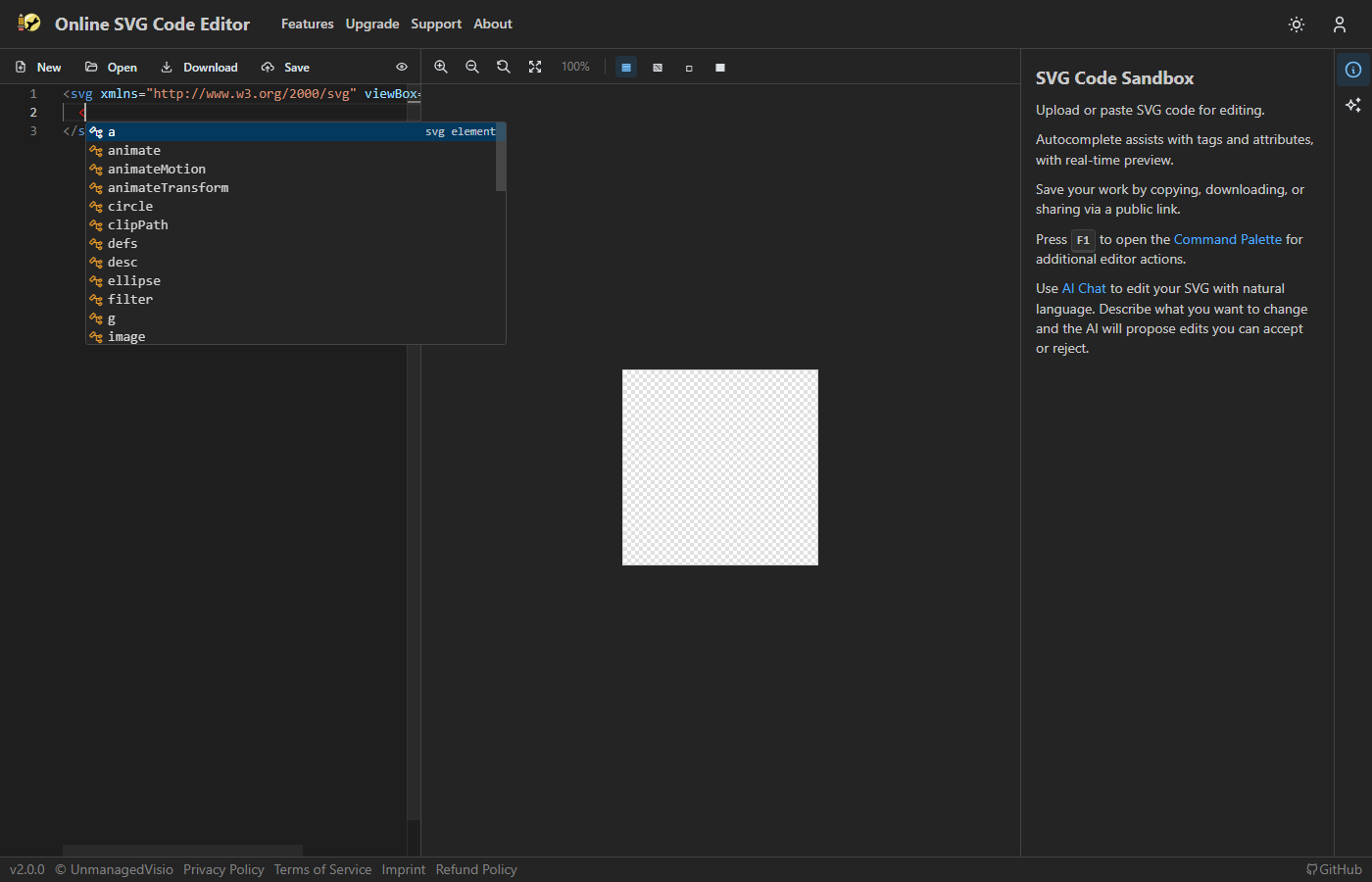
Type < to get all valid SVG elements with descriptions, generated from the SVG spec schema.
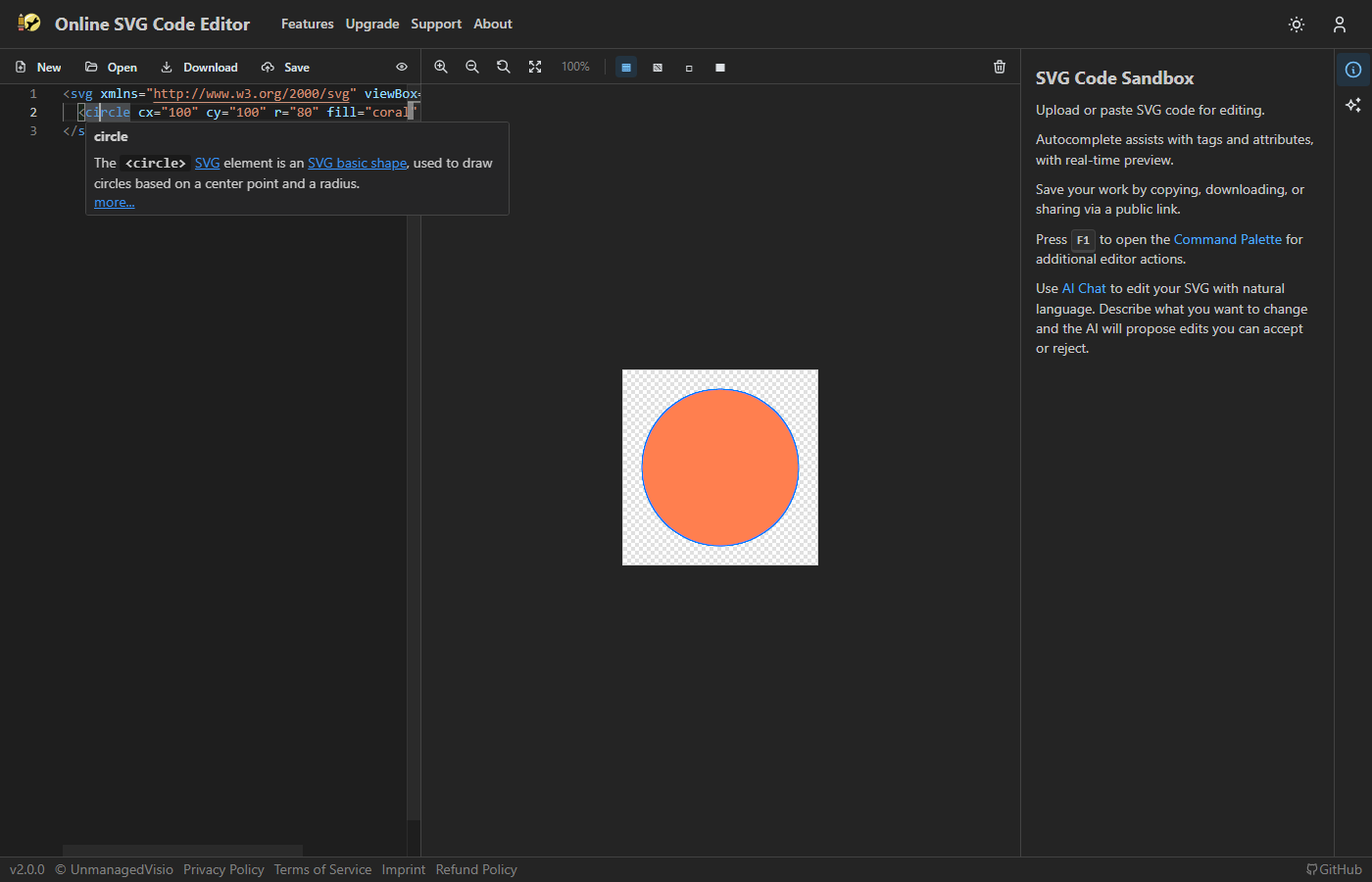
Hover over any SVG element or attribute to see its description from the SVG specification.
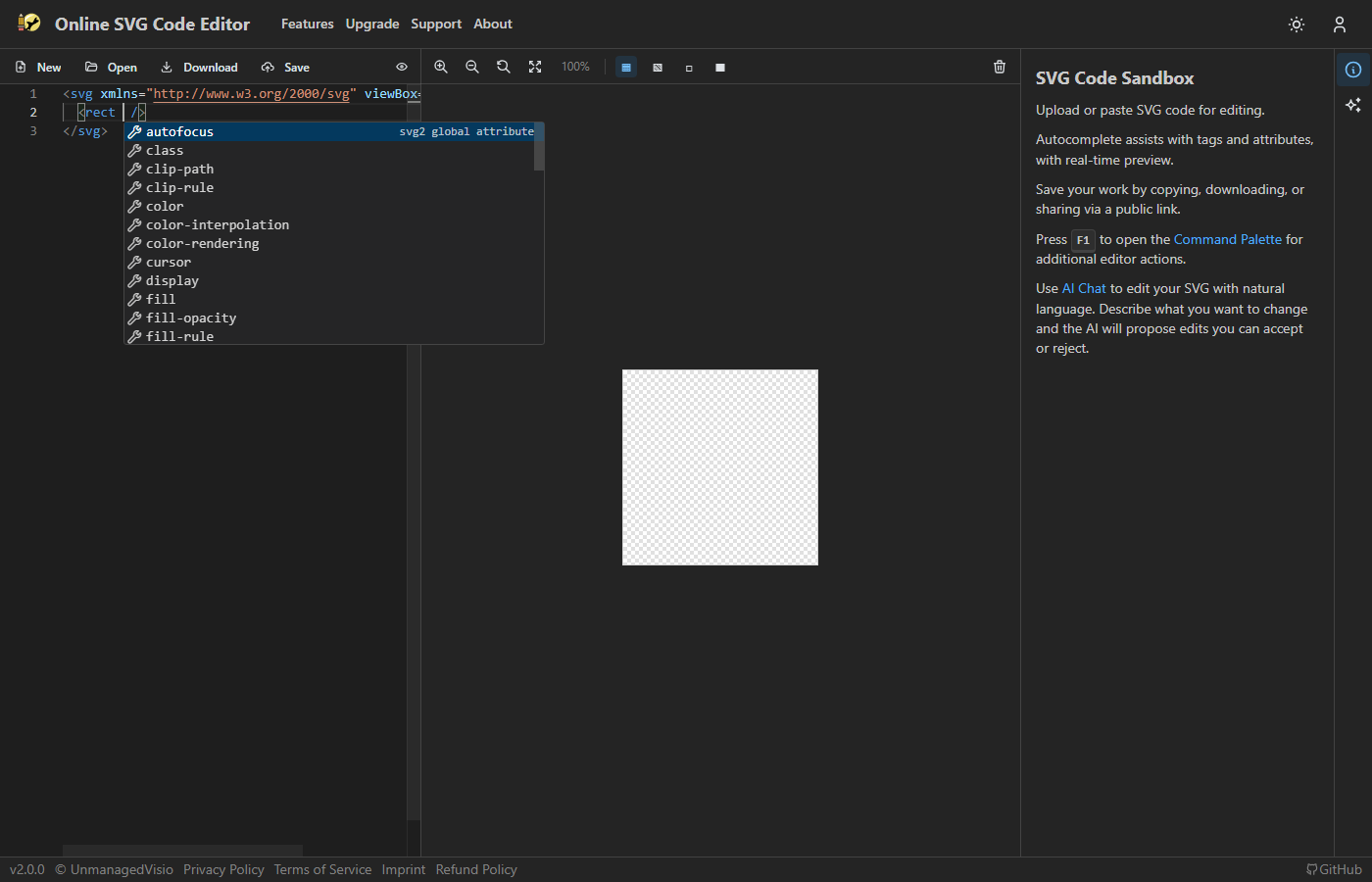
Context-aware attribute suggestions for each specific element. For attributes with fixed values (stroke-linecap, font-style, etc.), suggests the valid options.
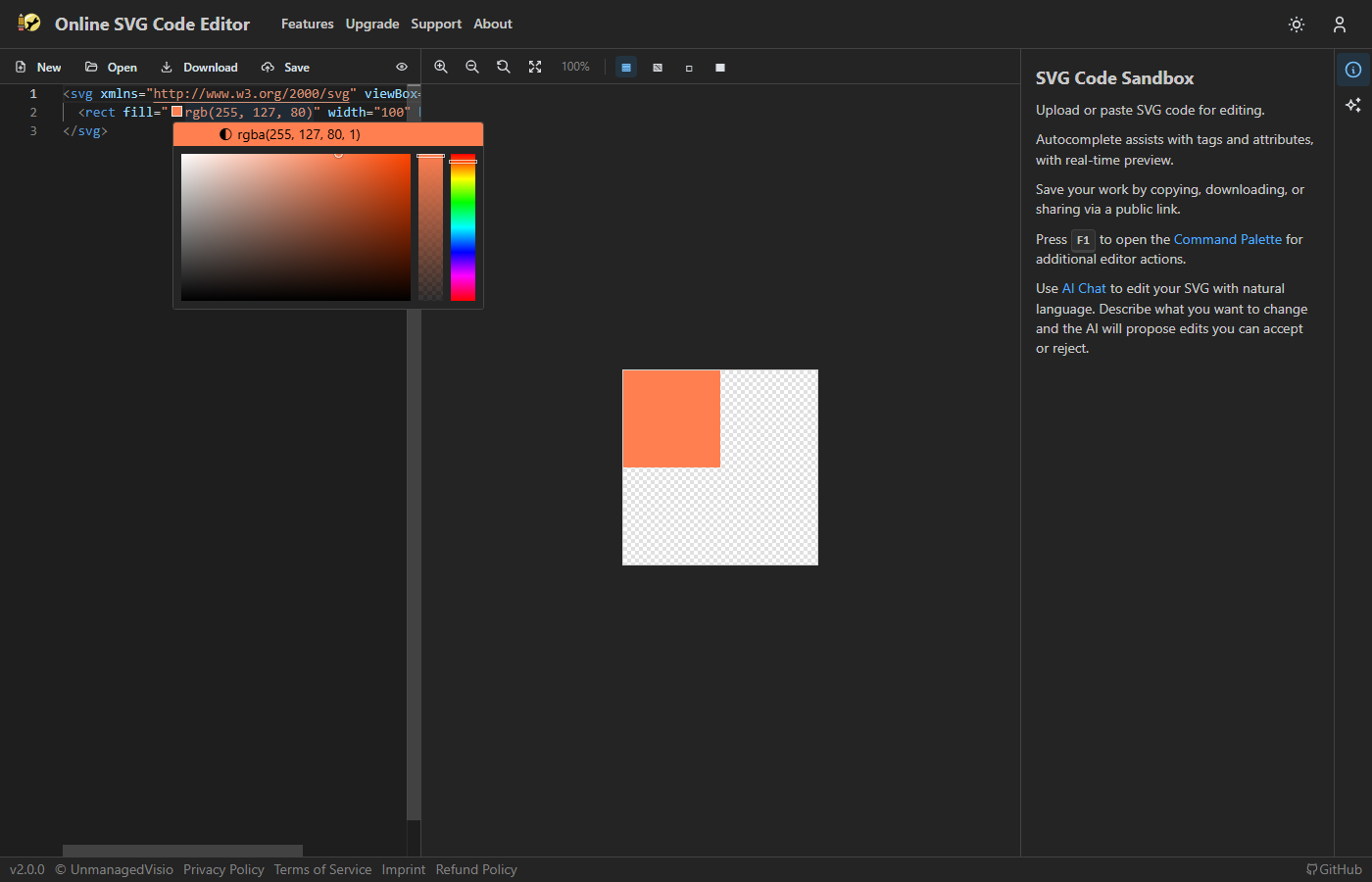
Inline color swatches with a picker supporting hex, RGB, HSL, and named SVG colors.
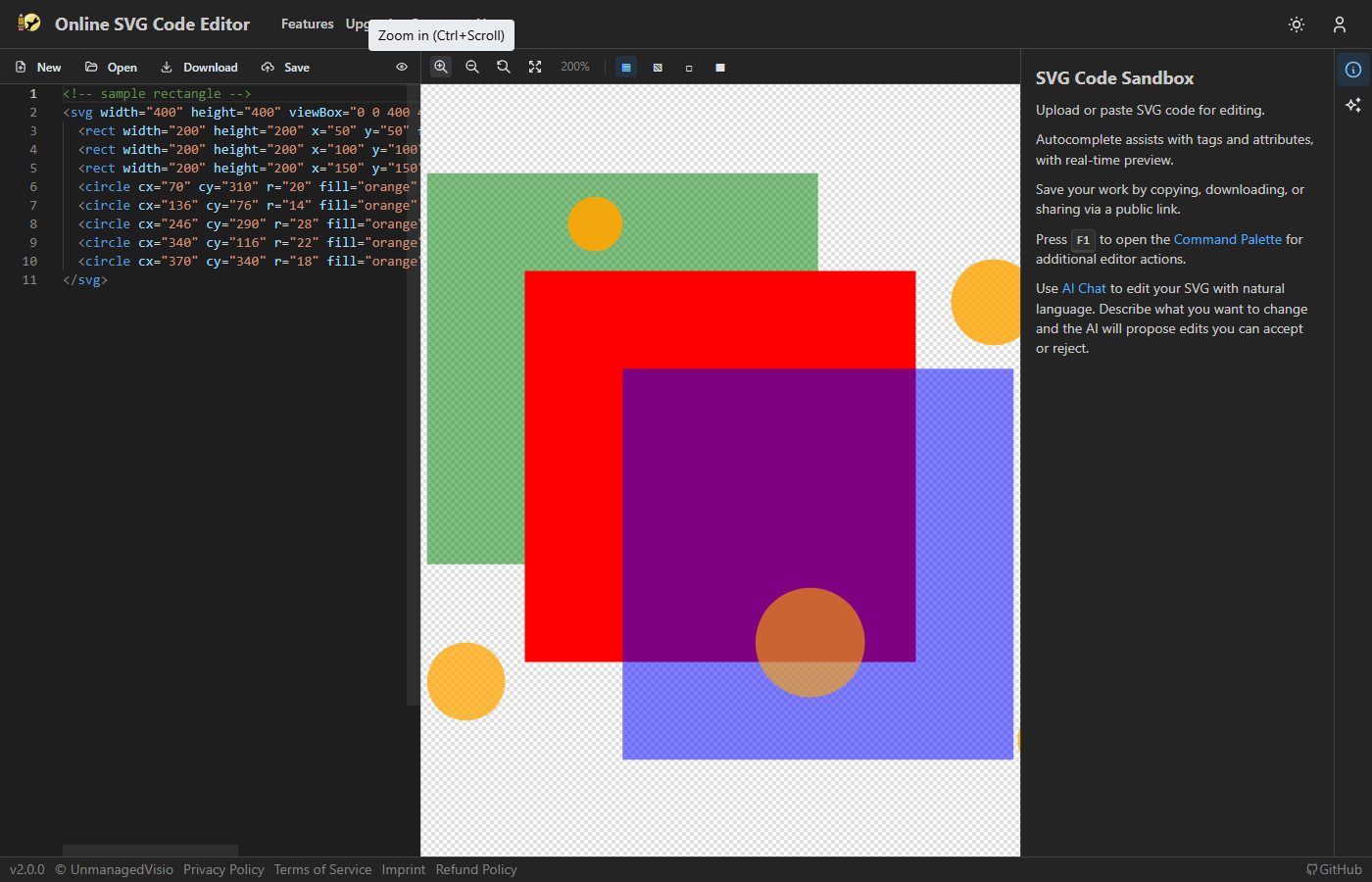
Zoom in/out, reset, fit to window. Ctrl+scroll supported.
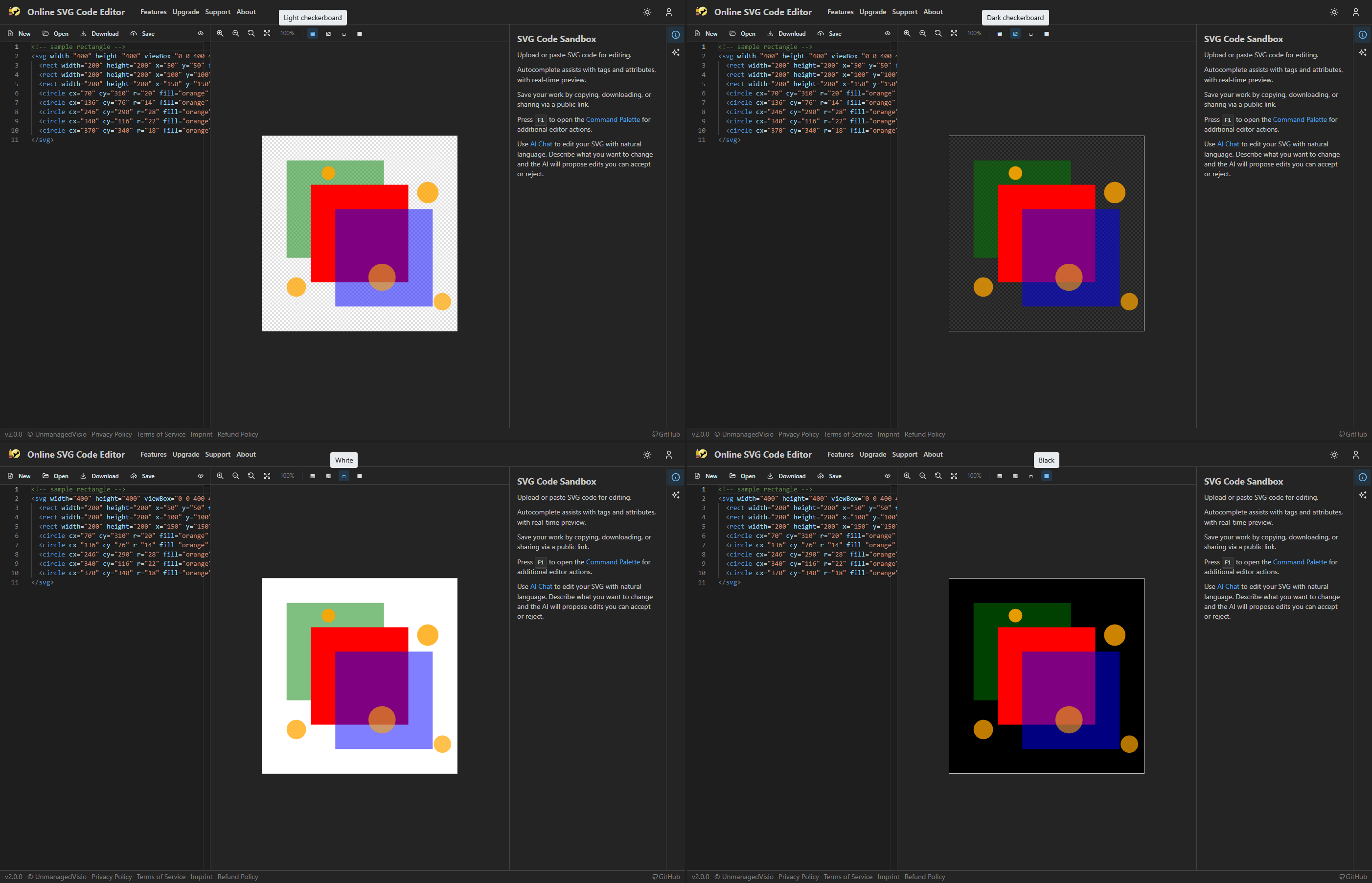
Light/dark checkerboard, solid white, solid black. Checkerboard makes transparent regions visible.
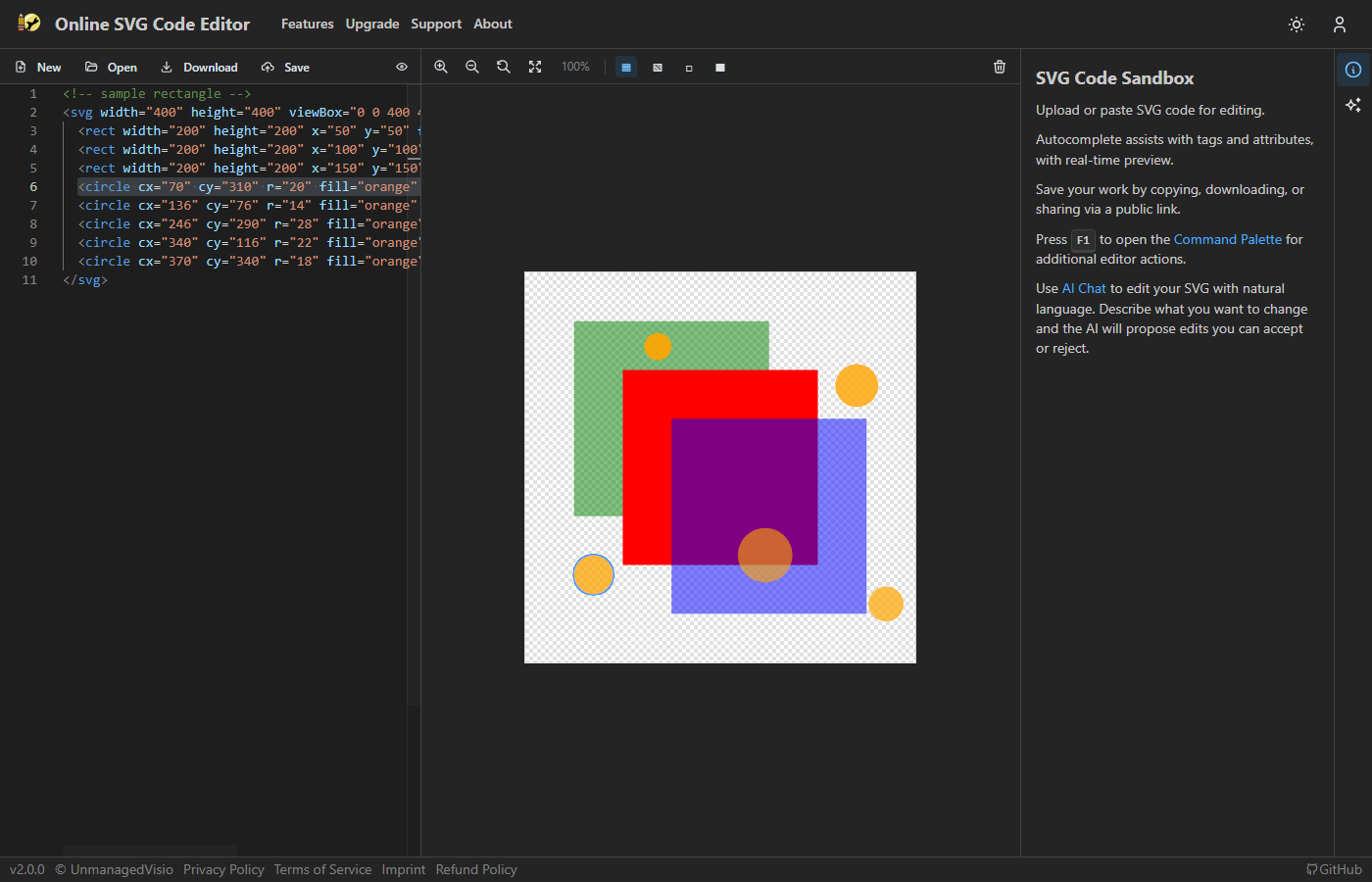
Click an element in the preview to jump to the corresponding source code. Bounding box highlight on selected elements.
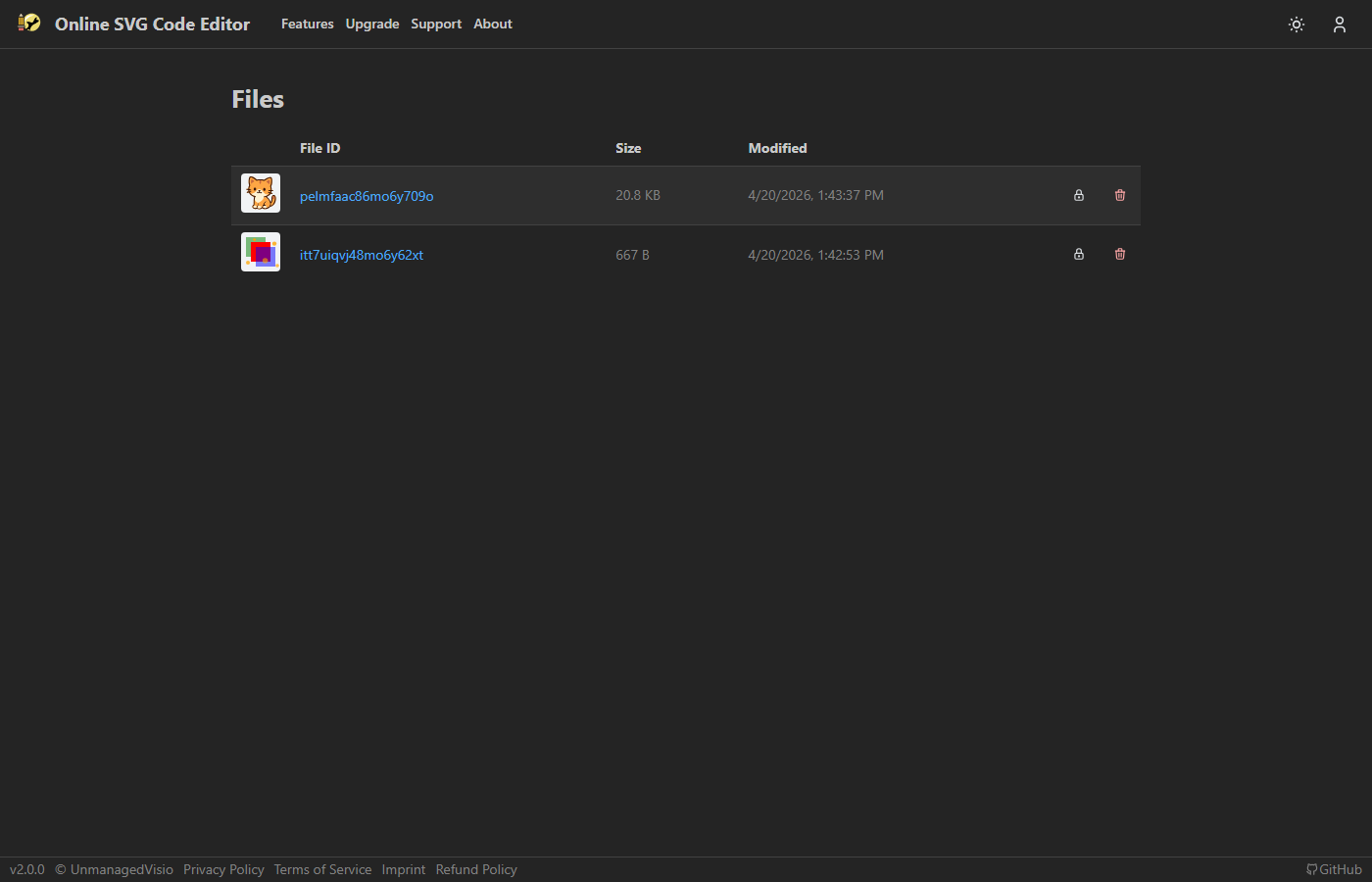
Save files with auto-generated thumbnails. Toggle public/private per file. Shareable links for public files.
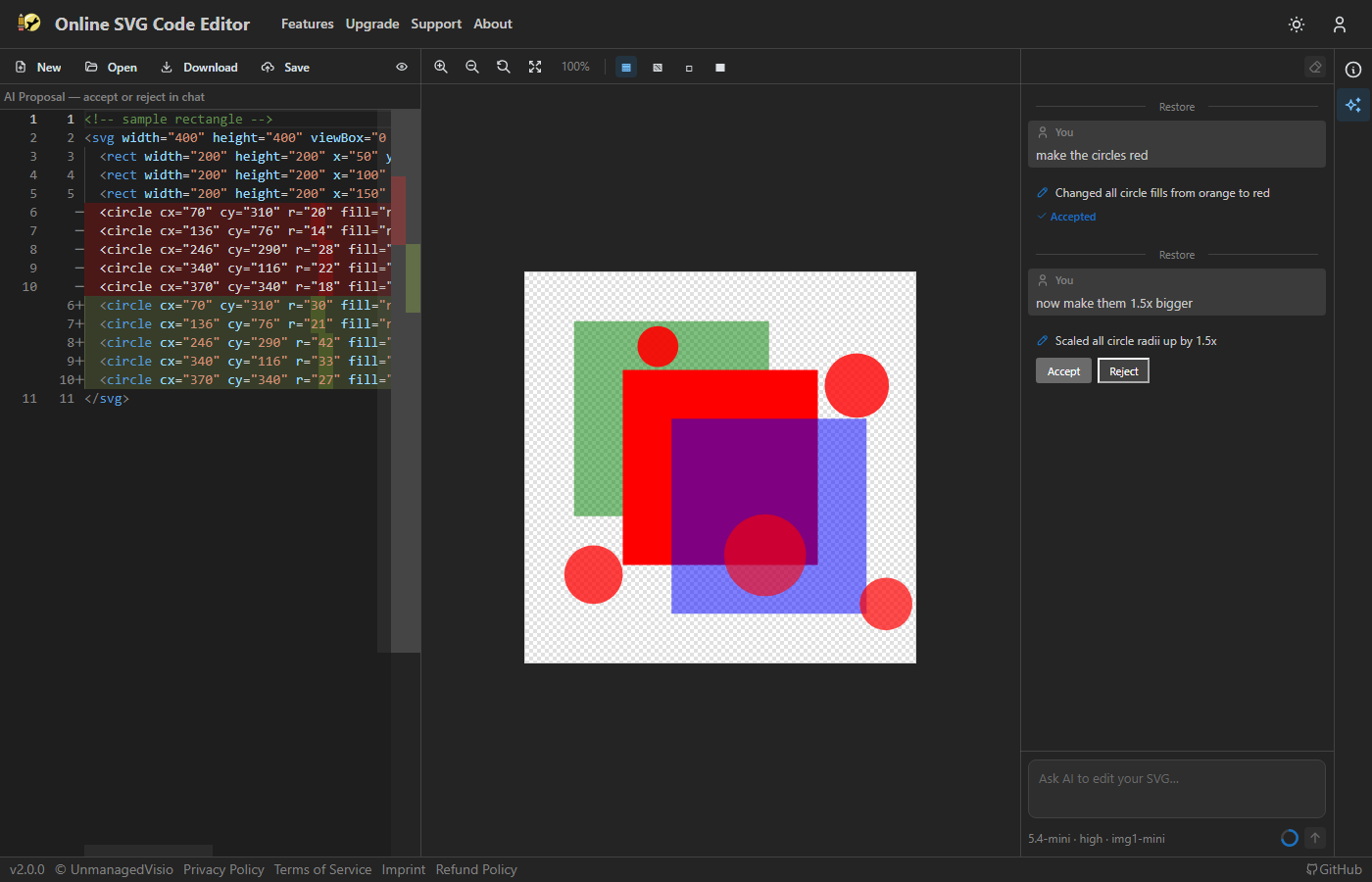
Type a request like "make the circles red" or "add a drop shadow to all text". The AI reads your SVG, generates modified code, and shows a diff. Multi-turn conversations build on previous context.
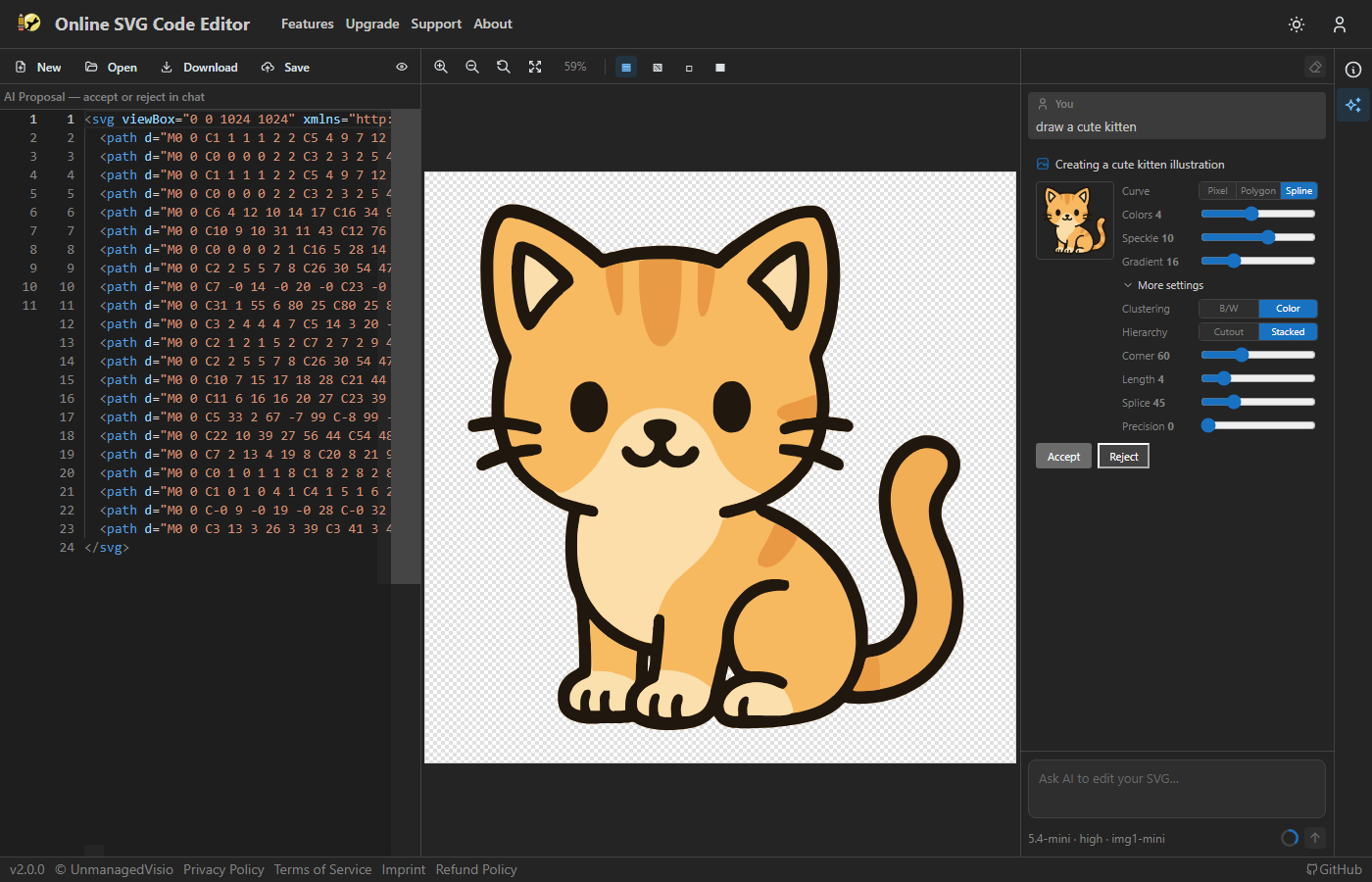
Describe an image in text, the AI generates a PNG, and the built-in vectorizer converts it to SVG paths. Tune colors, speckle filtering, corner threshold, and curve optimization.
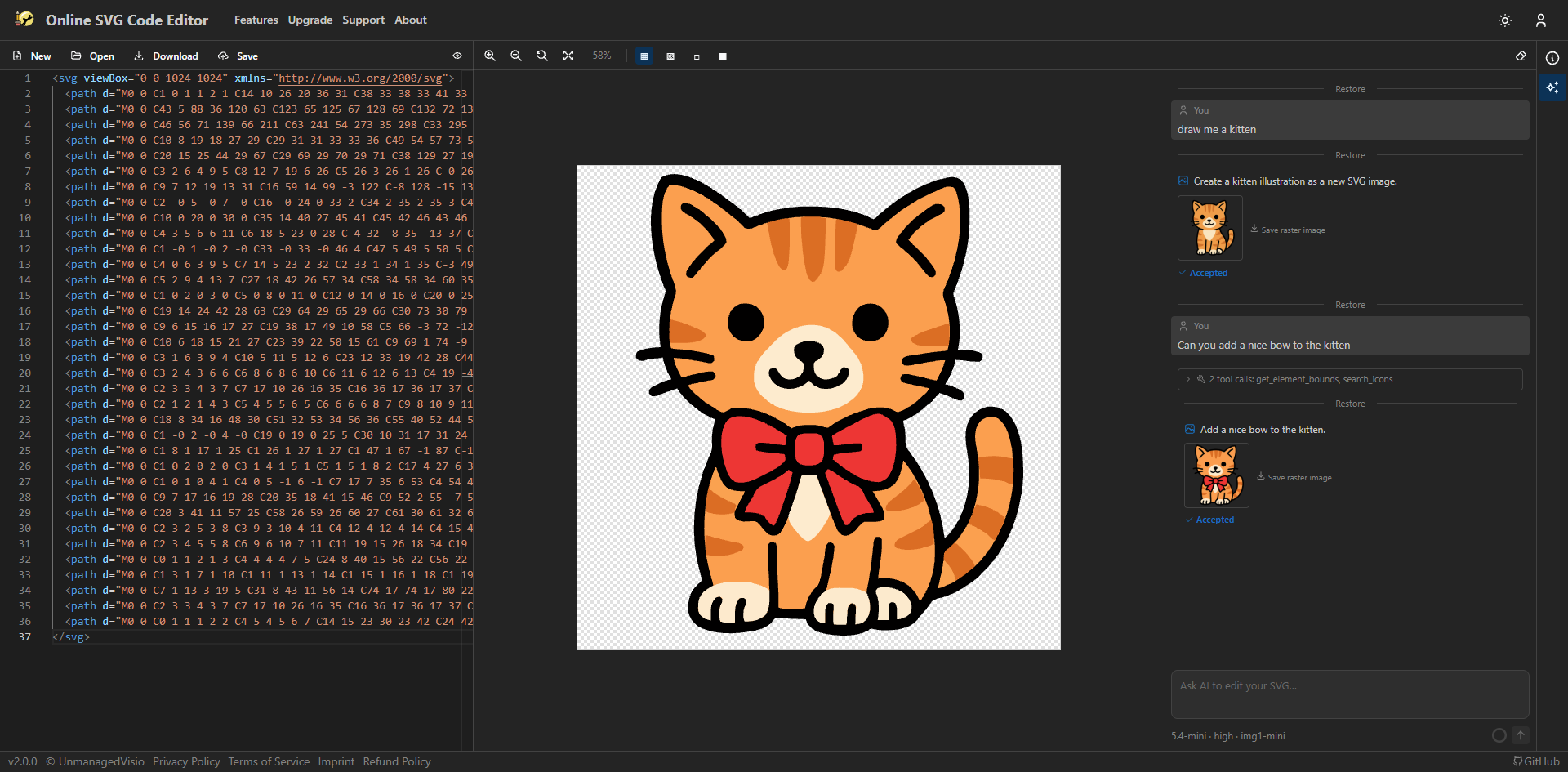
Ask the AI to modify a previously generated image, then re-vectorize to SVG. Chain multiple modifications in the same conversation.
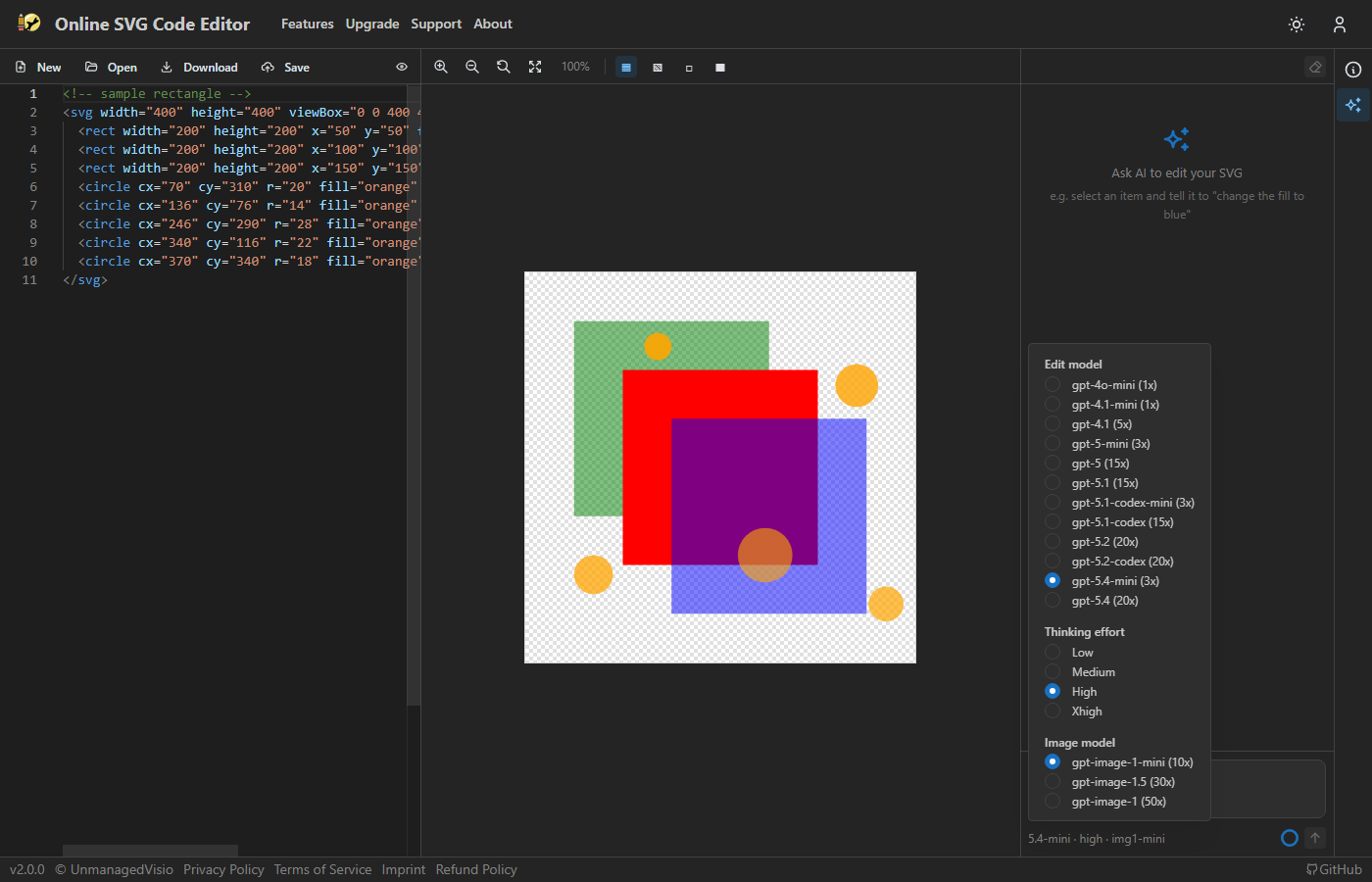
Switch between AI models from a dropdown. A reasoning effort slider trades speed for quality on complex edits.
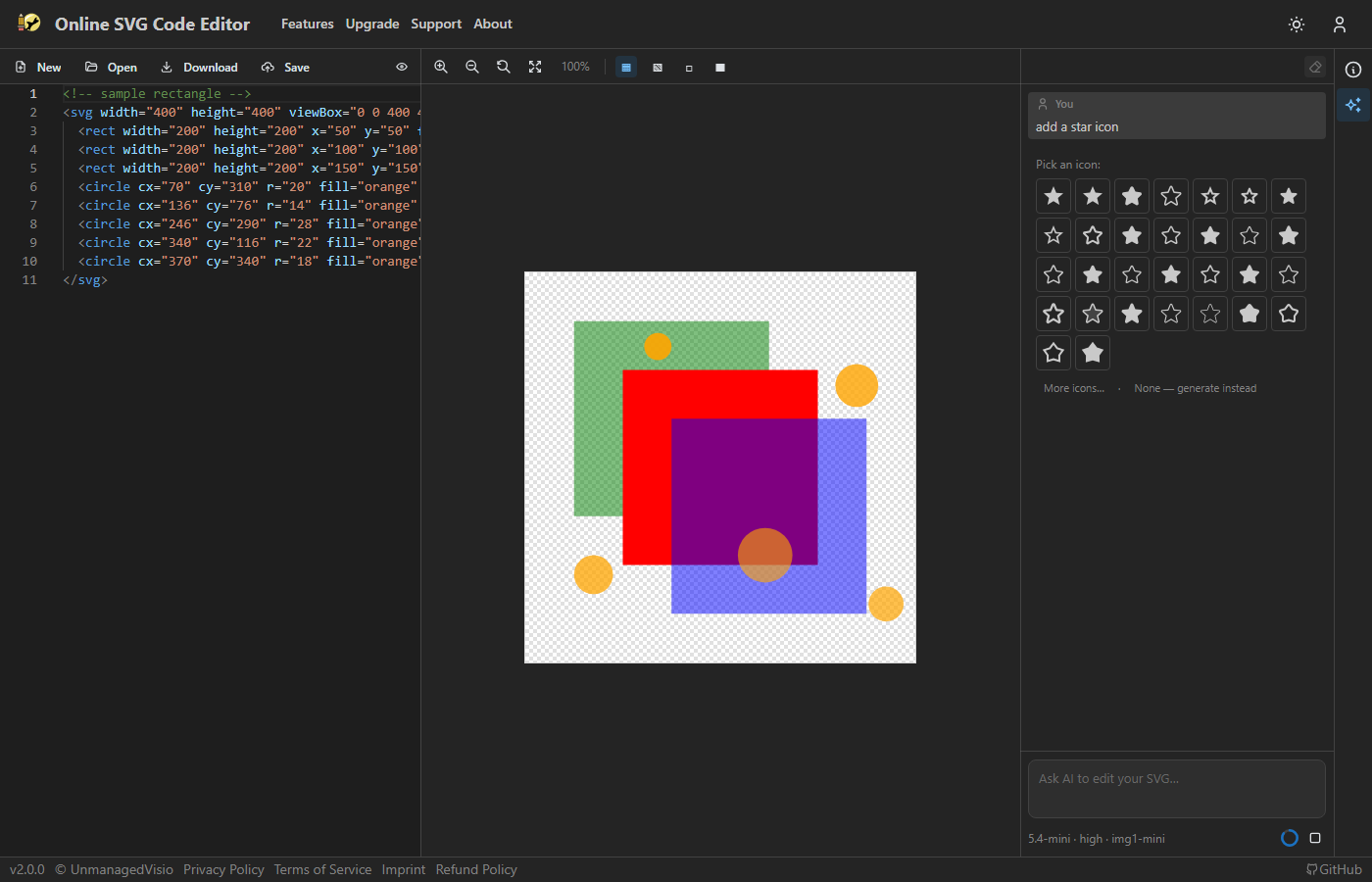
Search 200,000+ open-source icons (Material, FontAwesome, Lucide, etc.). The AI inserts selected icons as inline SVG paths, positioned and scaled to fit.
npm install
npm run dev        # Start dev server + Firebase emulators
npm run build      # Build for production
npm run test       # Run unit tests
npm run test:e2e   # Run Playwright e2e tests