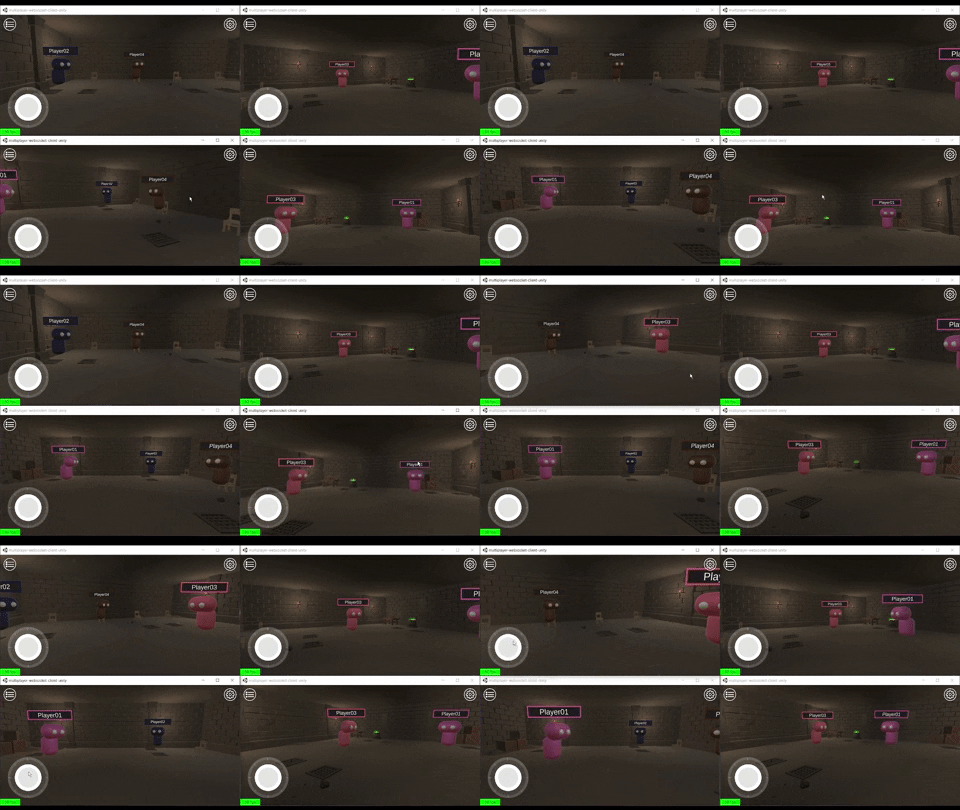
This is an example of a Unity client that uses WebSockets to send the current players information.
This WebSocket client is working with a NodeJS server on multiplayer-websocket-server-node.
_Requires Unity 2020.3.24f1+
- Download the unity package
- Import the package in an empty Unity project.
The script Assets/Scripts/Networking/WebSocketClient.cs handles the WebSocket connection
using UnityEngine;
using WebSocketSharp;
using Newtonsoft.Json;
using Newtonsoft.Json.Linq;

public class WebSocketClient : MonoBehaviour
{
  public const string WSURL_KEY = "wsurl";
  private static WebSocketClient instance;

  WebSocket ws;

  #region MonoBehaviour
  void Awake()
  {
    instance = this;
  }

  private void Start()
  {
    ws = new WebSocket(PlayerPrefs.GetString(WSURL_KEY)); //Get the Websocket URL from player prefs
    ws.OnOpen += OnWSOpen;
    ws.OnMessage += OnWSMessageReceived;
    ws.Connect();
  }

  void OnApplicationQuit()
  {
    ws.Close();
  }

  void OnDestroy()
  {
    instance = null;
  }
  #endregion

  #region Static Functions
  public static void SendMsg(string message)
  {
    instance.ws.Send(message);
  }

  public static void CloseConnection()
  {
    instance.ws.Close();
  }
  #endregion

  #region WebSocket Callbacks
  void OnWSOpen(object sender, System.EventArgs e)
  {
    //Send connection data to spawn
    ws.Send('{}') //JSON with connection data
  }

  void OnWSMessageReceived(object sender, MessageEventArgs e)
  {
    var received = JObject.Parse(e.Data);
    switch ((string)received[WSJsonKeys.ACTION])
    {
      //Case for each action (Can be LocalConnection, Connected, Movement, UserLeave)
    }
  }
  #endregion
}1. Start the local WebSocket server
2. Run the main scene in Unity or any of the builds for Windows or Mac OS.