


- I want to quickly find recipes for dinner.
Navigate to recipes page by entering the web address or clicking the recipes nav link
The recipes page displays a list of the recipes paginated in groups of 3
The page loads correctly, the nav link works and results are displayed paginated in groups of 3.
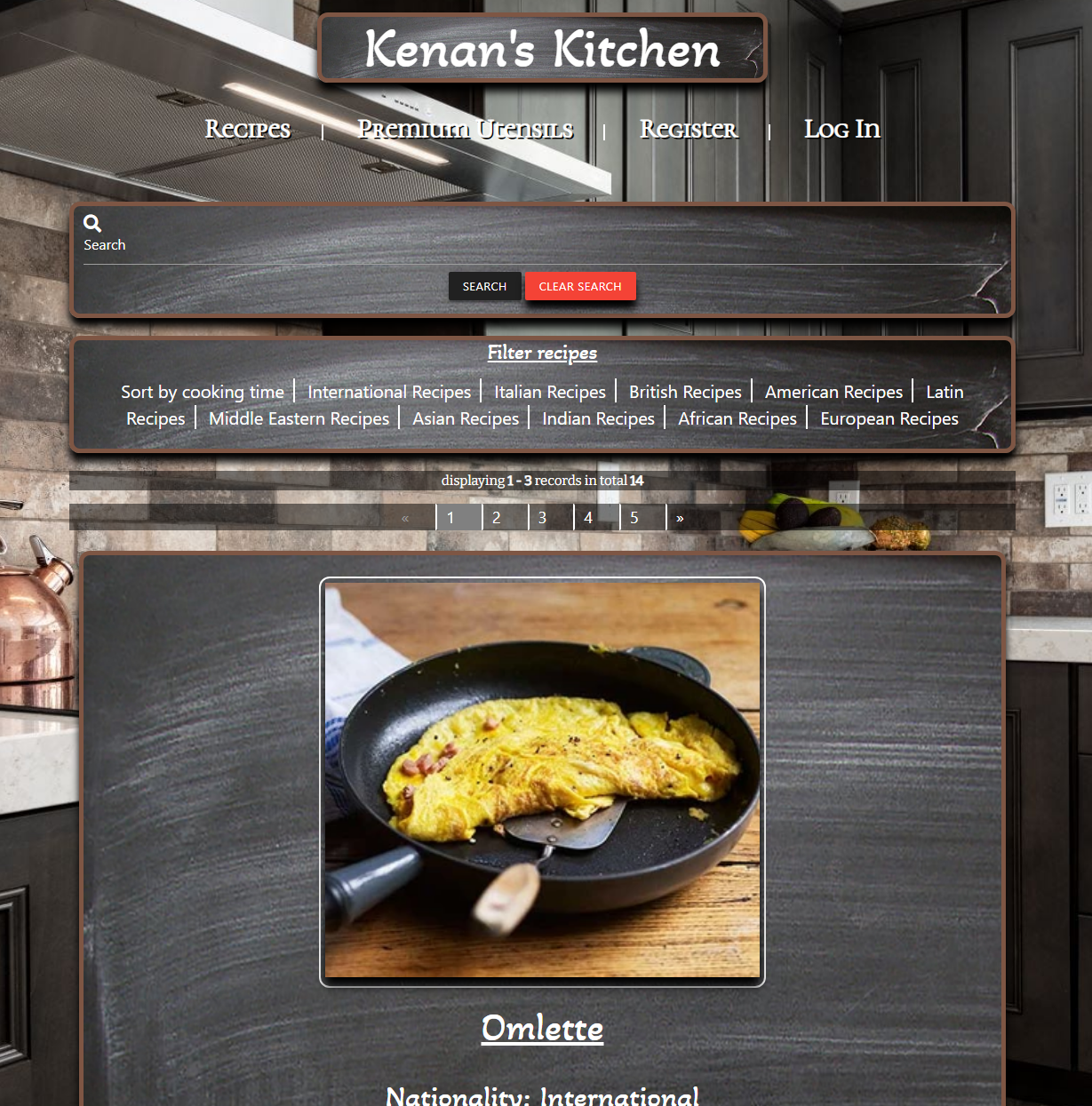
- I want to be able to easily sort and search for a specific recipe.
Type the name of a recipe, nationality, cooking time or difficulty in the search bar and click search or hit enter. The user can also click a list of predefined filters in the filter area
The page will return the desired results on the recipes page. If no results were found the user will be prompted that there were no matching recipes based on their criteria. If search is clicked or enter is pressed with an empty field the user will be prompted to enter text. If the user clicked on of the filters the results should be returned based on that filter, paginated if need be.
The searched query is returned on the recipes page using pagination to seperate the results in groups of 3 only if there are more then 3 results. If the search did not have any results the user is shown a flash message saying that their query returned no results. The flash message also shows the name of the searched term and the amount of results if any.If no text was entered in the search bar the user will be prompted to enter text. When a filter button is clicked the user is shown a list of the relevant recipes paginated as needed.


- I want to be able to login to the site.
User clicks the login nav link or the link on the create account page then fills out their credentials and clicks login.
The user will be prompted with a login screen and prompted to enter their login credentials. If the user leaves fields blank the user will be prompted to fill in the required input fields. If the user gets the username or password wrong the user will be prompted with a flash message.
The user is logged in and redirected to the user profile page. If the username or password is wrong a flash message will be shown. If the user leaves a required field blank they will be prompted to enter text.


- I want to be able to create a profile.
The user clicks the register nav link or the link on the login page to register a new account. Then fills out their details and clicks create an account.
The user will be able to fill out their details and create a profile/login to the website. The user will be prompted if the desired username is taken. The user will be prompted if they have used too few or many characters. The user will be prompted if they have left any required fields empty.
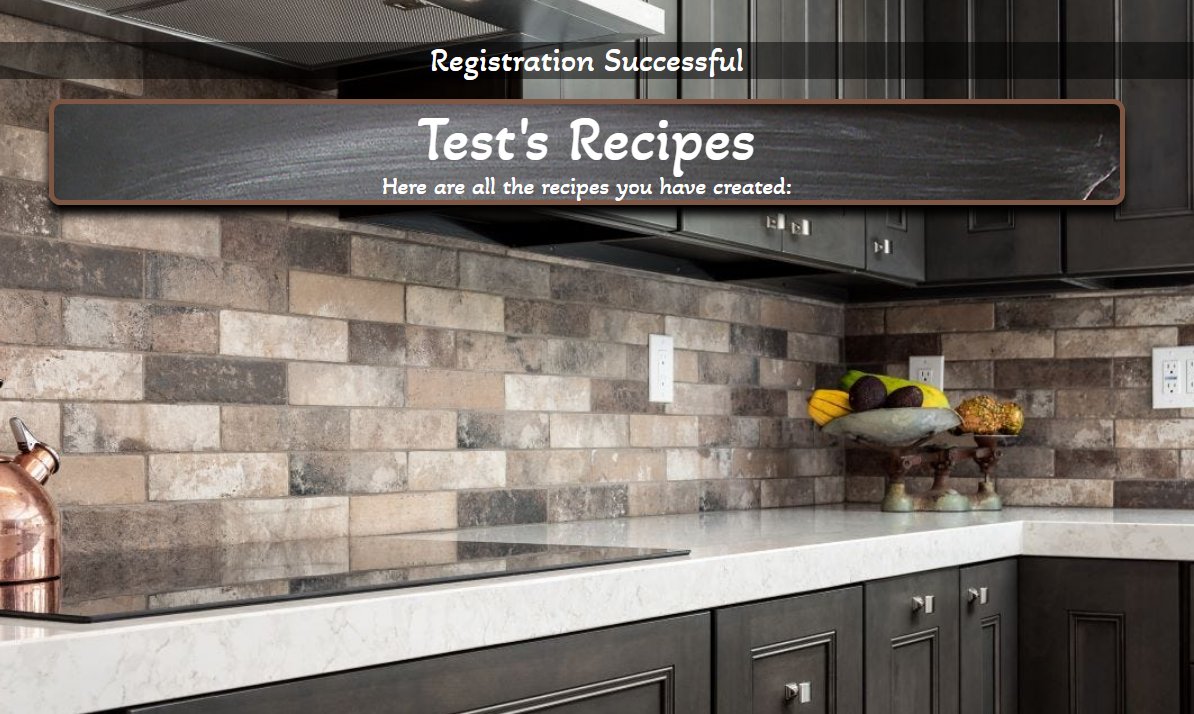
The user enters all required information and is succesfully registered and redirected to their profile page. If the user leaves any required fields blank or fills them in incorrectly the user is prompted to fill them in. If the username is taken the user is prompted by a flash message.


- I want to be able to Add my own recipes.
The user clicks add a recipe on the nav bar and inputs their selected data then clicks submit.
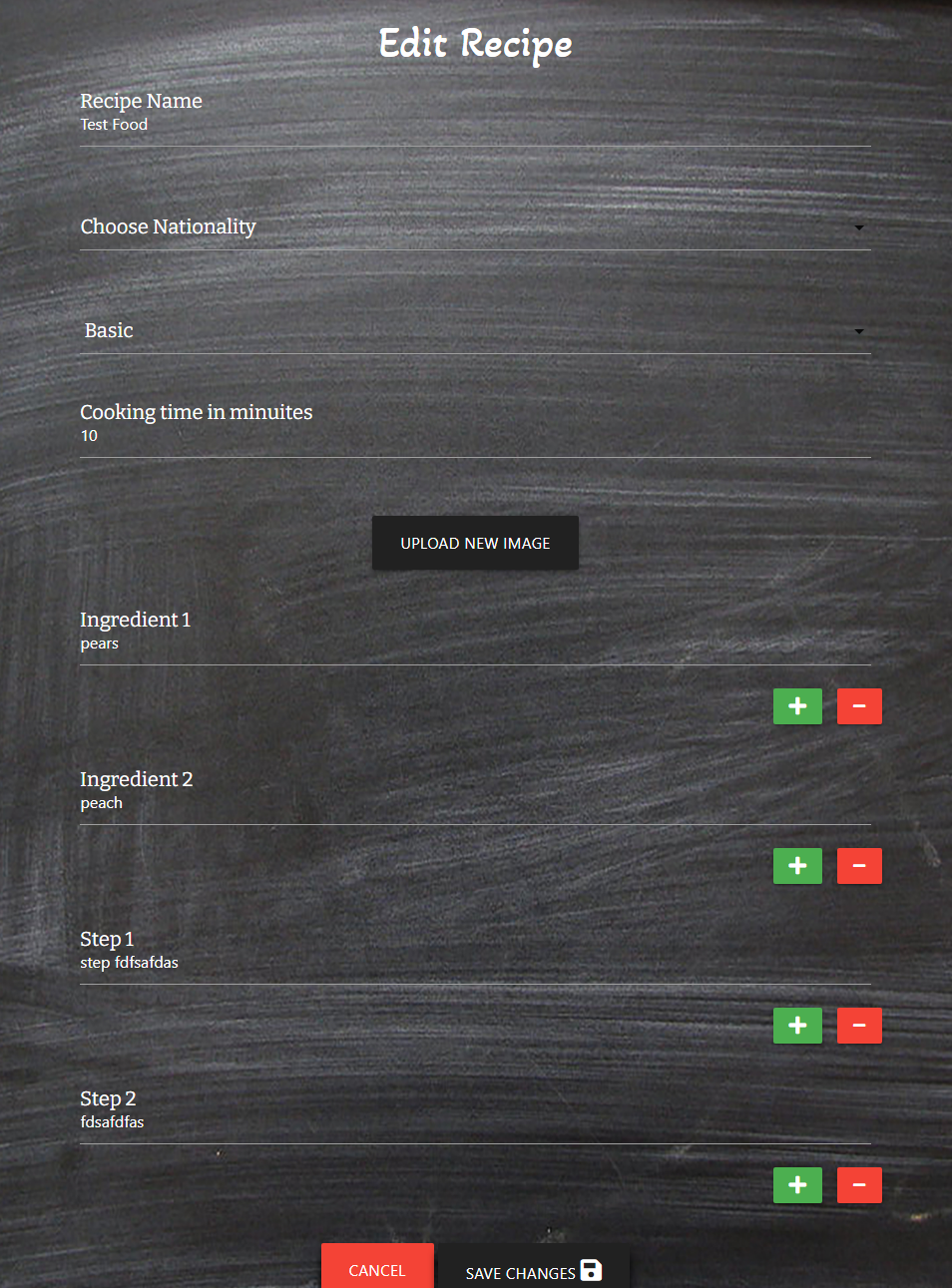
The recipe is added to the database and available and searchable by all users on the recipes page. If required field is missing the user will be prompted. The cloudinary widget will show when user clicks upload an image. More input fields will be added when the user clicks the green plus button or removed when the user clicks the red minus button. When all the info is filled in and the user clicks submit the recipe will be displayed publically on the recipes page. If the user did not submit and image the placeholder image will take its place on the recipe page.
The user has filled out everything correctly and the recipe is submitted and displayed on the recipes page. If the user has left out a required field the user is prompted to input text. The cloudinary widget opens and uploads pictures as required. Clicking the green plus and red minus buttons add or remove the extra input fields as required. Page holder image is displayed if no picture is uploaded.


- I want to be able to Edit and Delete my recipes.
The user clicks edit or delete on a recipe they have created on their profile page.
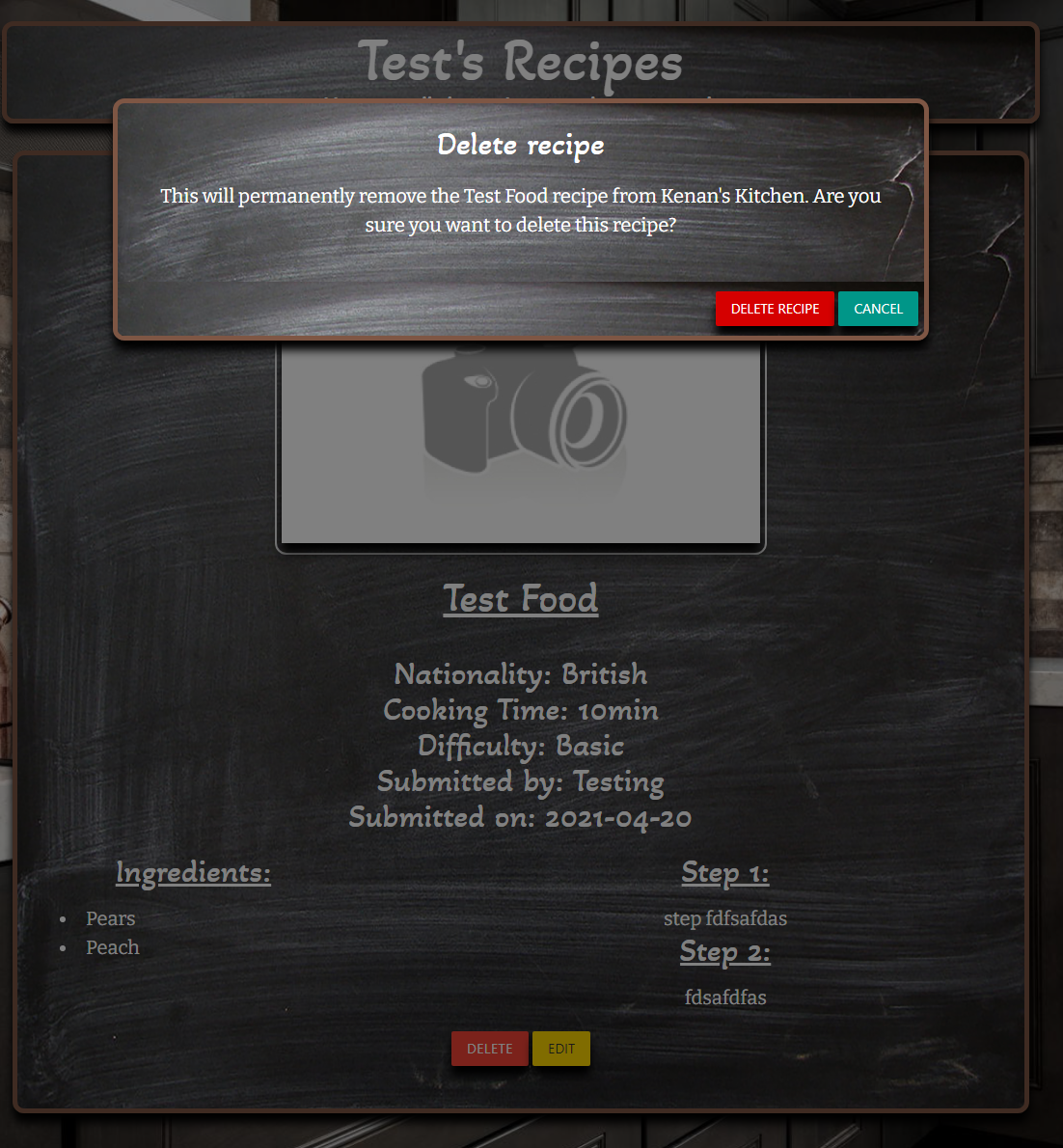
When the user clicks delete on one of the recipes they have created, a modal will pop up and ask them to confirm or cancel. Upon clicking confirm the recipe will be deleted from the database. Upon clicking cancel the modal will be closed and the user redirected back to their profile page. When the user clicks Edit the user will be redirected to the edit recipe page where the information about the recipe will be filled in. Upon submiting the edit the recipe will appear on the recipes page with the new information.
The user clicks delete the modal is triggered, if the user clicks delete on the modal the recipe is deleted and a flash message is displayed notifying the user. If the user clicks cancel the modal is closed and user is redirected to the user profile page. The user clicks edit and is redirected to the edit recipe page where the input fields are filled out. The user can edit the fields as need be and add or remove steps or ingredients. The user can upload a new image. The user clicks submit and the edited recipe is saved to the database and viewable on the recipes page.


- I want the recipes I have created publically available to all other active people on the site.
See result from User Story 5 as this has already been covered.
- I want a page with all my recipes I have created that I can easily access once logged in.
The user clicks the User Profile link on the nav bar when logged in.
The user will be redirected to the User Profile page where all the reciped they have created are displayed with an edit and delete button present on each item.
The user is redirected to the user profile page. All recipes created by the user are present. Each recipe has an edit and delete button.

- I want to be able to purchase any kitchen equipment I may need.
The user clicks the premium utensils link on the nav bar
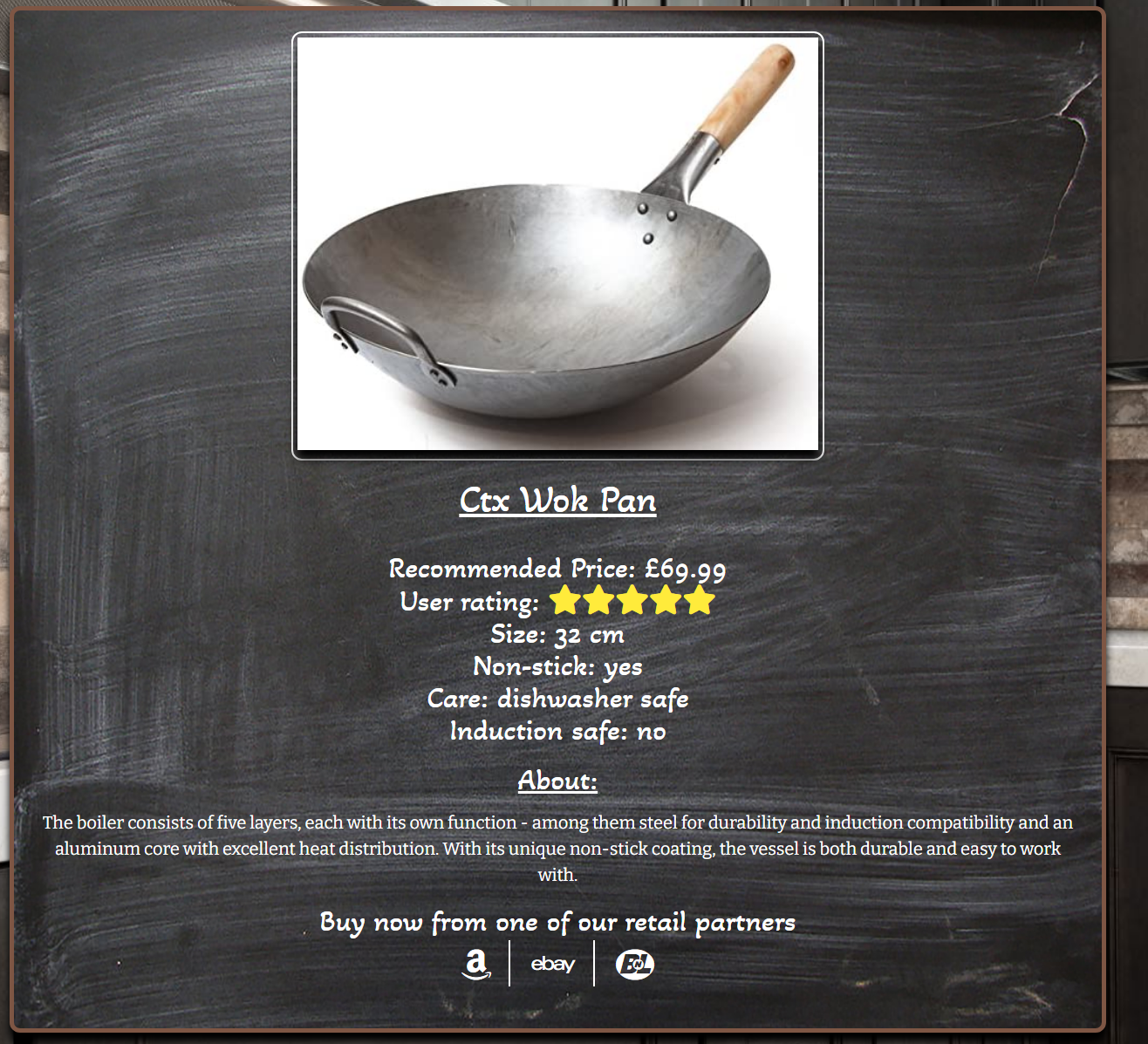
The user will be redirected to the products page where results will be shown paginated in groups of 3 where needed. The user also has the option to filter by product rating, knives, pots, pans and utensils. Upon clicking a filter products will be displayed accordingly. The items will have links to purchase via a third party retailer.
The user is redirected to the product page where all results are shown paginated in groups of 3. If the user clicks any of the filter buttons the results are filtered and displayed correctly. Each item has the links to purchase via a third party retailer and the links open in a new window.


- I want the process of displaying content to be fast and seamless.
Loading any page on the site
All pages to load in a timely manner and feel fast
All pages load very quickly thanks to the speed of MongoDB as well as using the Cloudinary caching server to host all images.
- I want to dynamically generate content based on collections in MongoDB.
Opening the recipes or product page dynamically adds content based on the data stored in MongoDb.
All content should be dynamically generated and layed out based on entries in mongoDB.
Recipes and products get generated based on the data stored in mongodb and are displayed according to my styles and filters.

- I want the site to be eye catching and engaging.
The user looks at the design and layout of the site.
The user will have a good experience and find the layout eye-catching, simple and easy to use.
The site looks good and clean according to friends and family.
- I want the site to be easy to use and intuitive with clear stylistic choices.
The user engaging with the site and navigating its functions.
The user will not struggle to find any content and easily navigate around the site and make use of the features.
According to friends and family the site is easy to use, creating an account and logging in is easy and intuitive. Creating deleting and editing recipes is strait forward and obvious.
- I want the site to be as bug free as possible.
The user browses the site and navigates its functions
The site should work without any bugs that hinder funtionality or break the site. The user shouldn't leave the site due to bugs and glitches. Any remaining bugs should not break functions or cause a poor user experience.
Very few bugs are present and none break functionality or cause a bad user experience. See Issues and Toubleshooting section in this document.
- I want the site to be responsive to a large number of devices and screen sizes.
See the Testing Responsiveness section at the beginning of this document.
The HTML validated with errors for open elements however I think this is due to using flask and Jinja templating to dynamically add content as I have checked all my templates for open tags and I do not find any. Not sure how to validate properly however the site works fine as it should. W3C Validator

My CSS file validated without any errors on the W3C CSS Validation Service

My Site passed custom 404 SEO validation on SEO Site Checkup

My Site passed PEP8 compliance at PEP8 Checker

My JS functions showed no errors and only a few warnings about ES6 compatibility in Mozilla.


- I couldnt fetch the name attribute on login - login method only inserted user attribute into cookies so when the user was creating a recipie it was insterting null into the created by field. I fixed this by adding the name field into cookie upon login.
- I couldnt make the search function work - Tutor support Kevin assisted me in fixing this by adding the propper form action to my search bar as well as using request.args.get("query") instead of request.form.get("query")
- integrating cloudinary api - after upload from widget the image url will be passed to the hidden input on the form and then gets written by the back end and saved to the db.
- Edit recipie functionality, have the data from the recipe im editing already filled in and find a way to show multiple steps/ingredients that were filled in previously - this was fixed with for loop and using loop index to number ingredient and steps.
- Recipe sorting list as string - fixed by storing cook time as integer rather than string in MongoDB
- Changing underline color of the materialize input fields - I had to look at the materialize rules targeting these items and had to use !important as I could not create a specific enough rule.
- Pagination not getting propper offset - fixed by using offset = (page - 1) * 3
I unfortunately ran out of time to fix the remaining bugs, however they do not break any functionality or cause a bad user experience in my opinion.
- Chrome autofill background color is white in search and some form elements - I tried many many solutions from stack overflow and other sites, however no matter what I tried Chrome still uses that horrible white background color when it autoflls form data.
- Possible unbalanced tuple unpacking with sequence defined at line 237 of flask_paginate - Im not sure what this means, I spent a long time googling and couldn't find a solution. I think its something to do with the flask paginate component which I used for pagination.
- When editing recipe if you click add ingredient or step it adds another ingredient 2/3/4 field instead of the next one. I couldnt find a way to solve this is when creating the recipe it uses a variable which increases and decreases when you add or remove input fields. However I couldn't find a way to store this variable somehow so that when editing a recipe it will remember the variable.
- The nationality field is not pre filled in when editing a recipe - I could not get this to work in time, The only way I could think of doing this is to use a Jinja if statement but you would have to add the whole input field in every if and elif and would add a lot more coding and wouldn't look clean.