by Paul Hollinsky
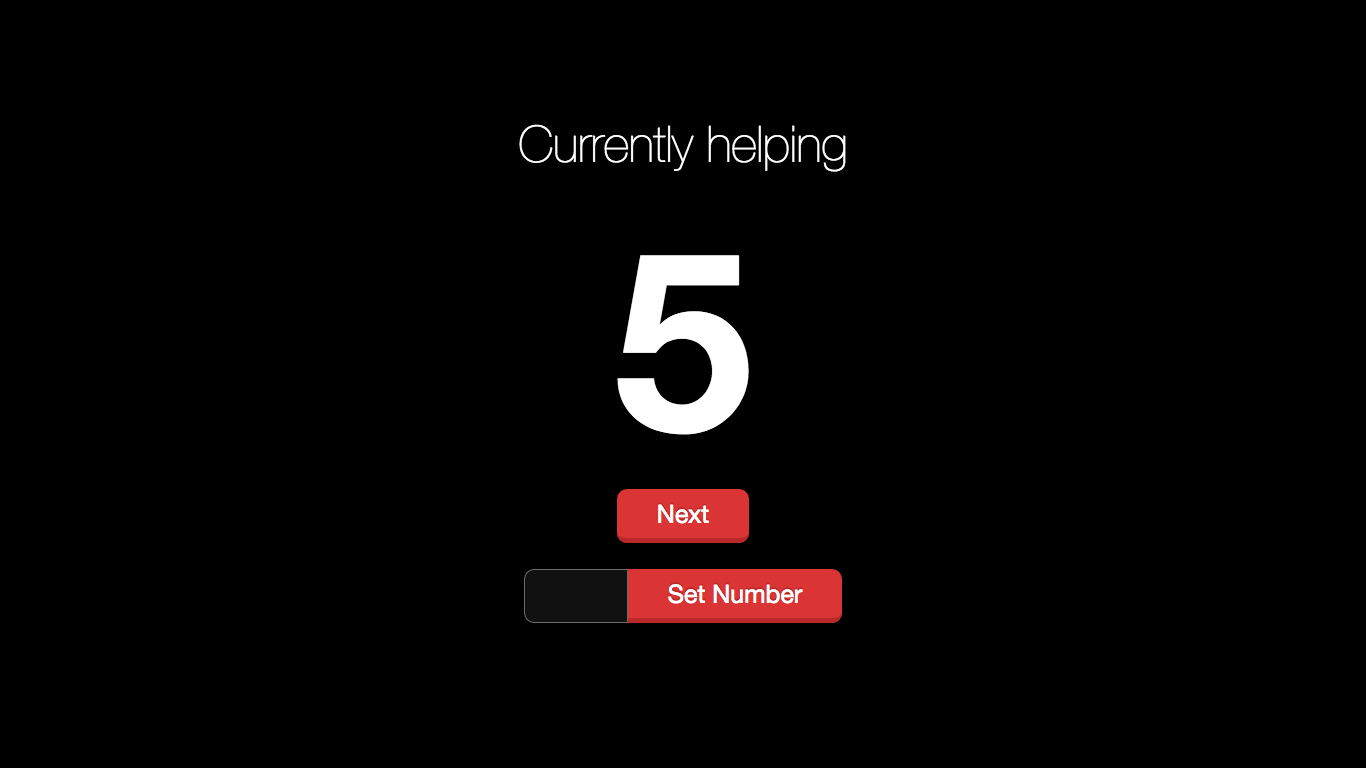
- Install node.js on a server (can be any computer)
- Download the takeanumber zip file and unzip it somewhere (or clone this repo)
- Using your favorite command prompt or terminal, navigate to the folder you unzipped to
- Run
npm install - Run
npm start - Navigate monitors to
http://[ipaddr]:3000/view - Navigate controllers to
http://[ipaddr]:3000/
- Using your favorite command prompt or terminal, navigate to the folder takeanumber is installed into
- Run
npm start - Navigate monitors to
http://[ipaddr]:3000/view - Navigate controllers to
http://[ipaddr]:3000/
Donations are never expected, but always appreciated.
PayPal: paulhollinsky@gmail.com