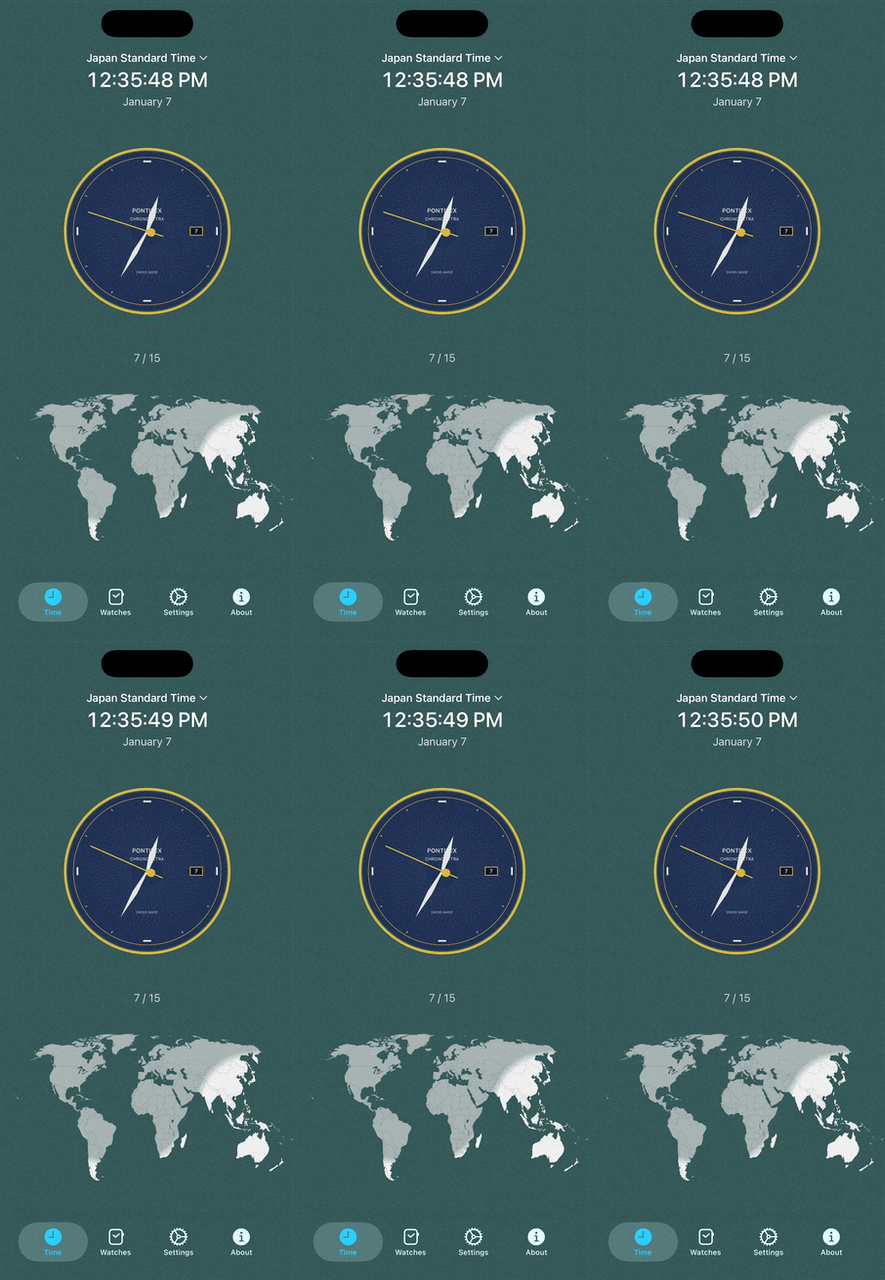
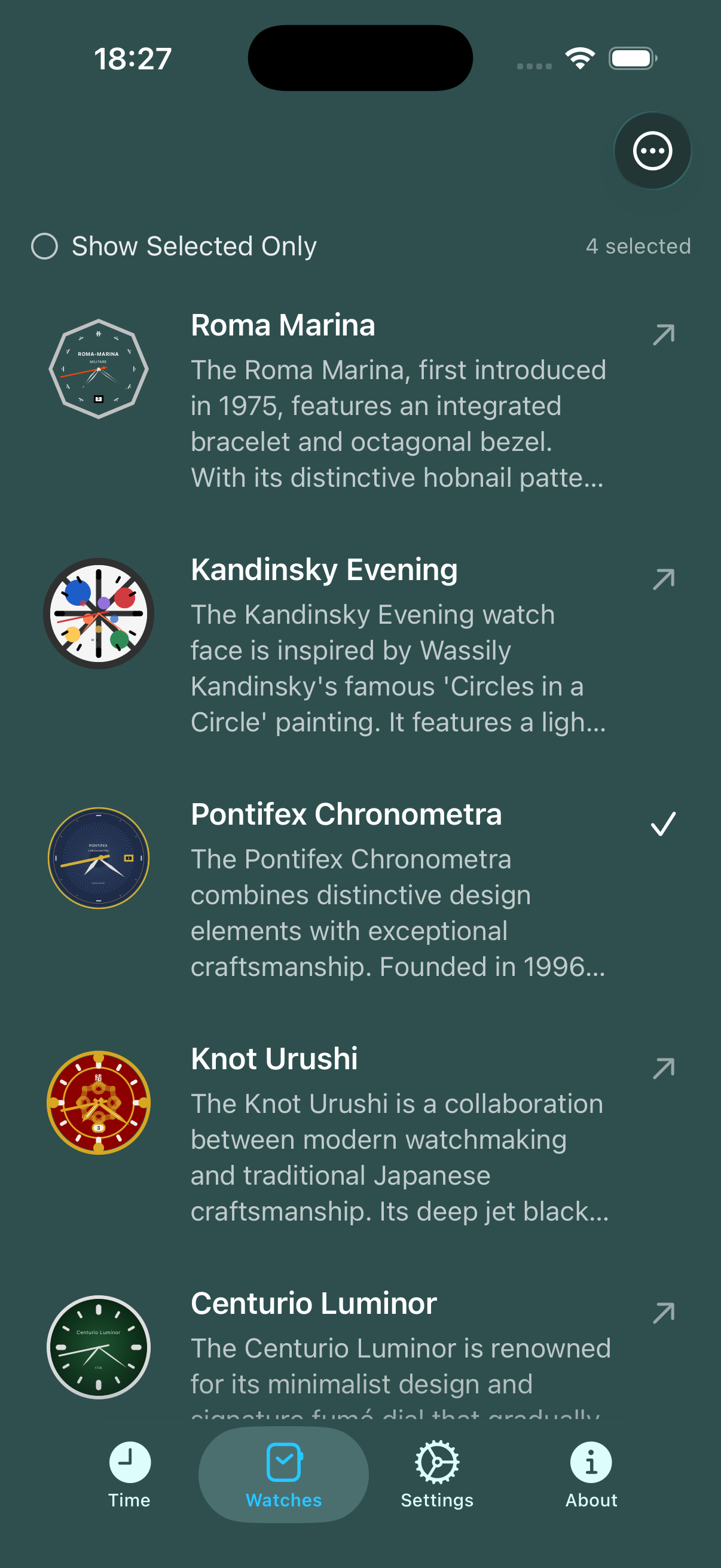
World Clock with timezones is a mighty little app that adds fun to timekeeping. Ditch boring digital clock faces and instead use intricate mechanical watchfaces.
This is a port of the Android version, work in progress: https://github.com/dmitrish/SwissTime
For the metal file: Open your Xcode project Select your project in the Project Navigator Select the SwissTimeSwift target Go to Build Phases tab Find the Run Script phase that compiles the Metal shader (or create one if it doesn't exist) Replace the script with this:xcrun -sdk "${PLATFORM_NAME}" metal -c "${SRCROOT}/SwissTimeSwift/SwissTimeSwift/Effects/WaterShader.metal" -o "${DERIVED_FILE_DIR}/WaterShader.air"
xcrun -sdk "${PLATFORM_NAME}" metallib "${DERIVED_FILE_DIR}/WaterShader.air" -o "${DERIVED_FILE_DIR}/default.metallib"
mkdir -p "${TARGET_BUILD_DIR}/${UNLOCALIZED_RESOURCES_FOLDER_PATH}" cp "${DERIVED_FILE_DIR}/default.metallib" "${TARGET_BUILD_DIR}/${UNLOCALIZED_RESOURCES_FOLDER_PATH}/default.metallib"
echo "Metal library built and copied to: ${TARGET_BUILD_DIR}/${UNLOCALIZED_RESOURCES_FOLDER_PATH}/default.metallib"
Make sure "Run script: Based on dependency analysis" is UNCHECKED
Add input file:
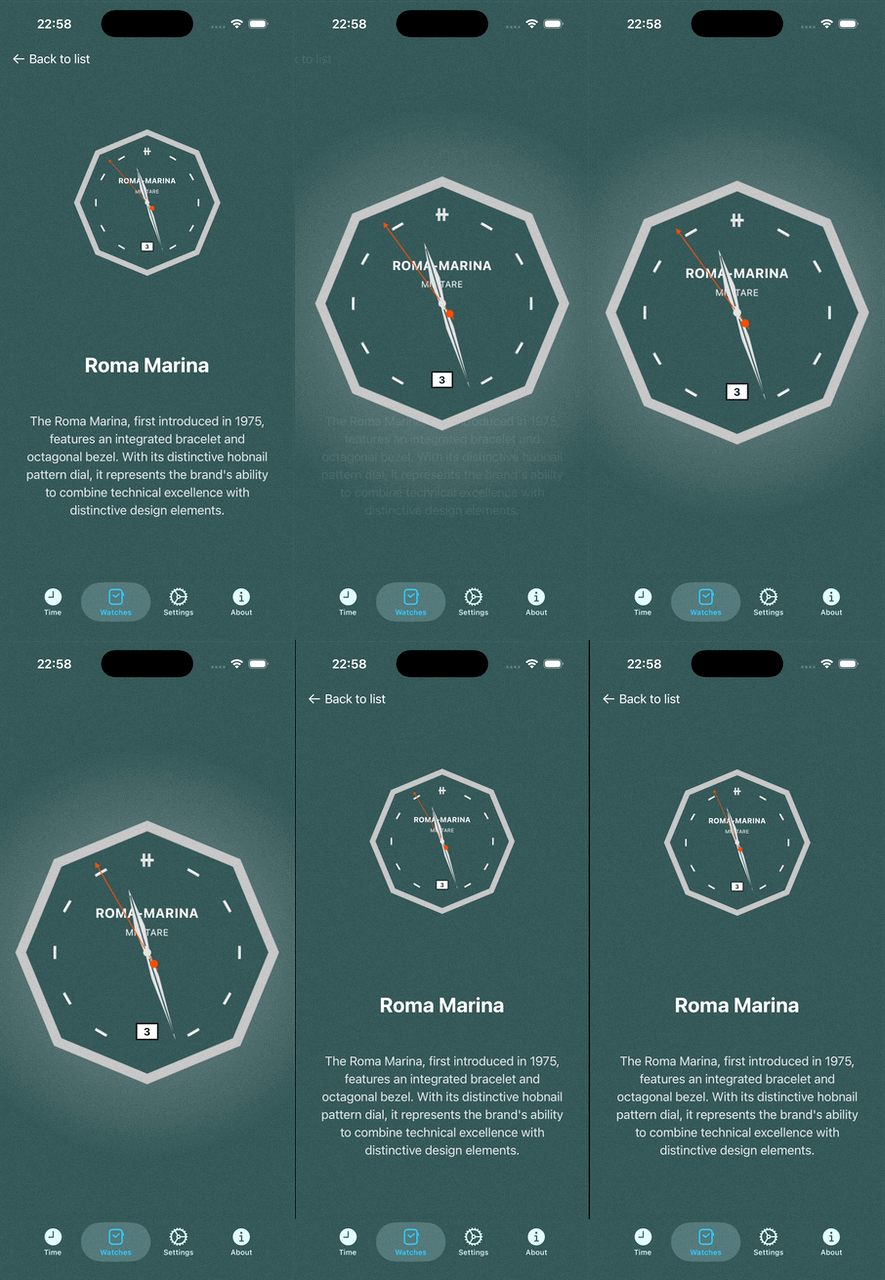
| Time Screen | Watch List Screen | Watch Detail Screen |
|---|---|---|
|
|
|
| Water Shader Effects | Water Shader Effects | Welcome Screen |
|---|---|---|
 |
 |
 |