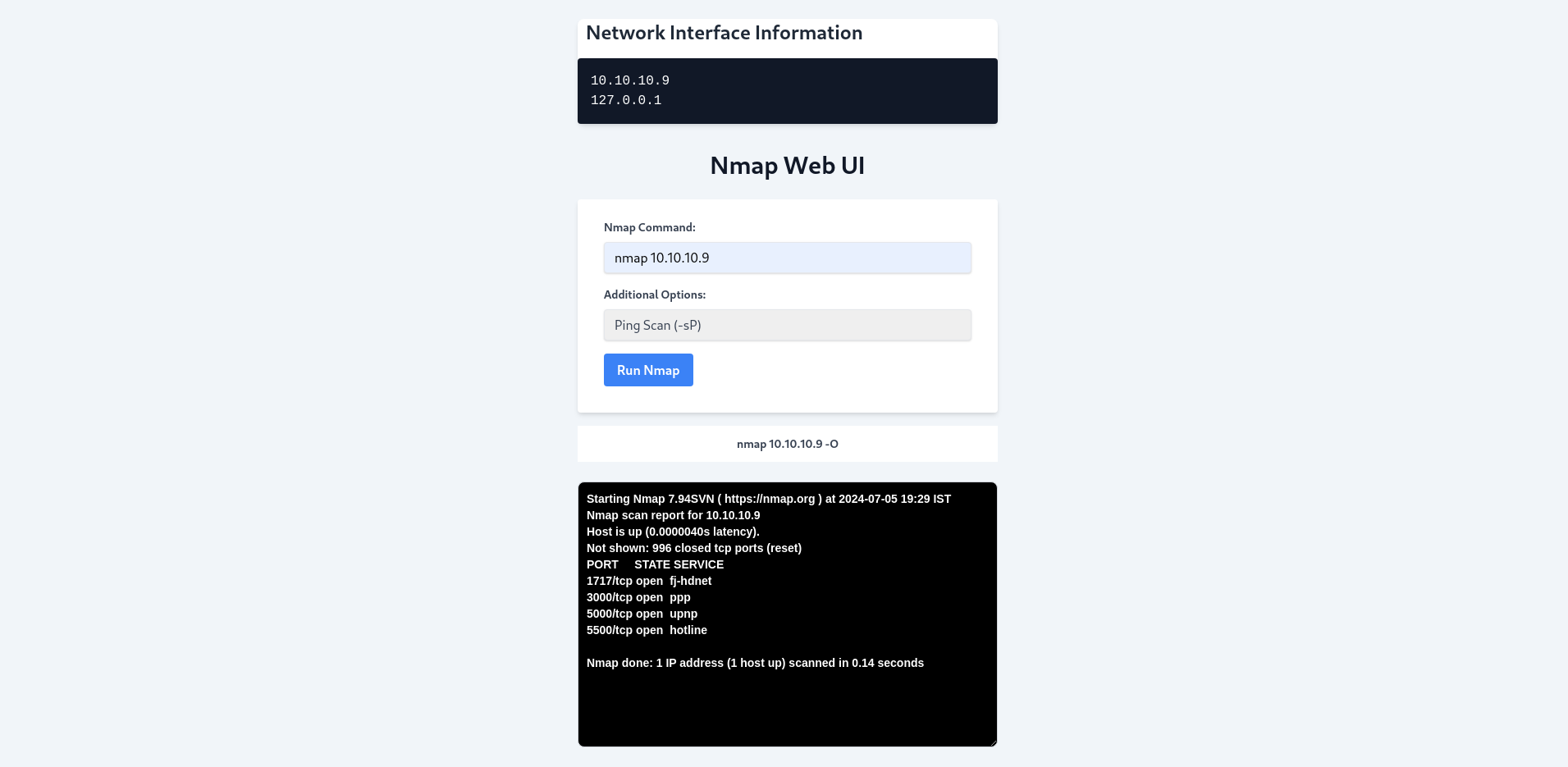
The Nmap Network Scanning Tool, also known as WebNmap, aims to provide a user-friendly web interface for executing Nmap commands and displaying scan results. It is designed to simplify network reconnaissance and security auditing tasks.
- Develop a responsive web UI using HTML and Tailwind CSS.
- Implement a backend server using Node.js and Express.js to handle Nmap commands securely.
- Utilize the
child_processmodule in Node.js for executing Nmap scans directly from the web interface. - Enable users to input custom Nmap commands, select scan options, and view results in real-time.
- HTML
- Tailwind CSS
- Node.js
- Express.js
child_process(for executing Nmap commands)
- Nmap (for network scanning)
- npm (for package management)
- nodemon (for automatic server restarts)
- Linux environment
- Node.js installed
- Nmap installed
-
Clone the Repository:
git clone git@github.com:dixitcoder/WebNmap.git
cd WebNmap
npm install
nodemon servernmap.js
A Run Index.html