this is a simple script to start applications after you boot into linux.
you might have your own setup enviroment for coding and after you turn on the computer you want to start every application in a specifed way automatically.
you also use it if you don't have a session manager that can save your last opened applications.
it starts your specifc applications, and moves them into a workspace of your choosing.
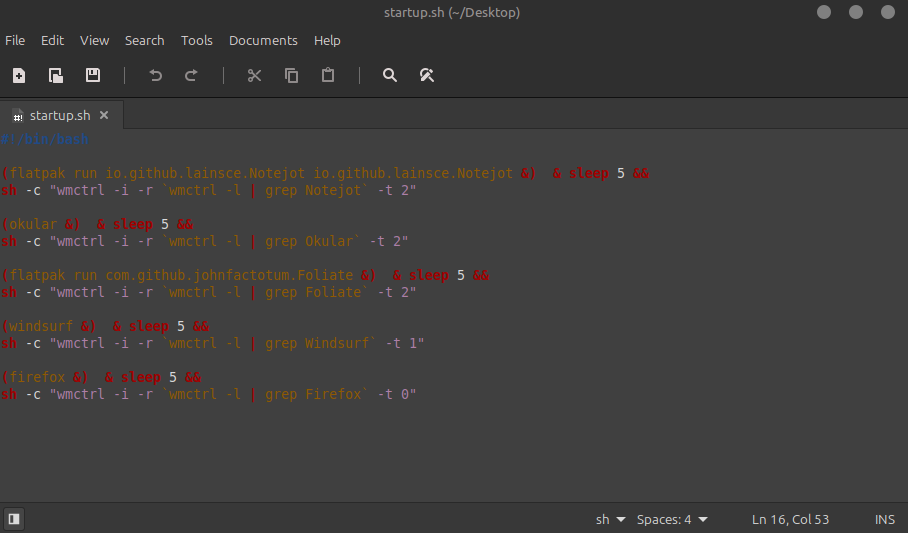
(okular &)  & sleep 5 &&
sh -c "wmctrl -i -r `wmctrl -l | grep Okular` -t 2"
okular: name of appicaltion
sleep: use it if you have multiple apps and you don't want to open them together, 5 seconds to wait for the next app.
-t 2: change the number for your specifc workspace.
for flatpak apps now if you want to run flatpak apps use this example:
(flatpak run com.github.johnfactotum.Foliate &)  & sleep 5 &&
sh -c "wmctrl -i -r `wmctrl -l | grep Foliate` -t 2"
