Clowder is a customizable and scalable data management framework to support any data format and multiple research domains.
4ceed is a modified version of Clowder, focusing on material sciences.
Pitschi is also an instance of Clowder, customised for UQ infrastructure. Pitschi also consists of components to capture data from the instrument computer.
Client A is booked in PPMS from 9am to 11am.
Client A logs into tracker at 9:30am
Client A finishes their experiment and logs out of tracker at 10:30am
PPMS: The real usage time (9.30 to 10.30) is logged into PPMS backend.
Pitschi:
If the project has an RDM in PPMS, then data is then copied to the project RDM.
If the project does not have an RDM in PPMS, nothing is changed
Client A is booked in PPMS from 9am to 11am
Client B logs into tracker at 9am and logs out at 11am
PPMS: PPMS tracker logs client B's usage time in PPMS tracker.
Pitschi:
If the project has an RDM in PPMS, Pitschi will notify client B that he/she has no booking, and thus Pitschi will not capture any data.
If the project has no RDM in PPMS, nothing is changed.
Client A is booked in PPMS from 9am to 11am
Client B is booked in PPMS from 11am to 1pm
Client A logs into tracker at 9am and does not log out till 12:30pm
PPMS: Client A's usage time is recorded in PPMS from 9am till 12.30pm.
Pitschi
If the project has an RDM in PPMS, Pitschi captures data regardless.
If the project has no RDM in PPMS, nothing is changed.
Nobody is booked in PPMS
Client A logs into tracker at 9am and logs out at 11am
PPMS: Client A's usage is recorded from 9 am to 11 am.
Pitschi:
If the project has an RDM in PPMS, Pitschi will notify client A that he/she has no booking, and thus Pitschi will not capture any data.
If the project has no RDM in PPMS, nothing is changed.
Client A uses an instrument for 10 hours, but only book it for the first and the last hour. The client only logs into PPMS Tracker for the first to setup the experiment and last hour for collecting data.
PPMS: PPMS only charges the client for the first and last hour, even though the client uses the machine for 10 hours.
Pitschi:
If the project has an RDM in PPMS, Pitschi still captures data generated, However, this is very risky as the client might lose data. As an example, the experiment will be stopped if there is another session in between the bookings. Also, we will not guarantee that the data are synced properlly to RDM in this particular case.
If the project has no RDM in PPMS, nothing is changed.
When you log into PPMS, please use backup code for maintenance purposes. This will stop PPMS from logging usage data and Pitschi from capturing any data.
The backup code can also be used for users without PPMS accounts.
The backup code will be provided to lab managers and instrument custodians.
How do I create an account in the Pitschi website ?
Pitschi does not support manual account creation.
Instead, it syncs projects from PPMS with valid RDMs to its database. So if you want to have an account in the Pitschi website, make sure you are in a PPMS project with valid RDM.
Fill up the email template here with your own details. We will pickup the request from there.
The Pitschi CLI uses the following logic to work out which RDM cache to use:
-
the initial mount point is set from
rootMountin pitschi.conf -
the initial preferred cache is set from
preferredCachein pitschi.conf, the default isqbiif not set -
if the project has cache entries in Pitschi dashboard then
-
change the mount point to the path of the first cache entry
-
look for the preferred cache in the list of project caches, if found then update mount point to the path of the matching cache entry
-
For example:
-
pitschi.conf
- rootMount is
\\data.imb.uq.edu.au, preferredCache is not set
- rootMount is
-
project 1176 dashboard caches:
- priority: 2, path:
data.qbi.uq.edu.au, name:qbi - priority: 1, path:
data.imb.uq.edu.au, name:imb - priority: 0, path:
shares01.rdm.uq.edu.au, name:its
- priority: 2, path:
This will always mount the default preferred cache of data.qbi.uq.edu.au.
There are two ways to change this:
-
set
preferredCachein pitschi.conf toimb -
remove the qbi cache from this project in Pitschi dashboard
Use the following steps to request to request an increase in storage size and/or file count limit:
-
Go to rdm.uq.edu.au, login and select your RDM collection
-
Click the Request more storage button (shown below)

-
Fill the form with the relevant details and submit.
Eg. For a project with 2 years of data acquisition, collecting a total of 1TB and 1 million files, the request form could look like this:
Description of the project ... Extra storage required Increase storage space by 1TB.
Increase file count limit by 1M files.
Collection is connected to UQ Pitschi so cannot zip/tar files
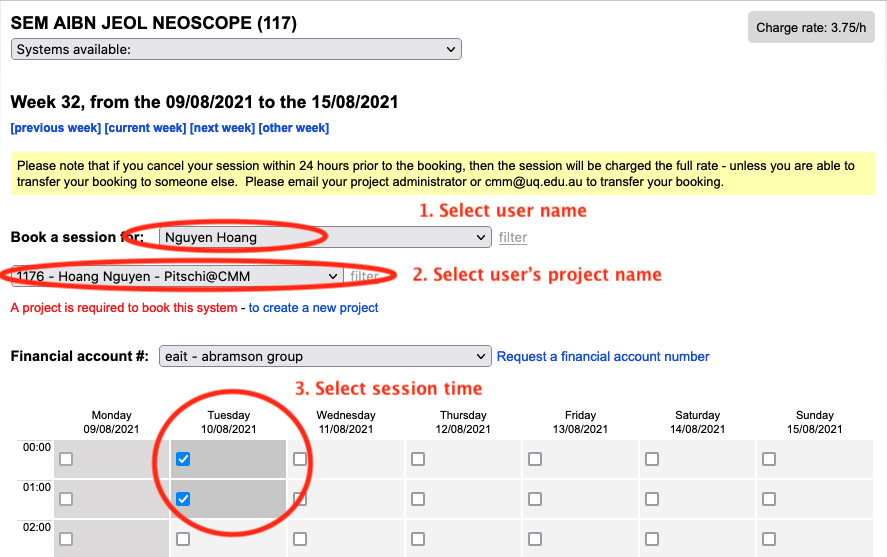
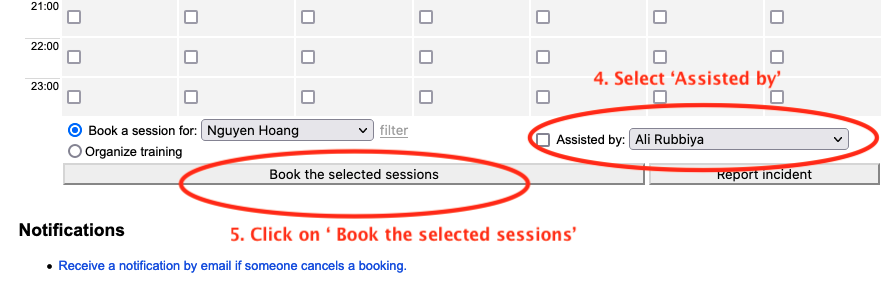
If you want to book a session 'Fee for service' for your clients, please book the session under your client name. When you'll login into PPMS tracker, it will automatically read the details from booked session that the session is for 'fee for service' and record the details accordingly.
If you experience Pitschi dataset import or ingest problems, please open Windows Command Prompt on the instrument computer and provide the following files with your report:
-
pitschicli.log-YYYY-MM-DD, capture usingcopy C:\pitschi\pitschicli.log-YYYY-MM-DD .(replaceYYYY-MM-DDwith the date the error occurred) -
booking.json, capture usingcopy %HOMEPATH%\Desktop\today\booking.json . -
files.txt, capture usingdir /s /b %HOMEPATH%\Desktop\today > files.txt -
pitschi.reg, capture usingreg export HKCU\pitschi pitschi.reg
To open Windows Command Prompt, click Start, then type cmd and press Enter.
Pitschi may send an email notification that there was a problem ingesting a dataset, including Reason
- Not all files were ingested. Missing: { list of missing files }
This typically occurs when data in the today folder is deleted or moved after Pitschi has started syncing the data. When Pitschi attempts to ingest the data into Clowder the previously synced data will not be in the expected location. You can avoid this issue by only copying data that is ready to be synced to RDM to your today folder. If you need to move or delete any data, do so before you copy the data to your today folder.
Test scenarios of PPMS tracker & Pitschi in Hawken lab – Hitachi SU3500B
-
People forget to log out when they finish the sessions: Suggestion: It would be great if Tracker interface has more reminding message. At the same time, the trainers will give more education of the clients.
-
There is no log out confirmation when logging out: Suggestion: People like me get paranoid if I did not log out properly. Can we give a “log-out confirmation” message when logging out? Yes, UQ login interface does not have a log out confirmation. But it is not money related. People like me prefer there is a proper confirmation message on of log-out.
-
More explicit explanation of FAQ: Suggestion: Clients will worry about their data flow. Can we be more specific about how pitschi handle the data, instead of just using the verb “capture”?
-
Client A booked session from 3:00 to 5:00 PM. Around 5:00 PM he/she decided to carry on the characterisation till 6:00 PM. Later, he added the “make-up” booking “5:00 PM - 6:00 PM” around 6:00 PM. The row “not booked” of PPMS system did not be overruled by the later “make-up” booking. Question: will his data from 5:00 to 6:00 PM safely store in the local computer and his own project RDM? How will Pitschi response and how will billing work in this scenario?
-
EBSD and probe will have a long-time data acquisition scenario (overnight), no CMM staff will monitor. if a client logged in and set up the parameters and log out. After a couple of hours, he/she came back to log in again and turn off the beam and log out. The real usage time will not be monitored. Comment: Tracker does not have a solution for this scenario. Can we improve it?
-
Large dataset transferring: A and B had a back-to-back booking. When A need to log out at the end of session for B, how can we make sure if the data of A has been full transferred to A’s project RDM before switching to B’s RDM? Suggestion: The data-transfer speed need to be more explained. Some data can be TBs.
Overall Comment:
I believe our centre is meant to provide a robust system and to help the clients to acquire useful data.
-
Probably only 1% CMM clients would make cheeky booking. But 99% CMM clients are general very nice clients. But they do make silly booking mistakes. The Tracker/ Pitschi need to be more tolerate and forgivable to different scenarios.
-
Clients care about their data more than the bills. How to make sure their data will be safely handled is very critical for pitschi development.
- Our understanding is RDM is project based so you only need to link one RDM to access all CMM instruments?
Yes. That is correct.
- What happens if a client has more than 1 project?
We recommend to have one RDM per PPMS project. However, one RDM can be linked to multiple PPMS projects.
- How can you link an existing RDM account? On the UQRDM request form it is only to create new accounts. Can we have something where they can input their collection number to link??
Please fill up the email template click here with your own details. We will pickup the request from there.
- When to use back up code ?
Please use backup code for maintenance purposes.