Application programming interface (API) for CalCOFI.io.
Since adding the API as its own dedicated Docker container (+ plumber api container, ssd disk · CalCOFI/server@727e708 on Nov 15, 2024), to restart the service (by having the container restart /share/github/api/run-api.R), you simply need to login to the terminal of the server and restart the Docker container:
# change directory to the Github server repo with Docker compose container configuration files
cd /share/github/server

# restart the plumber container
docker compose restart plumber

# inspect logs to check for any problems
docker logs plumberWithin this API repository, open the plumber.R file in RStudio and click on the Run API button.
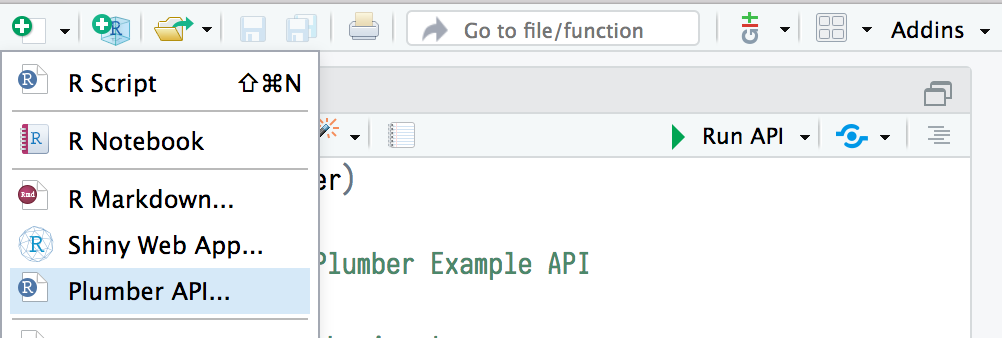
For more, see REST APIs with plumber :: Cheatsheet
If so, in Terminal run git status to provide command you need to run:
git config --global --add safe.directory /share/github/apiThen open a different RStudio project (upper right), and this one again to return the Git pane in RStudio.